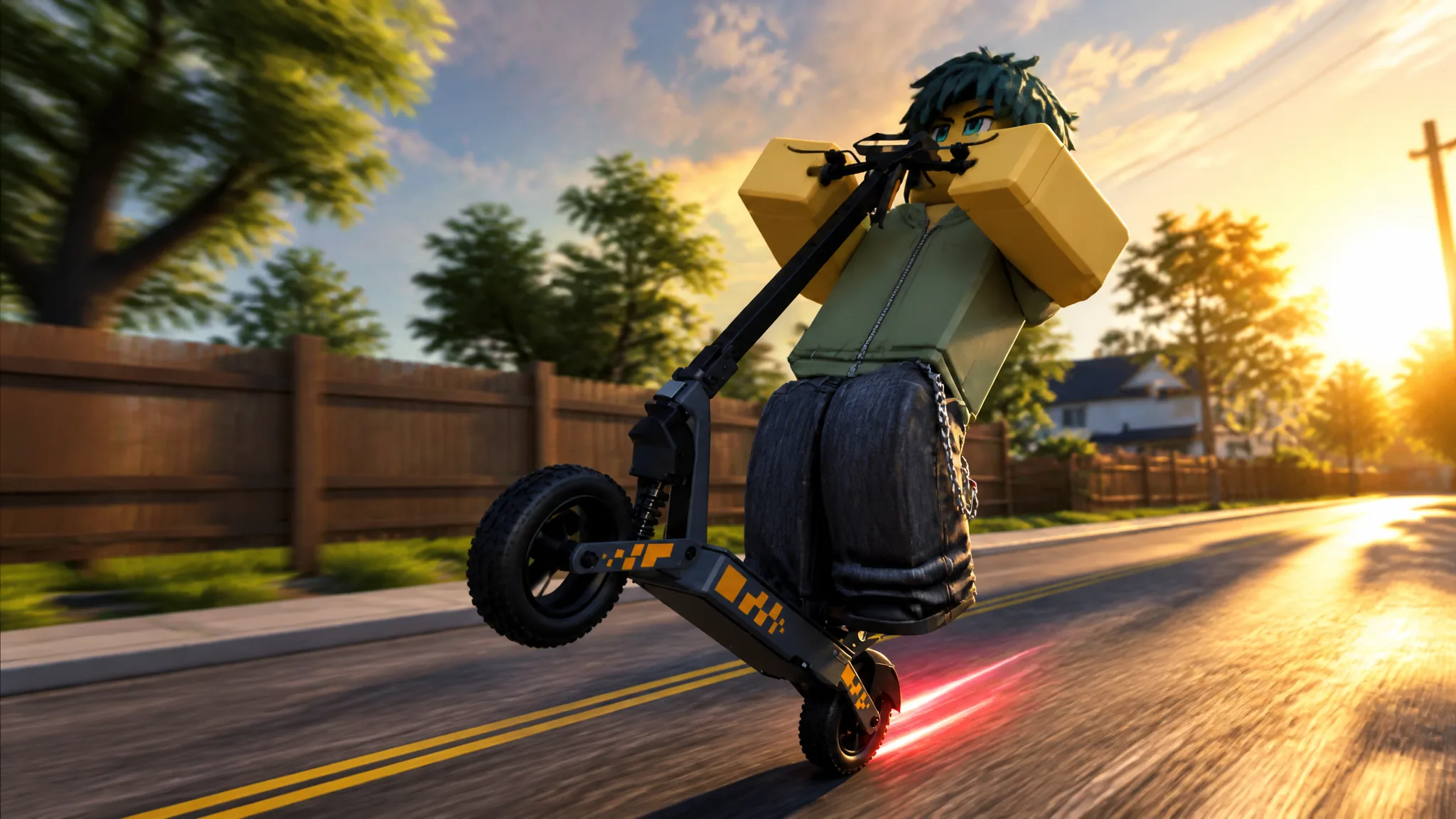
Drive A Kukirin is an electric scooter riding game on Roblox built around physics-based balance, open-world cruising, and police pursuits you can switch on and off. Progression is simple in shape and slow in practice: you ride, you complete quests, you buy a faster scooter, and you tune it in the garage. The game is still labeled as a beta release from Gogos Games Studios, so prices and features can shift between updates.
Quick answer: Claim the free Kukirin G2, then earn cash from Daily and Weekly quests while riding. Wheelie quests pay the most, and on PC a wheelie starts with Shift.
Claim the free Kukirin G2 and get riding
The Helmet button on the main UI swaps your avatar’s head gear for a motorcycle helmet. It is cosmetic, but it also makes first-person riding look less odd.
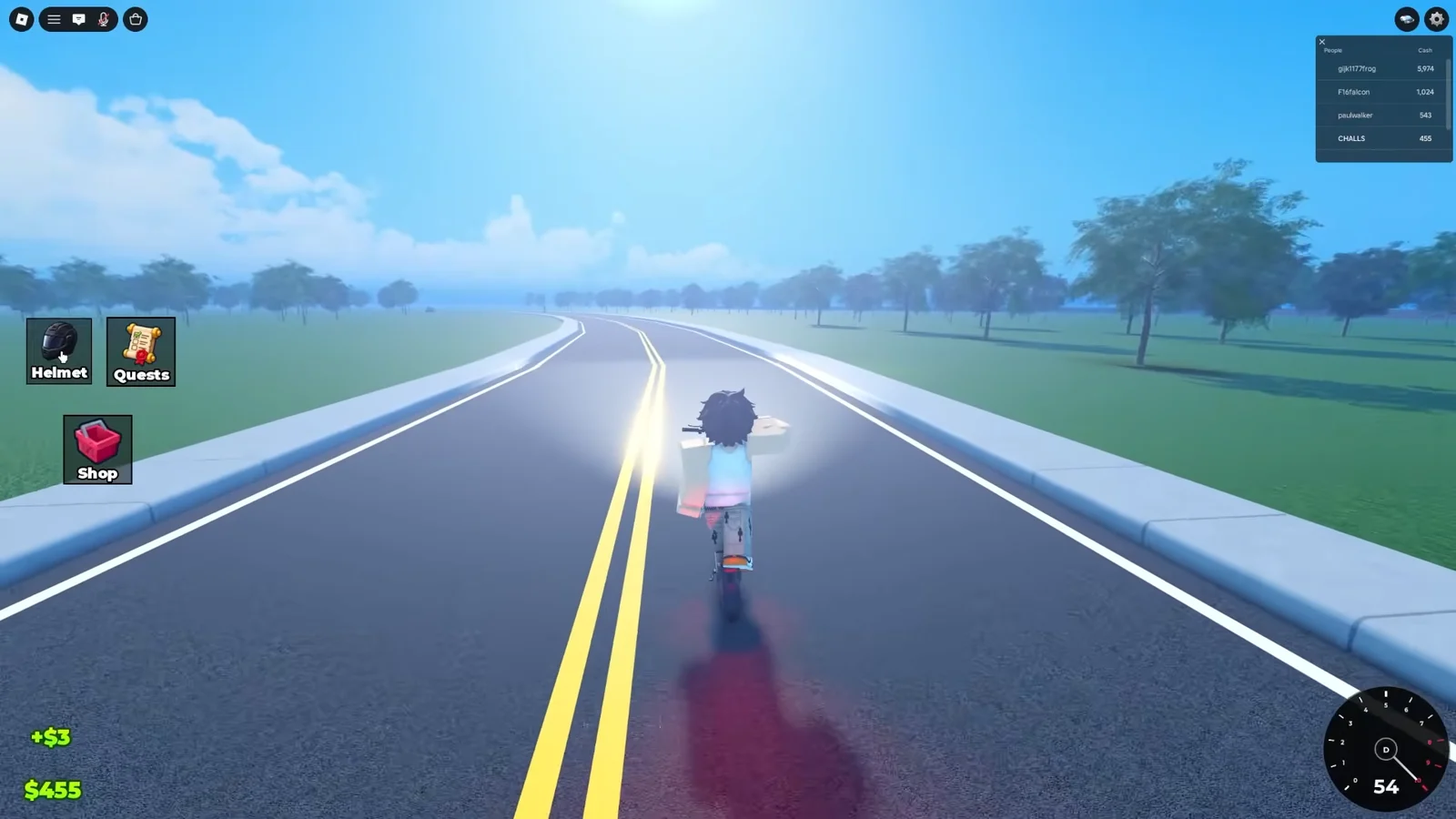
How to get money fast in Drive A Kukirin
Two things generate cash. Riding pays out passively based on the distance you cover, which ticks up whether you are cruising the suburbs or the elevated highway. Quests pay the real money, and several of them reward the same riding you are already doing.
| Quest | Type | Requirement | Reward |
|---|---|---|---|
| ROAD WARM-UP | Daily | Ride 2 km on any scooter | $500 |
| BALANCE PRACTICE | Daily | Hold wheelie for 30 seconds | $750 |
| HIGHWAY PACE | Daily | Reach 45 km/h | $400 |
| LONG HAUL | Weekly | Ride 15 km this week | $3,500 |
| STREET LEGEND | Weekly | Hold wheelies for 3 minutes total | $3,000 |
| CLEAN MACHINE | Weekly | Land 20 wheelies cleanly | $2,500 |
Rewards are not automatic. Open the Quests menu and press the claim button on each finished objective, and the cash counter updates immediately. Weekly progress carries across sessions, so a long highway run knocks out ROAD WARM-UP, HIGHWAY PACE, and a chunk of LONG HAUL in one go.
Police chases do not meaningfully pay. Treat them as an activity, not an income stream. Chat commands that look like speed cheats, such as /set speed 100, do nothing.
How to wheelie on PC and hold it
Wheelies drive three of the six quest objectives, so they are the fastest thing you can practice. The trick is that holding the throttle does not keep the front wheel up. Balance is a constant correction between acceleration and braking.
Shift once to lift the front wheel. An on-screen timer and multiplier appear while the wheelie is active.W and S in short bursts instead of holding either one. Accelerating pulls the nose up, braking brings it down, and small taps keep the scooter inside its balance window.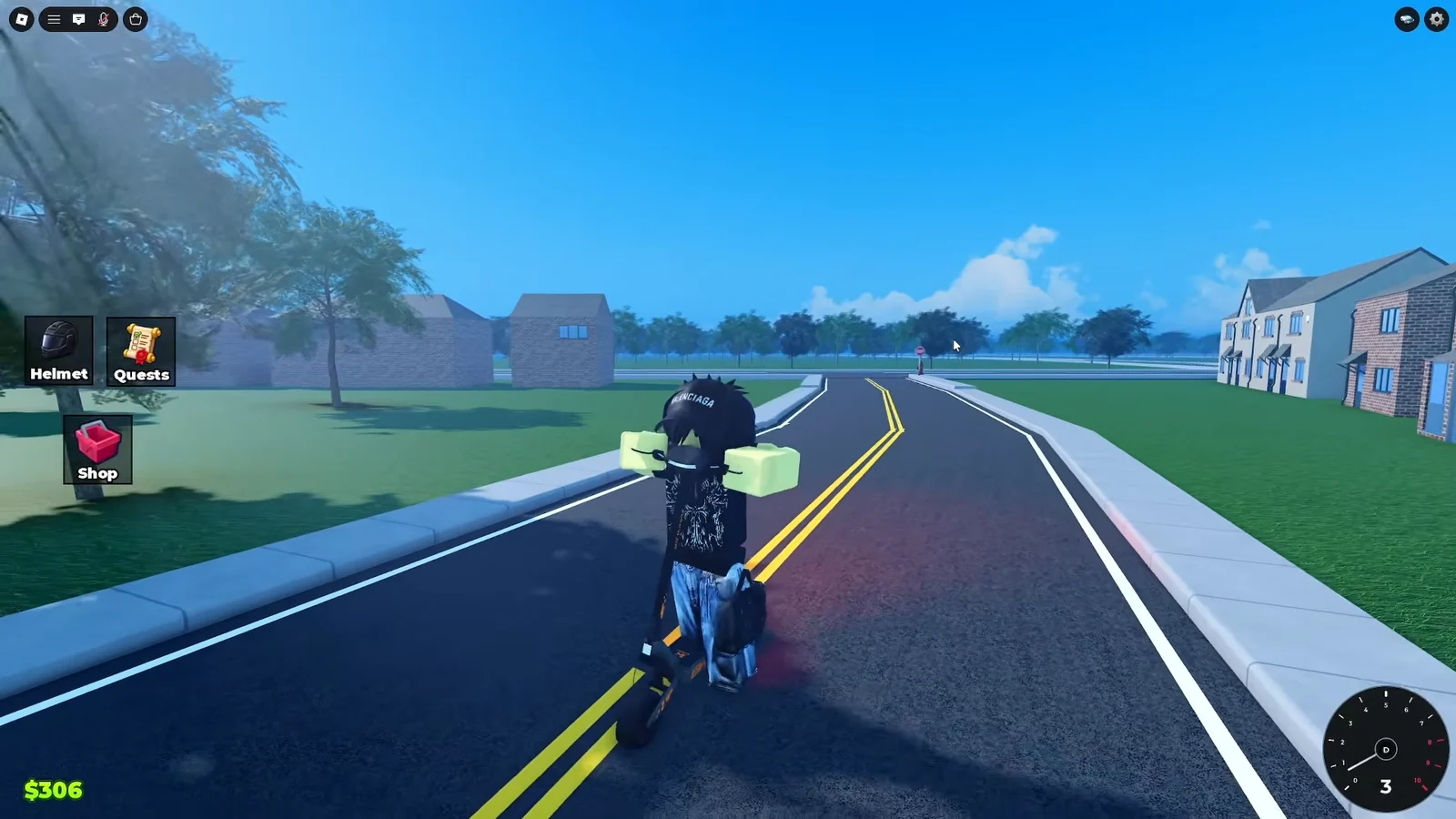
Your wheelie counts as clean when you set the front wheel back down under control rather than crashing, which is what CLEAN MACHINE is measuring. Long straight roads and gentle hills are far more forgiving than intersections while you learn the rhythm.
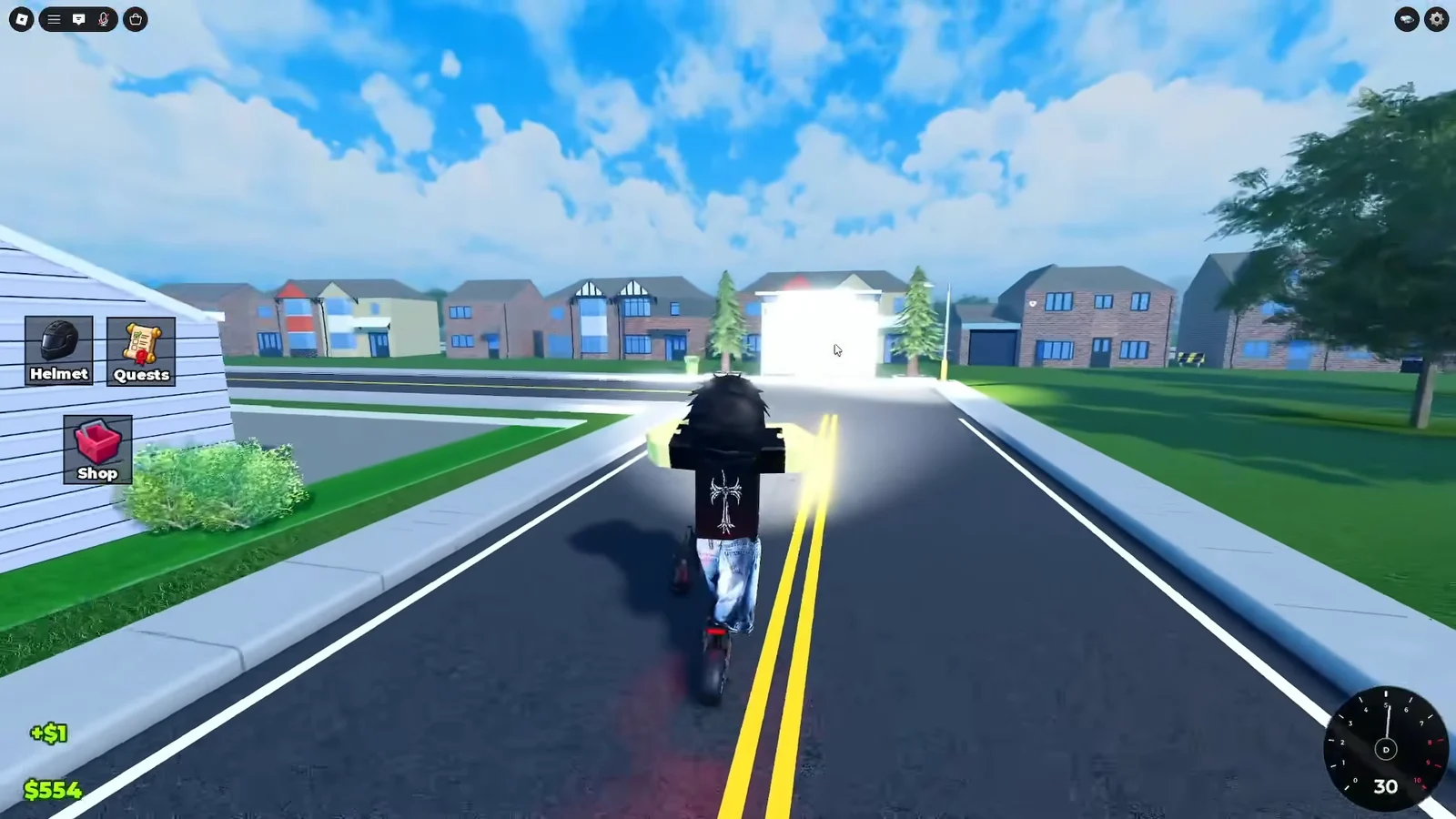
Scooter prices in the Scooter Store
| Scooter | Price |
|---|---|
| Kukirin G2 | $0 (free) |
| Kukirin G2 Ultra | $1,500 |
| Kukirin G3 Pro | $3,500 |
| Kukirin G4 | R$ 99 |
The G2 Ultra is the realistic first upgrade target, and the G2 Master and G3 Pro sit above it as later goals. The G4 is a Robux purchase rather than a cash one, so no amount of questing unlocks it.
Robux shop items
| Item | Price |
|---|---|
| Kukirin G4 | R$ 99 |
| 2x Cash | R$ 199 |
| +20K Cash | R$ 129 |
| +10K Cash | R$ 69 |
| +5K Cash | R$ 39 |
| Boosts (30m 2x Cash) | R$ 39 |
| Rainbow Smoke | R$ 79 |
| Rainbow Wheel | R$ 49 |
| Rainbow Underglow | R$ 39 |
The rainbow items are purely visual. The cash bundles and multipliers shortcut the quest grind, and the 30-minute 2x Cash boost only makes sense if you plan to ride hard for that whole window.
Garage upgrades and paint customization
The customization building holds both performance tuning and cosmetics. Upgrades are bought per stage and apply to the scooter you currently have out.
| Upgrade | Stage 1 | Stage 2 | Effect |
|---|---|---|---|
| VESC Controller | $1.5K | $3K | Speed and acceleration |
| Weight Reduction | $1K | $2K | Acceleration and handling |
Fully tuning the starter G2 costs $5,000, which is more than the G2 Ultra and only slightly less than the G3 Pro. Put your money into a scooter you intend to keep rather than one you plan to replace in an hour.
The color palette in the same building changes accent and paint colors at no cost to performance. It is a good stop while you are already there to claim upgrades.
Riding animations and camera modes
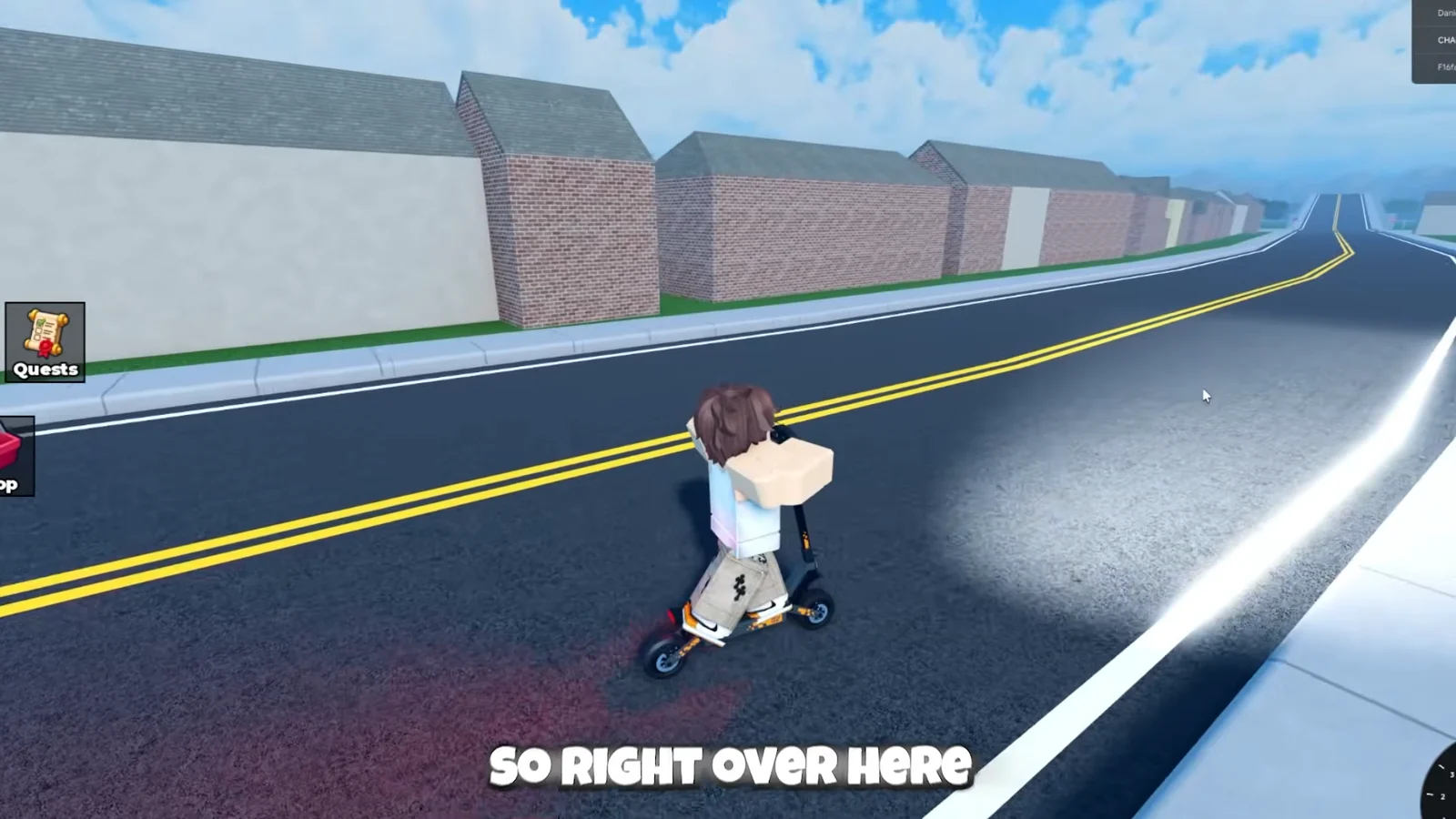
1switches to one-handed riding.2switches to hands-free riding.Ctoggles first-person POV.- The Helmet UI button equips or removes your helmet.
First-person is the harder way to ride, since you lose the visual reference of the scooter’s angle. Stay in third-person while you are working on wheelie quests.
Police chases: difficulty settings and escaping
Pursuits are opt-in. Open the Settings menu (the gear icon) and pick a difficulty. The options are NO COPS, EASY, MEDIUM, and HARD, and the higher tiers send more aggressive AI cars along with helicopters overhead.
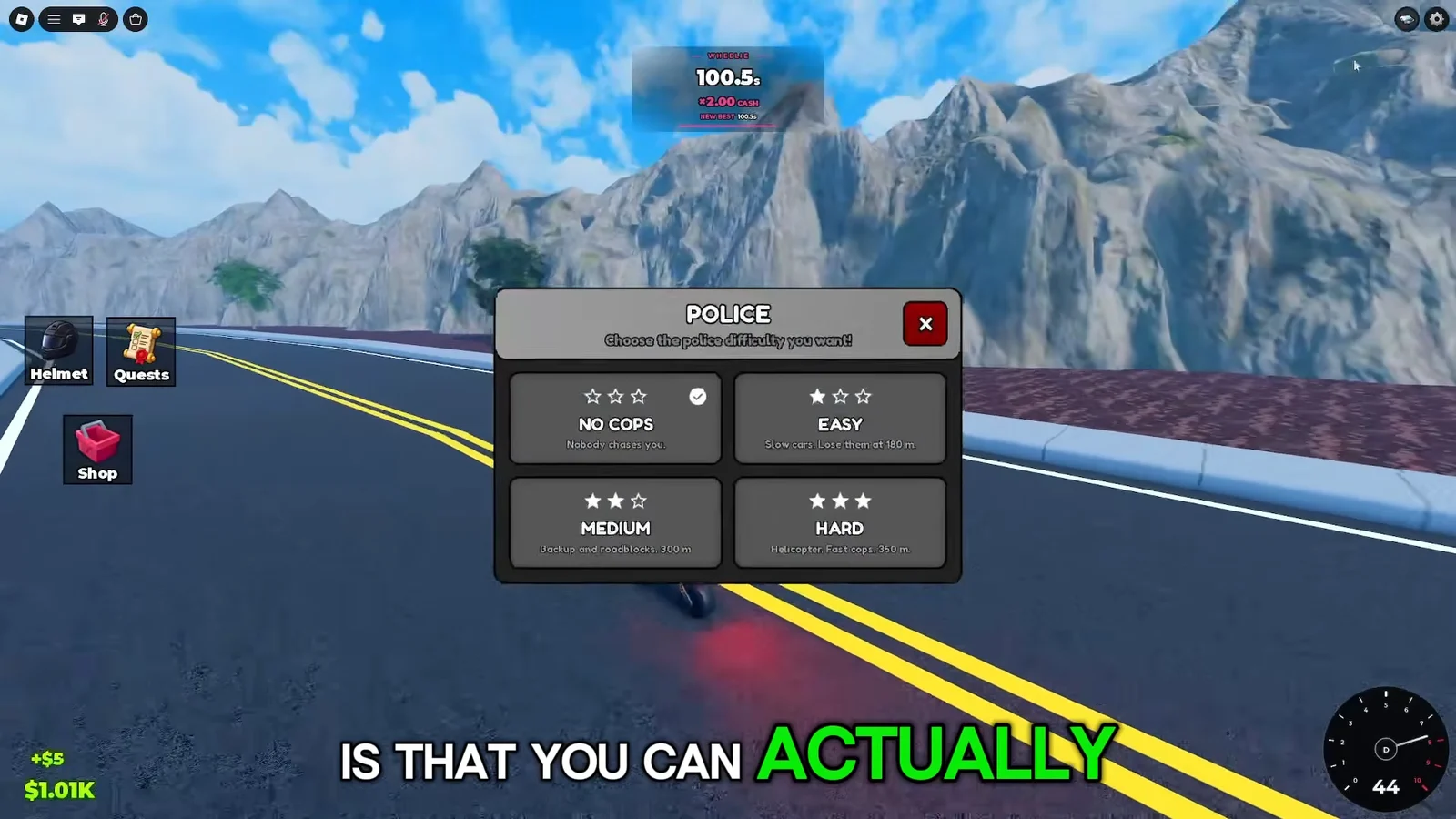
Once a chase starts, police vehicles track you across the map. If an officer closes the gap and reaches you, you get Busted and the chase ends. Open space is your enemy here because a scooter cannot outrun a patrol car in a straight line.
The reliable escape is to head into the city and use your turning advantage. Circling tight around buildings and other obstacles keeps the cars from lining up on you, and swerving past a cruiser buys distance that a straight sprint never will.
Codes
No codes are currently active, and the Settings menu does not offer a redemption field to use them. The developer may add them in a later beta update.
Buying a house on the map
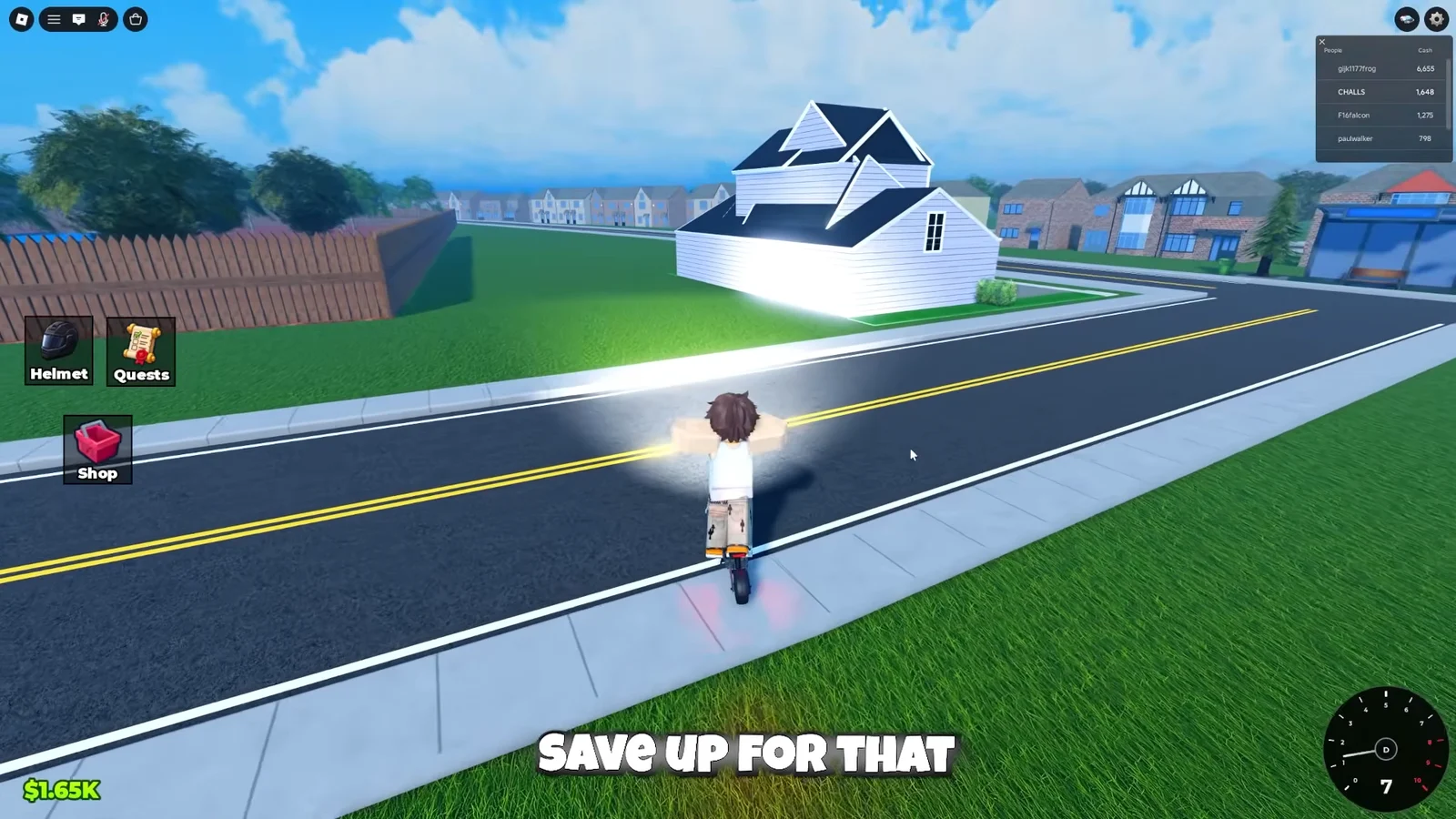
Houses are scattered around the map with a BUY HOUSE prompt out front. The suburban property shown in the residential area runs $100,000, which is an order of magnitude beyond every scooter and upgrade in the game.
That price makes real estate a long-term target rather than an early purchase. Clearing your Daily quests every session and your Weekly quests every week nets a few thousand at a time, so the sensible path is a faster scooter first, the two upgrade lines next, and a house only once quest cash stops mattering. Because the game is still in beta, expect prices, scooters, and the map itself to keep changing as updates land.