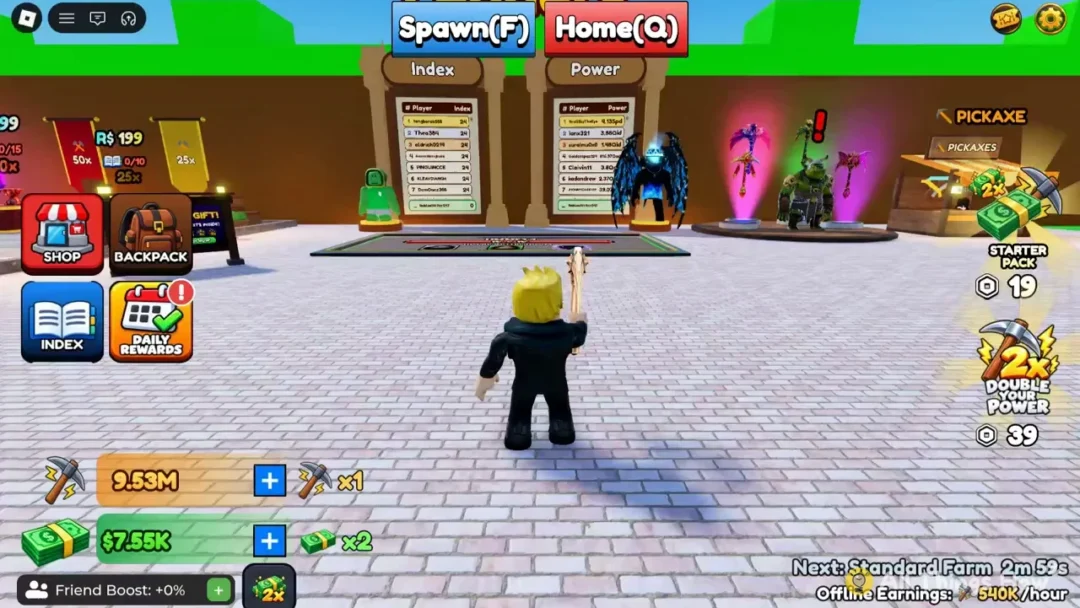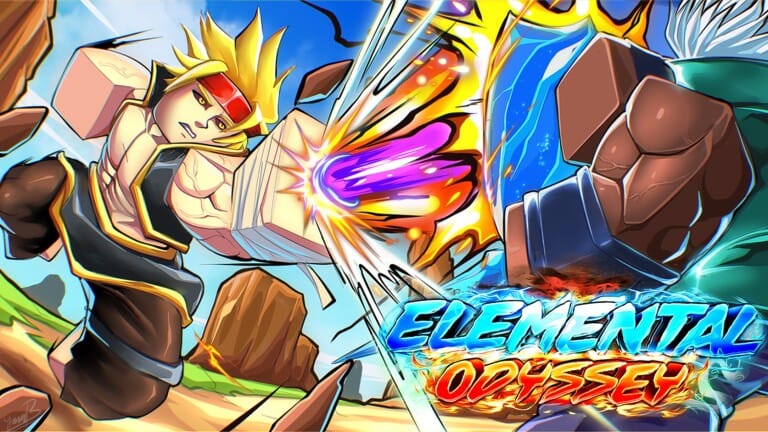
RoCast Online — also known as Elemental Odyssey on Roblox, and previously called RoBending Online — puts you in the role of an elemental novice who must pick a primary element and gradually master sub-elements through combat and exploration. Codes for the game hand out spins, character slots, and temporary multipliers for drop rate, coins, and EXP, giving you a meaningful head start without spending Robux.
All working RoCast Online codes
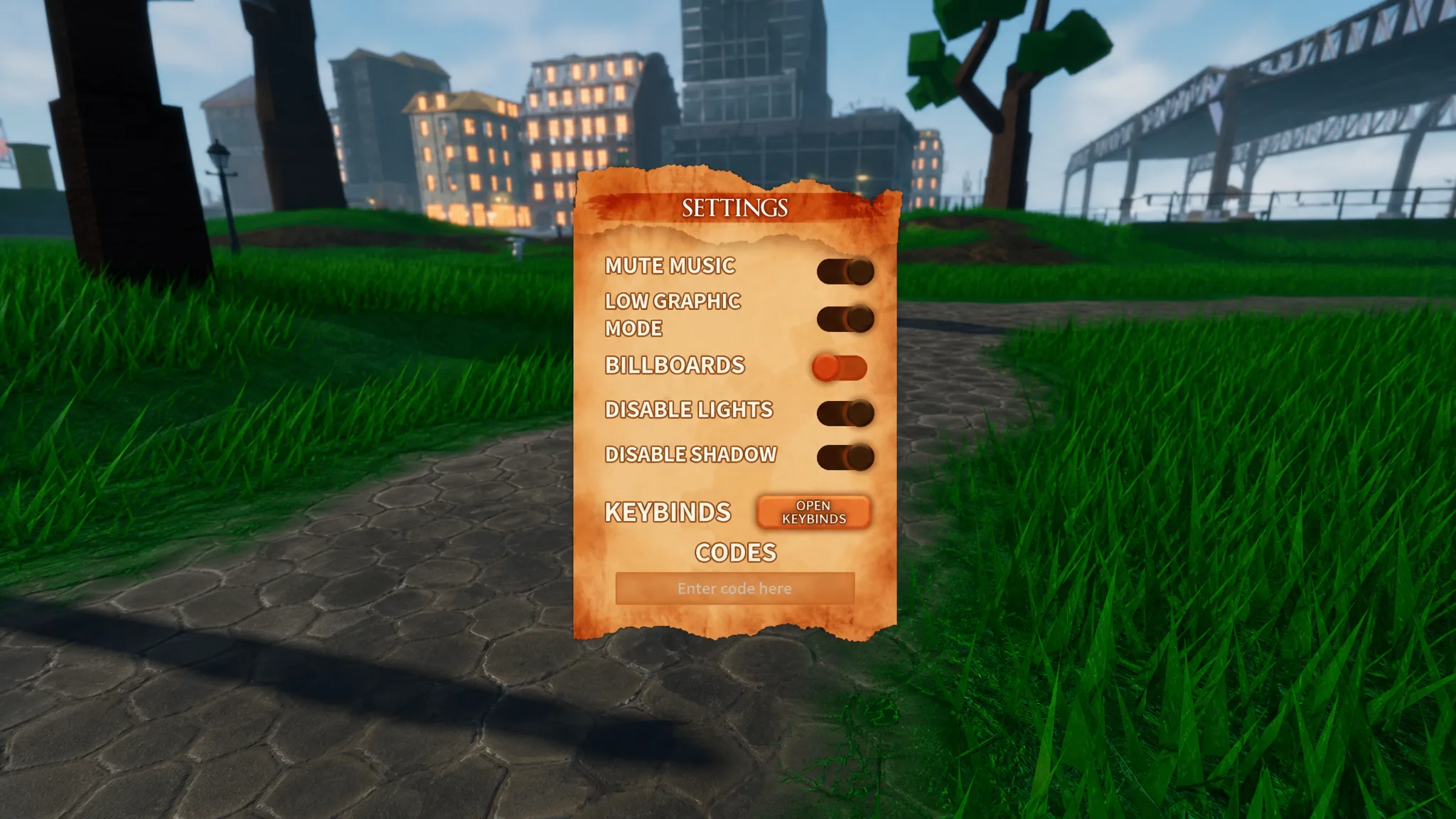
Nostalgia— 15 Spins NEWSpins26— 10 Sub Spins NEWSlot26— 1 Character Slot NEWNewYear25— 60 minutes of 2x Drop RateNewYearSlot— 1 Character SlotNewYearSpins— 20 Sub SpinsSorryForTheInconvenience— 30 minutes of 2x Drop RateSorryForTheInconvenience2— 60 minutes of 2x CoinsSorryForTheInconvenience3— 30 minutes of 2x EXPEoTySlot— 1 Character SlotEoTySpins— 10 Sub SpinsEoTyDrops— 20 minutes of 2x Drop RateEoDrops2— 30 minutes of 2x Drop RateEoSlot— 1 Character SlotEoDrops— 20 minutes of 2x Drop RateEoSpins— 15 Sub-Element Spins
What each reward type does
Sub-element spins are the most sought-after reward. Each spin rolls for a rare sub-element that layers on top of your primary one, often opening up entirely new combat options. Character slots let you create and save an additional character, so you can try out a different element without overwriting your main build. Timed boosts — drop rate, coins, and EXP — activate the moment you redeem the code and run for the stated duration, so it’s worth saving them for an active play session rather than redeeming them offline.
Steps to redeem a code
How to find new RoCast Online codes
Codes are typically released alongside major updates or when the game crosses a community milestone such as a set number of likes or followers. The official RoCast Discord server is the fastest place to catch them — new codes usually appear in the updates channel alongside patch notes. Joining the game’s Roblox community group is also worthwhile, as it surfaces game news and occasionally rewards members with bonus EXP. Bookmarking this page and checking back after any major update is a reliable fallback.
Expired codes
VanishCrashFixedSomehowdoubledropforbugfixesdoubledropbugfixesrealllllIceSpins2IceSpinsIceSlotTenKFollowsNintyPercentageLikesJoinExpanseRandomFixes88ForwardsWeGoSorryMobileGyattsoCustomize2DoubleDropSeriesSoonTMBalancePatch1DualSubsSorryFixUpd1CustomizeUpd1SpinsUpd1SlotRealDoubleDropsFixes2NewLifeSpResetConsole4kLikes5kLikesFreeCustomization1kPlrs1500LikesSorryForCustomizationBugShutdownSorryForShutdown500Likes!Release3000LikesRealYurlGoat1YurlDoubleDrops1CustomizeYesYeah