Fast travel in Romestead runs entirely through altar teleportation. You can’t warp from the moment you start. You first unlock a skill in the Mercury tree, then upgrade your altars so they can link to each other. Once that’s done, you jump instantly between any two upgraded altars you’ve placed.
Romestead is in Early Access, so the exact costs and prerequisites below may shift as the game updates.
Requirements to unlock Altar Teleport
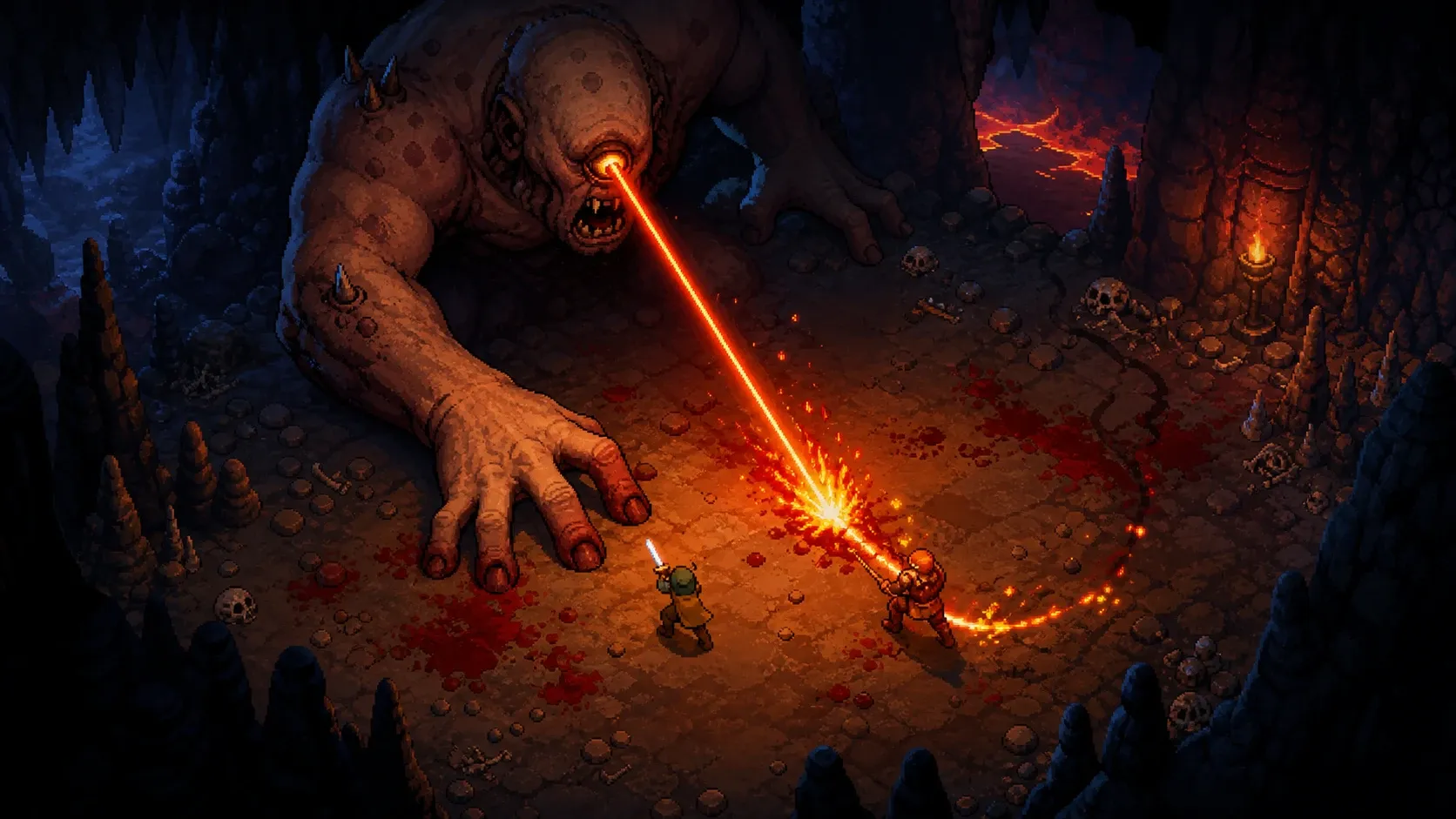
Before the skill is even visible, you need to clear one specific milestone. Defeating the Giant Owl and finishing its quest unlocks two things that fast travel depends on: the Carpenter building type and the ability to upgrade an Altar to Level 2. Without that quest done, you can’t upgrade altars at all, and the teleport skill won’t function.
The skill itself lives in the Mercury tree and costs two Worship points. To reach it, you have to make enough Hermes offerings to open up the Mercury path. Altar Teleport sits at Rank 2 of that tree.
| Requirement | What it does |
|---|---|
| Giant Owl quest complete | Unlocks the Carpenter building and Level 2 Altar upgrades |
| Hermes offerings | Opens progress in the Mercury skill tree |
| 2 Worship points | Spent to take the Altar Teleport skill (Rank 2, Mercury) |
| Two Level 2 Altars | Both endpoints must be upgraded to teleport between them |
How to unlock the Altar Teleport skill
How to build a Level 2 Altar
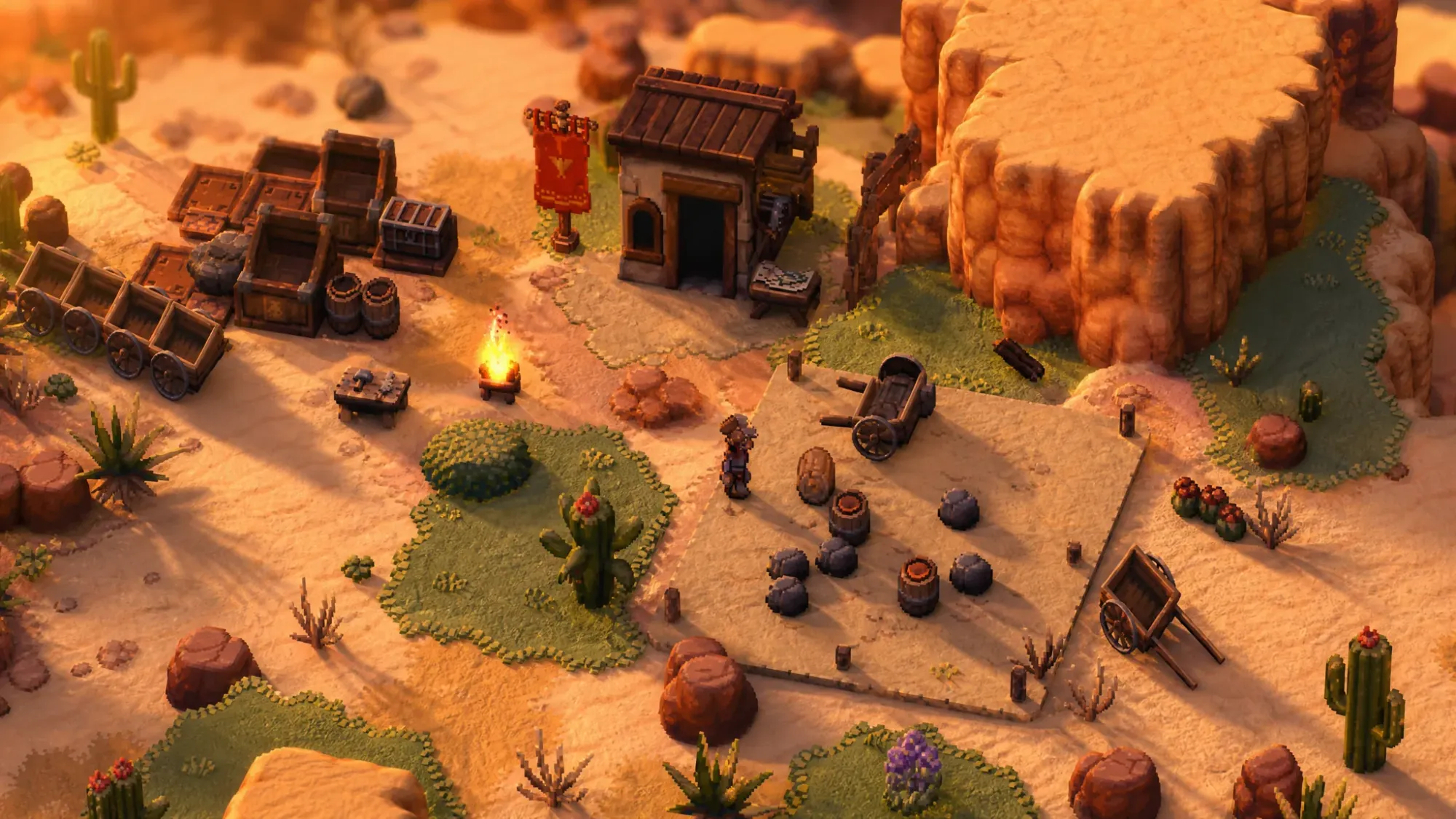
A Level 2 Altar is the minimum needed to use teleportation, and you don’t need a full town to get one. A stripped-down outpost with four structures is enough to create a stable warp point. You only need a small patch of accessible trees and rocks to gather the materials.
| Structure | Purpose |
|---|---|
| Workbench | Places the settlement flag and founds the new town |
| Material Storage | Holds the resources for building and upgrades |
| Carpenter’s Workshop | Enables the altar upgrade (no worker needed) |
| Altar | The teleport point you upgrade to Level 2 |
You upgrade the altar to Level 2 using the carpenter’s upgrade bench. Importantly, nobody has to be assigned to the Carpenter’s Workshop. Simply having it built is enough to enable the upgrade, which means a fast-travel outpost won’t pull workers away from your main settlement.
How to confirm teleportation works
Once you have an upgraded altar and the skill unlocked, interacting with the altar shows a Teleport button. Selecting it lets you jump straight to any other Level 2 Altar you’ve placed. If the option doesn’t appear, the usual cause is that the altar you’re standing at, or the one you’re trying to reach, hasn’t been upgraded to Level 2 yet.
Setting up that first satellite outpost takes time. You found a new town, place an altar, drop a Carpenter’s Workshop, and run the upgrade. But after the network is in place, you skip the long overland trek between distant settlements and biomes, which is the main payoff for the early investment.