Renting a room at the Apartment Complex monument is not a one-time purchase. The space stays yours only while you keep paying, and the payment works on an hourly clock rather than the daily drain you know from a normal base. The monument arrived with the Common Ground Update, sitting alongside Outpost and Bandit Camp as a large safe zone where combat is restricted to the individual rooms themselves.
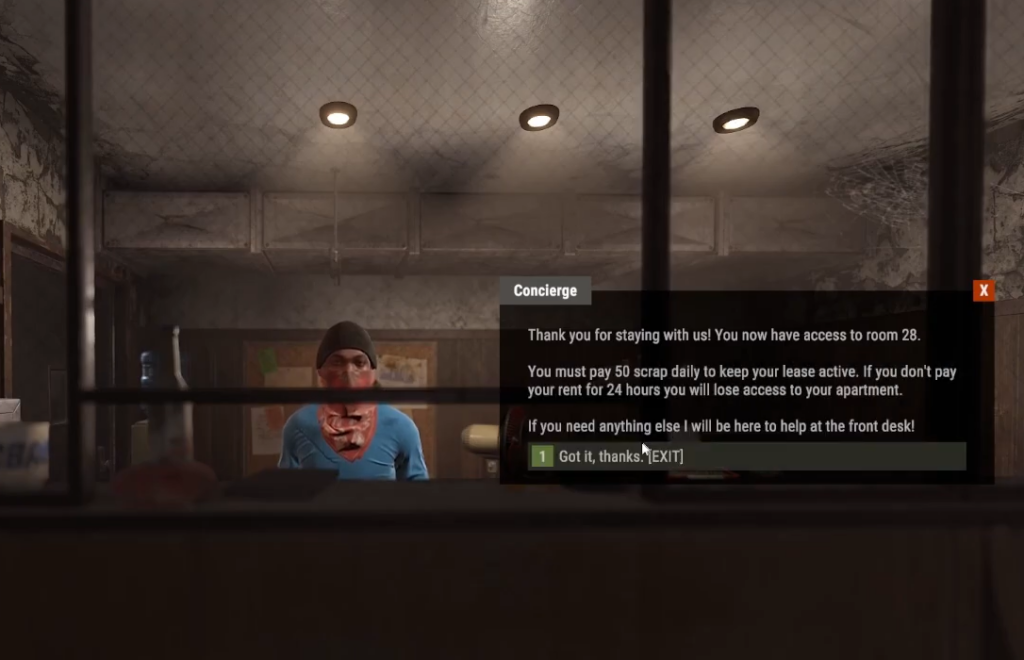
Quick answer: Keep Scrap loaded into your rented apartment through the first-floor check-in terminal. Rent is charged hourly, so top up your balance before it runs dry or the room’s protection lapses, and you lose your access and stored loot.
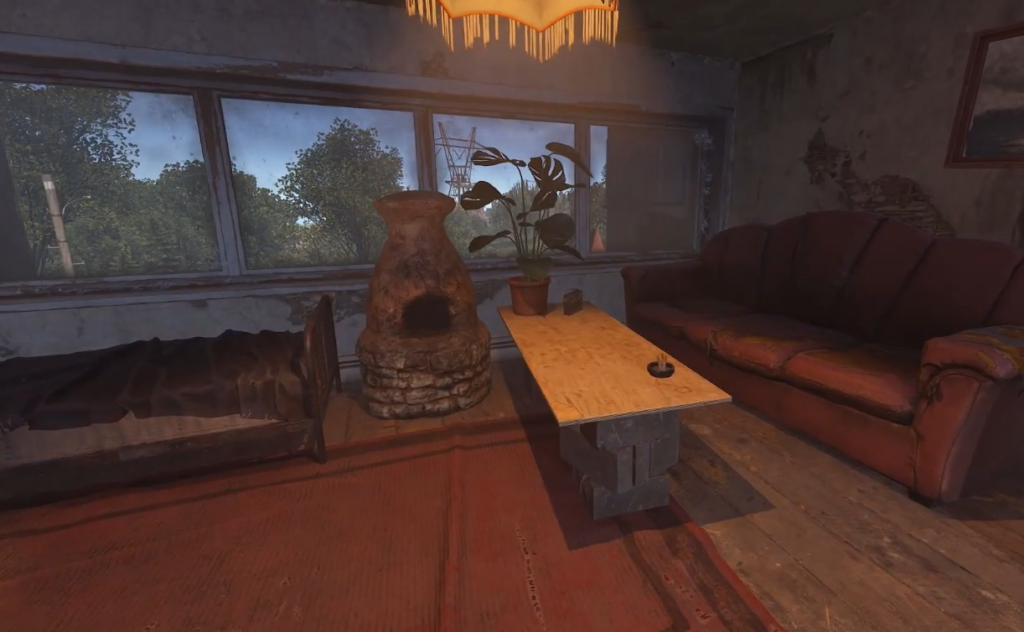
What you need before renting an apartment
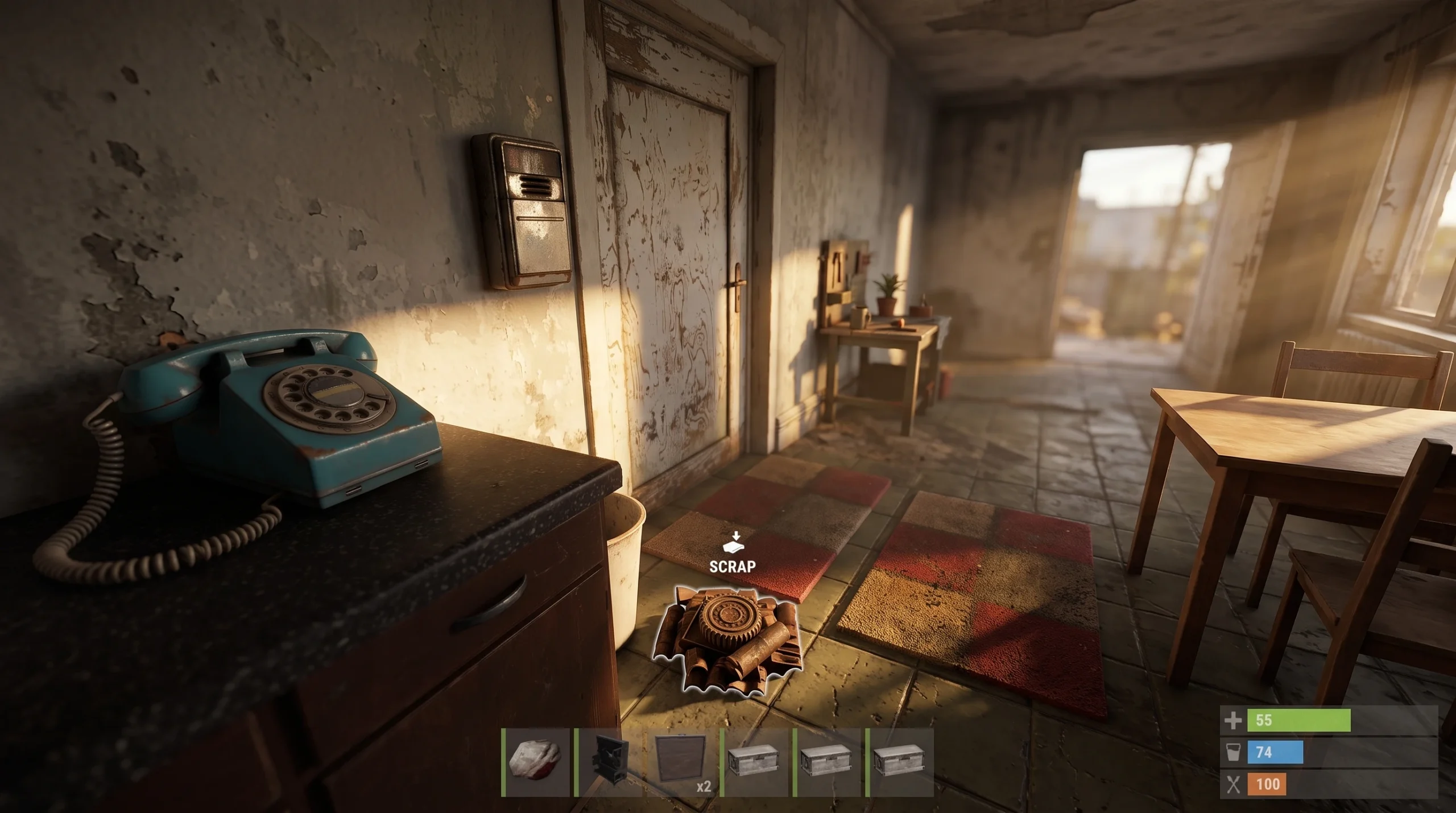
The single most important thing to bring is Scrap. Everything you rent here, from a room to a shop, is paid for in Scrap, and the cost does not stop once you sign in. You continue paying at an hourly rate for as long as you hold the space, in the same spirit as normal base upkeep but on a faster clock.
The monument itself is not a loot run. A handful of barrels and the odd crate spawn around the exterior, but you should treat the Apartment Complex as a place to spend Scrap, not farm it. Bring your funds in with you.
How apartment rent works
Rent is billed by the hour and drawn against a balance you fund with Scrap. Each rented room carries a rent value plus a protection time, and those values are tracked live on the server. As long as your apartment is paid up, it cannot be raided by traditional means, and the room stays under your control.
Access is owner-only. Guest functionality was removed, so only the person who rents the room can open and close its doors. That keeps things simple, but it also means you cannot lean on a teammate to hold the space or top it up for you.
One important distinction sets these rooms apart from the rest of the monument. The apartment interiors are combat-enabled even though the whole complex sits inside a safe zone. Paying your rent protects the room from being raided, but it does not make you untouchable while you are standing in it.
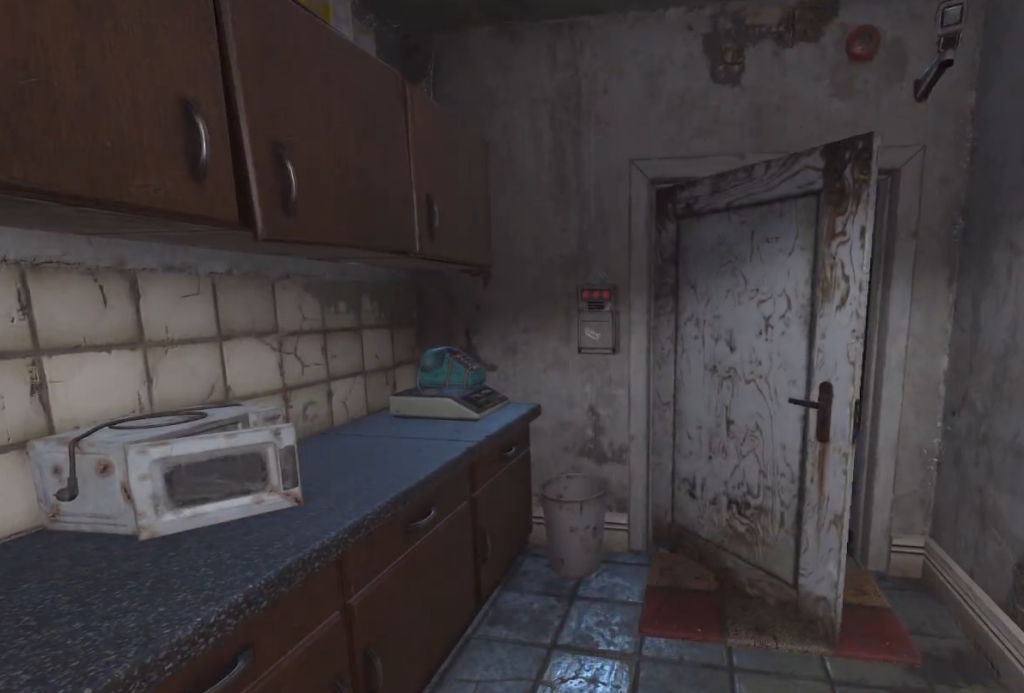
How to pay rent at the check-in terminal
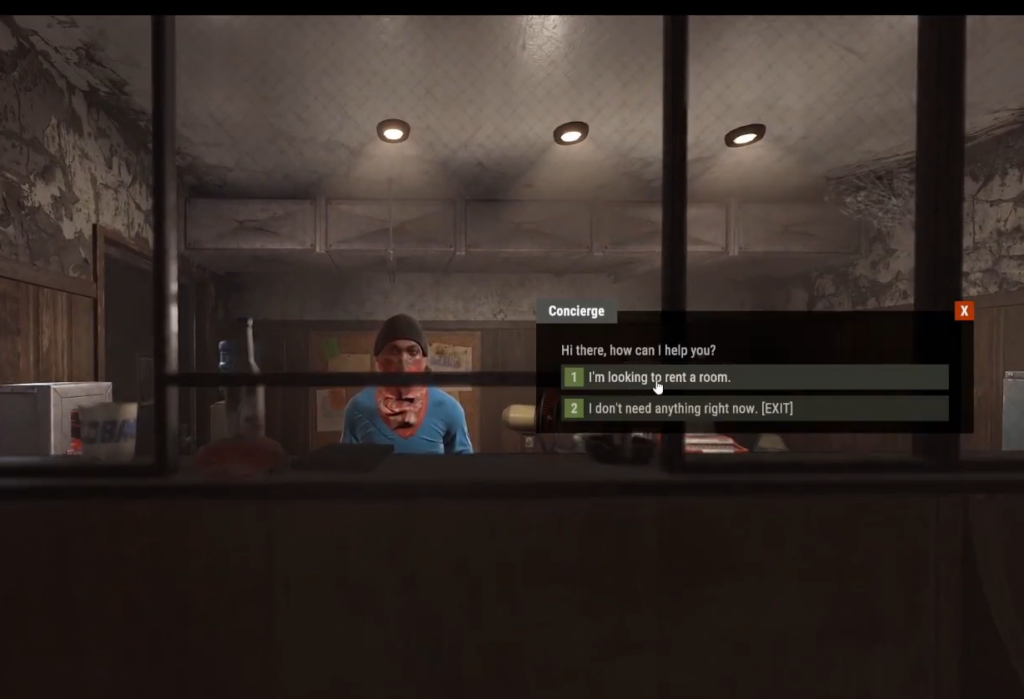
The same menu also holds an “I Want to Upgrade My Room” option if you decide to move up a tier, and an “I Don’t Need My Apartment Anymore” option for giving the space up. Treat that last one carefully, since releasing the room ends your protection and your claim on whatever is inside.
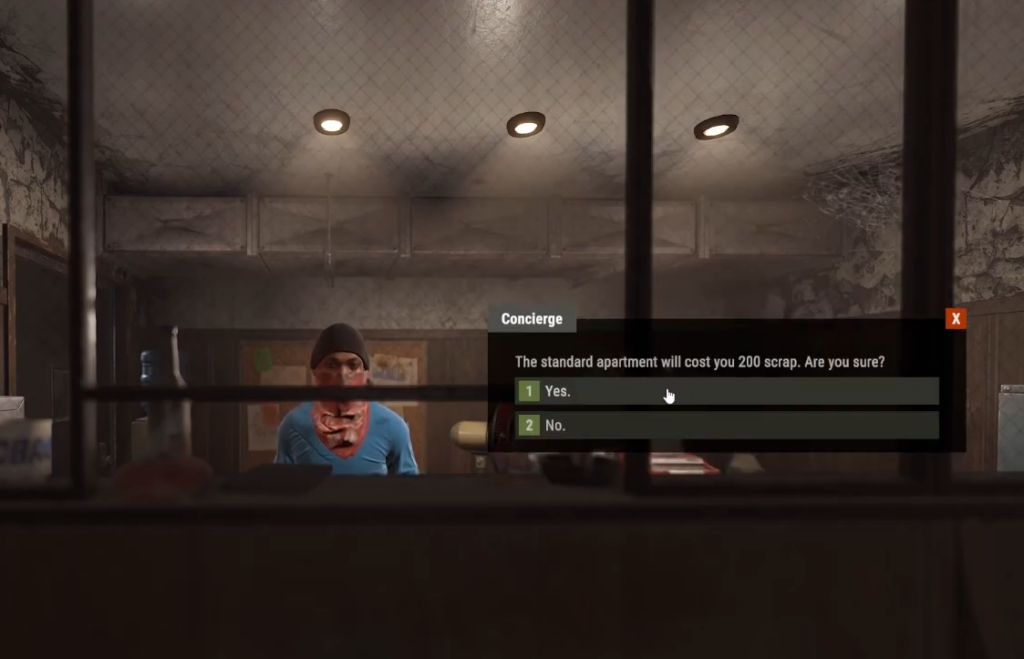
Room types you can rent
| Room type | Location |
|---|---|
| Basement Small Room | Basement level of the main building |
| Standard Medium Room | Room corridors on the upper floors |
| Penthouse Large Room | Top of the main building |
Larger rooms carry a higher rent, so a Penthouse costs more per hour to hold than a basement room. Match the tier to how much Scrap you can reliably feed the meter, not to how much space you would like.
What happens if your rent runs out
Each apartment has a protection window funded by the rent you pay. Let the balance drain and that protection expires, at which point the room is no longer safeguarded and you lose your hold on it along with anything you left stashed inside. Because the billing is hourly rather than daily, an apartment can lapse much faster than a normal base if you forget about it.
Check your remaining protection time through the check-in menu whenever you return, and refill early. Apartments are built for short-term use or as a jumping-off point, so treat any loot you store there as temporary rather than permanent.
Rentable shops follow the same rules
If you rent one of the player vending shops instead of a room, the same hourly Scrap upkeep applies, with its own fees and protection time. There is one added wrinkle to be aware of as an owner. Another player can use a lockpick on a rented machine they do not own to gain temporary access to its inventory, so a shop is protected from raiding but not from a determined lockpicker reaching your stock.
You know your apartment is secure when the check-in terminal shows a funded balance and remaining protection time, and when the room’s owner-only doors still open for you. The moment either stops, your rent has lapsed. Keep a Scrap buffer in the meter, verify it on every visit, and the room stays yours for as long as you keep paying.