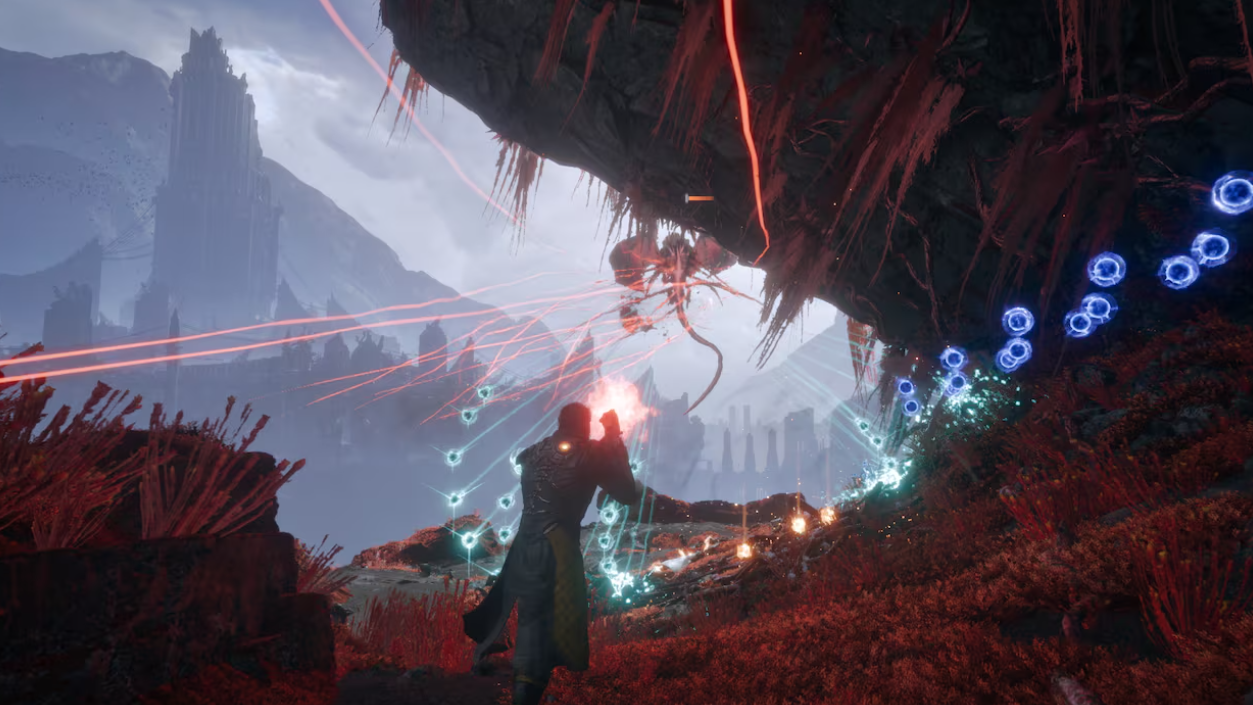
Prominence is the first Power Weapon Arjun Devraj picks up in Saros, and it doubles as a story gate, an arena clearer, and the moment the game introduces its absorb-and-spend combat loop. It fuses to your right arm during a short cutscene after you interact with a glowing orange artifact, and the suit confirms it with two prompts: “Power integrated” and “Open the path.”
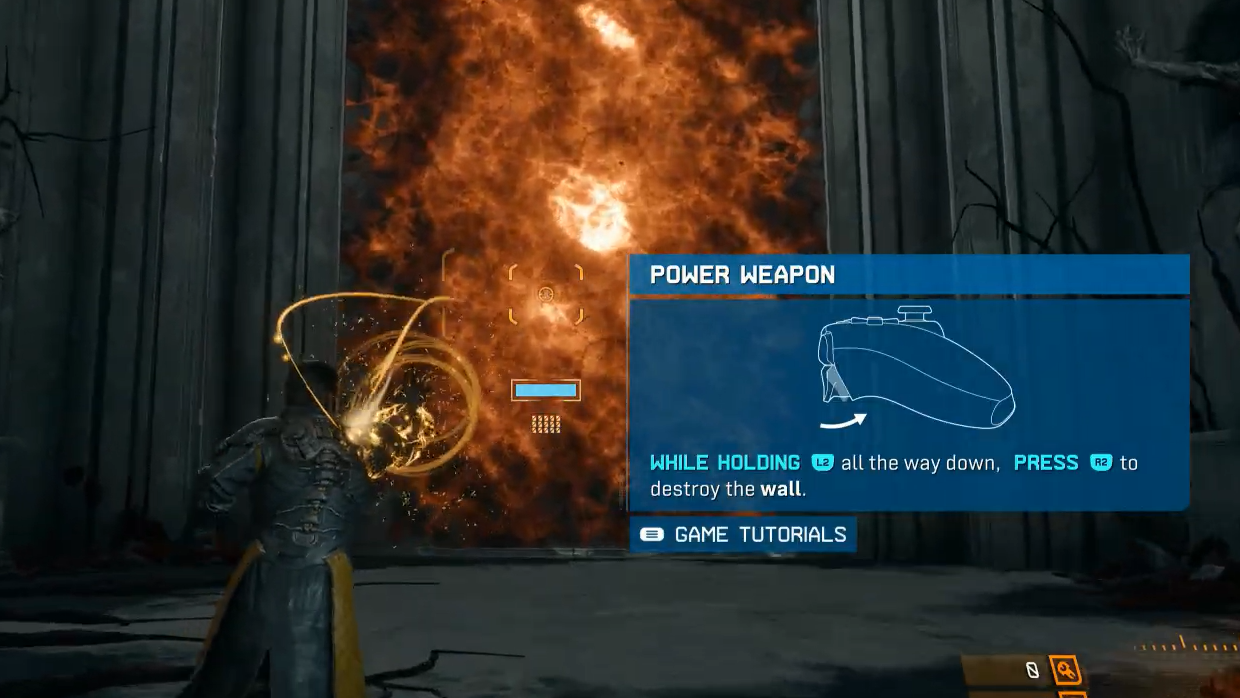
How to fire the Prominence Power Shot
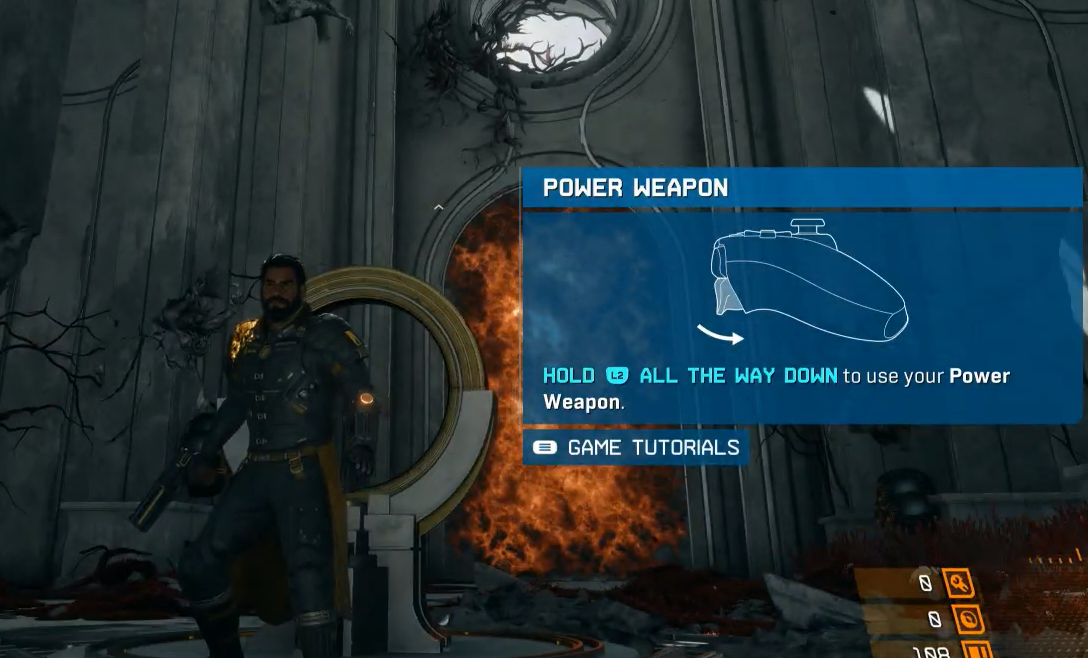
Prominence sits on a separate input from your main weapon’s alt-fire. A half-pull of L2 triggers the alt-fire on your equipped Soltari gun. A full pull of L2 puts you in Power Weapon mode, and R2 then releases the blast.
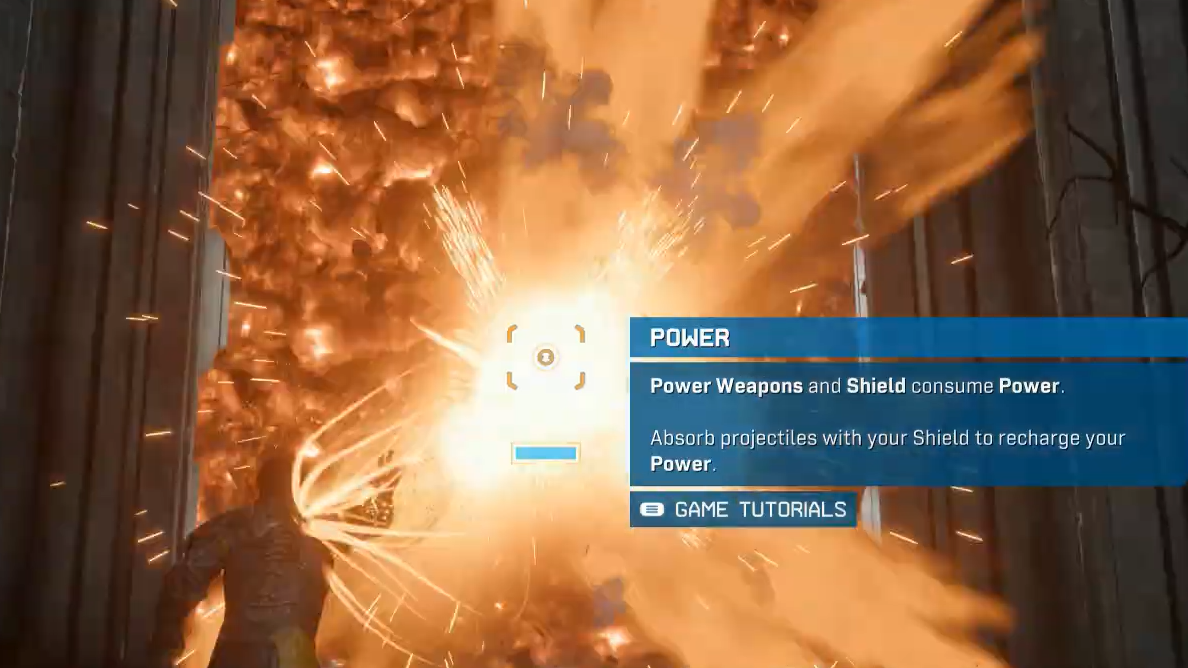
The Power bar and what it costs
The Power bar is the blue gauge sitting directly above your ammo counter on the HUD. Prominence will not discharge unless that bar is completely filled. Tapping the input on a partial bar does nothing. A full bar equals exactly one Prominence shot, and firing empties the gauge in full.
The same Power resource also fuels your Soltari Shield’s absorption uptime, so the bar is shared between defense and your big hit. Spending all of it on one Prominence blast means you have no Power left to soak the next wave until you start refilling.
How to refill the Power bar
Power refills come from absorbing blue projectiles with the Soltari Shield. Raise the shield, stand in the path of incoming blue fire, and the bar climbs quickly as each round is converted into energy.
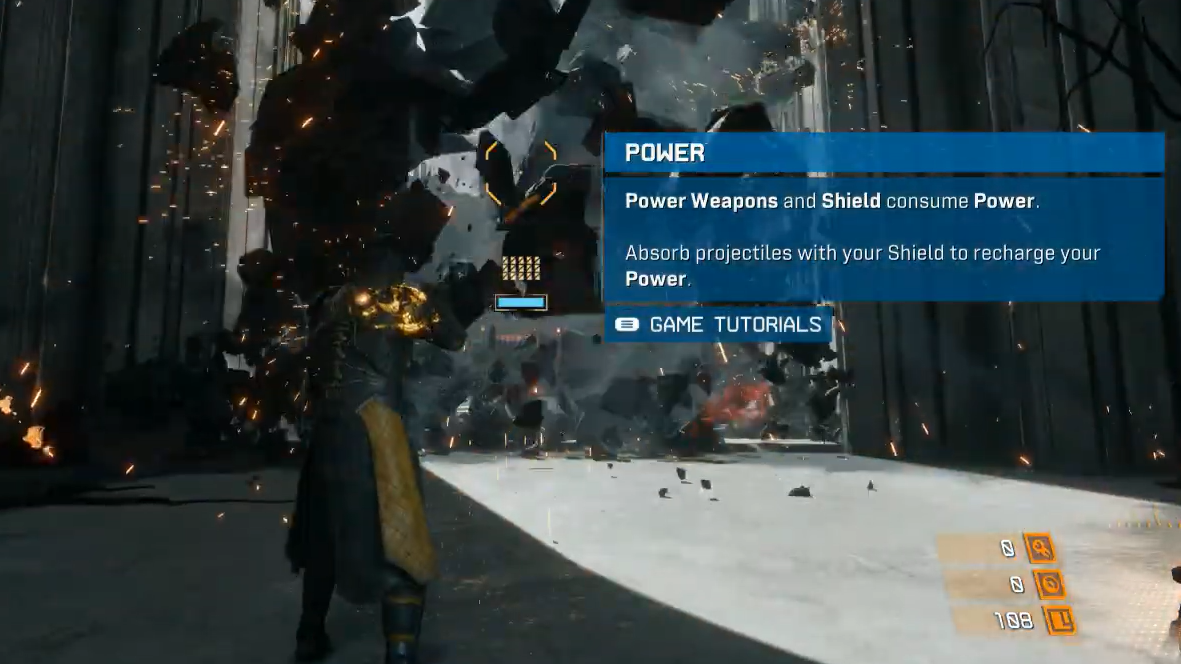
Power Weapon inputs and HUD reference
| Element | Behavior |
|---|---|
| L2 (half pull) | Activates main weapon alt-fire (paired with R2) |
| L2 (full pull) | Enters Power Weapon mode; arm glows orange |
| R2 (while L2 held full) | Fires Prominence blast |
| Shield button | Raises Soltari Shield to absorb blue projectiles |
| Power bar (HUD) | Blue gauge above ammo counter; must be full to fire |
| One Prominence shot | Empties the entire Power bar |
Why Prominence sometimes will not fire
If pressing R2 produces no blast, the cause is almost always one of two things. The Power bar is not completely filled, or L2 is only half-pulled and is still in alt-fire mode. Both are quick fixes once you know what to look for.
You can confirm Prominence is engaged when Arjun’s right arm visibly glows orange and the reticle changes. If the arm is not lit up, you are still in main-weapon territory, and any R2 press will fire your regular gun’s alt-fire instead.
Using Prominence in combat
In open fights, Prominence works best as a cluster clear. The blast has area-of-effect impact, and there is a trophy, Broadside, tied to defeating five hostiles with a single Prominence shot. Smaller enemies like Vessels and Custodians tend to bunch up, which makes them ideal targets for a charged release.
The refill loop is sustainable as long as enemies are firing blue projectiles at you. Defensive units and ranged hostiles essentially supply your ammunition. Raise the shield, soak a wave, drop it, and unload Prominence at the densest cluster you can line up.
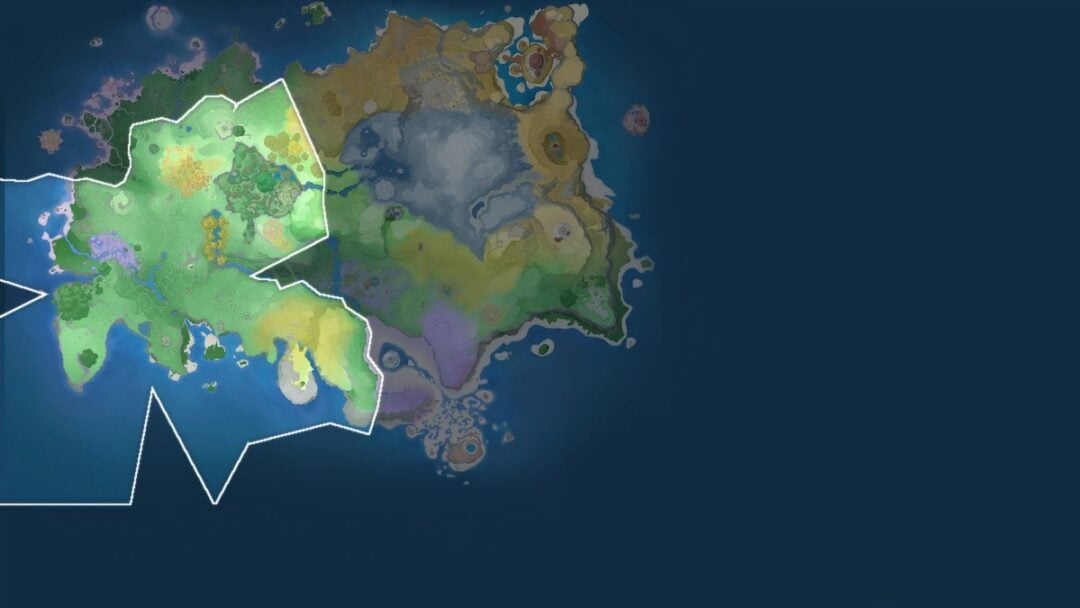
Prominence also appears in your loadout menu under a new Power Weapon slot beneath your Main Weapon entry. It is upgradeable later in the run, and additional Power Weapons unlock as you progress through the biomes, each with its own attack profile that still uses the same L2-then-R2 firing input and the same shared Power bar.