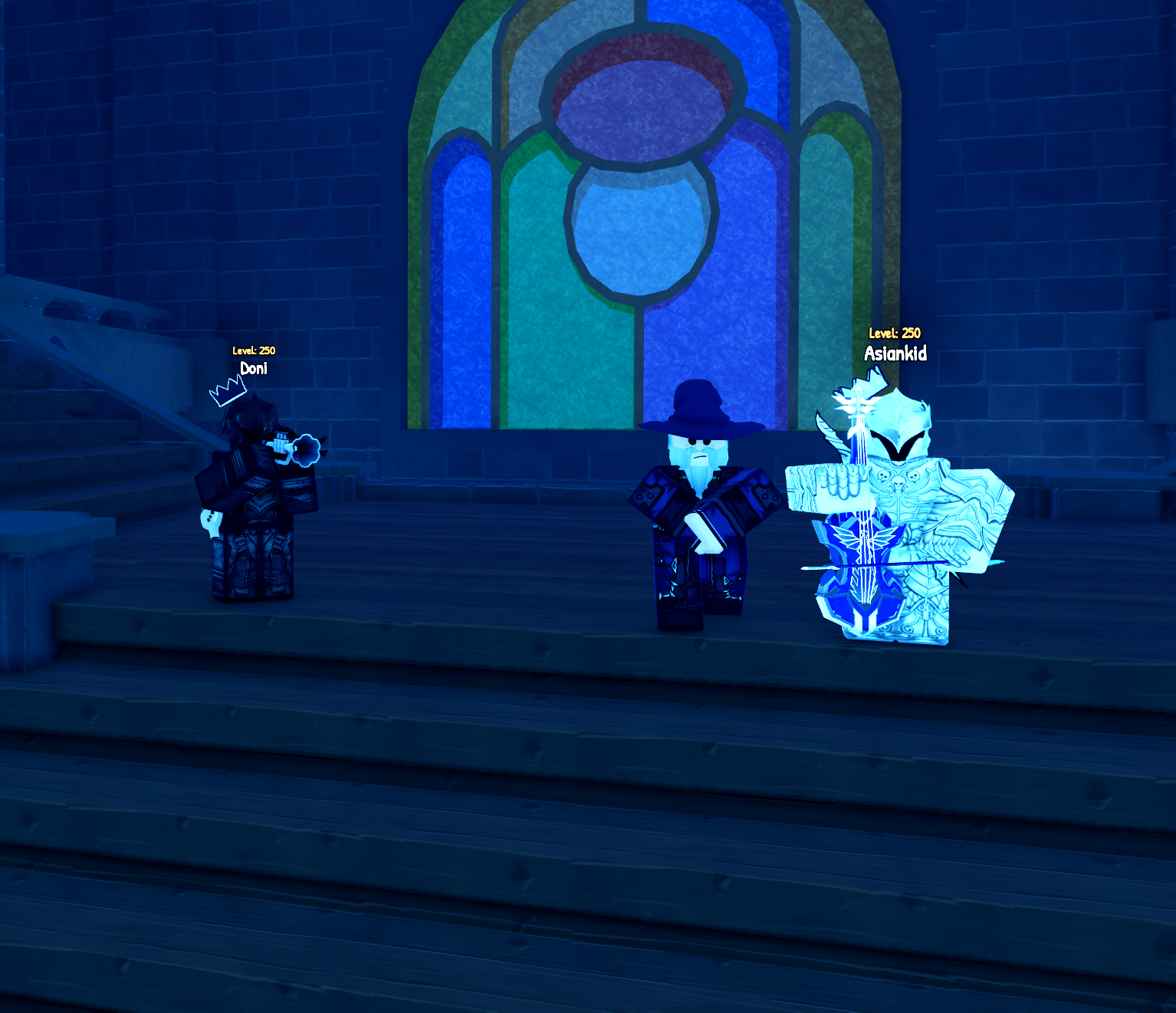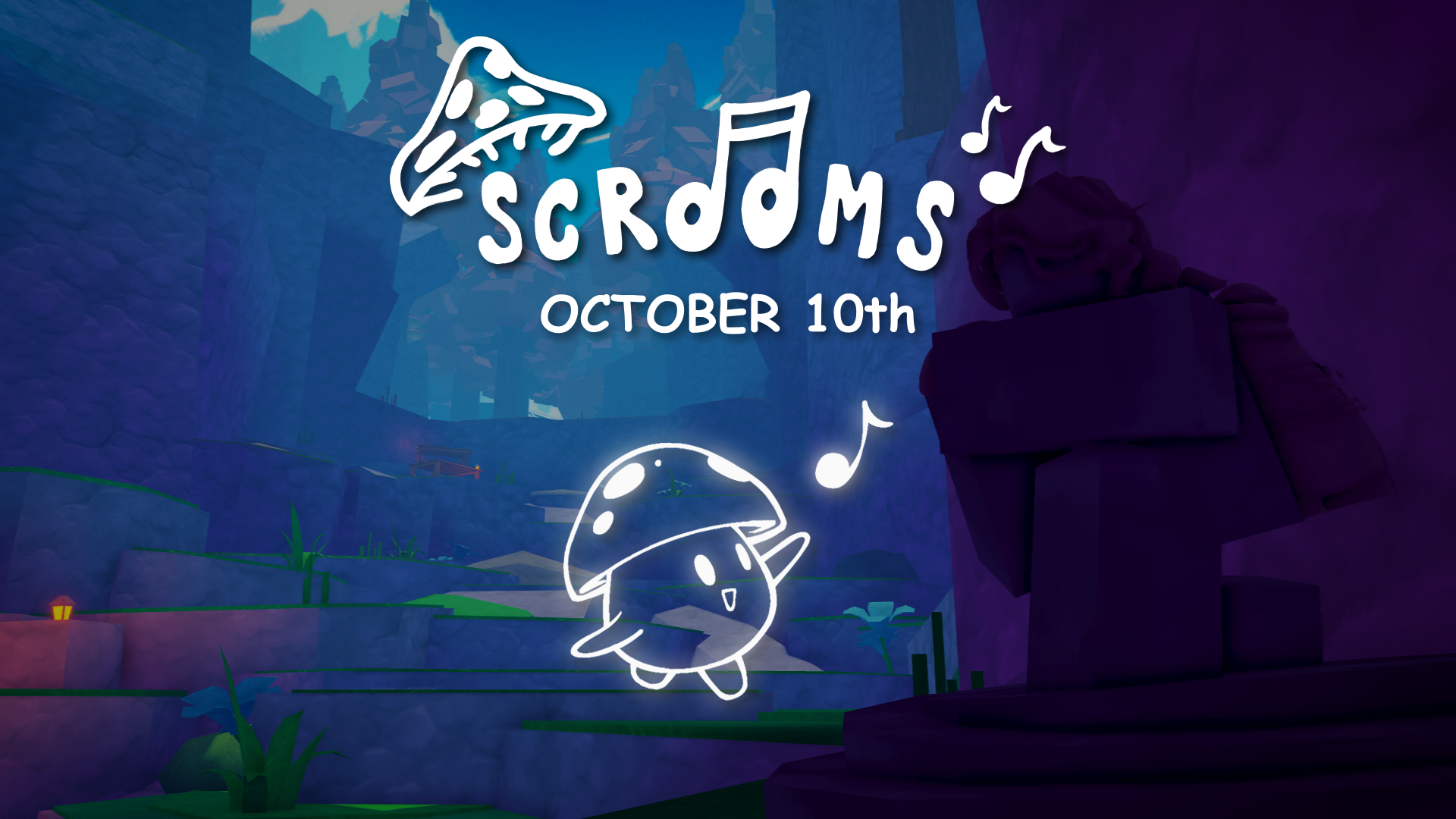
Scrooms, the Roblox adventure game from Doni (DoniDevs) where you tame mushroom creatures using musical instruments, has a single official community hub on Discord. It runs at discord.gg/scrooms and already holds more than 11,000 members. The server is where development updates, sneak peeks, and giveaways are posted, and it is the place the team pointed to when the game’s release was announced for October 10th.
Quick answer: Join the official server at discord.gg/scrooms. It carries announcements, update logs, sneak peeks, polls, giveaways, and support tickets. No codes have been posted before launch, and there is no official Trello board.
Official Scrooms Discord link
Use the invite below to open the server directly in your Discord app or browser. Joining is free, and the invite leads to the same community run by the developers and community lead rip699.
Scrooms does not have an official X account of its own yet. The release was posted through the partner account ripDevX, so treat that and the Discord as the two official channels for now.
What the server offers
Channels are grouped so you can find news, previews, and community spaces without scrolling through general chat. The most useful ones to watch are update-logs for development changes, sneak-peaks for previews of upcoming content, and announcements for major news.
- Start here: rules, announcements, sub-announcements, and information (FAQ, role info, and a links menu).
- Development: update-logs, sneak-peaks, polls, and social-feed.
- Community: giveaways, content (creator videos), boosts, and events.
- Chat: general, media, bot-commands, and questions.
- Feedback forums: suggestions, bug-reports, and fan-art, plus a top-suggestions starboard.
- Help: support, which runs on a ticket system.
The tester and content-creator sections are visible only to members with the corresponding role. There have been two closed tester rounds: 17 people were chosen for the first, and another 17 were selected from more than 600 applications for the second.
Level roles and perks
The server uses a level system whose ranks are named after Scrooms. Climbing the ranks unlocks more permissions as you chat and stay active. The named ranks run Redcap, Funglebee, Mistdrop, Scholaroom, Pagodai, Ignara, and The Pale Vessel, followed by higher ranks and the SCROOM Booster role.
Perks build up roughly in this order as you rank up:
- Send GIFs and images in the media channel.
- Use external emojis, post fan art, and make suggestions.
- Post GIFs server-wide and screen share.
- Image permissions, external stickers, and nickname changes.
- Add reactions, send voice messages, create polls, and use external soundboards.
- Bypass slowmode.
- Set voice channel status and use priority speaker.
The top leaderboard member holds the Scream Lord rank and receives every perk available. Server boosters get most of the perks, though the booster role does not include everything the highest ranks unlock.
Codes and Trello status
No Scrooms codes have been posted ahead of the launch, so there is nothing to redeem yet. When codes do arrive, the announcements and update-logs channels are where they will appear first.
There is also no official Trello board. No confirmed public board exists for instruments, mutations, regions, or progression, so the Discord is the single reliable reference for development news until that changes.