Gaming Guide

SCROOMS Getting Started! Quest Walkthrough (Full Tutorial)

Everything the first quest asks of you in Songkeeper's Grove, from the Wooden Lute to your 125 Chimes and First Note badge.

Everything the first quest asks of you in Songkeeper’s Grove, from the Wooden Lute to your 125 Chimes and First Note badge.

Image: DoniDevs

The opening quest in SCROOMS drops you into Songkeeper’s Grove with nothing in hand and one job: tame a mushroom creature by playing music to it. “Getting Started!” teaches the loop the whole game runs on — take an instrument, tune into a Scroom’s frequency, and reel it into the catch zone. Follow the order below to clear it.

Quick answer: Take the Wooden Lute from Leo, equip it, catch one Scroom with the tune-and-catch minigame, then return to Leo for 1,350 XP, 125 Chimes, and the First Note badge.


The Getting Started! quest in SCROOMS

Start with Leo near the spawn point

Leo stands close to where you first appear in Songkeeper’s Grove. He is marked with a question mark above his head, and a glowing green arrow trail on the ground leads straight to him. Talk to him and he greets you with “You must be new around here! Welcome to the Songkeeper’s Grove.”

He then offers his lute: “Here, take this lute. You’ll need it to tame scrooms ’round these parts!” Choose [Accept the gift]. That hands you the Wooden Lute, described as a worn wooden lute that is perfectly in tune. Its whole purpose is to play to and tame nearby Scrooms.


Catch your first Scroom

Catching runs in three stages: hit the tuning gauge, match the frequency, then hold the creature inside a moving zone. Walk up to any Scroom wandering nearby to begin.
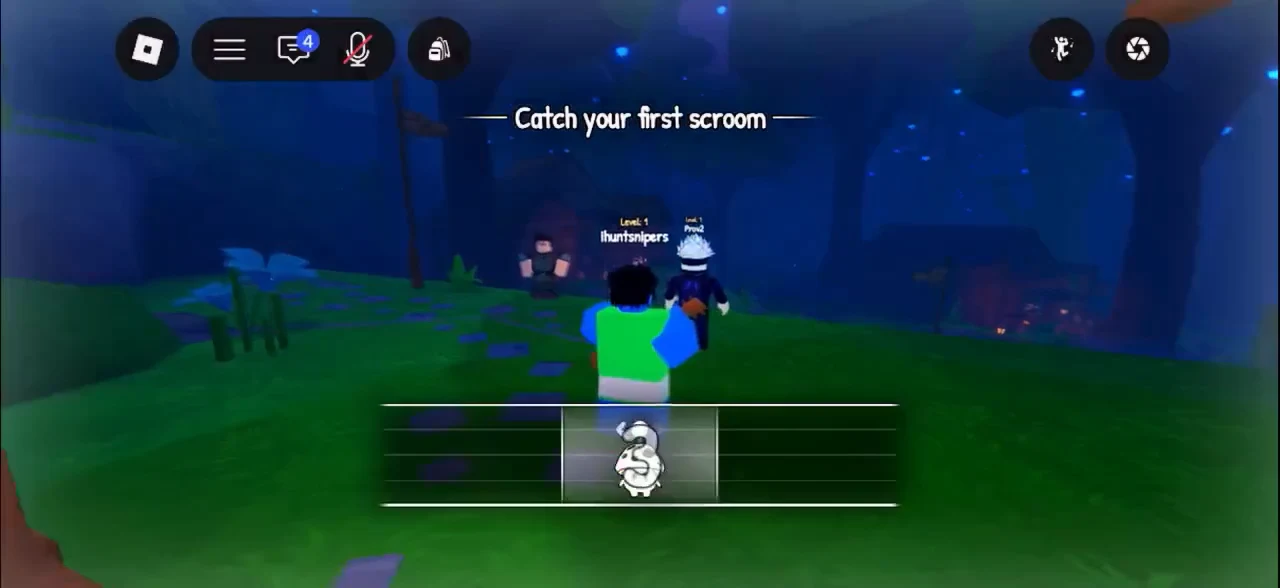
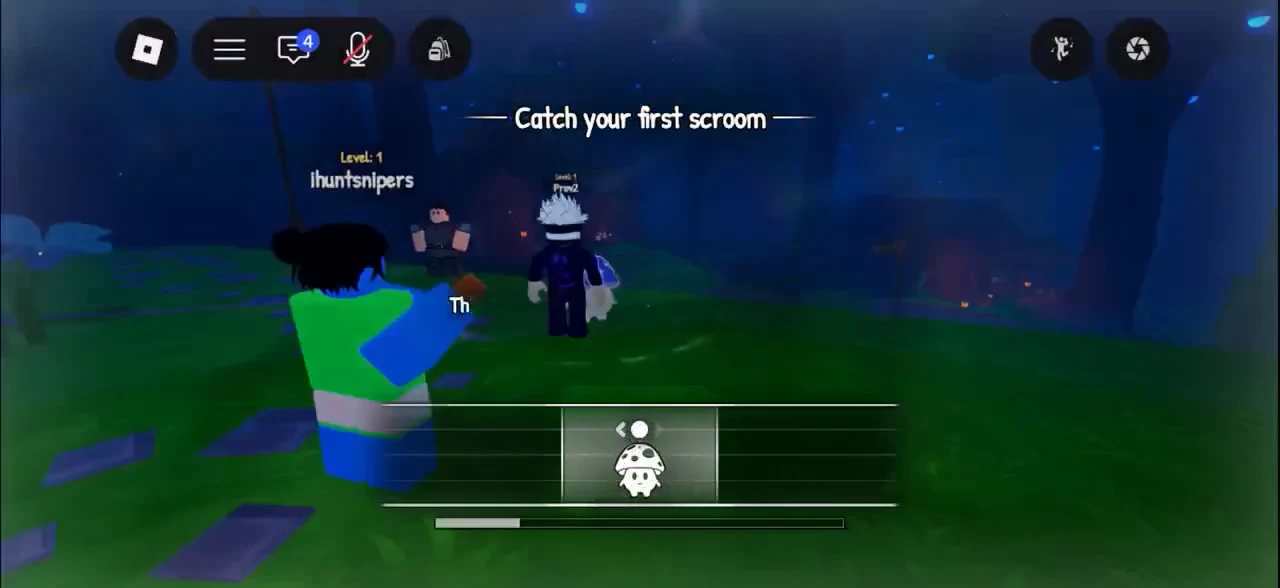
Equip the Wooden Lute. When the “Equip your instrument” prompt appears, select the lute from the hotbar.
Start playing to trigger the tuning gauge. Landing a “Good!” or “Perfect!” hit opens the frequency stage.
Match the frequency. Locking onto it moves you to the catch zone.
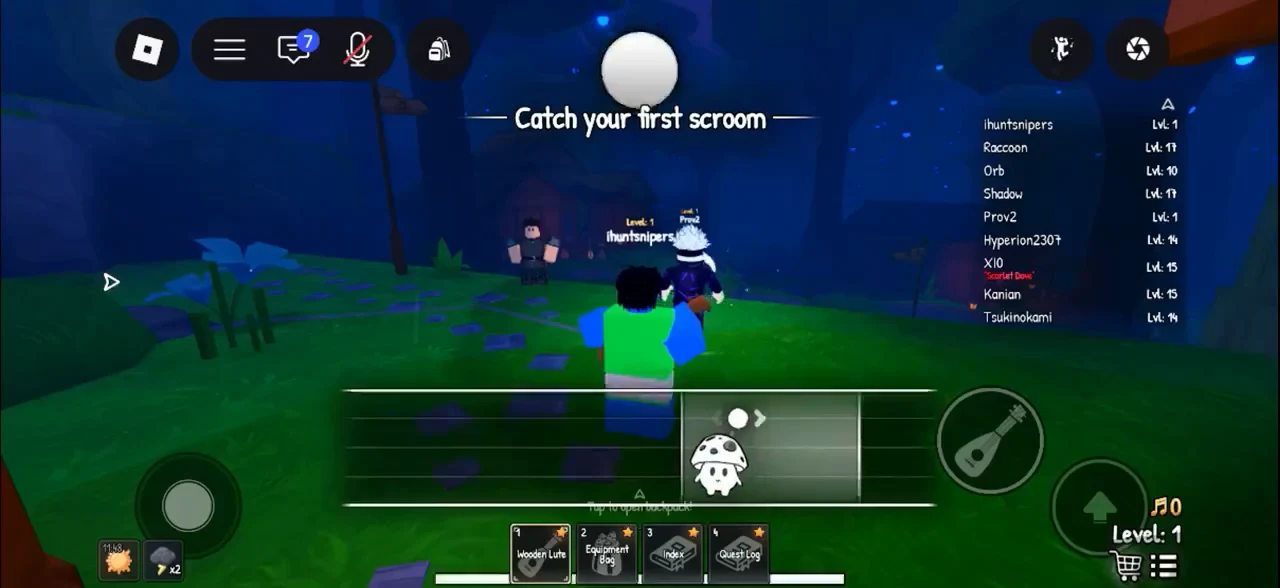
Catch your first scroom objective active with a scroom icon in the bottom-center slot
The “Catch your first scroom” objective active, with the Scroom loaded into the bottom-center slot.
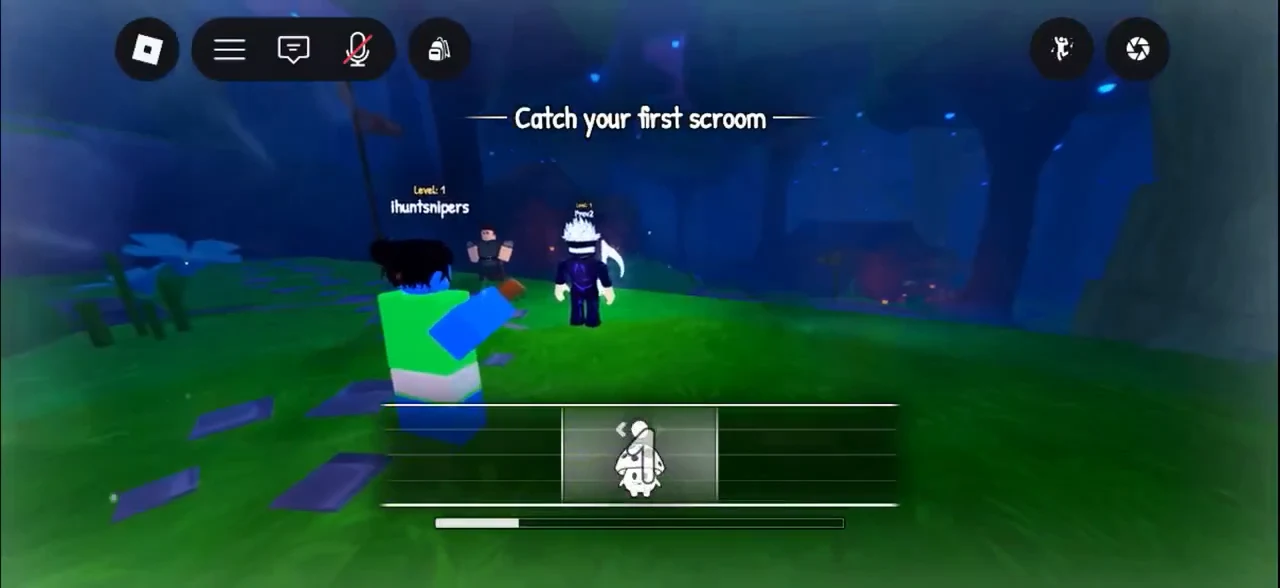
Hold the Scroom inside the catch zone. Press and drag the Scroom left and right to keep it inside the moving zone.
Catch minigame open with the progress bar partially filled at the bottom of the screen
The catching minigame with its progress bar partway filled as the Scroom is held in the zone.
Catch zone minigame with the progress gauge climbing toward a successful capture
Keeping the Scroom inside the moving catch zone pushes the gauge toward a successful catch.

Catch a Scroom nearby. Landing it awards the First Note badge and ticks the objective over to “Return to Leo.”
Caught Bluebell Scroom shown in the center interaction panel after a successful capture
The Bluebell Scroom displayed in the center panel once the catch lands.

Return to Leo for the quest reward

Head back to Leo. He reacts with “You caught one already?! A natural!” and the “Getting Started!” quest completes.

The quest pays 1,350 XP and 125 Chimes. That experience carries you from Level 1 straight to Level 4. The “Quest Completed: Getting Started!” banner appears, and the next objective, “Sell your scroom to Julian,” takes its place.
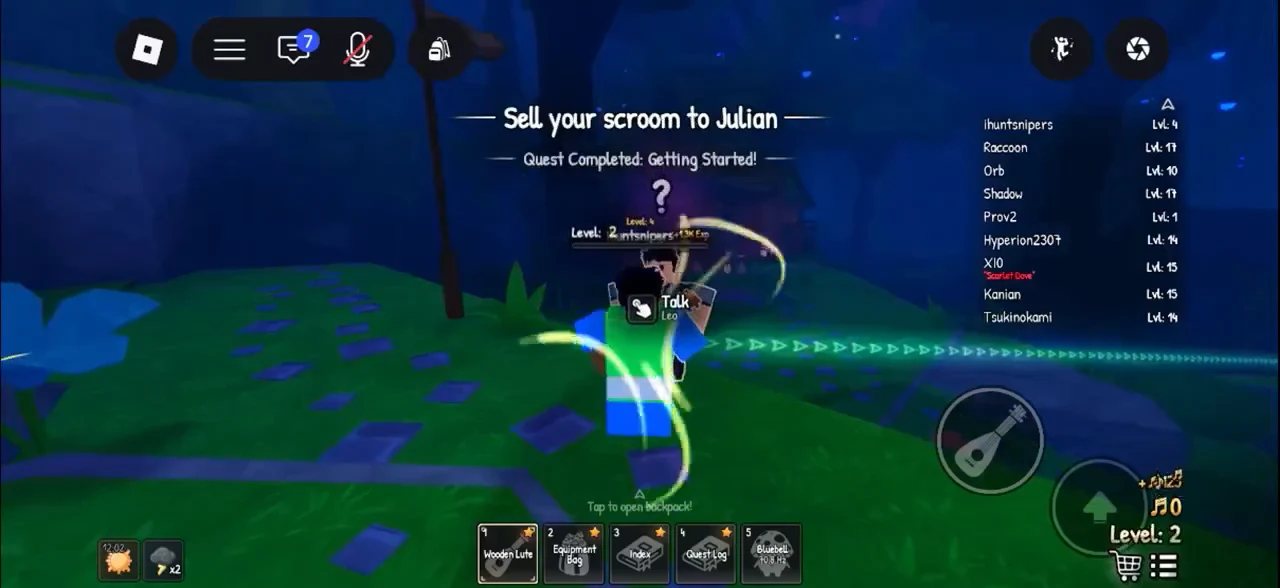
Talk Leo prompt beside the Quest Completed banner and the new Sell your scroom to Julian objective
Finishing the quest with Leo triggers the “Quest Completed” banner and points you to Julian.

Finish the tutorial: sell, buy, and equip

With the quest cleared, the tutorial walks you through selling the Scroom and upgrading your instrument.

Sell your Scroom to Julian. Head to his wooden stall and talk to him. He opens with “Hey, friend! How may I help you?” Pick “1. [Sell Held]” to sell the Scroom you are holding, or “2. [Sell Inventory]” to sell all your Scrooms at once.
Confirm the sale. Julian quotes a total before you agree, such as 62 Chimes for a single early Bluebell. Choose “1. Deal!” to sell. Your balance climbs to 187 Chimes.
Buy the Tamer’s Guitar from Julian’s shop for 100 Chimes.
Put on the Tamer’s Guitar by opening the Equipment Bag and selecting the Instruments tab. Press Equip for the guitar, then shut the bag to dismiss the “Close your bag” prompt.

Here is how your Chimes start out in the tutorial.

ActionChimesBalance
Leo’s quest reward+125125

Confirm the tutorial is done and start The Next Step

Head back across the grove to Leo one last time. A “Leo has more to say” prompt sits above him. Talk to him to trigger the “Tutorial Complete!” message.
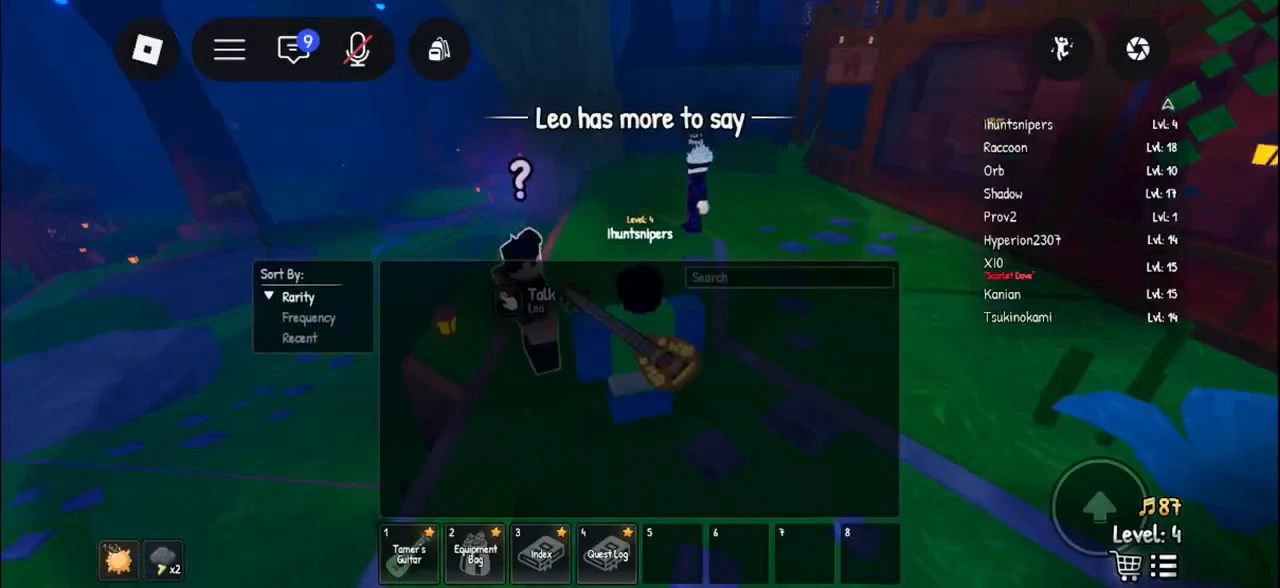
Leo has more to say prompt with a Talk interaction shown as the player returns to him
The “Leo has more to say” prompt as you return to him to wrap up the tutorial.
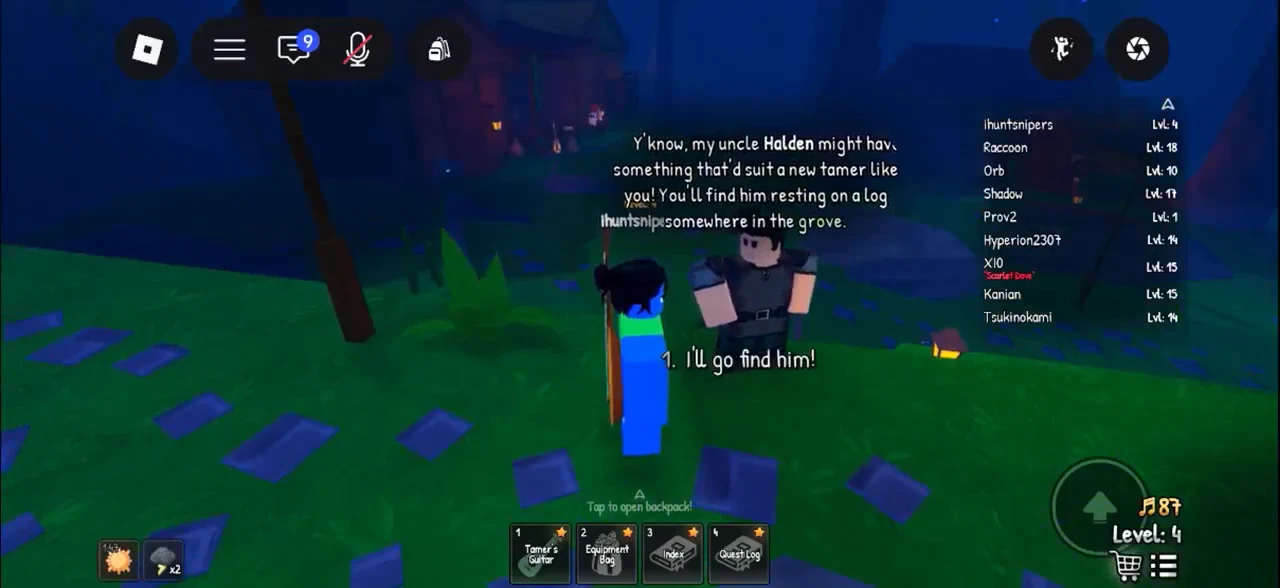
Dialogue option I'll go find him selected to accept the quest to find Halden
Leo’s words lead to the next quest, “The Next Step.”

After the tutorial, Leo points you toward Halden, who is resting on a log somewhere. The Ocarina joins the hotbar as slot 5 once unlocked.