Gaming

SCROOMS Songkeeper’s Grove Scrooms: Catches, Frequencies and Variants

The six species, their Melodic and Harmonic variants, and the frequencies each one showed on the catch screen.

The six species, their Melodic and Harmonic variants, and the frequencies each one showed on the catch screen.

Image: DoniDevs

Songkeeper’s Grove is where every run begins in SCROOMS, and it’s stocked with mushroom creatures you tame by playing music at them. The starting woods hold a handful of species, and the same Scroom can turn up on a different frequency each time you find it. Here’s exactly what you can pull out of the Grove, and how to do it.

Blocky avatar running toward a group of players across the grassy Songkeeper's Grove
Songkeeper’s Grove, the starting area where your first catches happen.

Scrooms caught in Songkeeper’s Grove

What to bring before catching Scrooms

Tamer's Guitar highlighted in hotbar slot 1 while the avatar stands in a grassy area
Use an instrument to tame Scrooms.

Your Chimes count sits in the bottom right with a music-note icon, and every catch gets stamped into the Index in slot 3. Keep that in mind — it’s how you’ll confirm a Scroom actually registered.

Level 5 avatar holding the Tamer's Guitar with the hotbar and player leaderboard on screen
The guitar equipped in the world, with the hotbar and leaderboard visible.

How catching works in Songkeeper’s Grove

Every catch is logged in the Index. Equip your instrument and play it near Scrooms to draw one in, then work through three steps: tuning, frequency and catching.

A circular gauge with a moving marker appears. Tap (mobile) or click (PC) while the marker is inside the coloured wedge, and the hit is rated “Good!” or “Perfect!”.
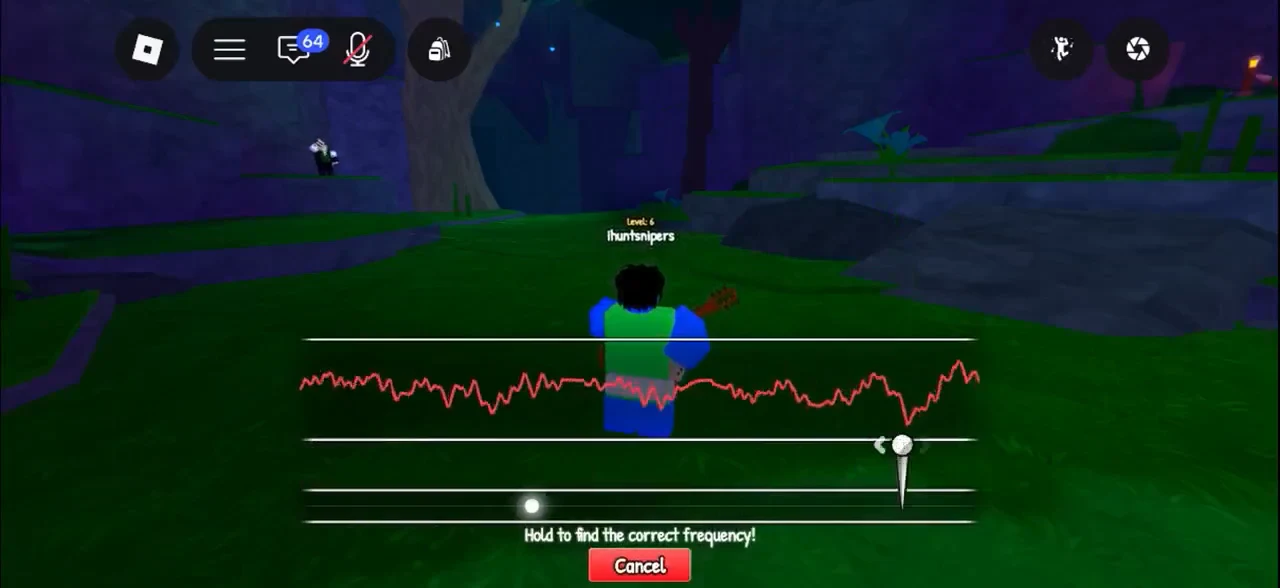
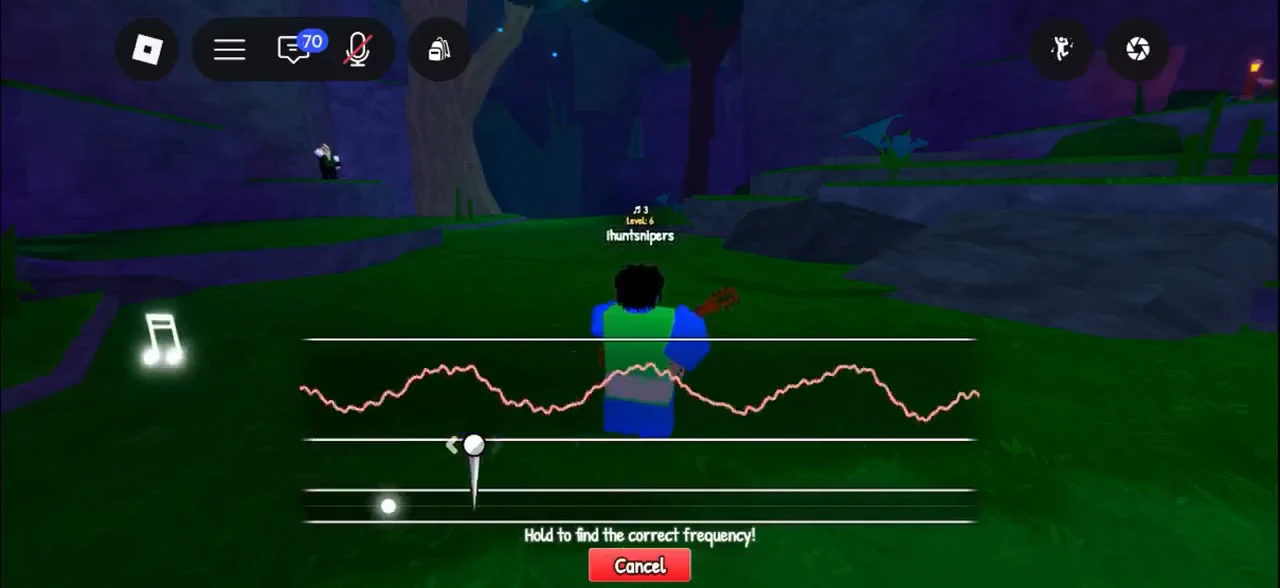
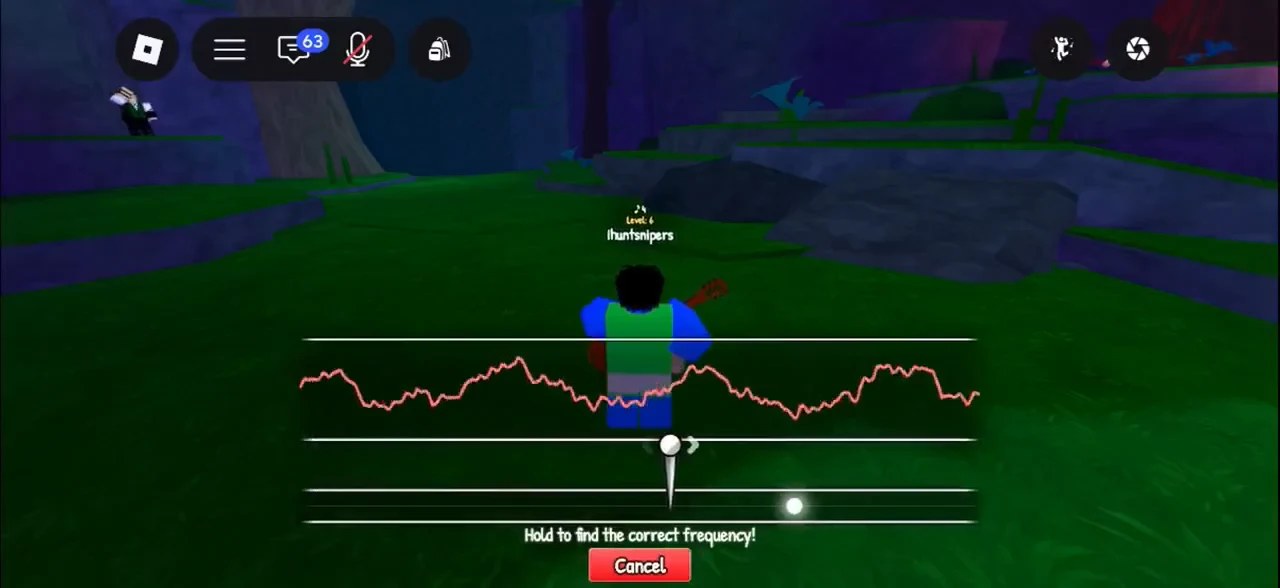
Hold and drag the slider until the jagged red waveform settles into a smooth wave. The prompt reads “Hold to find the correct frequency!”
Frequency-finding tuner showing a waveform and tuning slider with a Cancel button below
Matching your waveform to the target so it holds a steady shape.
Frequency-tuning minigame active, holding the control to match the red signal waveform
The tuning control held against the target signal before the rhythm stage.
After a 3-second countdown, the Scroom icon sits on a horizontal bar with a moving catch zone. Hold to drag the Scroom left and right and keep it inside the zone; small, quick corrections work best, and a finger drag on a touchscreen is easier to follow with than a mouse.
When the progress bar fills, the screen shows the catch with the Scroom’s name and frequency. If the Scroom spends too long outside the zone and progress drains away, you’ll see “Your Scroom got away…” instead.
The gameplay screen has hotbar slot 1, “Tamer’s Guitar,” selected as the player moves through the area after a…
The frequency-tuning screen is active, with the frequency indicator being adjusted to match the red signal waveform

The frequency shown on a catch isn’t fixed per species. The same Scroom appears on different frequencies on different catches, so don’t treat the numbers below as a code to dial in — they’re what the game displayed when each one was caught.


When a Scroom gets away

Not every encounter ends in a catch. While the Scroom sits outside the catch zone, the zone turns red and progress drains, and if it drains away the screen reads “Your Scroom got away…”

Guitar-equipped avatar in a grassy area with the on-screen jump button ready
Lining up an encounter in the Grove before the tuning screen opens.
Frequency-tuning screen with a waveform and slider during the catch attempt
The tuning step on the crowned yellow Scroom that got away.

When that happens, you can simply try again.


Scrooms caught in Songkeeper’s Grove

These are the Scrooms caught in the grove, with the frequencies shown on their catch screens.

ScroomFrequencies seenVariants
Bluebell70.8, 58.2, 66 Hz—
Toastbud29.7, 36.9 HzHarmonic (23.1 Hz)
Redcap23, 28.8 Hz—
Gloombell46.4, 47.2 Hz—
Acornub49.5 Hz—
Burlcap—Melodic (100 Hz)

Bluebell

Bluebell showed up three separate times across a spread of frequencies — 70.8 Hz, 58.2 Hz and 66 Hz — which is a clean way to see how the tuning number shifts from one encounter to the next.
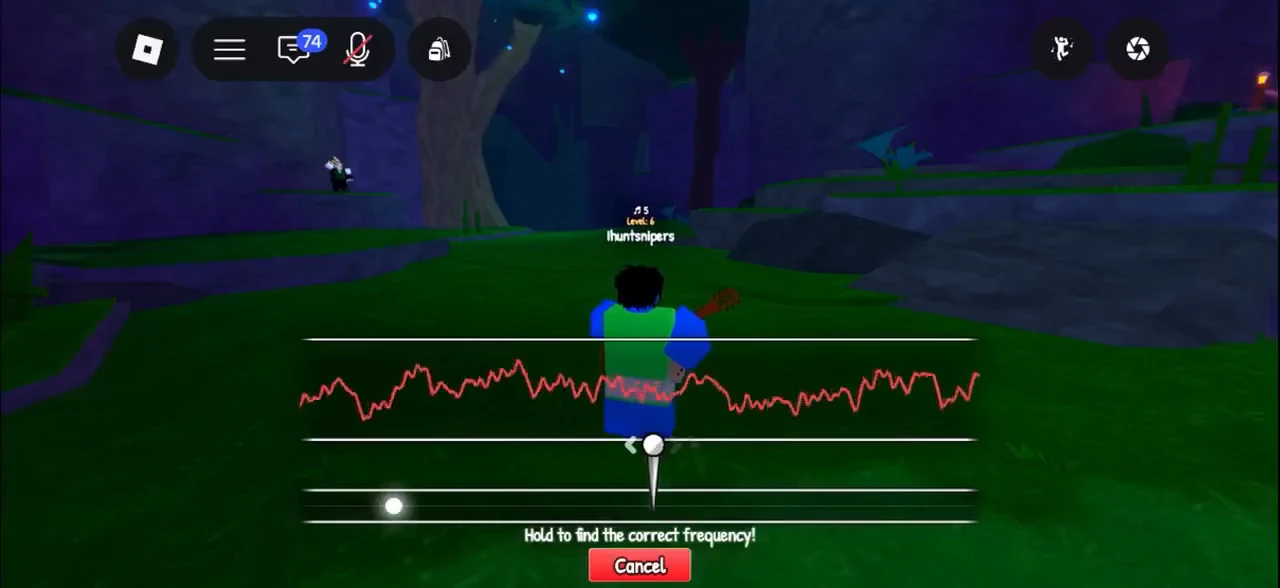

Frequency-tuning screen with the central slider adjusted to match the red waveform for a Bluebell
Tuning in on a Bluebell before the rhythm stage.
Catch confirmation for Bluebell at 58.2 Hz with a prompt to open the backpack
A Bluebell logged at 58.2 Hz, with the prompt to open the backpack.
Bluebell catch confirmation banner with a prompt to tap and open the backpack
Another Bluebell catch confirmation on a different frequency.
Screen reading You caught: Bluebell! Frequency: 66 Hz with a backpack prompt
A Bluebell caught at 66 Hz after a Perfect Catch.

Toastbud

Toastbud came in at 29.7 Hz and 36.9 Hz on separate encounters. A Harmonic Toastbud also turned up at 23.1 Hz, and catching it awards the Harmonic Ear badge.


Screen showing You caught: Toastbud and New Index Entry: Toastbud banners
A first Toastbud catch, logged as a new Index entry.
Toastbud catch confirmed at 36.9 Hz and shown in hotbar slot 7
A Toastbud caught at 36.9 Hz.

Redcap

Redcap is one of the common Scrooms, with catches recorded at 23 Hz and 28.8 Hz.
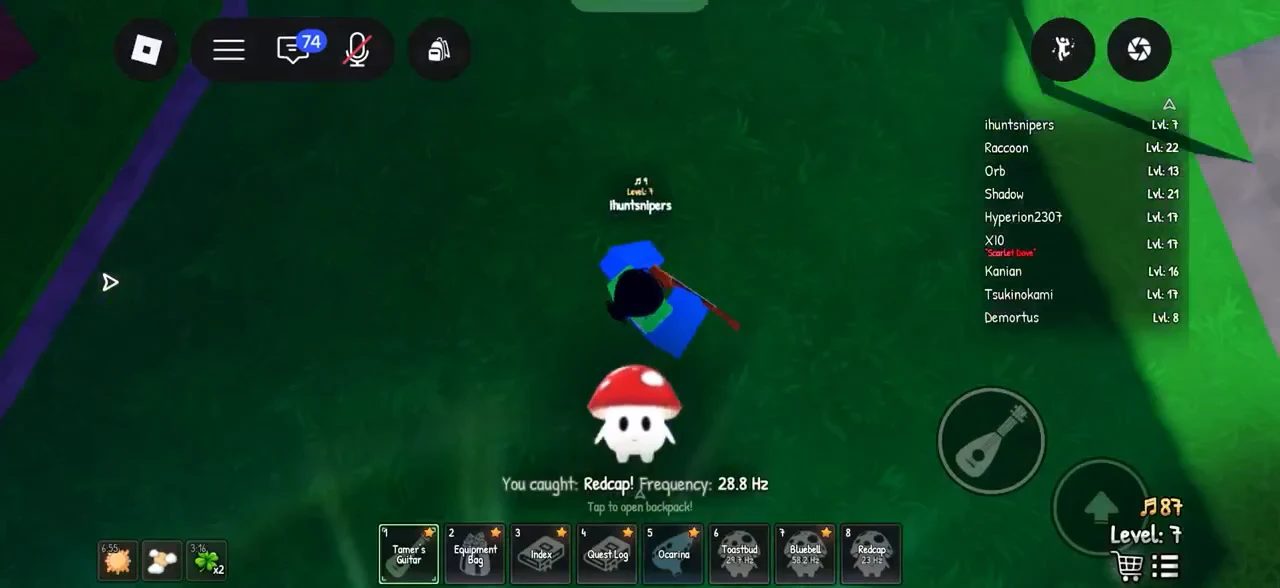
Screen reading You caught: Redcap! at 28.8 Hz with Redcap in hotbar slot 8
A Redcap caught at 28.8 Hz.

Gloombell

Gloombell turned up twice at 46.4 Hz and 47.2 Hz, close enough together that the two catches land on almost the same number.

Frequency-tuning screen with waveform and tuning slider during a Gloombell catch
Tuning for a second Gloombell at a near-identical frequency.

Acornub

Acornub was caught at 49.5 Hz. Like every other catch, it’s logged in the Index so you know it’s recorded.


Frequency-finding overlay with the tuning needle adjusted against the signal graph for an Acornub
Finding the frequency on an acorn-capped Acornub.
New Index Entry: Acornub banner with the Tamer's Guitar hotbar slot selected
Acornub logged as a new Index entry after the catch.

Burlcap (Melodic)

In the Grove, Burlcap showed up as a Melodic Burlcap caught at 100 Hz — the highest frequency of any catch here. “Melodic” is a variant word that sits in front of the name, the same way “Harmonic” does, and the catch is logged in the Index like any other.

Frequency-tuning minigame active, holding the control to find the correct frequency with a red Cancel button
Holding the tuner on the Melodic Burlcap at a high frequency.
Screen showing You caught: Melodic Burlcap and New Index Entry: Burlcap
The Melodic Burlcap caught at 100 Hz and recorded in the Index.

Harmonic Toastbud and the Harmonic Ear badge

A Harmonic variant is the one to chase if you want something to show for your time. Catching a Harmonic Toastbud at 23.1 Hz awards the Harmonic Ear badge, described in-game as “Catch a Harmonic scroom.”
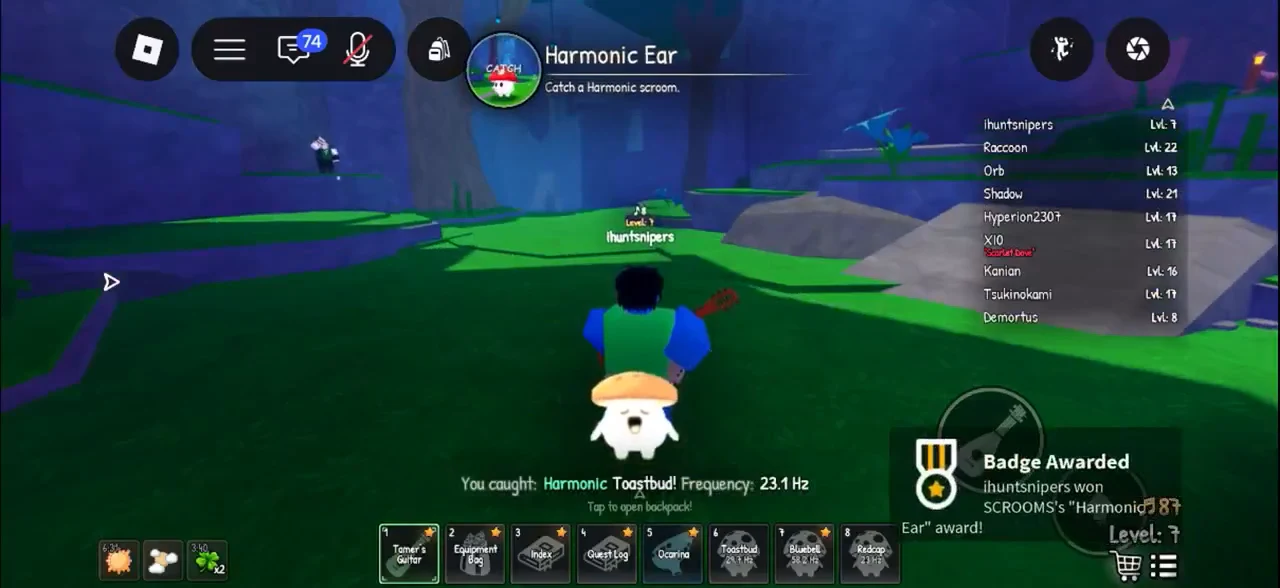
Harmonic Ear HUD active while catching a Harmonic Toastbud, triggering a Badge Awarded notification
The Harmonic Toastbud catch that unlocks the Harmonic Ear badge.

Any Harmonic Scroom works for the badge, not just Toastbud, so grab the first one you see wearing the Harmonic tag.


How to confirm a catch registered

Two things tell you a Scroom is yours. First, the on-screen banner — “You caught: [name]! Frequency: [X] Hz” — appears the moment the catch bar fills. Second, every catch is logged in the Index in hotbar slot 3. If you see “Your Scroom got away…” instead, the Scroom escaped and you can try again.

The grove holds more than these six species (completing its Index earns the Grovewalker badge), and the path out of Songkeeper’s Grove winds toward Bluestone Approach and the cold stone of the caverns beyond.