Running the gas station in Shift At Midnight is easier with company, and the game supports that out of the box. The full release lets you fill a lobby with up to six players, even though the co-op was originally tuned around three. If six still is not enough, a community mod raises the cap far higher, though only up to a point before the game starts fighting you.
Quick answer: Without mods, a host can set a lobby to a maximum of six players. To go higher, install the ShiftMorePlayers mod with BepInEx 6 IL2CPP on the host machine and raise the Max Players value. Keep the count at eight, and treat about ten as the hard practical ceiling.
The built-in player limit is six
Out of the box, a single lobby holds up to six players. That is the ceiling the retail version added on top of the original three-player design. The developers still suggest keeping groups to three or fewer, since spawn points, story scripts, and monster behavior were all built around that smaller number.
Setting up a game with friends is quick:
Raise the cap with the ShiftMorePlayers mod
To go beyond six, you need a mod. The most complete option is ShiftMorePlayers by TNTcraftHIM, a BepInEx plugin that removes the built-in cap and lets the host pick the lobby size. It is configurable from two players all the way up to Steam’s theoretical maximum of 250, with a default of eight. Only the host needs it installed, so friends running the plain game can still join a modded session, though installing it for everyone is recommended.
The mod patches the parts of the game that enforce the limit, including the real session capacity, the Steam lobby member limit, and the server-browser “lobby full” checks. It does not touch any game files, so removing a single DLL fully uninstalls it. Before you start, grab the plugin from its Nexus Mods page.
Requirements
- Shift At Midnight on Steam or the Xbox app / Game Pass, latest version.
- BepInEx 6 IL2CPP (bleeding edge), the
BepInEx-Unity.IL2CPP-win-x64-6.0.0-be.xxx.zipbuild. Tested with 6.0.0-be.785.
Install ShiftMorePlayers on Steam
ShiftAtMidnight.exe. Download the framework directly from the BepInEx bleeding-edge builds page.Install on Xbox app / Game Pass
Content. The root dotnet folder must be present, or the game will crash.ShiftMorePlayers.dll into Content\BepInEx\plugins\ and start the game. The Xbox build has no lobby-size selector, so it reads the count straight from the config file described below.Set your player count in the config
The mod stores its limit in a plain text file at BepInEx\config\com.tntcrafthim.shiftmoreplayers.cfg. Open it and set the value you want:
[General]
MaxPlayers = 8
Any number from 2 to 250 works. On Steam, the in-game dropdown then offers every size up to the value you chose. On Xbox, the config value is used directly. If you are upgrading from v1.3.0 or older, the mod copies your old com.tntcraft.shiftmoreplayers.cfg to the new filename on first launch and keeps the old one as a backup.
Why 250 is a number, not a goal
The 250 figure is Steam’s theoretical lobby-member ceiling, not a promise that the game will hold together with that many people. In practice, several lower limits kick in first. The mod’s creator recommends eight players and calls roughly ten the safe upper limit before broken interactions become common.
| Player count | What to expect |
|---|---|
| Up to 8 | Recommended. Verified in testing, everyone spawns and plays correctly. |
| Around 10 | Practical safe ceiling. Bugs and broken interactions start appearing past this. |
| 11 and up | Extra players likely cannot interact with doors, barricades, or items, because every interactable tracks only 10 slots per player. |
| Beyond 10 | Monster detection arrays are sized for the vanilla count, so extra players may be invisible to monsters. |
| 101–250 | On Xbox, normal MPSD external sessions cap at 100 members, so these values cannot be guaranteed on Game Pass. |
Monster difficulty does not scale with player count, which is vanilla behavior. More players means an easier game, not a harder one.
Confirm it worked
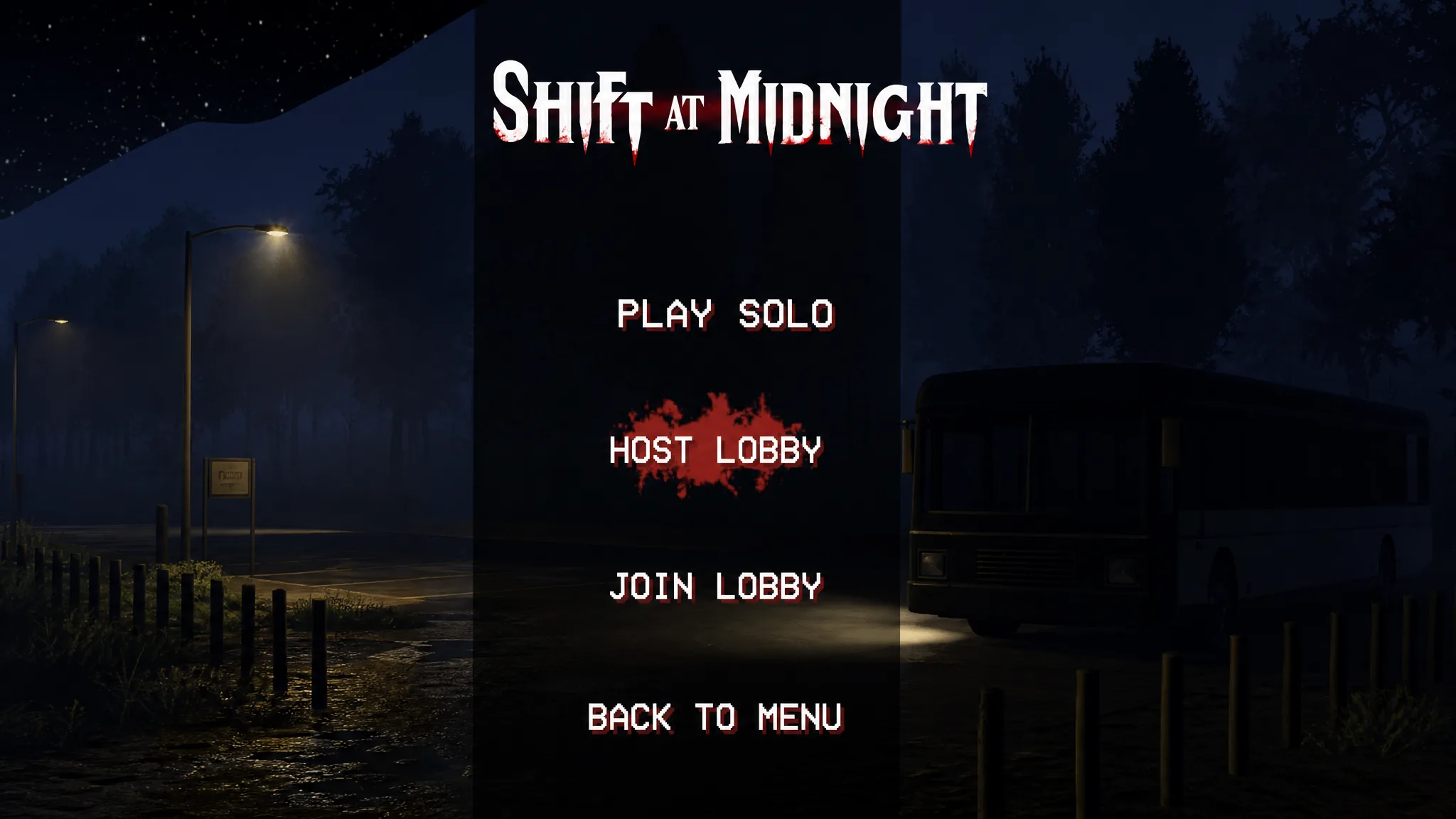
The clearest sign of success is the Create Lobby screen. On Steam, the max players dropdown should now reach eight, or whatever number you set in the config. When friends join, the server browser shows the correct total, such as 5/8, and Steam invites work the same way since both join paths are patched.
If a log line reads UpdatePlayerLobbyUI: only N handlers for M members - retrying..., that is a normal vanilla message while a joining player’s data replicates, and it clears itself within a few seconds. If patches fail entirely after a game update, check BepInEx\LogOutput.log for “Patch FAILED” lines. The game ships without anti-cheat, and the mod only changes lobby and session limits, but as with any mod, use it at your own risk.
Other lobby-size mods
ShiftMorePlayers is not the only choice. ShiftLobbyPlus uses MelonLoader instead of BepInEx, defaults to eight players, and can be configured up to 243, patching six separate layers that enforce the three-player cap, including the separate voice-chat room. There is also ShiftAtMidnightMorePlayers by Fuzz on Thunderstore, which adds 1, 2, 3, 8, and experimental 16-player options to the lobby menu. All of them share the same underlying reality. The engine was built for a small group, and stability drops sharply once you push past six to eight players.