In Part 6 of Silent Hill Townfall, the AUX Room is a concrete chamber packed with red switches, and a file inside presents what looks like stray punctuation. Many players get held up here; the solution becomes clear once you read the white stripes on the switches as markers for their respective lines. To flush Aux Line B by hand, set the correct switches to their specified positions, completing one line at a time.
Quick answer: Open the locker with 0825, take the AUX Key down to Level 1, insert the AUX Disk, then set each striped switch to the positions below. Rows one and two have nine switches each; row three has eight.
Unlock the AUX Room with locker code 0825
You cannot reach this room early. Access only opens while you are working through the Remote Systems Control puzzle during the “Relive the events on CCTV” objective, so backtracking here sooner is pointless.
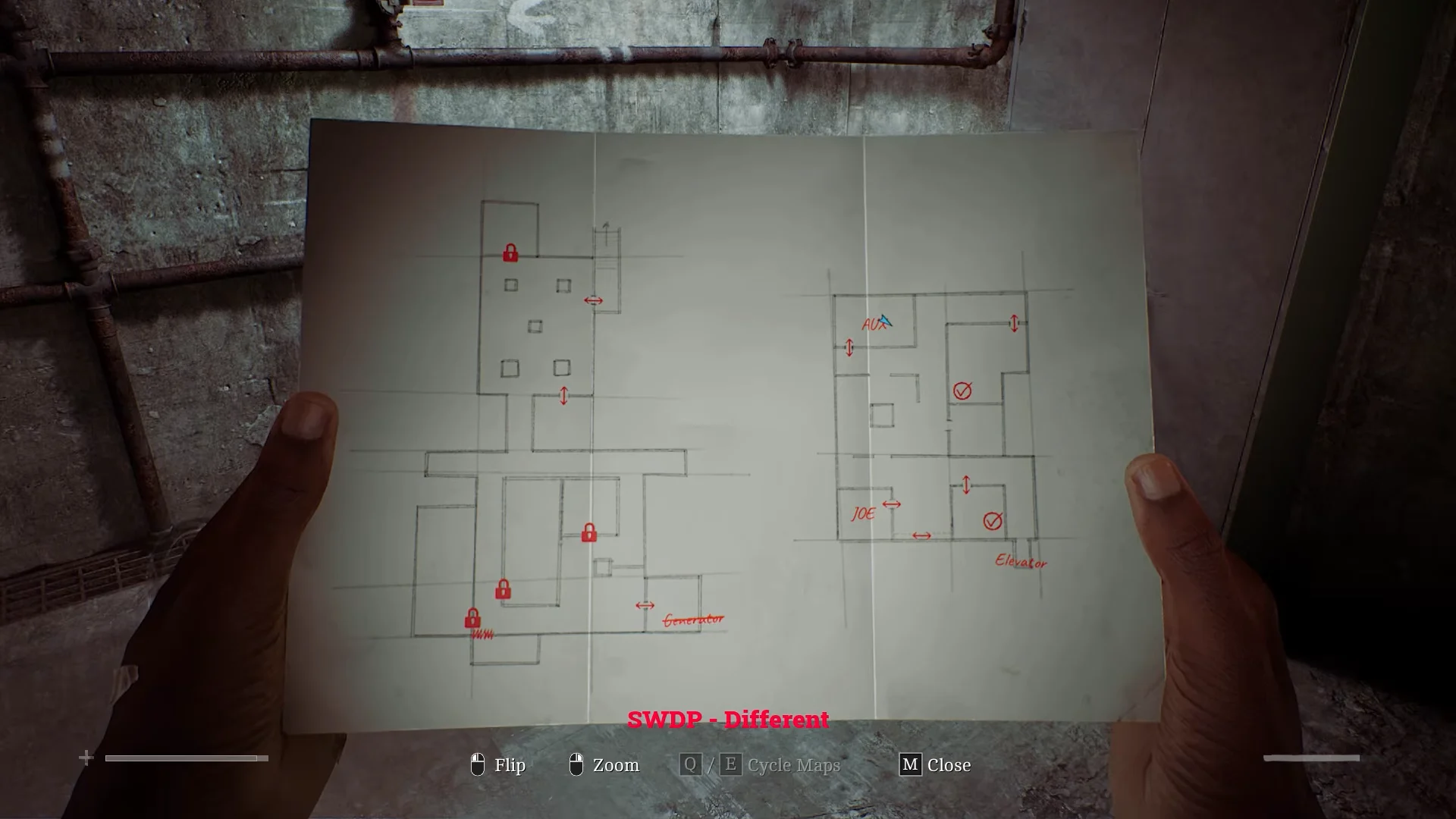
Load the AUX Disk and open the Auxiliary Lines file
Inside the room you will find a PC, a tall metal cabinet, and a dozen valves lining the walls. The cabinet also holds Alcohol and Gauze worth grabbing while you are here.
DISK NOT FOUND IN DRIVE A:/, leaving the file inaccessible.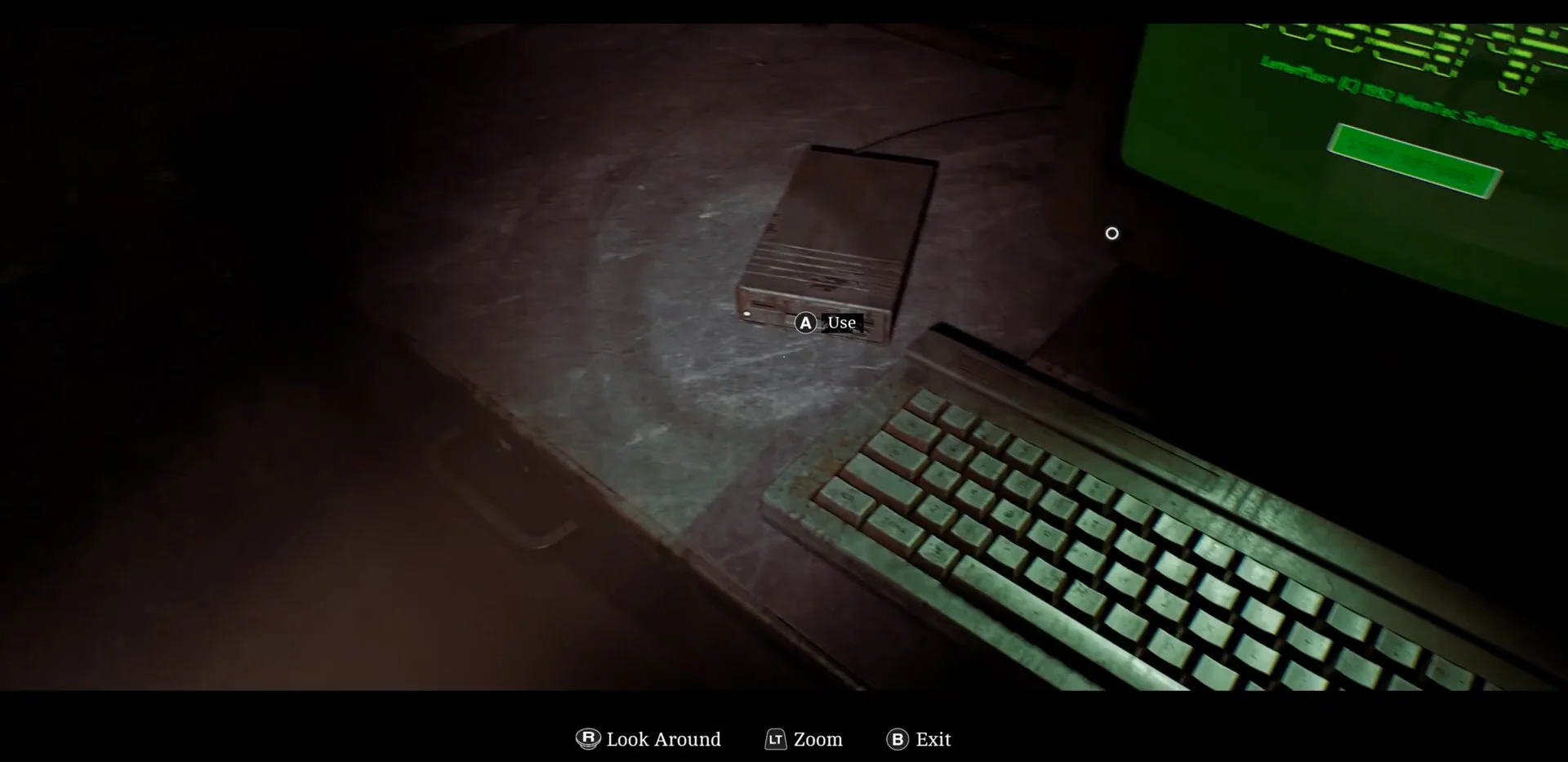
1. | _ | | _ | _ | |
2. | _ _ _ | _ _ | |
3. _ | | | _ | _ |
How the stripes and marks map to the switches
The file looks cryptic, but it maps directly onto the wall. A vertical bar means the switch must face up, and an underscore means it must face down. The white paint stripes on each pipe tell you which line a switch belongs to.
- A vertical bar (|) means the switch faces up.
- An underscore (_) means the switch faces down.
- Line 1 uses switches with one white stripe.
- Line 2 uses switches with two white stripes.
- Line 3 uses switches with three white stripes.
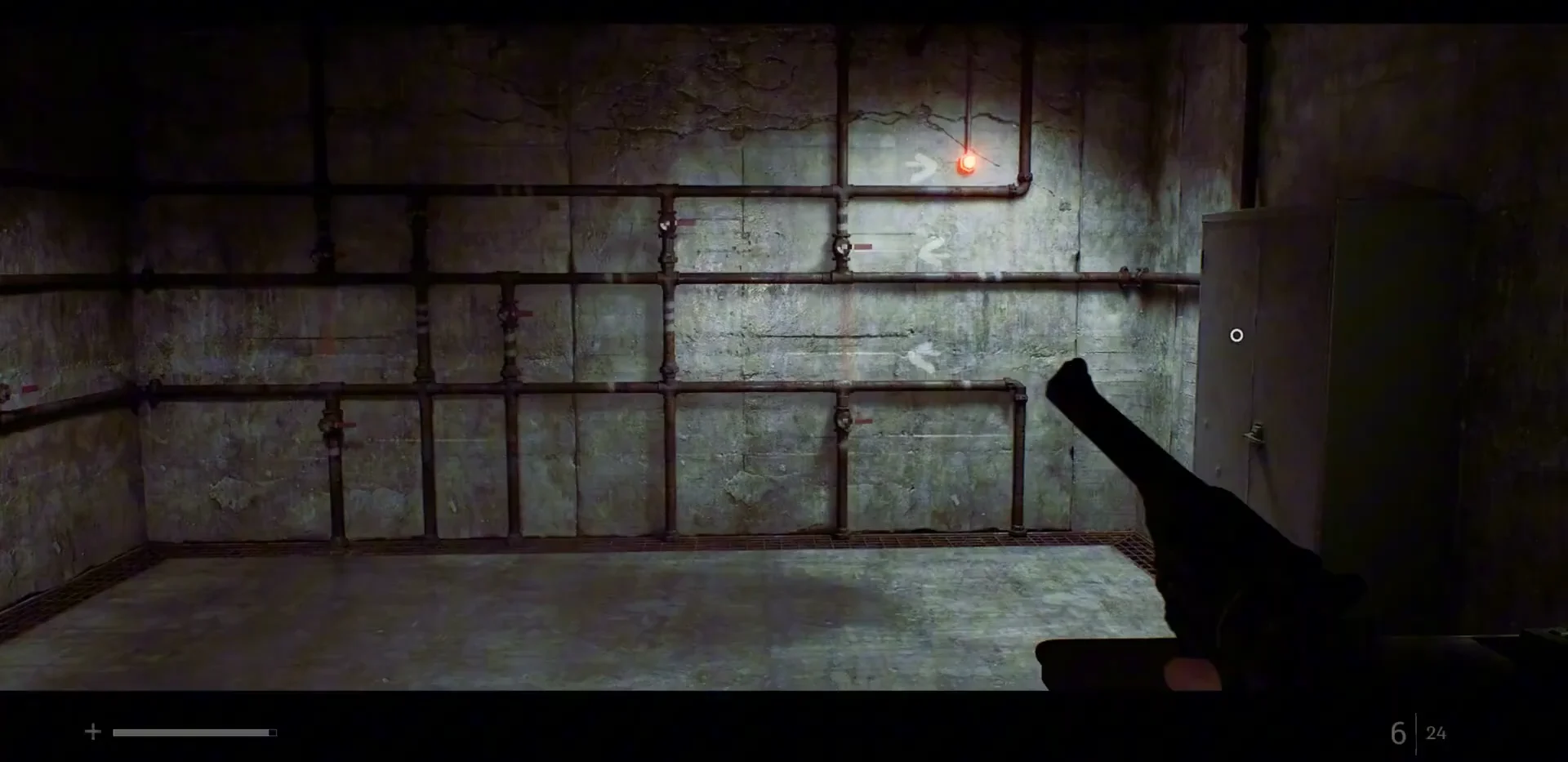
Solve each line on its own and count only the switches carrying the matching stripe, ignoring the rest. Adjacent switches on the same pipe run can belong to different lines, and every switch shows an interaction prompt even when it is irrelevant, so check the stripe count before you flip anything.
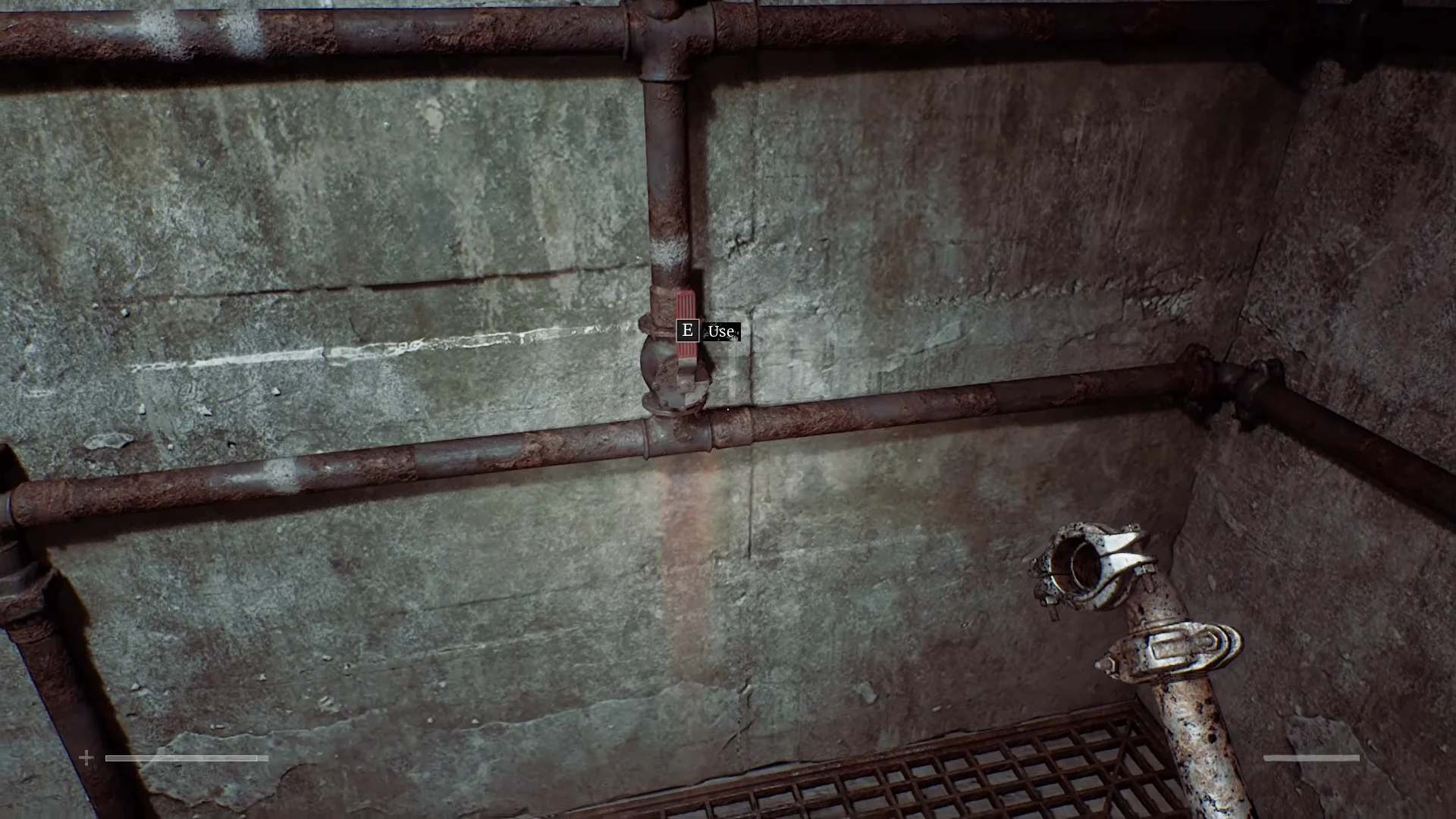
Lines 1 and 2 both run from the cabinet on the room’s right toward the left. Line 3 runs the other way, starting at the door on the left and moving right, and it steps between rows into the corner, which makes it the easiest to misread.
Full switch positions for all three auxiliary lines
Switch 1 is the one closest to where you begin. Lines 1 and 2 each contain nine switches, while Line 3 has eight.
| Order | Line 1 (one stripe, right→left) | Line 2 (two stripes, right→left) | Line 3 (three stripes, left→right) |
|---|---|---|---|
| 1 | Up | Up | Down |
| 2 | Down | Down | Up |
| 3 | Up | Down | Up |
| 4 | Up | Down | Up |
| 5 | Down | Up | Down |
| 6 | Up | Down | Up |
| 7 | Down | Down | Down |
| 8 | Up | Up | Up |
| 9 | Up | Up | — |
Line 1: nine single-stripe switches
Start at the cabinet on the right and work the bottom pipe run, moving left and changing only the nine single-stripe switches. When they match, the first status light turns green right away, which makes this the easiest set to confirm your reading of the file.
Line 2: nine double-stripe switches
From the room’s right end, move left across the center row. All nine switches there have two stripes; arrange them according to the pattern above, and the second light will turn green.
Line 3: eight triple-stripe switches
Start at the door on the left and move right, changing the eight three-stripe switches that span the top and middle rows. The route is short but crosses between rows and extends into the corner, so count carefully.
Confirm the puzzle is solved
The game checks each line independently: match its switches to the corresponding file row to turn that line’s red light green. This allows you to inspect each section in turn rather than troubleshoot the entire setup at once. Once the third light turns green, the game autosaves and opens the door; the save alert confirms that all three circuits are running.
With the auxiliary lines manually open, head back to the Remote Systems Control room and pick up the CCTV sequence where you left off. Flushing Aux Line B only unlocks the next step, so the story will not move forward until you return to that console.