Chapter 9 of Silent Hill: Townfall holds a single CRTV Signal, marked in the tracker as 01/01. It sits inside the derelict 99p discount shop at Clara Woods Estate, tied to a physical transmitter rather than free-air tuning. Storing it counts toward the collectible total for the game’s signal trophy.
Quick answer: Enter the 99p shop just off the Clara Woods Estate street, interact with the transmitter on the supply table, complete the calibration, and hold the interact key to store the one Chapter 9 signal.
Where the Chapter 9 CRTV Signal is located
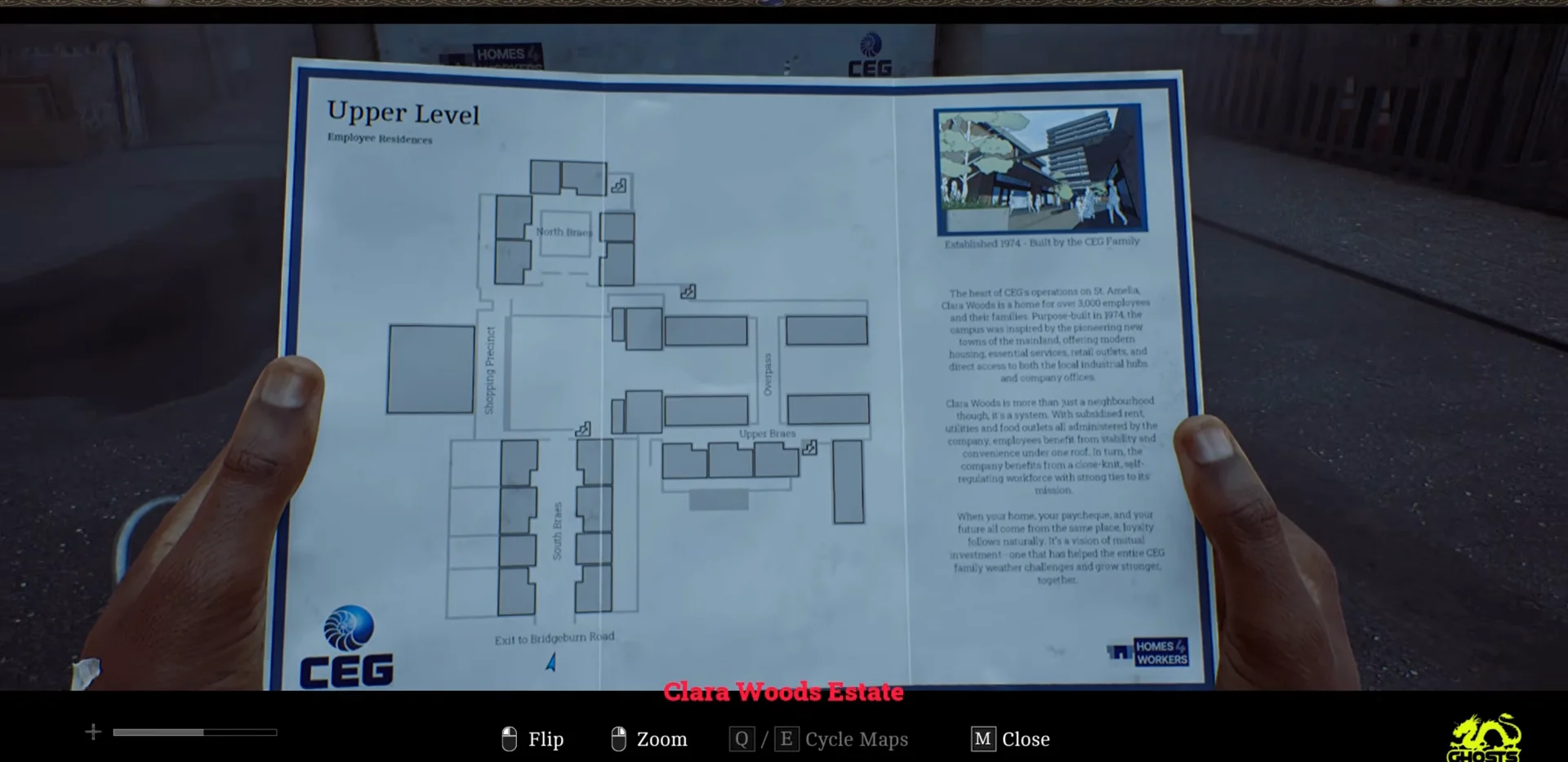
The signal is inside the 99p discount store on the Clara Woods Estate street, a converted disaster relief centre stocked with emergency supplies. The estate map you can inspect is the Upper Level layout, labelled with Employee Residences, the Shopping Precinct, South Rows, Upper Rows, the Overpass, and the Exit to Bridgetown Road. Do not walk past the map sign and continue on before you visit the shop.
The shop is the only source for this collectible in Chapter 9. There are no free-air channels to hunt down here, so the whole task is finding the transmitter and completing its calibration.
How to reach the 99p shop and the transmitter
How to tune and store the signal
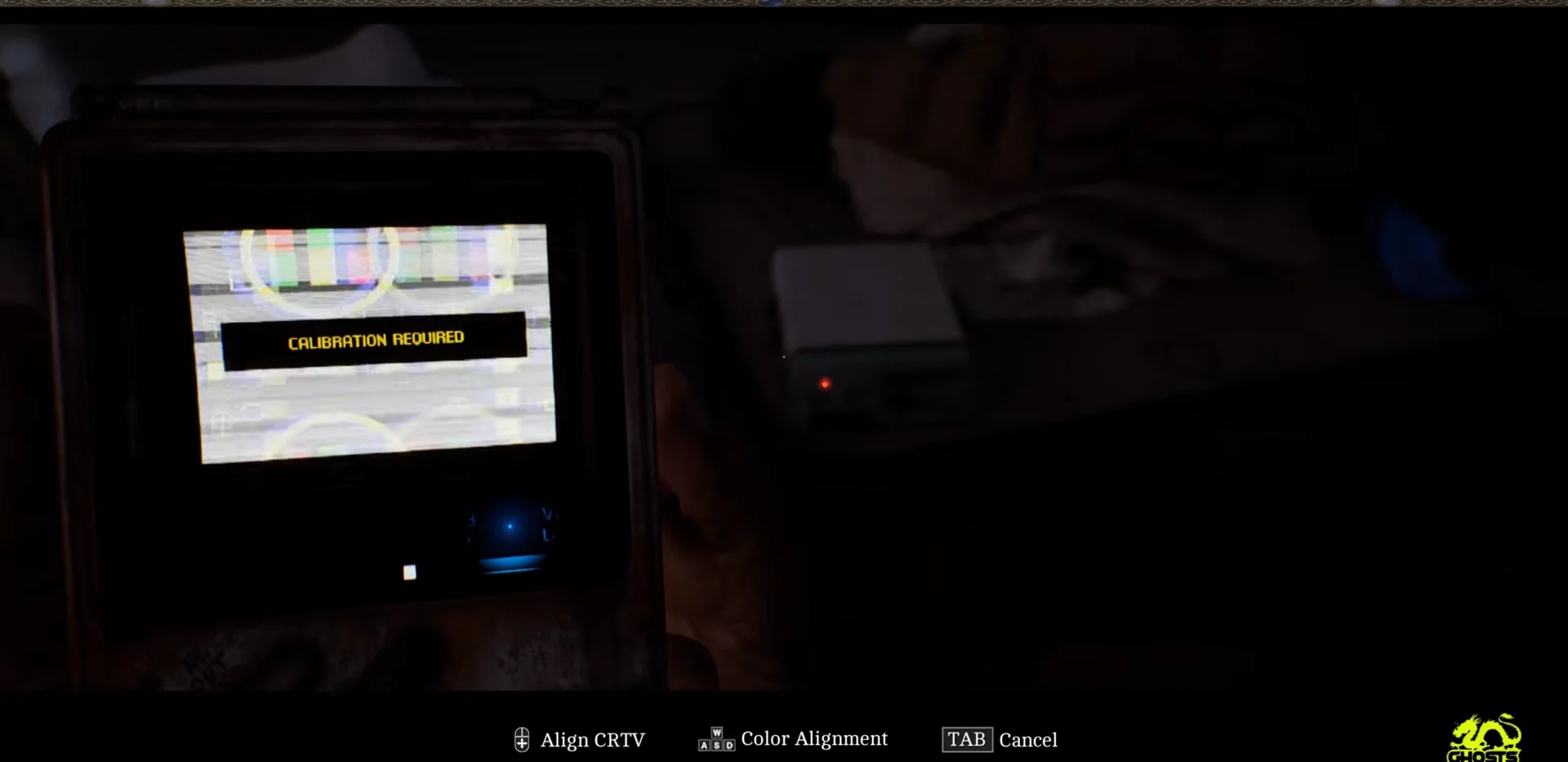
FINE TUNE - SEARCHING. Move the tuning slider slowly until the test pattern graphic appears on the screen.CALIBRATION REQUIRED. Use the align control (E) and the color alignment control (Q) to match the test pattern to the frame markers. Adjust and scale the overlay until it lines up.CALIBRATION COMPLETE, keep F held to save the signal. Press TAB whenever you want to cancel and start tuning again.How to confirm the Chapter 9 signal is collected
After you hold to store, the transmission plays back. You see footage of the relief signage and stored supplies, with a Scottish female voiceover over the top. The recording includes on-screen notices such as “EMERGENCY SUPPLIES ONLY!” and “Clara Woods disaster relief centre.”
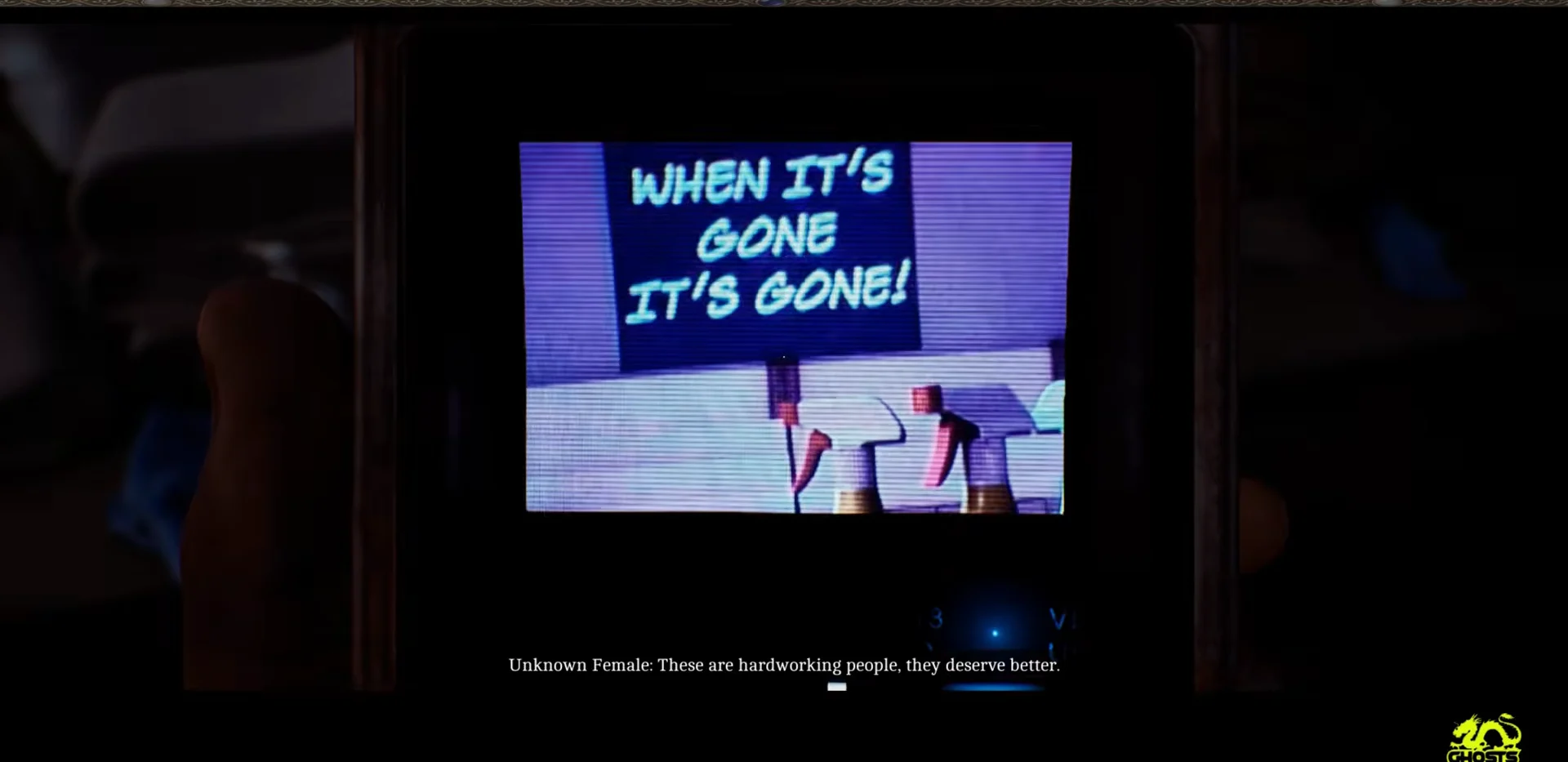
The chapter tracker showing “CRTV Signals – Chapter 9 – 01/01” confirms the one and only signal here is now recorded. Signal progress carries between playthroughs, so once this is stored it stays stored and you will not need to collect it again on a later run.