Buying the Deluxe edition of Silent Hill: Townfall or pre-ordering the Standard version gets you a small pile of cosmetic extras: alternate looks for the handheld CRTV, a second outfit for Simon Ordell, and a separate Bonus Application holding the digital art book and mini soundtrack. None of them switch on automatically. You have to download them during installation and then pick them inside the game’s cosmetic settings.
Quick answer: Download every DLC item when you install the game, then choose your CRTV Style and Simon’s Outfit in the Cosmetic Options screen at New Game, or later under Options > Game Options.
Download the DLC items before you launch the game
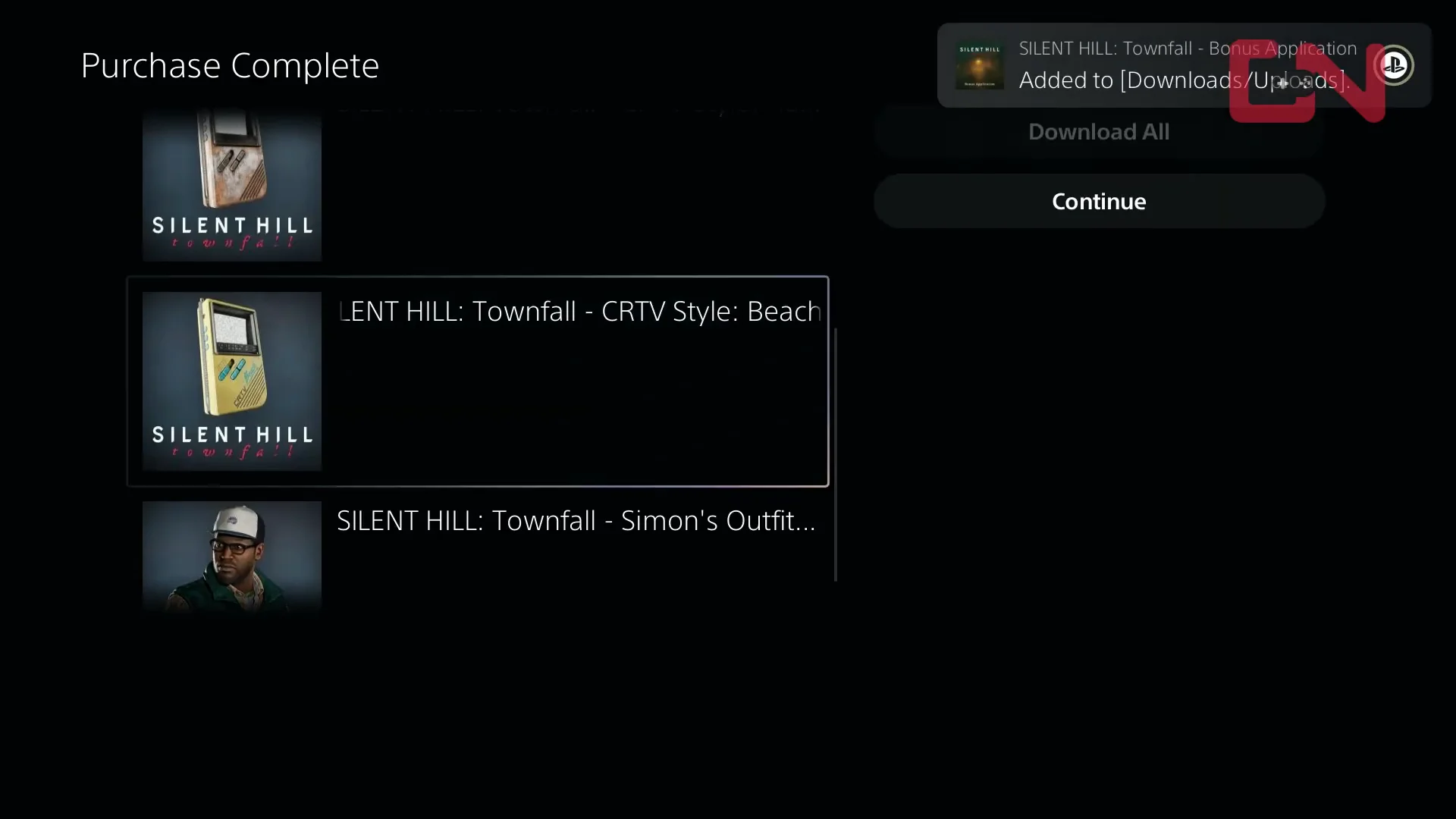
The cosmetics and the Bonus Application arrive as separate downloadable entries attached to your purchase, not as part of the base install. On PlayStation 5, the purchase confirmation screen lists them individually, and every one of them needs to be downloaded alongside the game. If you skip an item there, it will not appear in the cosmetic menus later.
Your purchase account and storefront determine access to Cosmetics and the Bonus Application. A Steam purchase stays with the Steam version, while an Epic Games Store purchase stays with its Epic Games Store copy.
Equip CRTV styles and Simon’s outfit at New Game
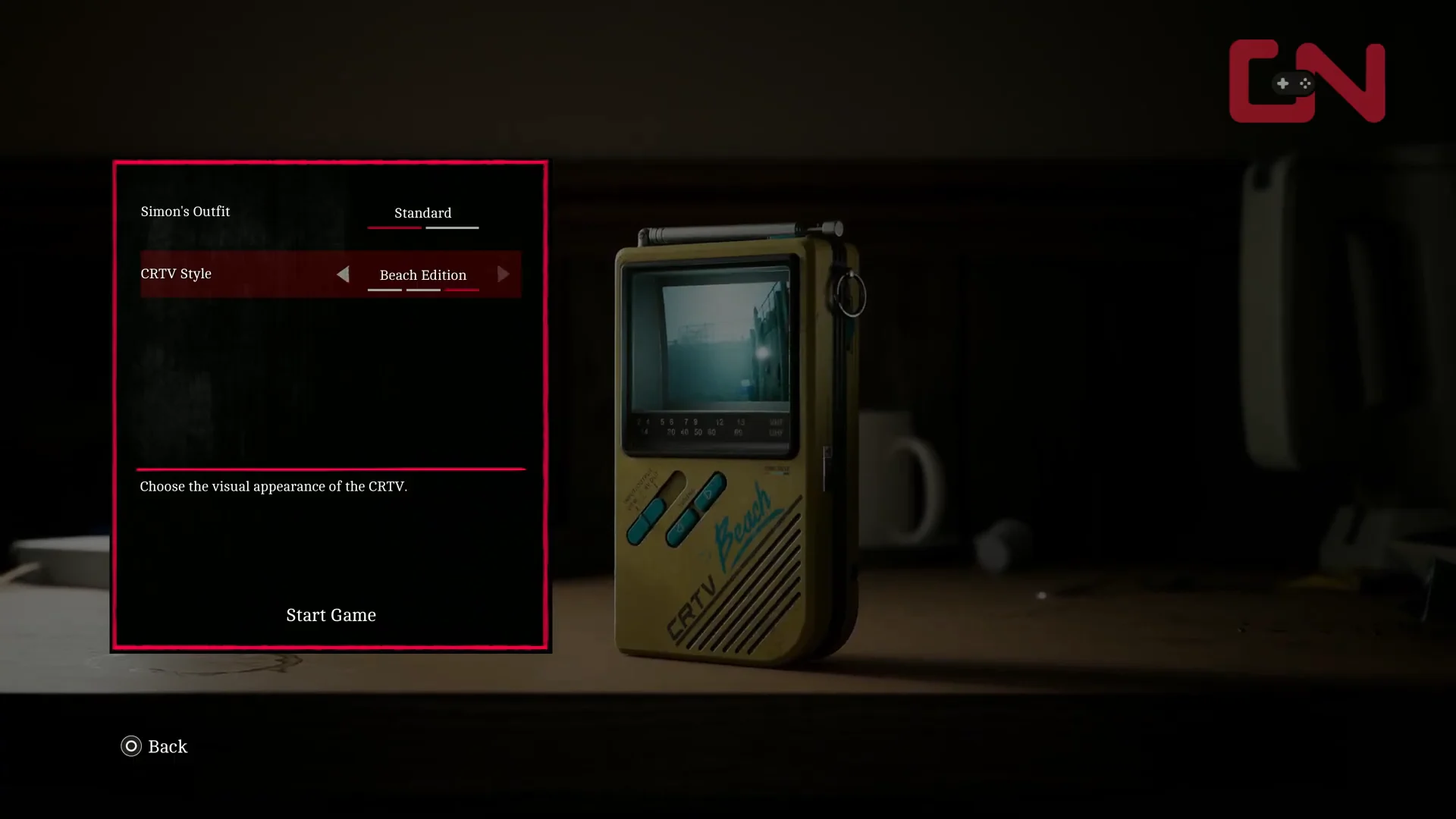
Change CRTV styles mid-run from Game Options
Nothing about the choice is permanent. If you start the campaign with the default television and decide halfway through St. Amelia that you want the rusted shell, you can swap without restarting.
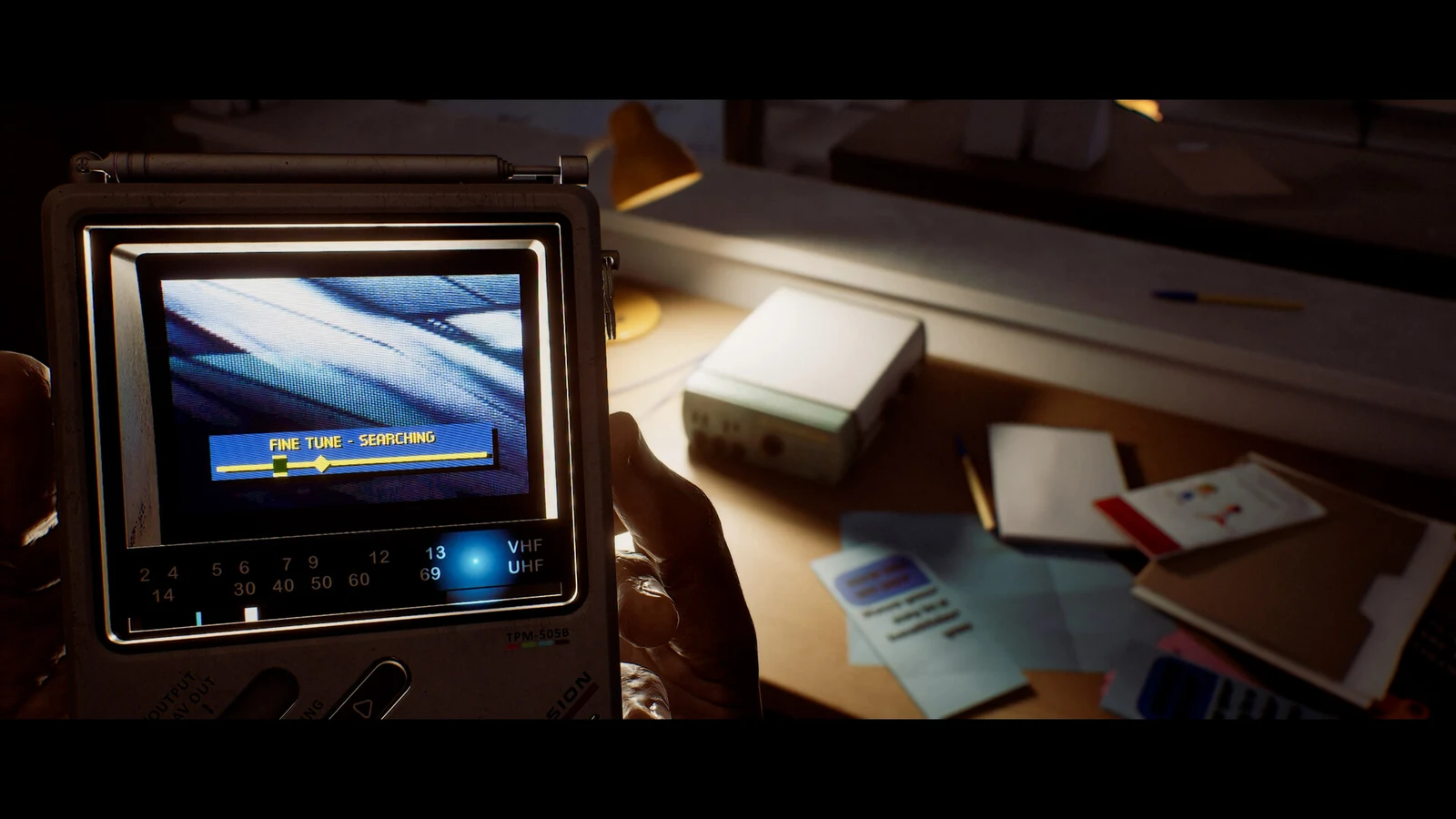
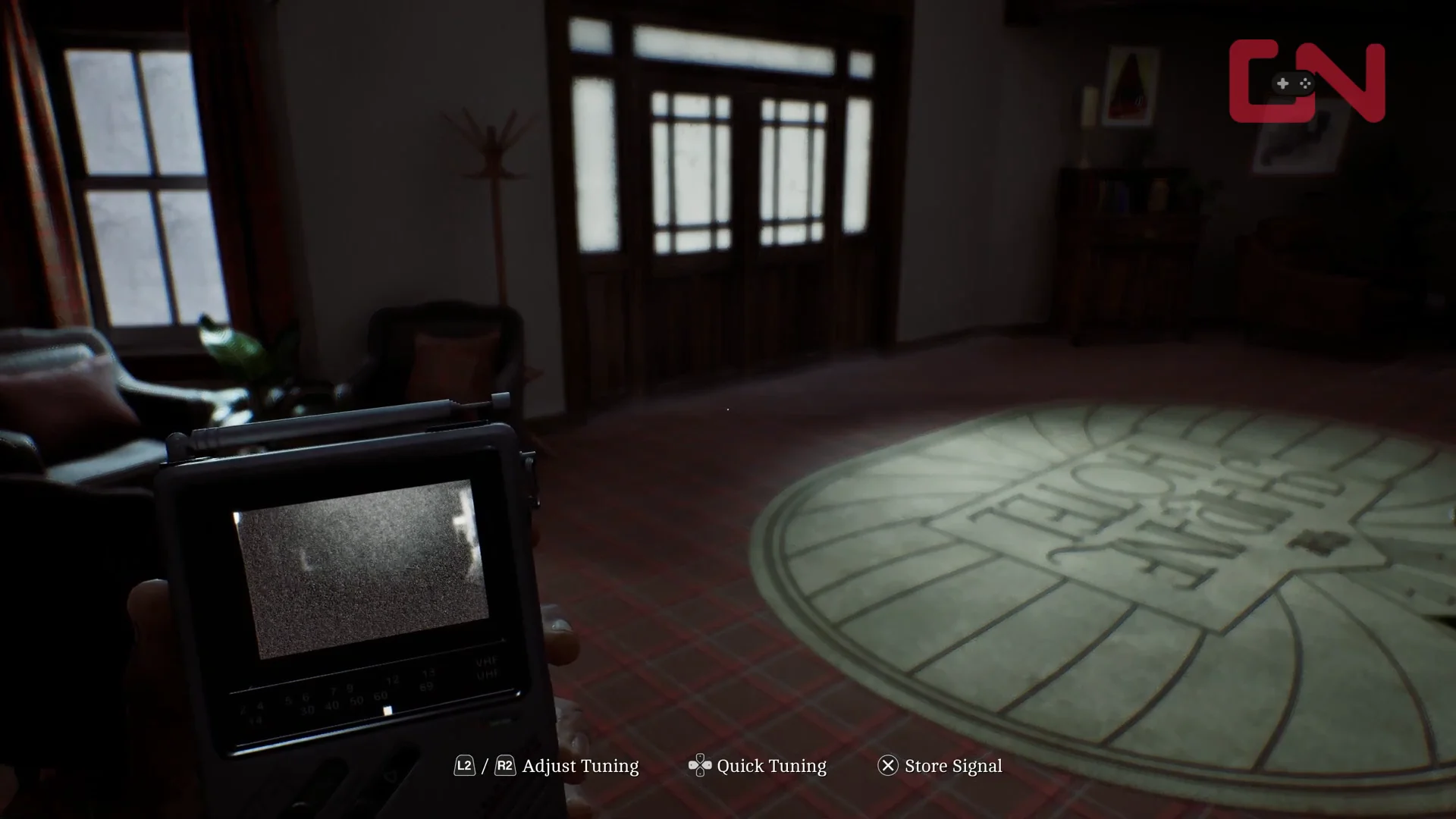
To confirm it worked, pull out the handheld CRTV once you are back in control. The casing you selected is what Simon is holding in front of you, since Townfall is played entirely in first person and the device sits in your hands rather than on a HUD.
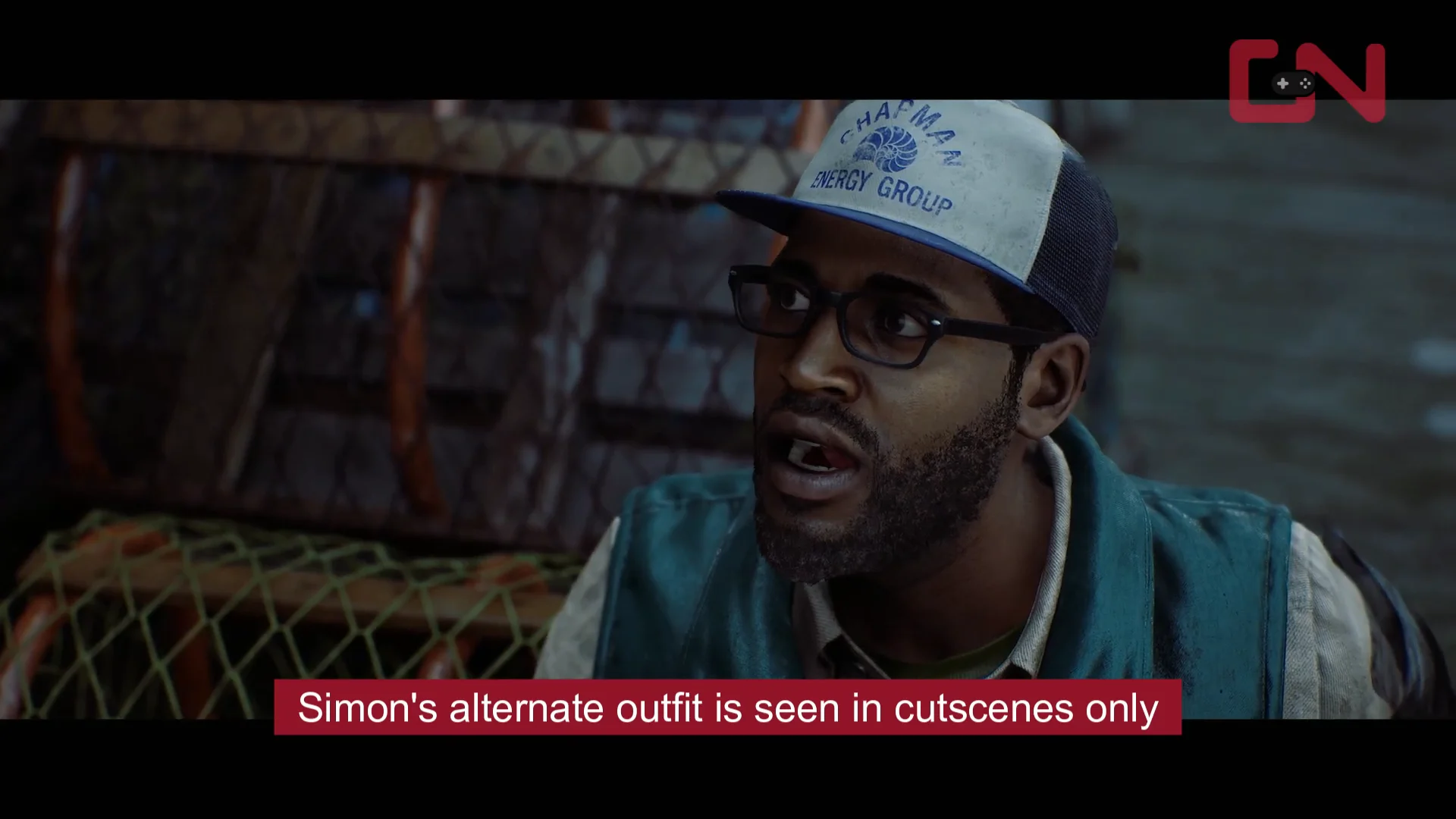
Simon’s Alternate Outfit only shows up in cutscenes
This one catches people out. Because the game never leaves first person during normal play, the alternate costume is only visible when the camera cuts away for a story scene. Set it and you will see Simon in a blue cap and a Chapman Energy Group vest during those sequences, but exploring St. Amelia looks identical either way.
Open the Bonus Application for the art book and soundtrack
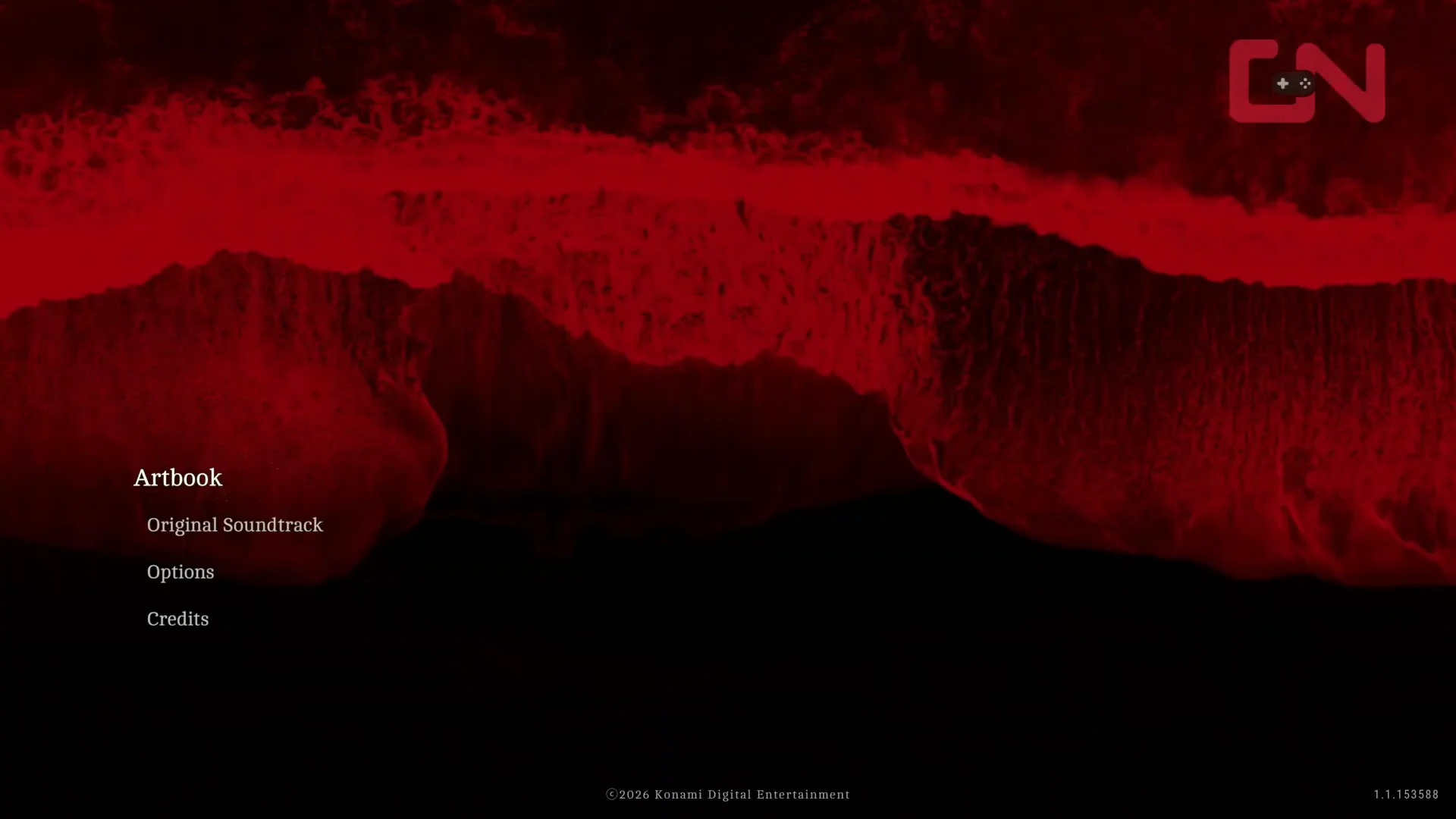
The Deluxe art book and mini soundtrack are not menu entries inside Townfall. They install as their own piece of software, listed on the PS5 home screen as Silent Hill: Townfall – Bonus Application, and you launch it the same way you launch the game.
Its main menu offers two choices, Artbook and Original Soundtrack. The contents stay inside that application, so there is no way to export the images or music as loose files in a format of your choosing.
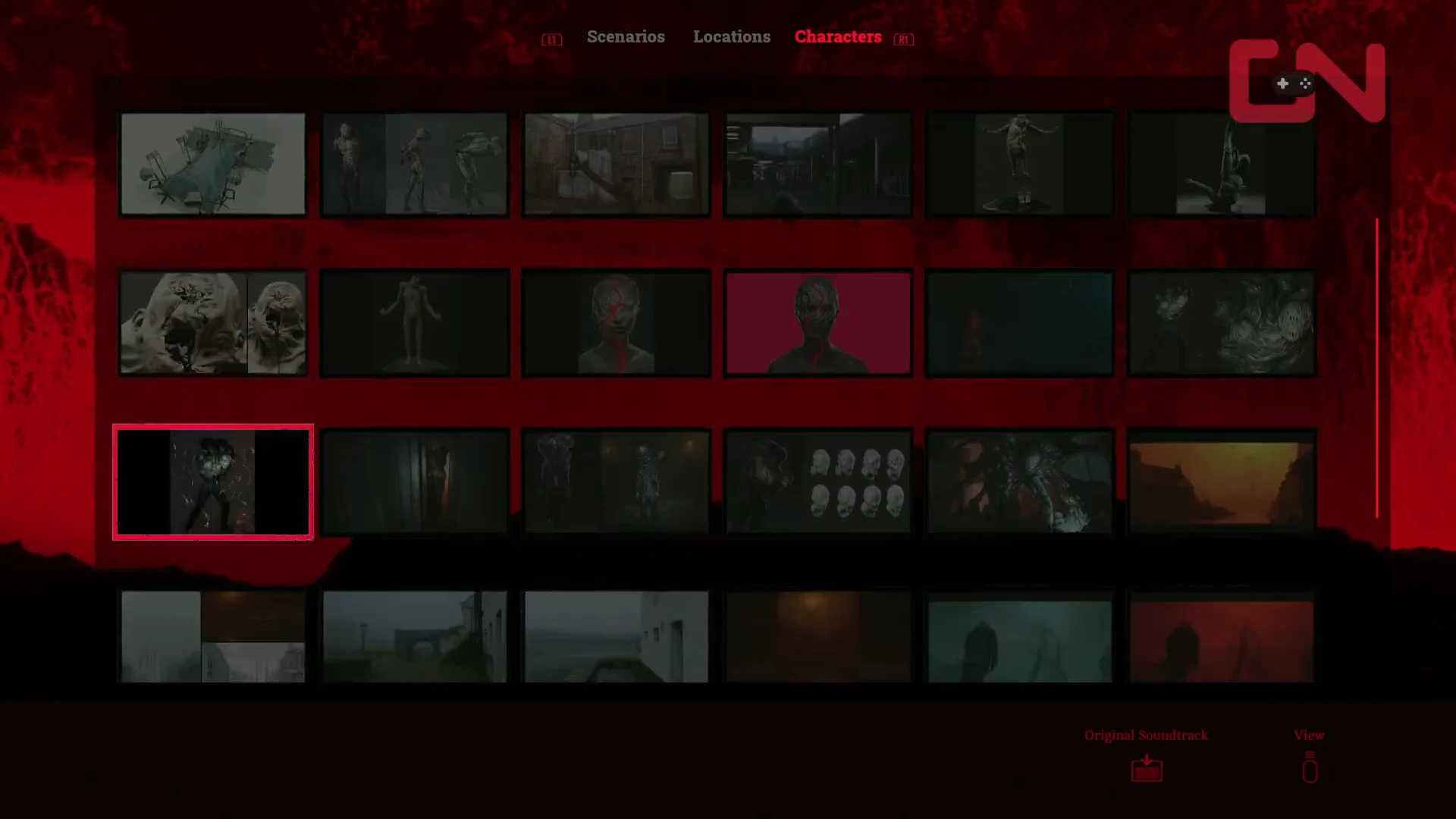
The Artbook is split into Scenarios, Locations, and Characters, mixing concept art with model renders. The Original Soundtrack side is a plain tracklist with titles, running times, and playback controls, drawing highlights from Pilotpriest’s in-game score rather than the complete set of cues.
Which items come with each edition
| Item | Standard | Deluxe |
|---|---|---|
| CRTV Style: Rusted | Pre-order bonus | Pre-order bonus |
| CRTV Style: Beach Edition | PS5 pre-order only | PS5 pre-order only |
| Simon’s Outfit: Alternate | No | Yes |
| Bonus Application | No | Yes |
| 48-hour early access | No | Yes |
Standard runs $49.99 and Deluxe $59.99, with Deluxe sold as a download only on PS5, Steam, and the Epic Games Store. Beach Edition is the one genuine split between platforms, since it does not provision on a PC receipt. Worldwide release is September 24, 2026, and Deluxe buyers get in 48 hours earlier through the same build, not a separate demo. If you still need to buy in, Konami’s regional order page routes to the official storefronts.
Worth keeping in perspective: all of this is paint. The Rusted and Beach Edition shells change how the pocket television looks in your hands, not how tuning, enemy detection, or the signal puzzles behave, and the alternate outfit does not alter Simon’s movement, health, or stealth. Equip whichever combination you like and the game underneath plays exactly the same.