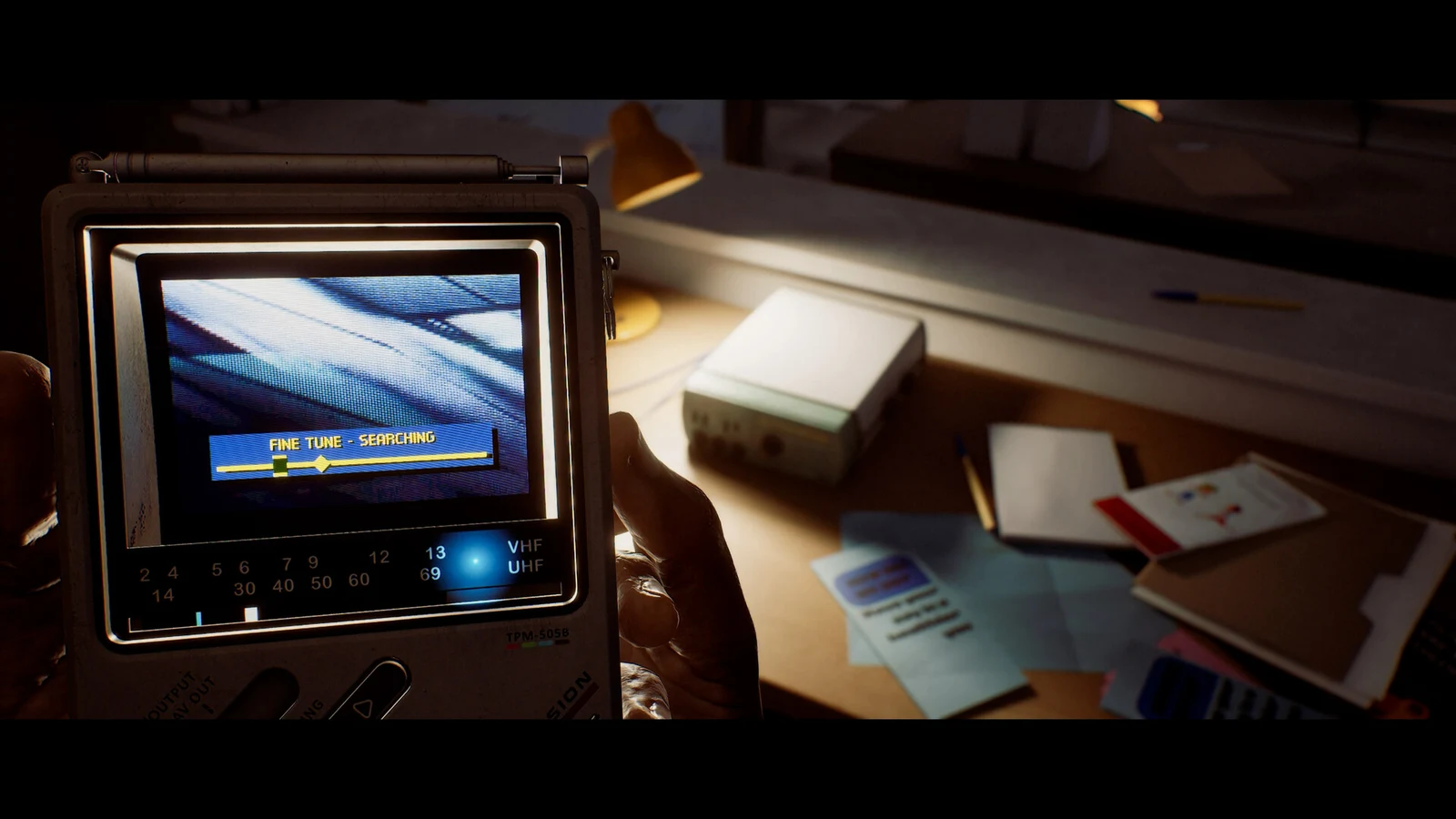
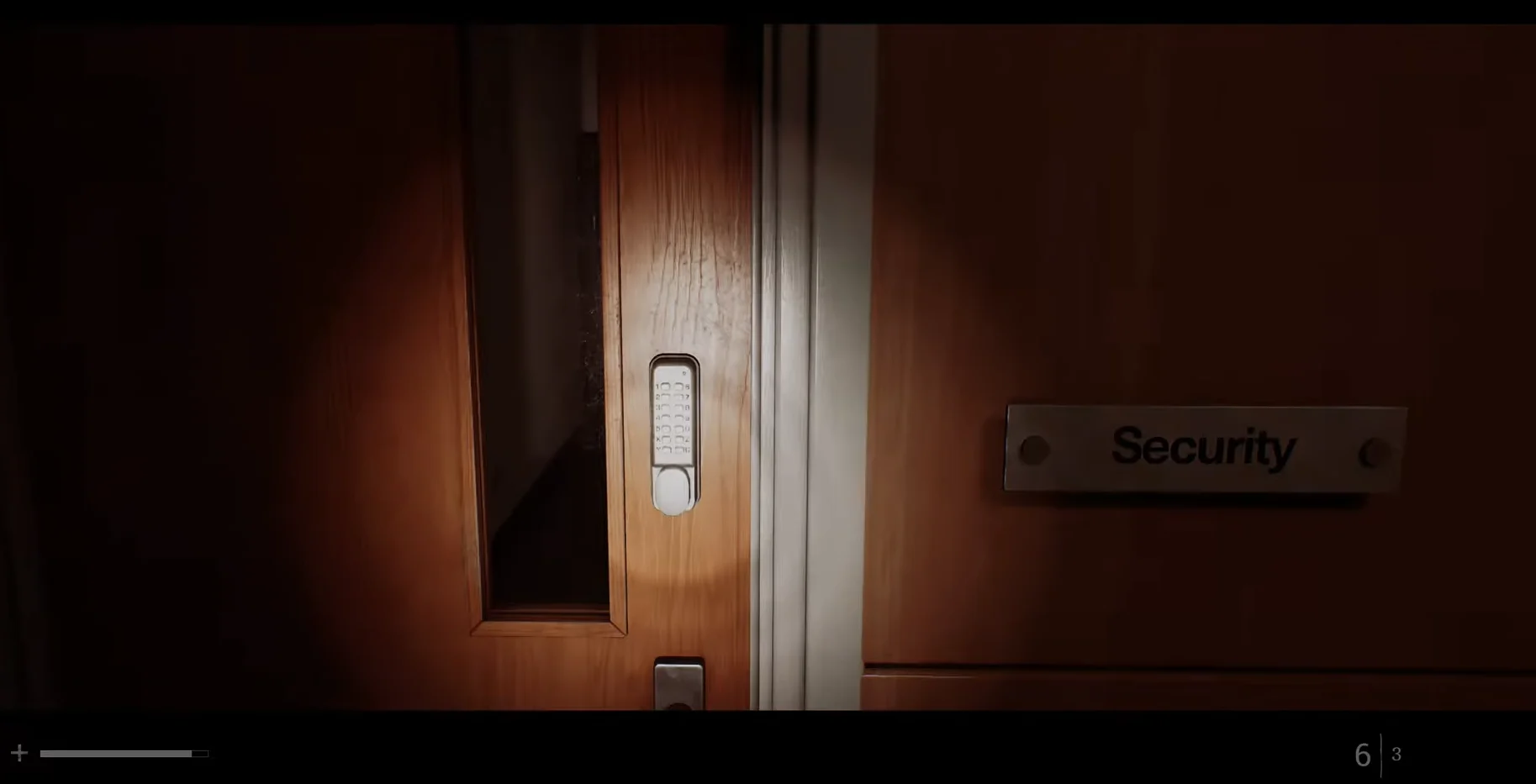
The ground floor of the CEG Tower in Silent Hill: Townfall is deliberately thin. A reception area, a Maintenance room, a conference space full of chairs and black storage boxes, an elevator that refuses to move, and one locked door with a keypad on it. That locked door is the Security Room, and everything Simon needs to get upstairs sits behind it.
Quick answer: The Maintenance room whiteboard shows a 4 followed by arrows. Trace each arrow across the Security Room keypad layout to find the next digit, then enter all four at the door.
What you need before the CEG Tower opens
The tower is gated behind an earlier objective, so there is no way to reach the keypad ahead of schedule.
- All three Mechanical Parts collected.
- The Atlas Way gate opened with those parts.
- Entry to the CEG Tower ground floor, which puts you in reception.
How the Maintenance room arrow clue works
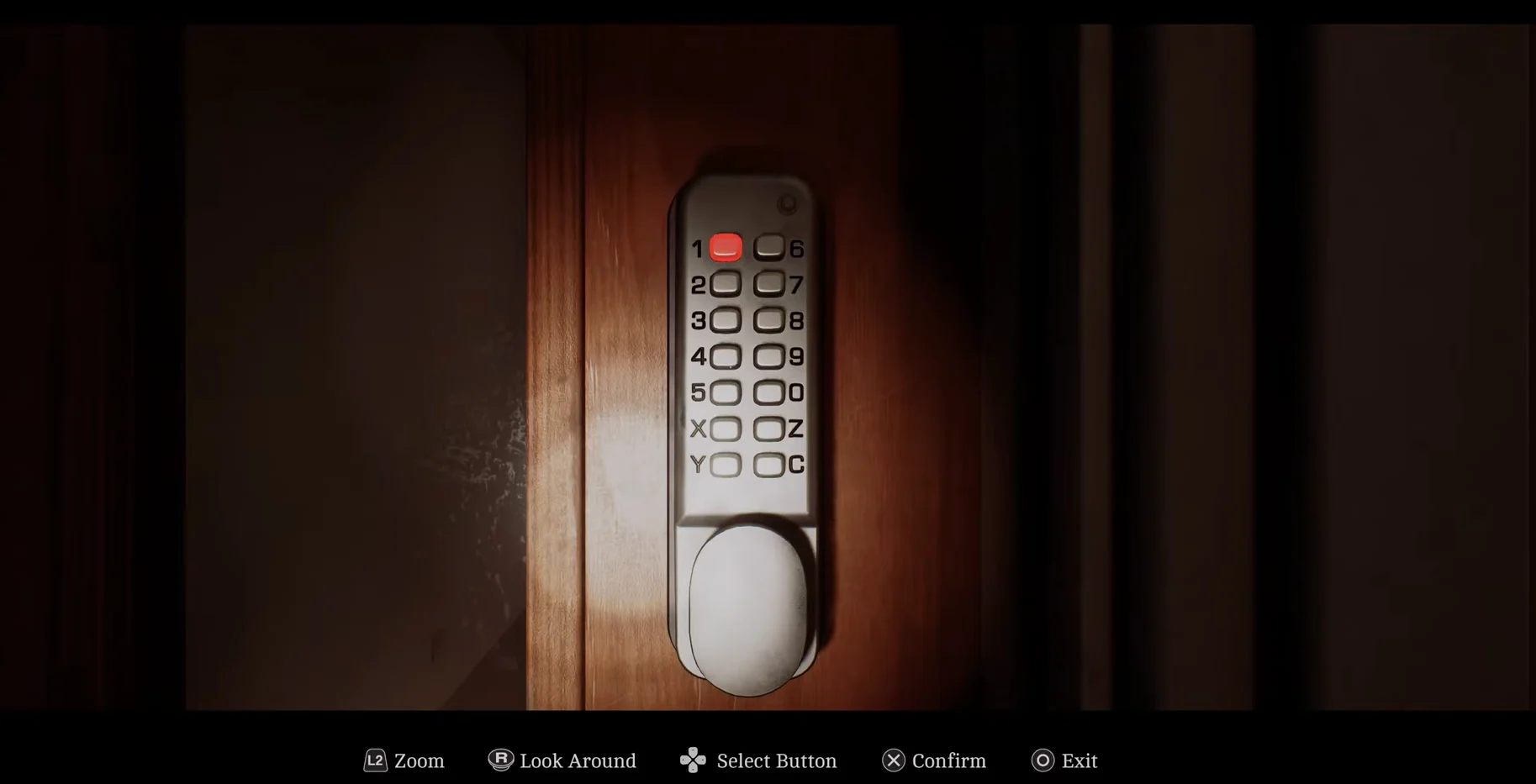
Head into the Maintenance room before you touch the keypad. The whiteboard there shows a single number — 4 — followed by a run of arrows. Those arrows are not compass directions for the building. They describe movement across the keypad grid beside the Security Room door.
Start on 4. Follow the first arrow to the digit it points to, and that becomes your second number. Repeat from each new position until you have four digits total. The clue trips people up because an arrow can read as though it is aiming at a number that is not directly next to your current one, so picture the keypad layout while you trace rather than guessing at the sequence.
While you are in the room, check the trash can. It holds one half of the Case Codes document, which is useless on its own until you find the matching half.
Opening the Security Room door
What is inside the Security Room
Three things matter in here, and one of them is a lifeline.
| Object | Use |
|---|---|
| Phone | Saves your progress |
| Computer (documents) | Extra files to read |
| Computer + card reader | Prints the Access Card |
Also search the trash can beside the desk. Inside is the remaining half of the Case Codes sheet. In your inventory, combine both pieces to reconstruct the complete document.
Use the phone before you start the card-printing errand. It is the only save point on this floor.
Richard’s storage box in the conference area
Printing the Access Card and riding to the 10th floor
That cutscene is your confirmation that the whole chain landed. If the elevator still rejects you, the card has not printed — go back to the reader, verify the green light, and re-enter the ID.
Codes
| Lock | Entry |
|---|---|
| Security Room keypad | 4895 |
| Richard’s box 36 | 486 |
| Employee ID (card printing) | 00007820518 |
Enter each value at its matching keypad, box dial, or terminal, then press Up on the D-Pad to print the card once the Employee ID is in.