Slap Battles’ Catseye is a Halloween badge glove that slaps can’t purchase. Earn it through a short scavenger hunt: collect four concealed tapes in sequence at Debug, Retro, Moai, and the Default Only arena, wearing the required glove at each stop. Finish by returning to the first tape and claiming the badge.
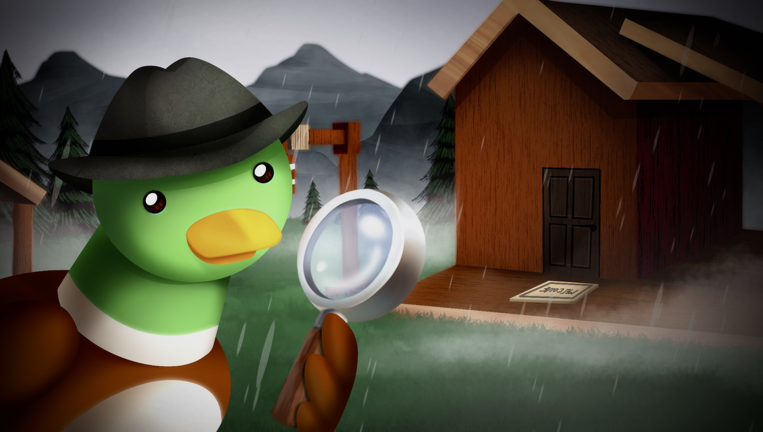
Quick answer: Visit Debug wearing Debug, Retro with Recall, Moai with Plague, and finally the Default Only arena. Once you have all four tapes, revisit the first disc by the Debug duck and click it.
Gloves you need before starting the Catseye quest
The glove requirement is checked at three of the four tape stops. If you don’t own all three required gloves, your progress will halt partway through. Unlock them first; in the lobby, use Inventory to equip the right one at each stage.
- Debug, a badge glove unlocked through the Out of Bounds badge
- Recall, a badge glove unlocked through the Repressed Memories badge
- Plague, which has to be equipped when you slap the Moai head
Each glove swap happens back in the lobby, so expect a few round trips between the glove inventory and the portals during the run.

In Retro, a pop-up may offer a 5-minute Blunderbuss trial for 39 Robux. Pick “Later.” While the trial is active, you can’t earn any badges.
Catseye tape locations and required gloves
| Tape | Location | Glove equipped | Trigger |
|---|---|---|---|
| 1 | Debug duck area | Debug | Click the small disc |
| 2 | Retro | Recall | Cross the invisible path |
| 3 | Moai | Plague | Slap the Moai head |
| 4 | Default Only arena | Any allowed glove | Slap the duck (or tree) |
Order matters here. Each tape builds on the one before it, and the claim at the end only works once all four are in hand. The fourth trigger is usually the duck in the Default Only arena, but some players get the tape from a tree in that arena instead. If the duck does nothing, slap the tree before you leave.
How to collect all four Catseye tapes
Tapes 1 and 2: Debug and Retro
Tapes 3 and 4: Moai and the Default Only arena
Claiming the Hollow Vision badge and Catseye
After collecting all four tapes, return to Debug island and use the Debug duck again. It takes you back to the spot where you picked up tape one. Click that original disc to earn the Catseye badge and unlock the glove.
The badge appears under several names, all referring to the same badge. Its title is Hollow Vision. At the lobby glove pedestal, the requirement reads OWN THE "???" BADGE. The listing also calls it Salvaged Code, and its internal code name is MoyaiV2. You don’t enter that code name anywhere; Catseye can’t be redeemed with a code.
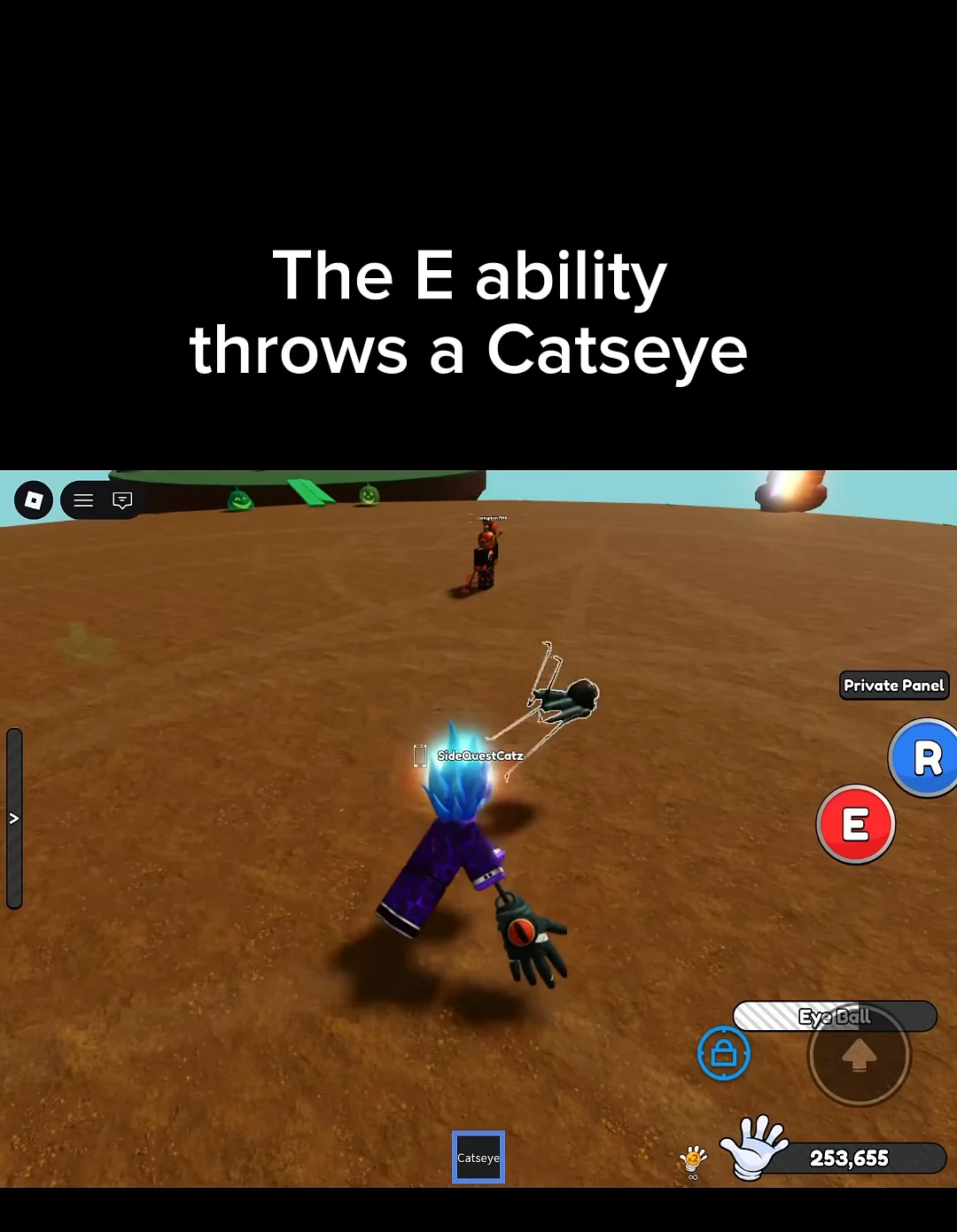
After it works, Catseye shows up in your Inventory, ready to equip. Hold it to reveal the ability prompt, “Press E to Use”. As with other badge gloves, it remains unlocked permanently.
If clicking the final disc does nothing, you’ve missed at least one tape. Revisit all four locations with the right glove equipped at each, then return to the Debug duck and click the disc again.
Catseye stats and Eye Ball ability
| Stat | Value |
|---|---|
| Power | 50 |
| Speed | 16 |
| Ability | Eye Ball (press E) |
| Unlock | Hollow Vision badge |
Those numbers match the Catseye stand in the lobby. Its plaque still hides the badge name behind question marks, which is the requirement the tape quest fulfills. Catseye began as a concept cut from an earlier Halloween event and now ships as its own glove.
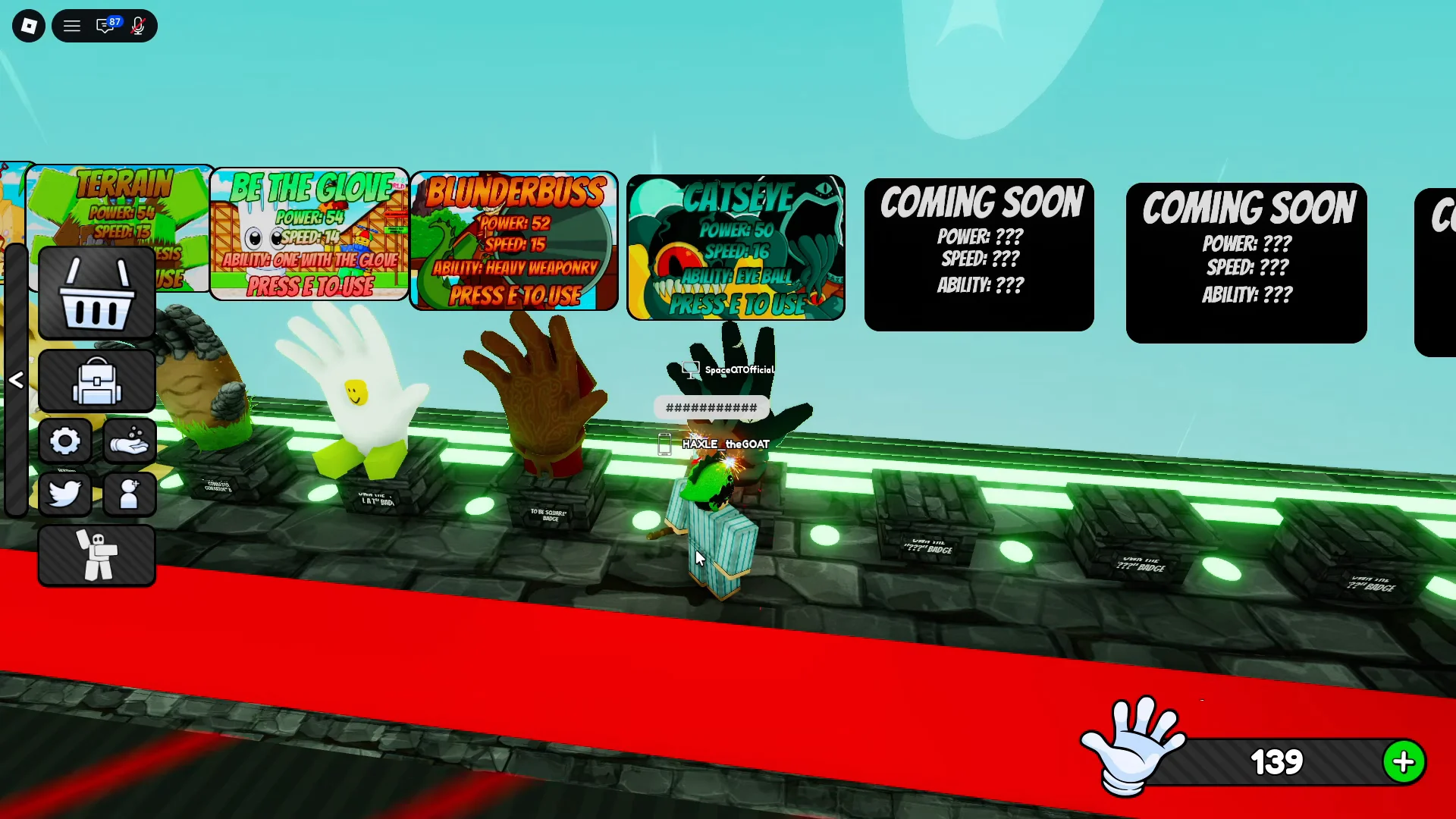
Eye Ball works in two parts. Pressing E throws a Catseye at an opponent. Once someone is carrying a Catseye, your R ability pulls them toward you and starts a tug-of-war minigame titled “PULL THE CATSEYE VICTIM! Whoever is the fastest wins!” Win the pull and you can drag the target all the way in and slap them away.