Gloves and devices in Sol’s RNG do nothing while they sit in your bag. The inventory keeps gear and consumables in two separate tabs, and each one behaves differently: gear goes into a hand slot on your character, while potions and chests are used on the spot. The step most players miss is the second click.
Quick answer: Open the Inventory, switch to the Gears tab, click the glove you want, then click the R or L slot beside your character model. Clicking the glove in the grid on its own does not put it on your hand.
Gears tab vs Items tab
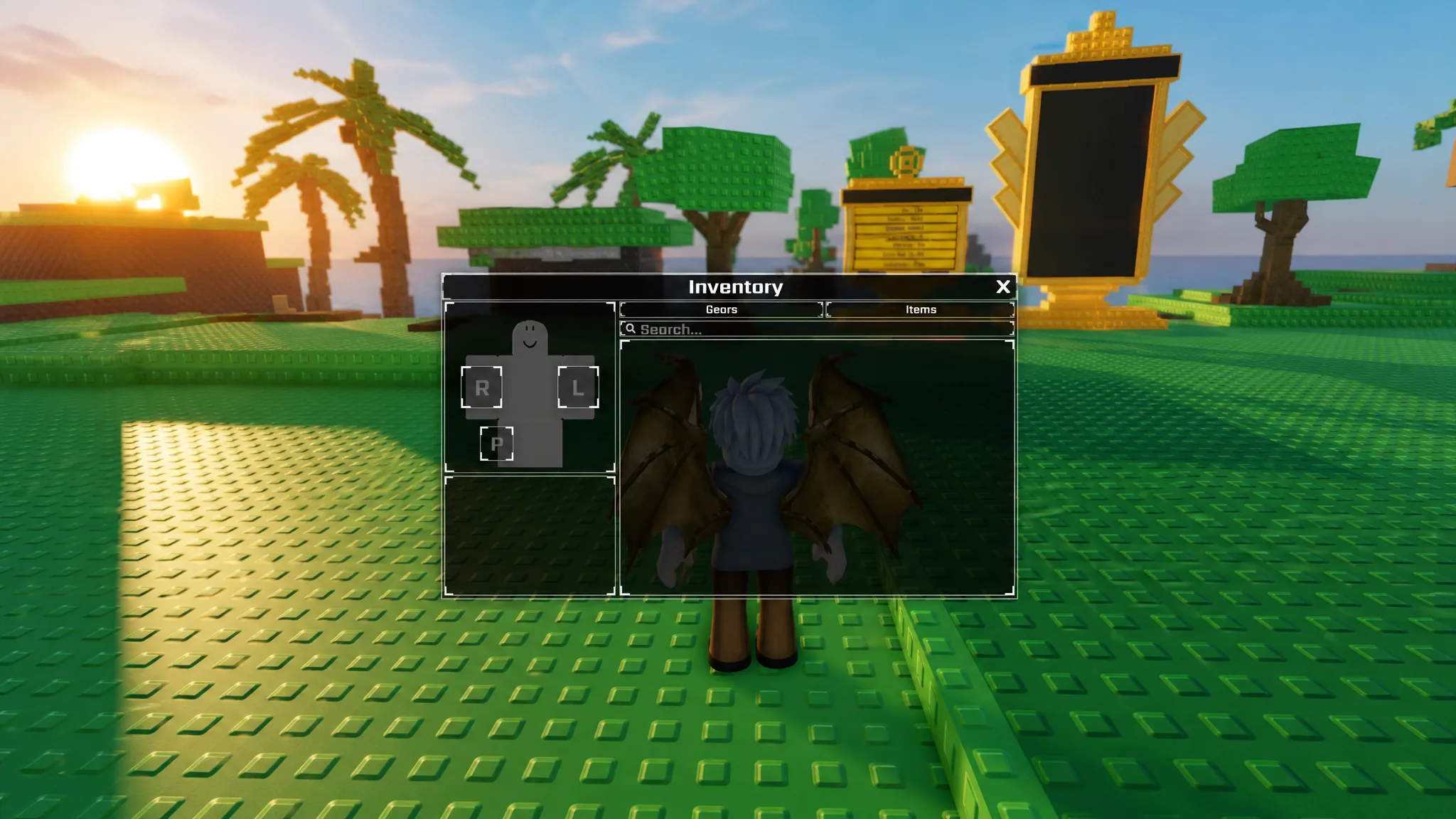
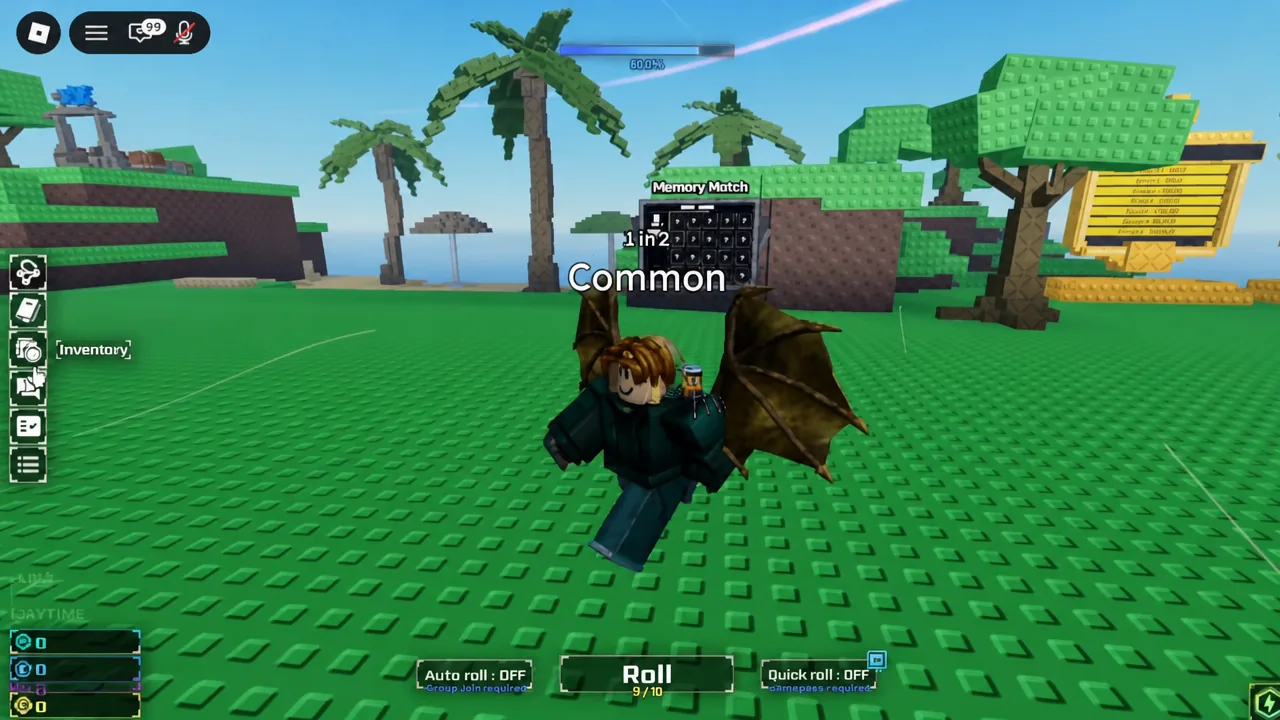
The Inventory icon sits on the left side of the screen, next to the rest of the HUD. Opening it gives you two tabs. Gears shows a character silhouette with two equip slots marked R and L, plus a grid of every glove and device you own. Items is the consumables list, holding things like Potion Chests, Rare Potion Chests, Horseshoes, Power Batteries, seasonal food, and finished potions.
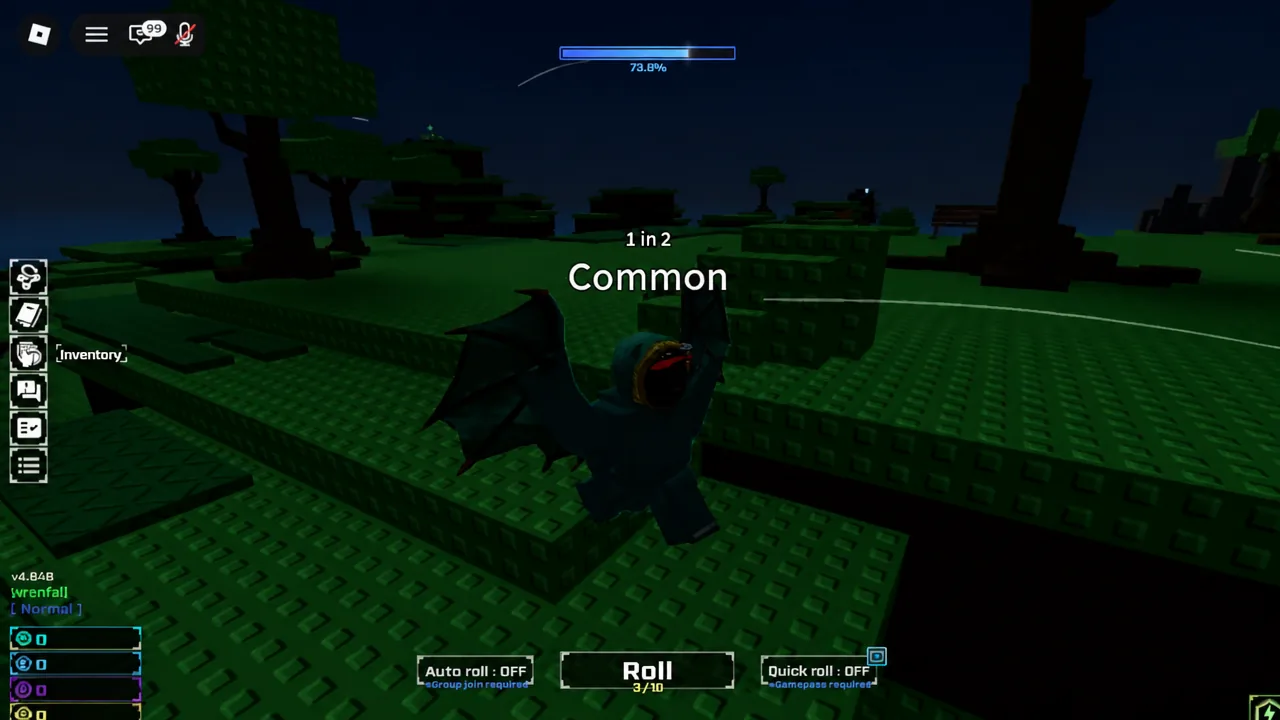
A new account starts with an empty Gears tab, which is normal. Most equipment is crafted at Jake’s Workshop by handing in specific auras and Gear Basings, so the tab fills up only once you start turning rolled auras into equipment.
How to equip a gear to the R or L slot
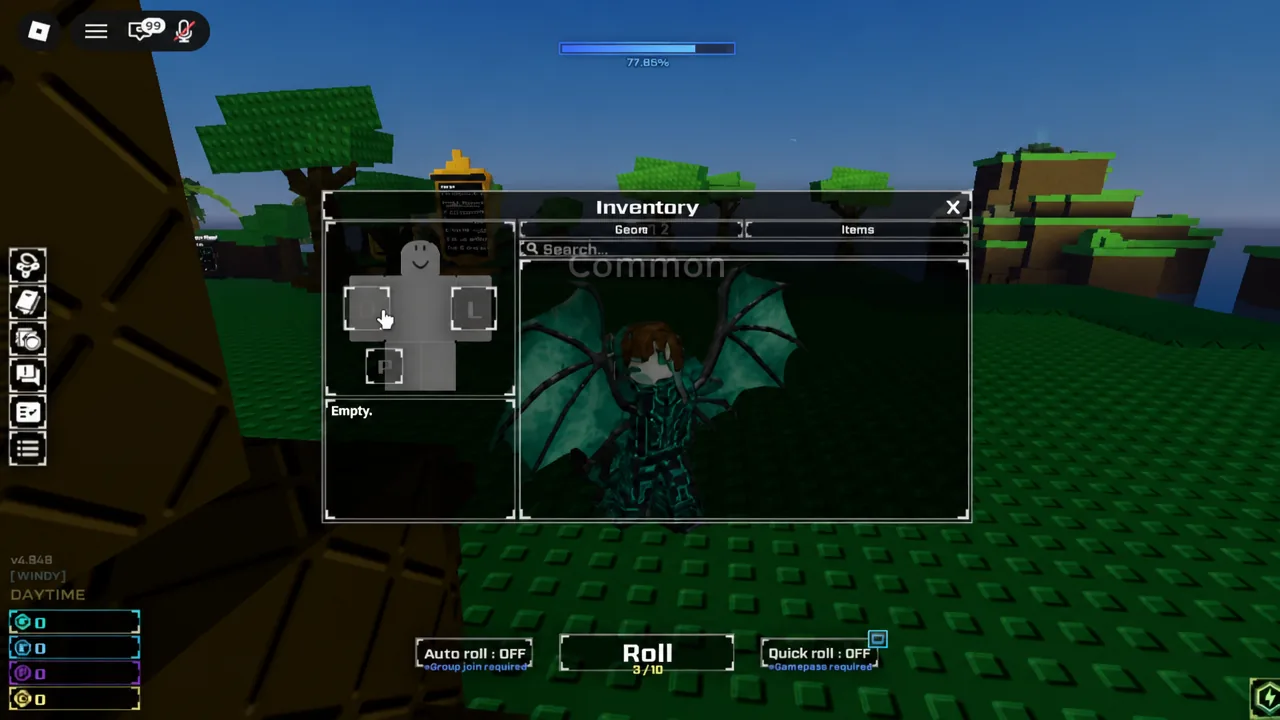
Tip: each gear icon carries a small L or R letter in its background art. That letter tells you which slot the item is allowed in before you try to place it.
Which gears fit the left hand
Almost everything you craft is right-handed. Try to drop an Exo Gauntlet into the L slot and it simply will not take. The left hand exists as a second slot so you can stack a bonus on top of your main glove, and only a small set of gauntlets qualify for it.
| Left-hand gear | Effect |
|---|---|
| Jackpot Gauntlet | +77% Luck, 7% shorter roll cooldown, and 77 Gold each time you roll a Jackpot aura. Crafted from 7 Gear Basing, 77 Jackpot, 77 Gilded, and 777 Rare auras. |
| Gravitational Device | Raises the luck multiplier on the bonus roll that fires once every ten rolls. Crafted from 15 Gear Basings, 1 Gravitational, 3 Bounded, 5 Exotic, 75 Magnetic, 152 Diaboli, 31 Sidereum, 5 Nautilus, and 152 Precious auras. |
Both left-hand bonuses stack with whatever is in your right hand, which is the entire point of filling the slot. The Jackpot Gauntlet is the cheaper of the two by a wide margin, so it is the usual first pick.
How to use potions and chests from the Items tab
A few examples of what these consumables actually do: the Potion of Bound is described in-game as granting +50,000 Luck for your next single roll, the Summer 2024 watermelon dish gives one hour of Rainbow Ice for +100% Luck and +25% Roll Speed, and a Power Battery adds +500 Weapon Power.
Potion Chest drop rates
Opening a Potion Chest is its own roll. The odds are printed on the item tooltip, and they run from bulk speed and luck potions down to two entries at a twentieth of a percent.
| Reward | Chance |
|---|---|
| 10 Speed Potions | 20.00% |
| 10 Lucky Potions | 20.00% |
| 10 Fortune I Potions | 10.00% |
| 10 Haste I Potions | 10.00% |
| 4 Fortune II Potions | 7.00% |
| 4 Haste II Potions | 7.00% |
| 2 Fortune III Potions | 5.00% |
| 2 Haste III Potions | 5.00% |
| Rage Potion | 3.00% |
| Elixir Potion | 3.00% |
| Heavenly Potion I | 1.00% |
| Aura Potion | 1.00% |
| Universe Potion | 1.00% |
| Memory Potion | 1.00% |
| Gravity Potion | 1.00% |
| Warp Potion | 0.50% |
| Godlike Potion | 0.05% |
| Transcendent Potion | 0.05% |
Checking it worked, and why it sometimes doesn’t
A successful equip is visible in two places at once. The gear appears in the R or L box next to the silhouette, and it also shows up on your avatar’s hand out in the world. If the grid icon is highlighted but the slot is still empty, the equip never happened.
The two things that stop it are simple. Clicking only the item in the grid selects it without equipping it, and a right-handed item refuses the L slot outright. For consumables, a used potion registers as an active effect and the stack count in the Items tab drops by the amount you consumed.
Menus that are not the inventory
Gear and consumables live only in the Inventory. The other HUD buttons open separate screens: Quests and Daily Quests track objectives such as rolling 300 times or crafting a Haste Potion I, and Aura Collections logs every aura you have rolled by rarity tier.
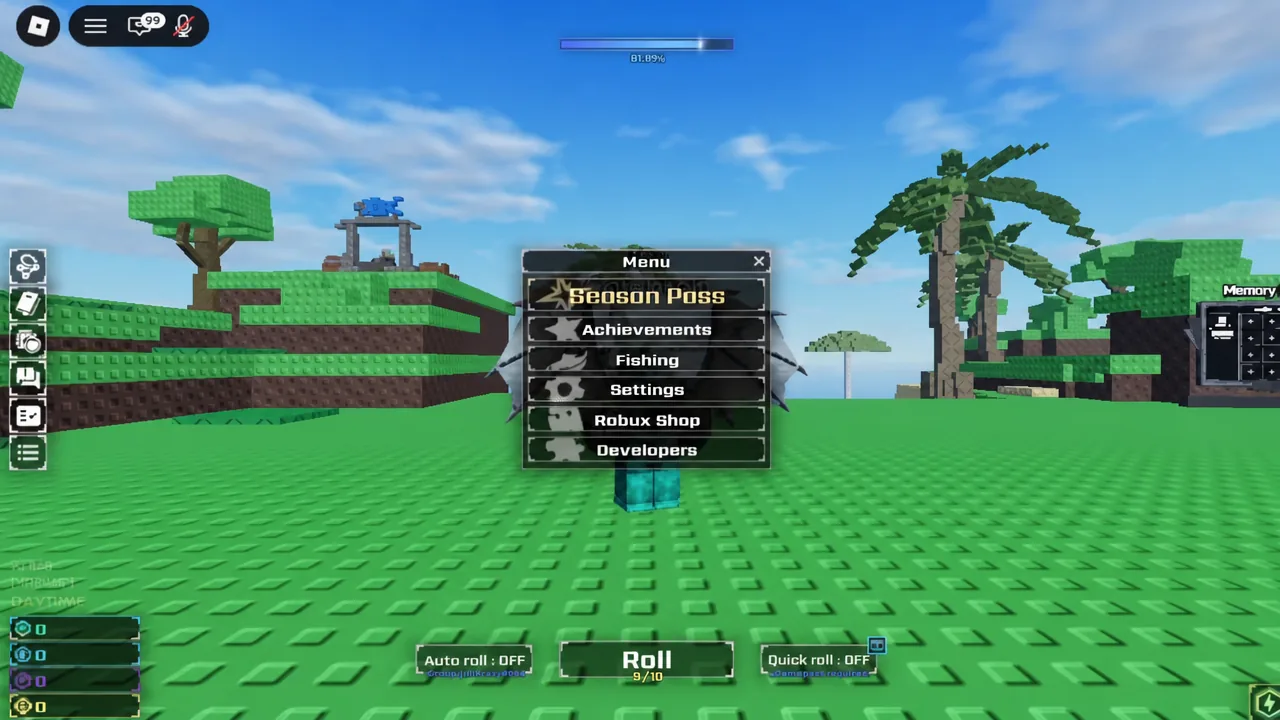
The main Menu button covers Season Pass, Achievements, Fishing, Settings, the Robux Shop, and Developers. Season Pass rewards and Fish Storage, which holds up to 20 fish alongside its own Collection view, are both handled there rather than in your gear bag.
Once a glove is sitting in the R slot and a Jackpot Gauntlet is in the L slot, the bonuses run passively for as long as they stay equipped, so the only thing left to manage is when you burn your one-roll potions. Save those for a session where your gear and any active biome buffs are already stacked. You can jump back in on the Sol’s RNG game page on Roblox.