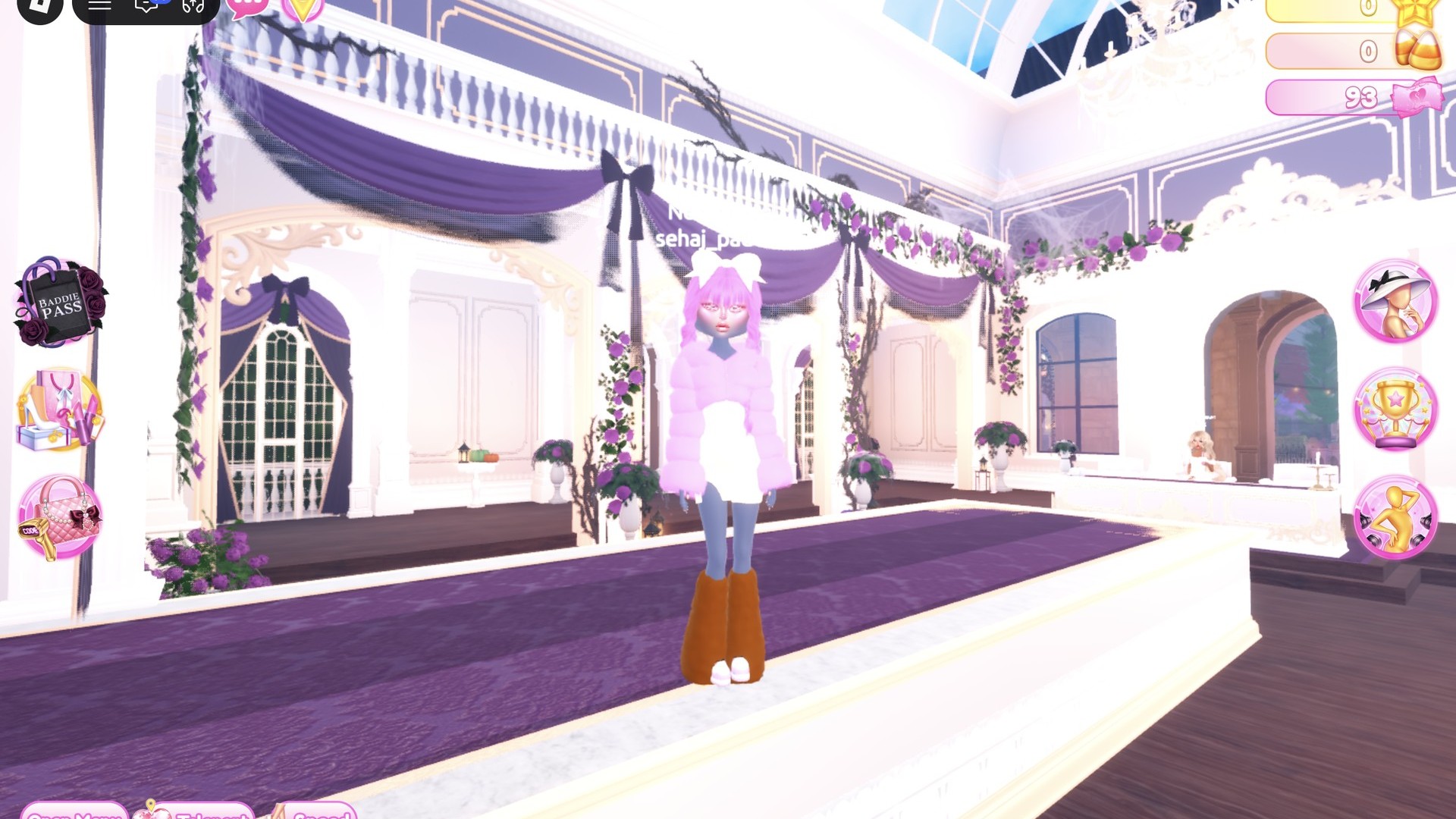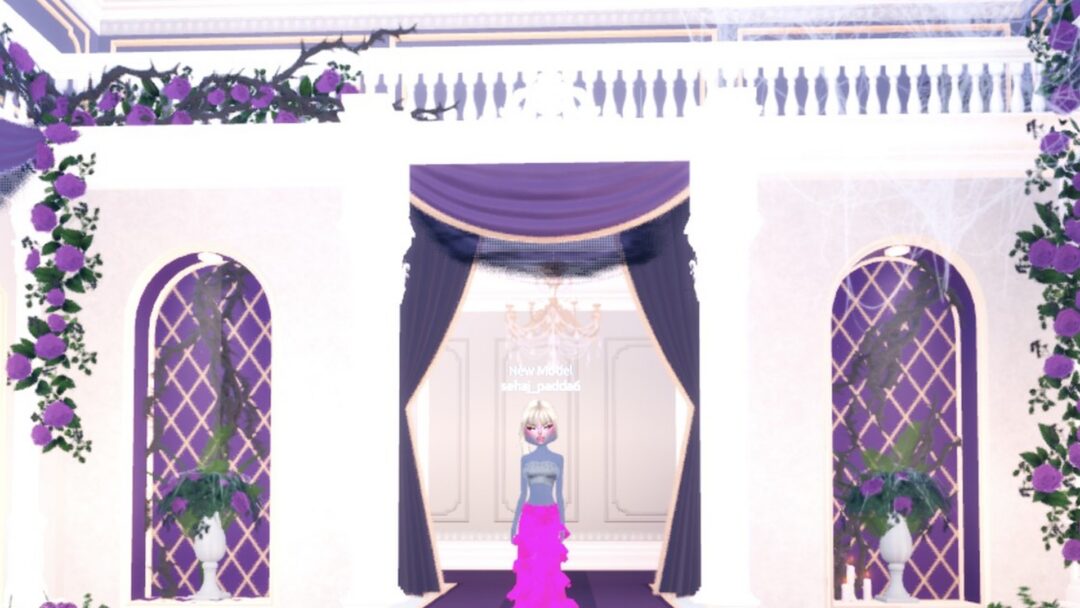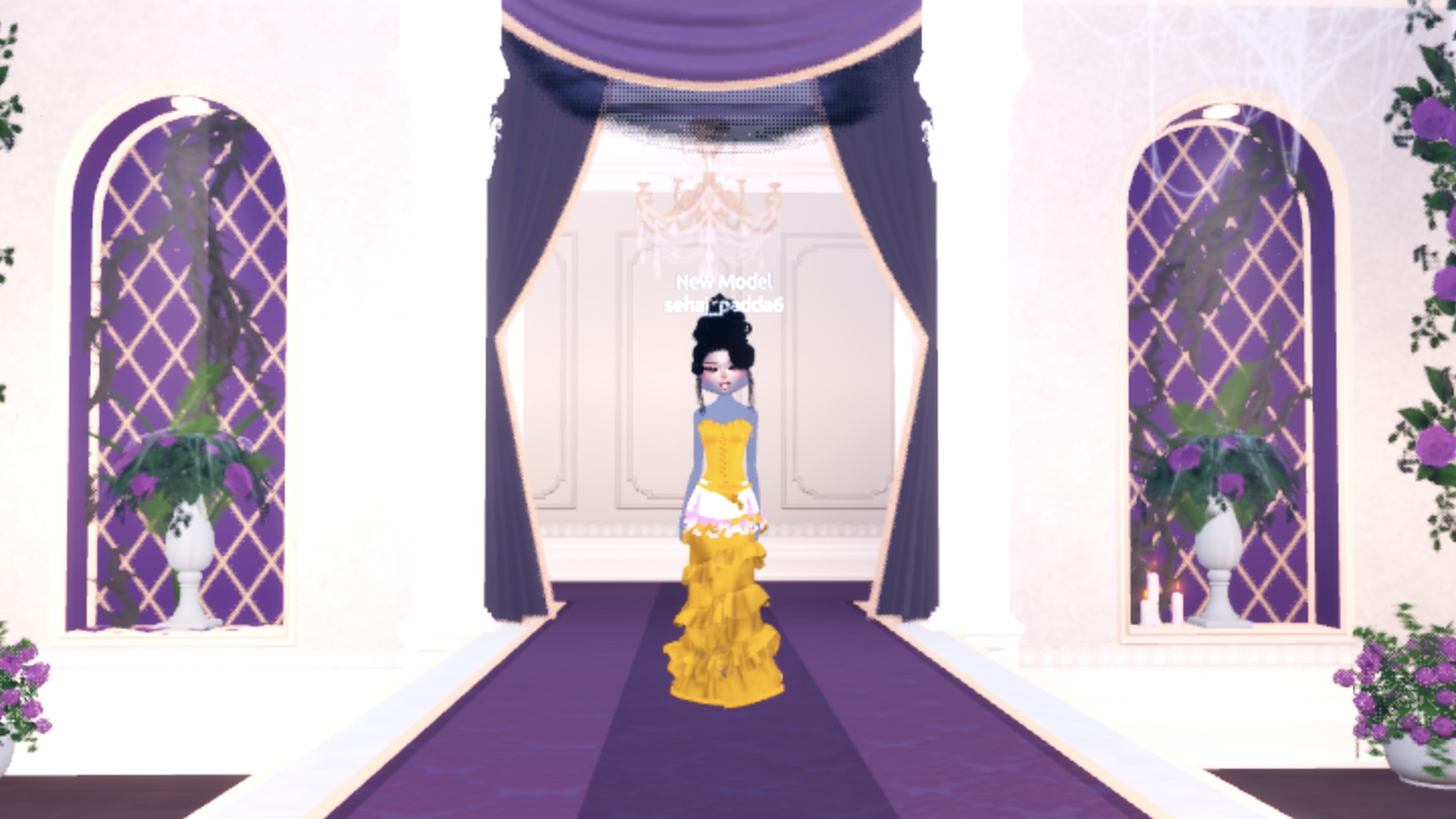
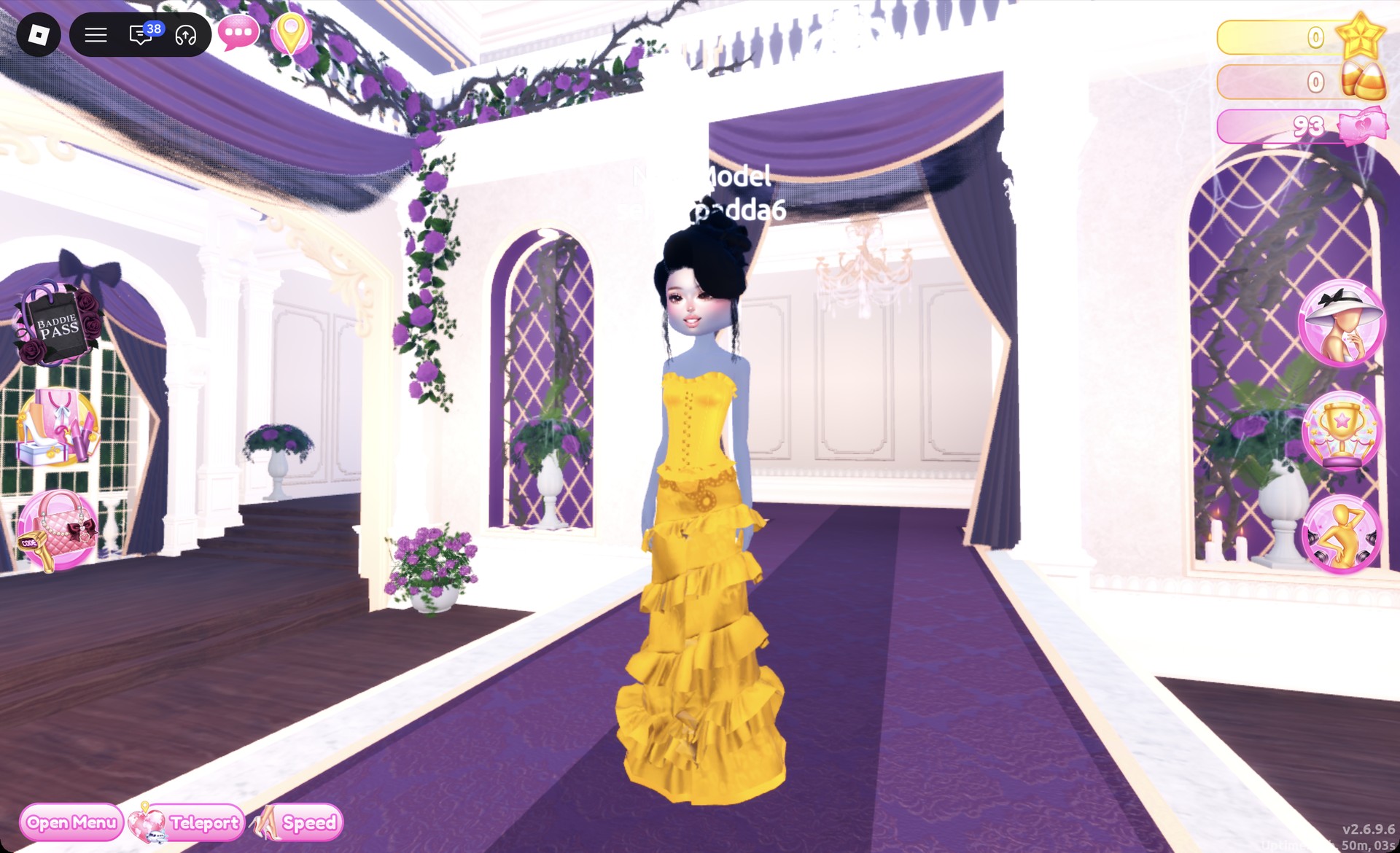
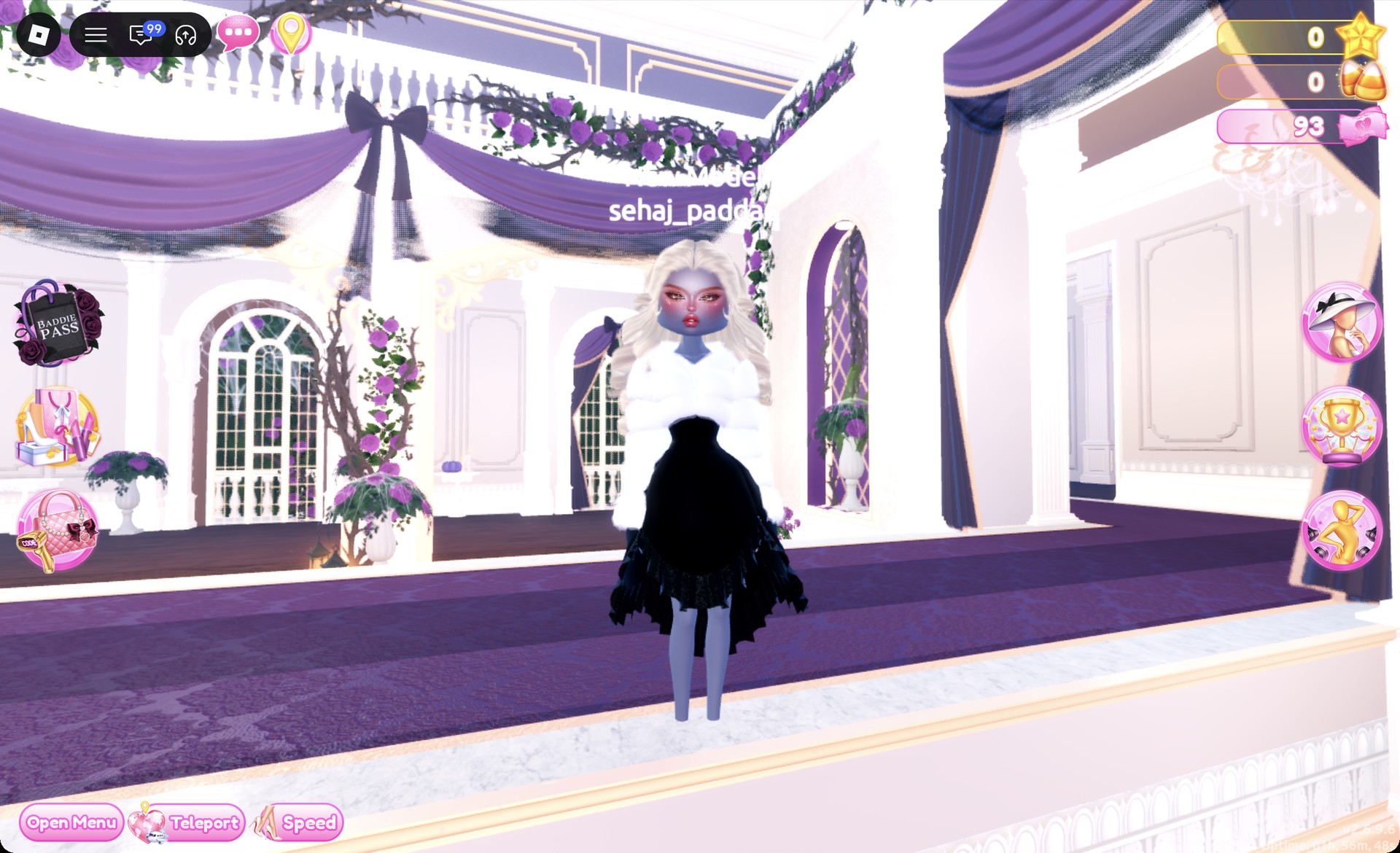
Quick answer: Wear a floor-length gold Metallic gown (gold corset plus the long tiered skirt) with a sleek black updo, or a black silk dress under a white fluffy fur jacket with red-soled stilettos and platinum curls.
Both oscars dti looks below were built step by step in Freeplay Mode, so you can recreate them before a real round rolls the theme. More themes are in the Dress To Impress themes guide.
What The Oscars theme means in Dress To Impress
The Oscars is an awards-night red carpet look: a floor-length gown or sleek evening dress in metallic or silk fabric, polished hair in an updo or big curls, glam makeup and heels. Both outfits below hit every one of those notes, and each starts from a different base piece so they don’t read as the same dress in two colors.
Where to find the pieces for both Oscars looks
Dress To Impress doesn’t show item names, so every piece is identified by where it sits and what it looks like. Clothes and shoes are in the Dressing Room, which you reach by clicking the Teleport pin in the top left and choosing “Dressing Room”.
| Piece | Where it is | Used in |
|---|---|---|
| Corset (top of the pink corset puff dress) | Left mannequin, lower shelf of the party-dress unit | Gold gown |
| Long tiered skirt | Dressed mannequin between the party-dress unit and the shoe shelf | Gold gown |
| Pale pink ball dress | Middle mannequin, same lower shelf | Black silk dress |
| Fluffy cropped fur jacket | Stand beside the shoe shelf | Black silk dress |
| Black stiletto heels | Shoe shelf, middle row | Both |
| Hair | Lana’s Salon, hair chairs (press E) | Both |
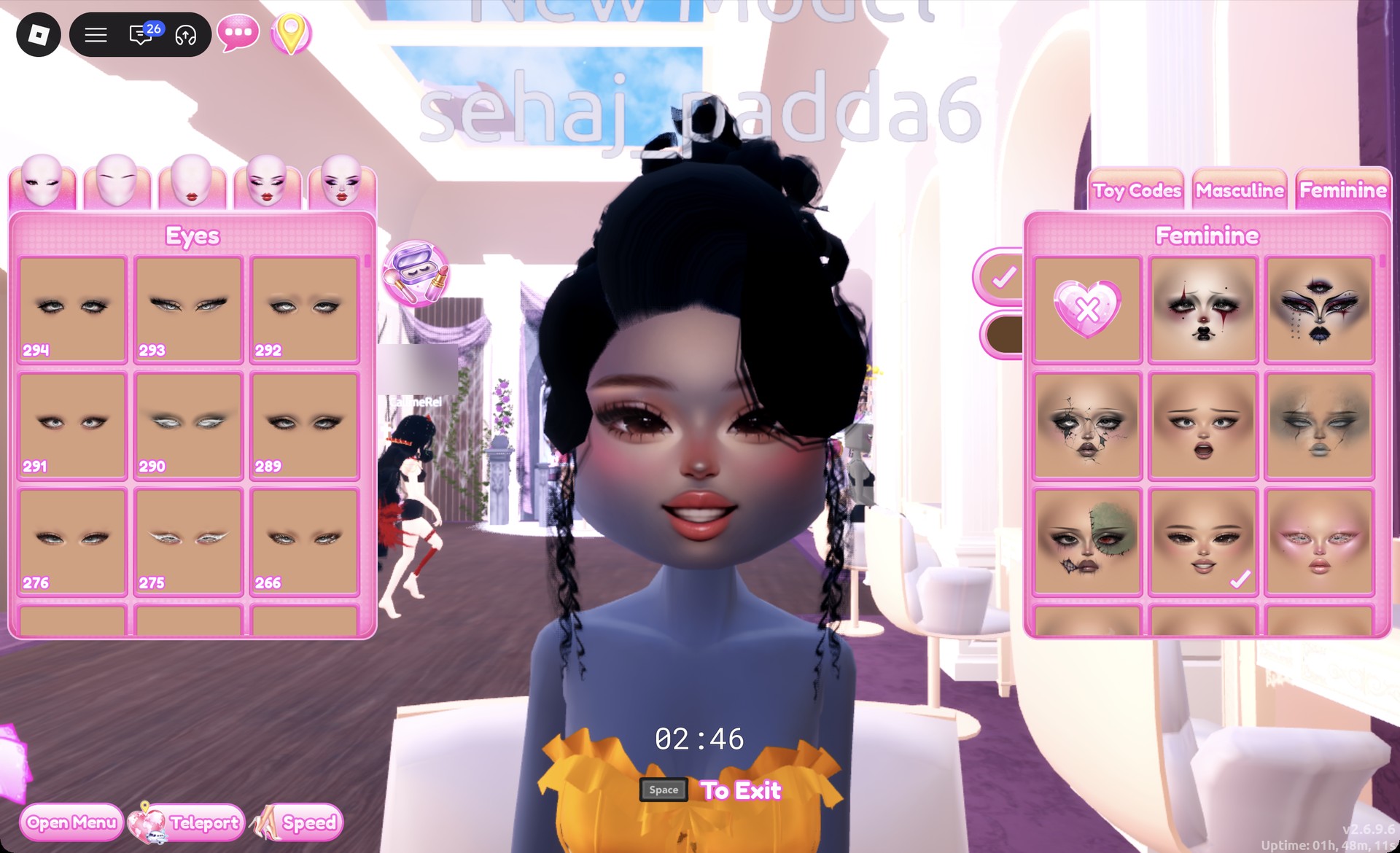
| Face | Lana’s Salon, vanity mirrors (press E, Feminine tab) | Both |
The fur jacket’s stand has a fur hat sitting on top, so click lower down on the jacket itself. When you’re done, the Teleport pin also takes you to the “Freeplay Runway”.
How recoloring, materials and gold work
Every recolor happens while a piece is previewing. Click the piece, then for each part set a color and a material, using the arrows on the panel to step through the parts. The material options live on the “+” tab next to Patterns. Silk, Glitter and Metallic are free; skip any tile with a star lock. When every part looks right, hit Put On, the heart-and-tick button beside the panel.
Colors come from either the Palette tab or the Wheel tab. On the Default palette, positions are counted by column from the left and row from the top. Row 8 runs from white on the left to black on the right, which puts black at column 9, row 8. Cream sits at column 9, row 2, the last heart in that row.
Gold takes the Wheel tab. Click near the top of the color square on the yellow-orange side, then click the left end of the gray slider underneath it to get a deep gold, and set the material to Metallic. On the runway, that combination reads as a bright gold-yellow.
Look 1: Gold Metallic gown with a black updo
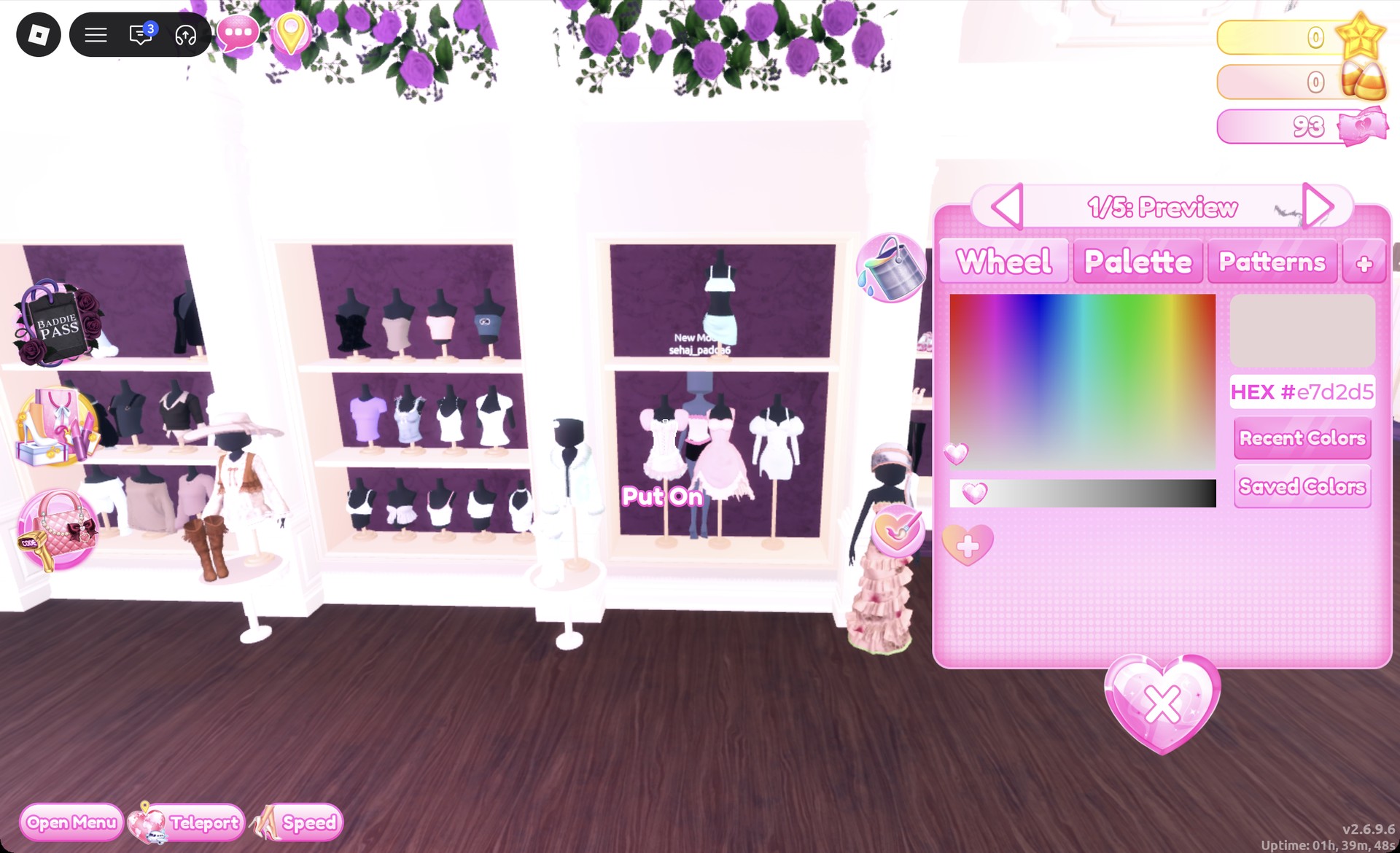
Set all five parts to gold on the Wheel with Metallic, then Put On.
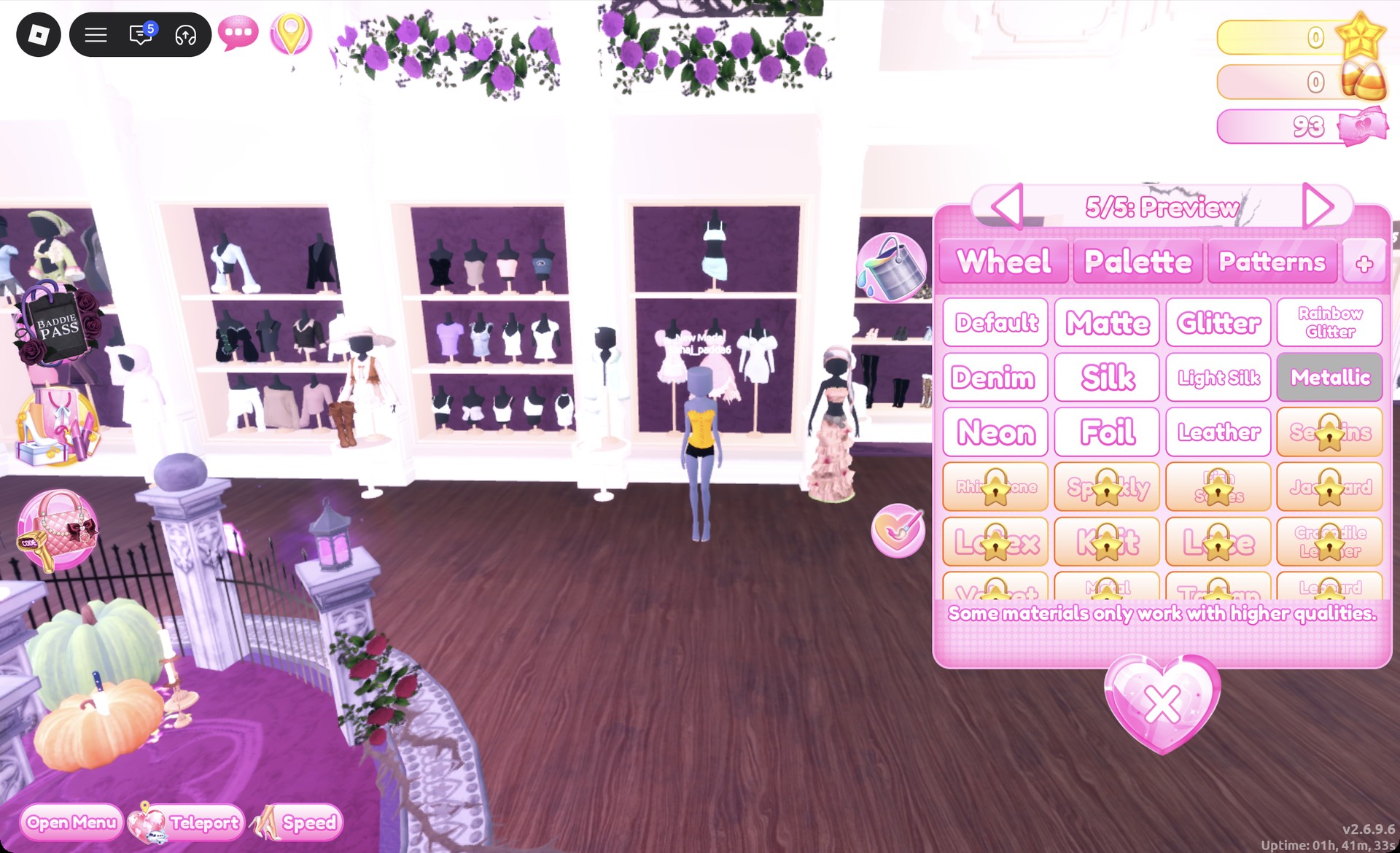
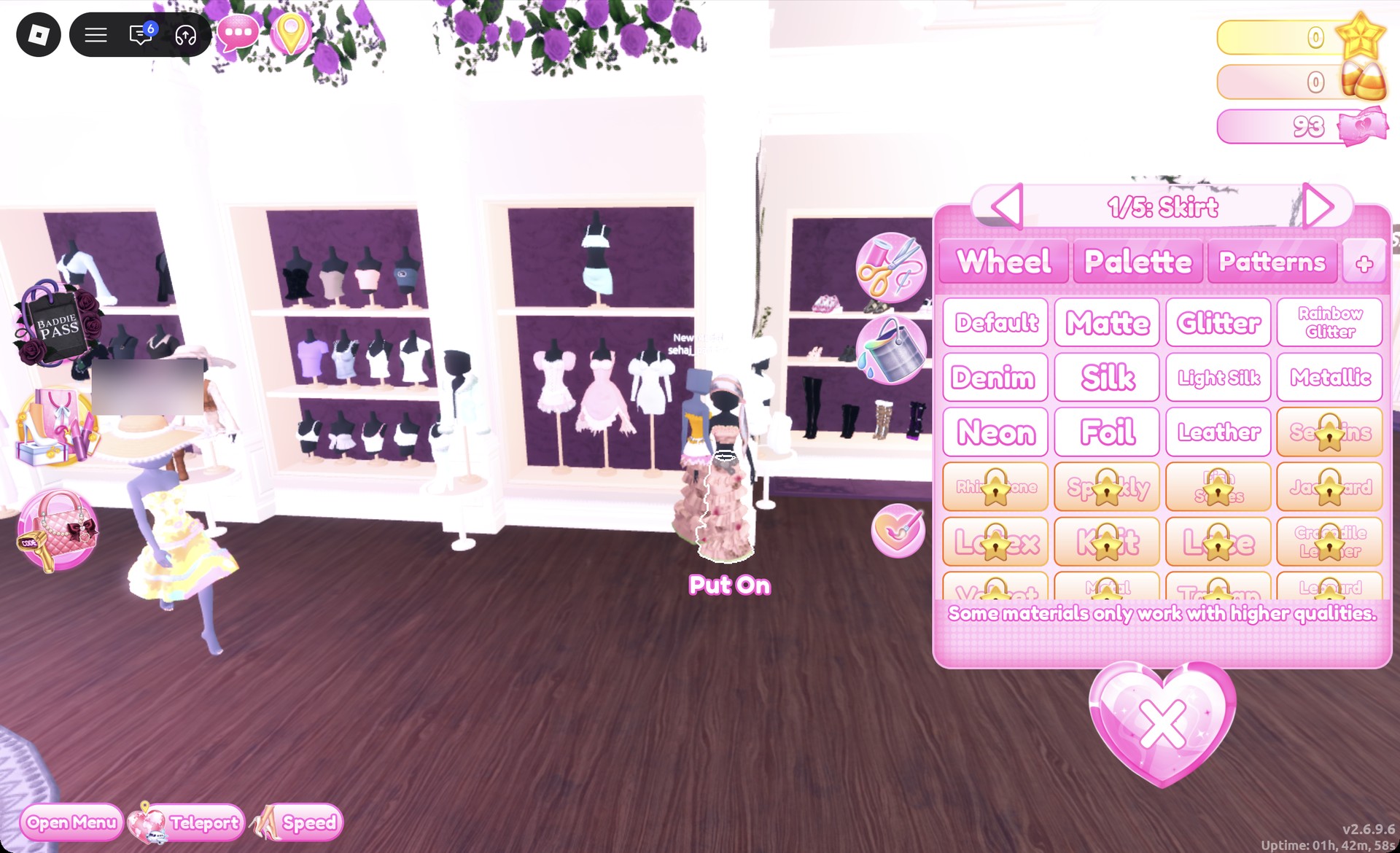
Make all five gold Metallic, ending on “5/5: Belt”, then Put On.
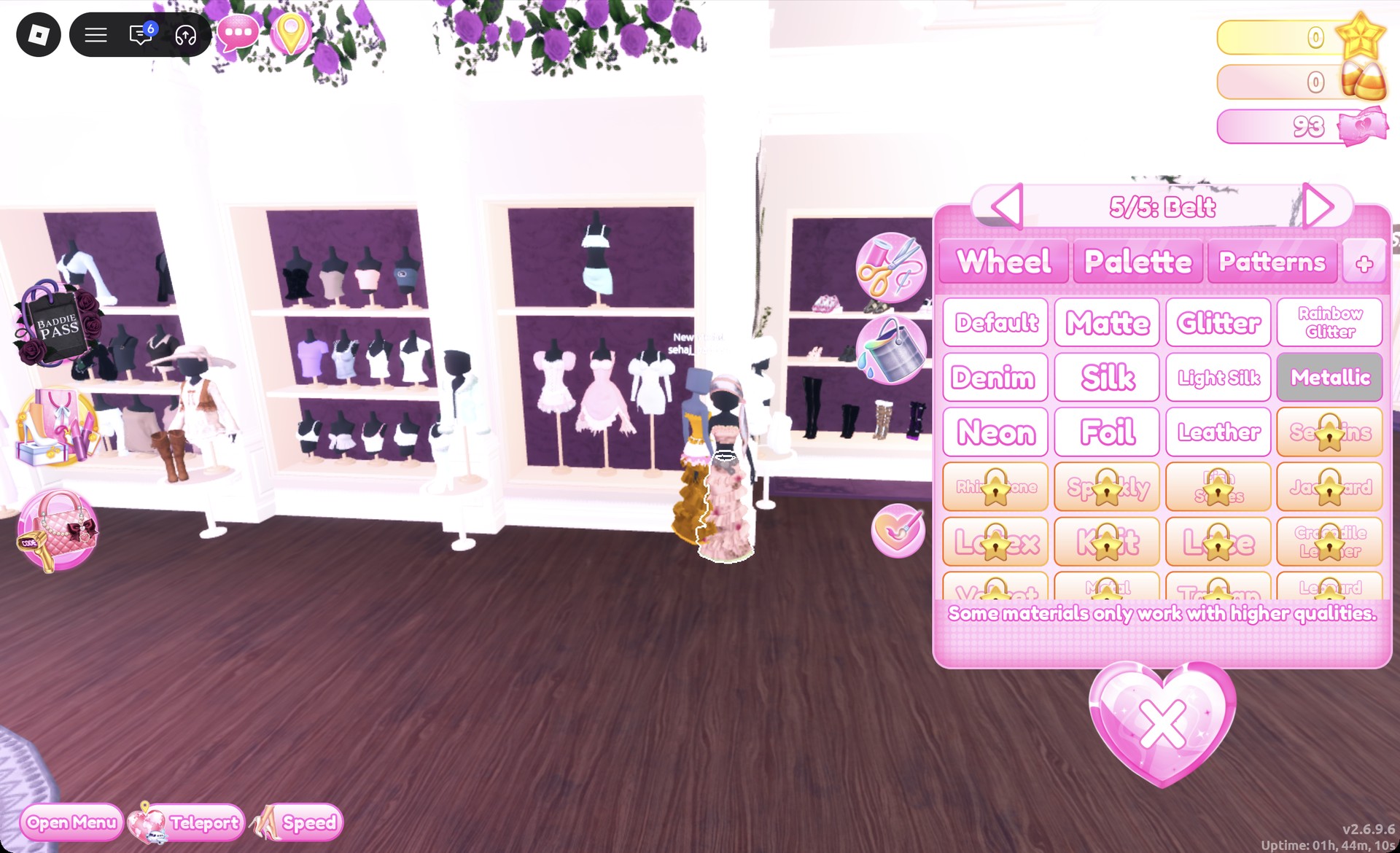
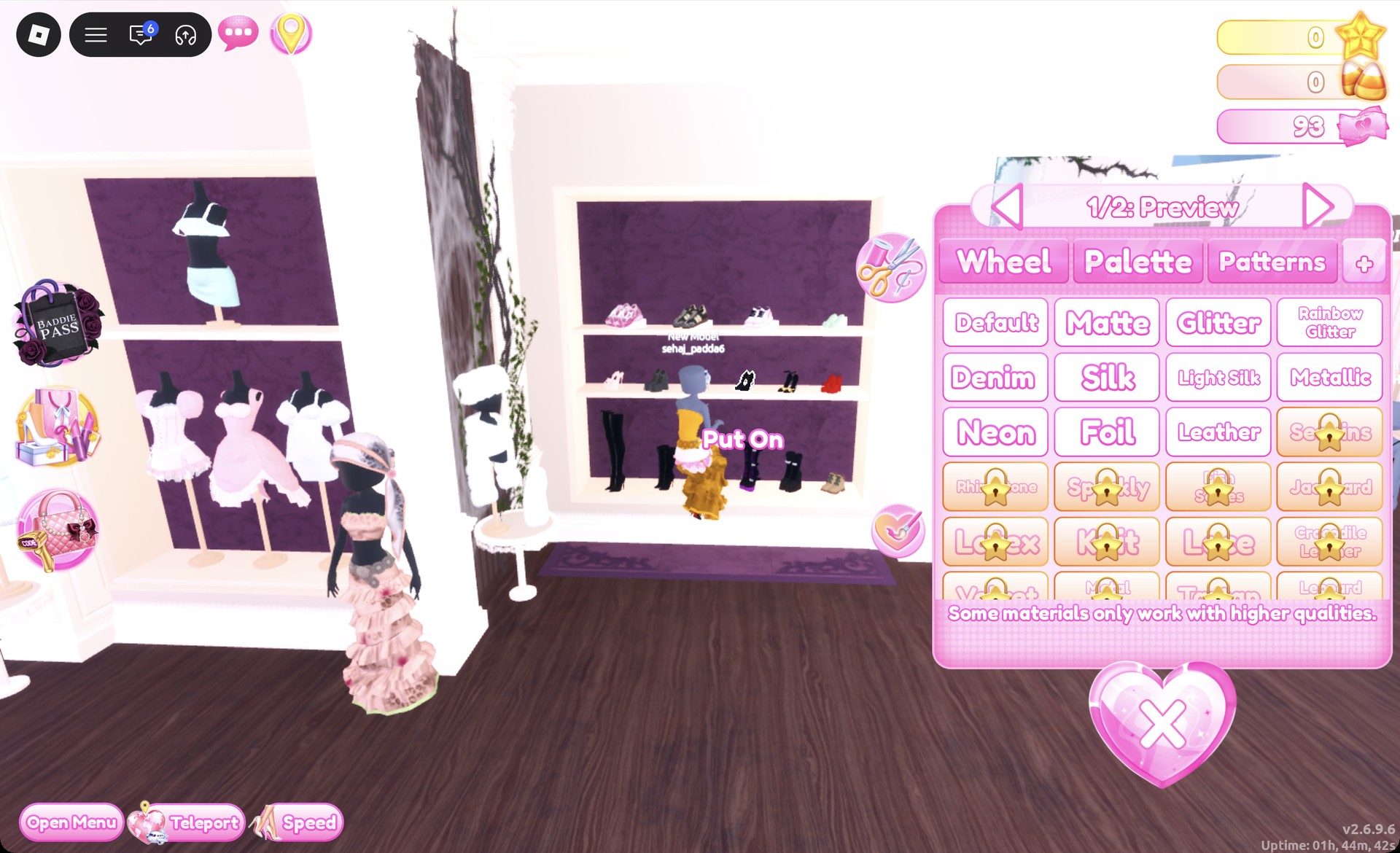
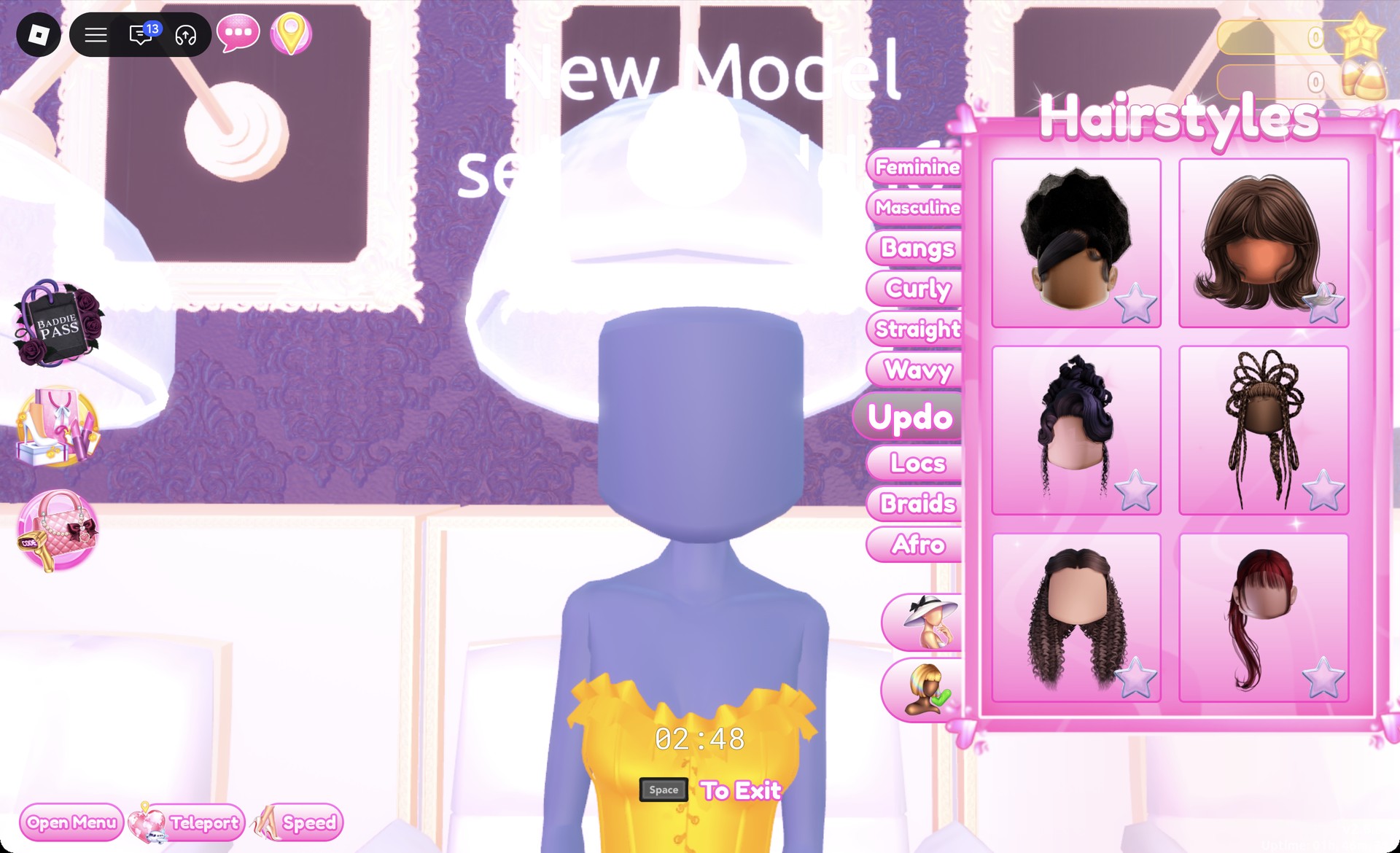
It may open with a silver Metallic sheen carried over from your last material.
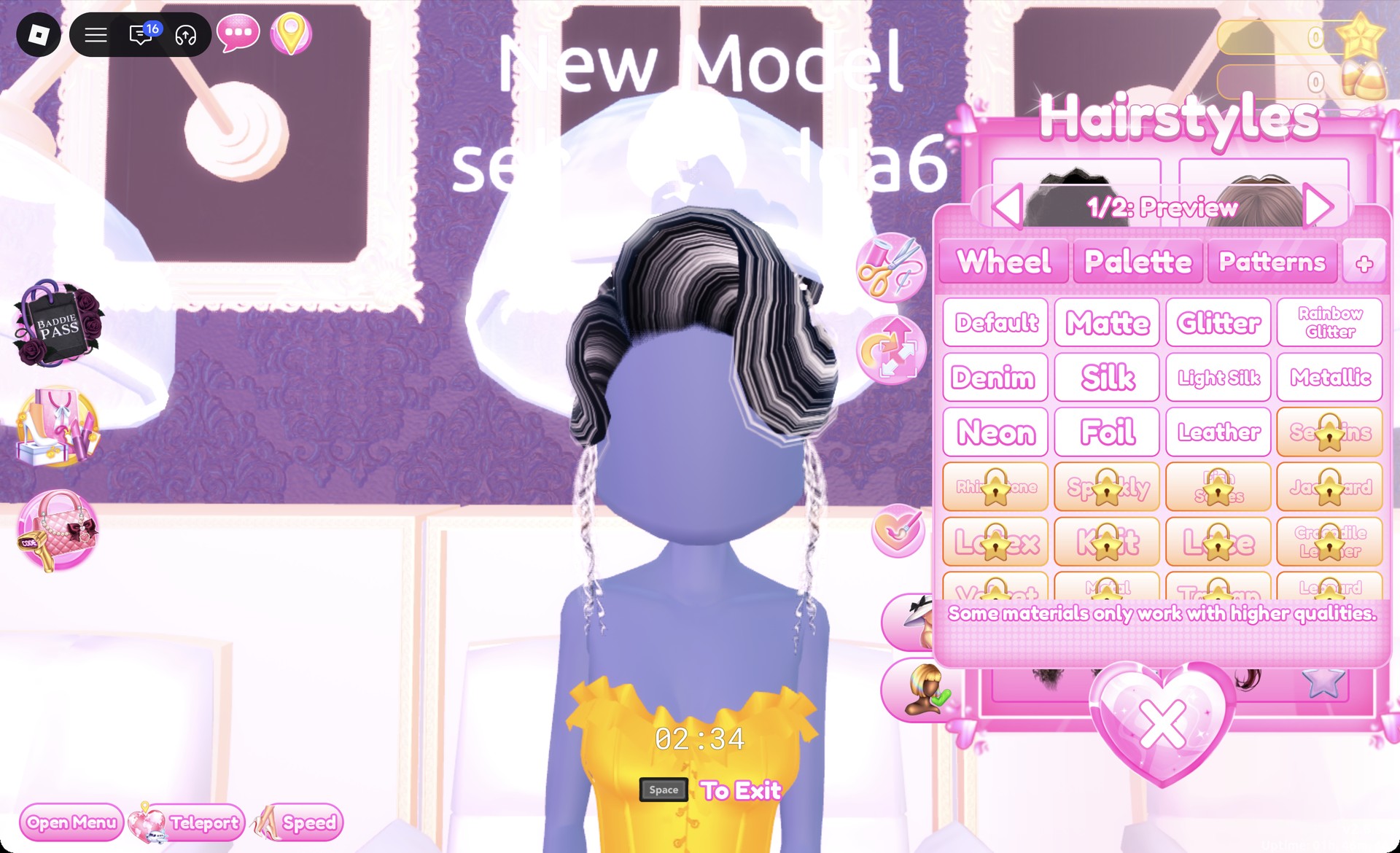
Set both parts to Palette column 9, row 8 (black) with Silk, then Put On.
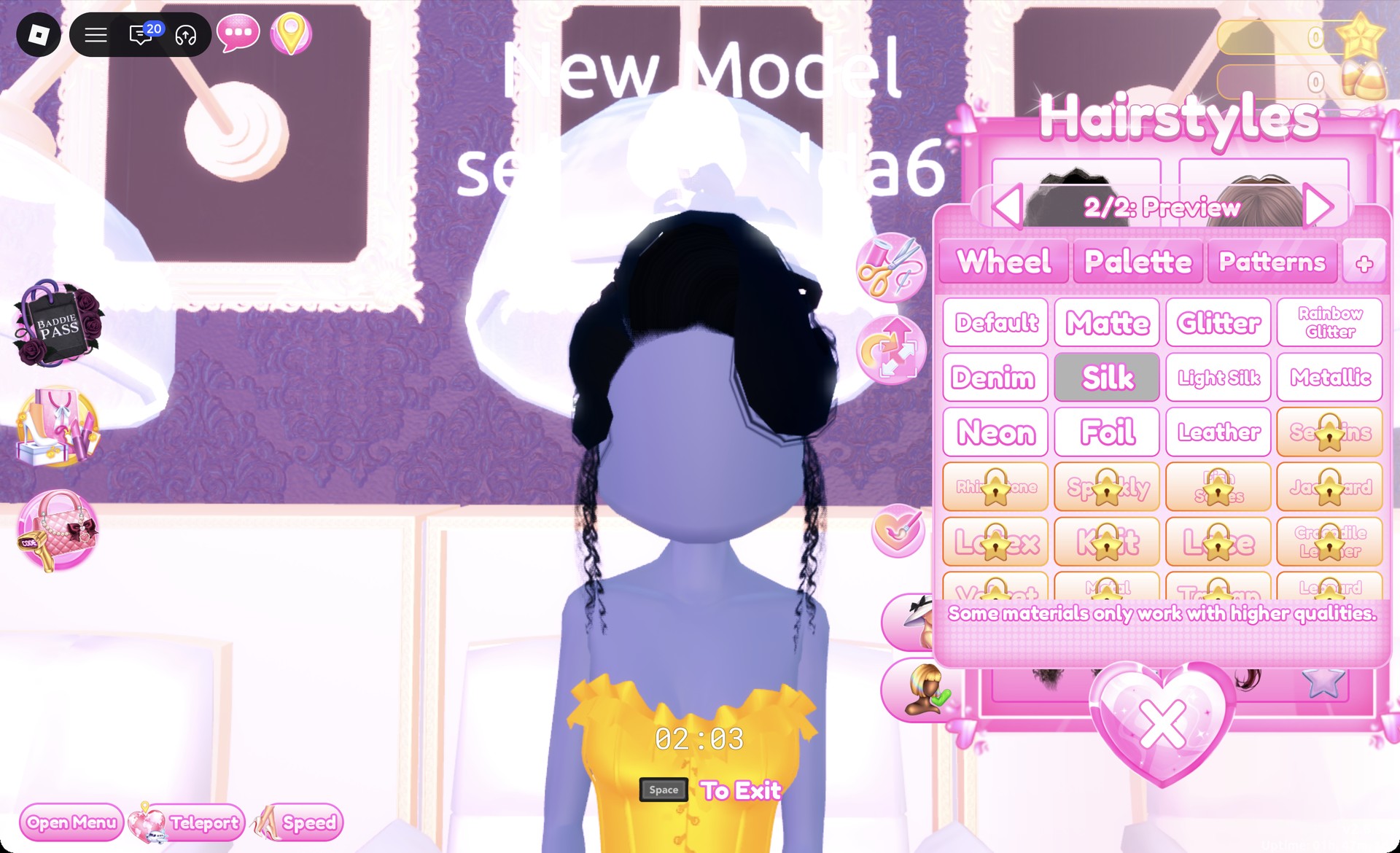
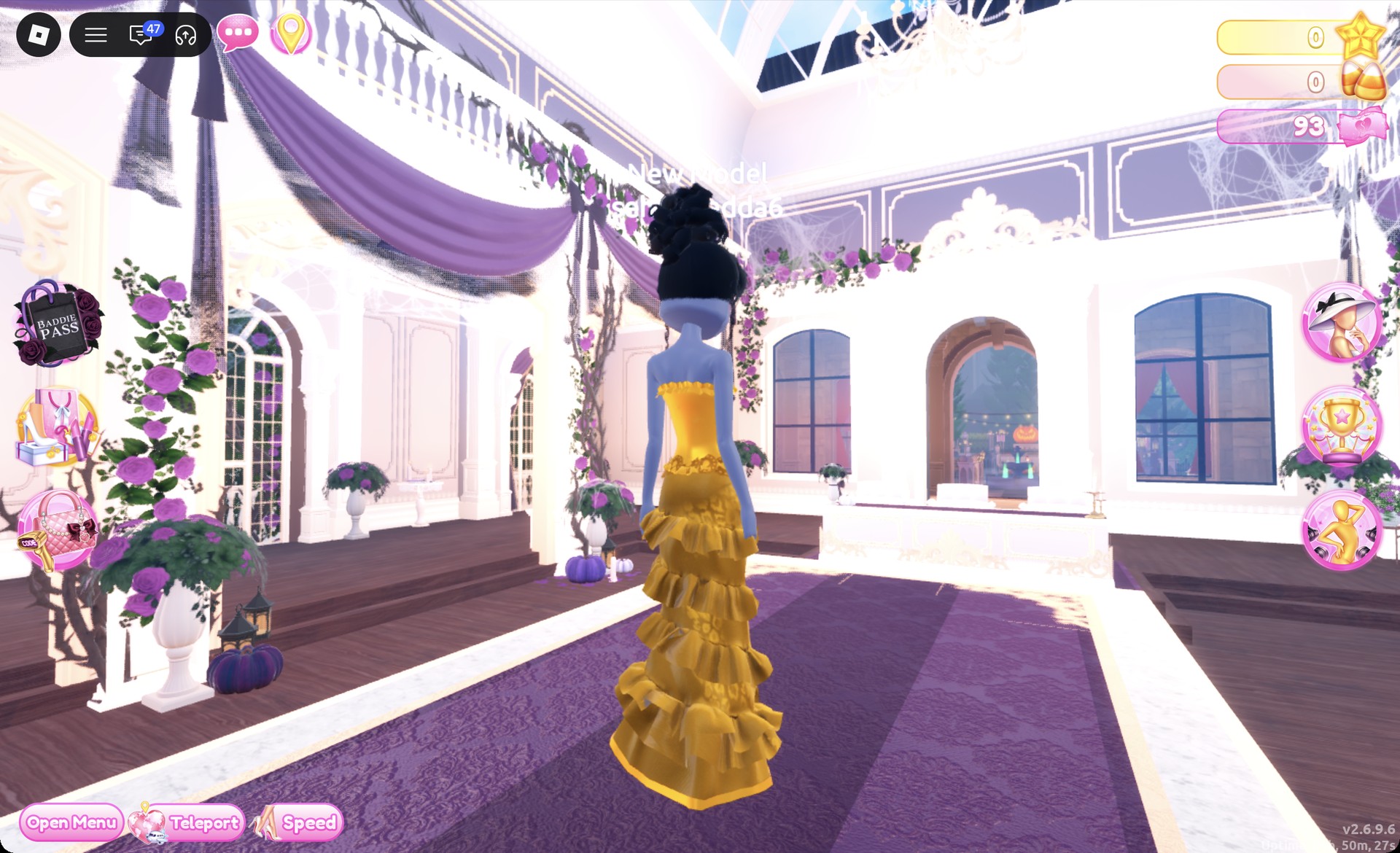
From behind, the black updo sits above the gold corset and the tiers of the gold skirt.
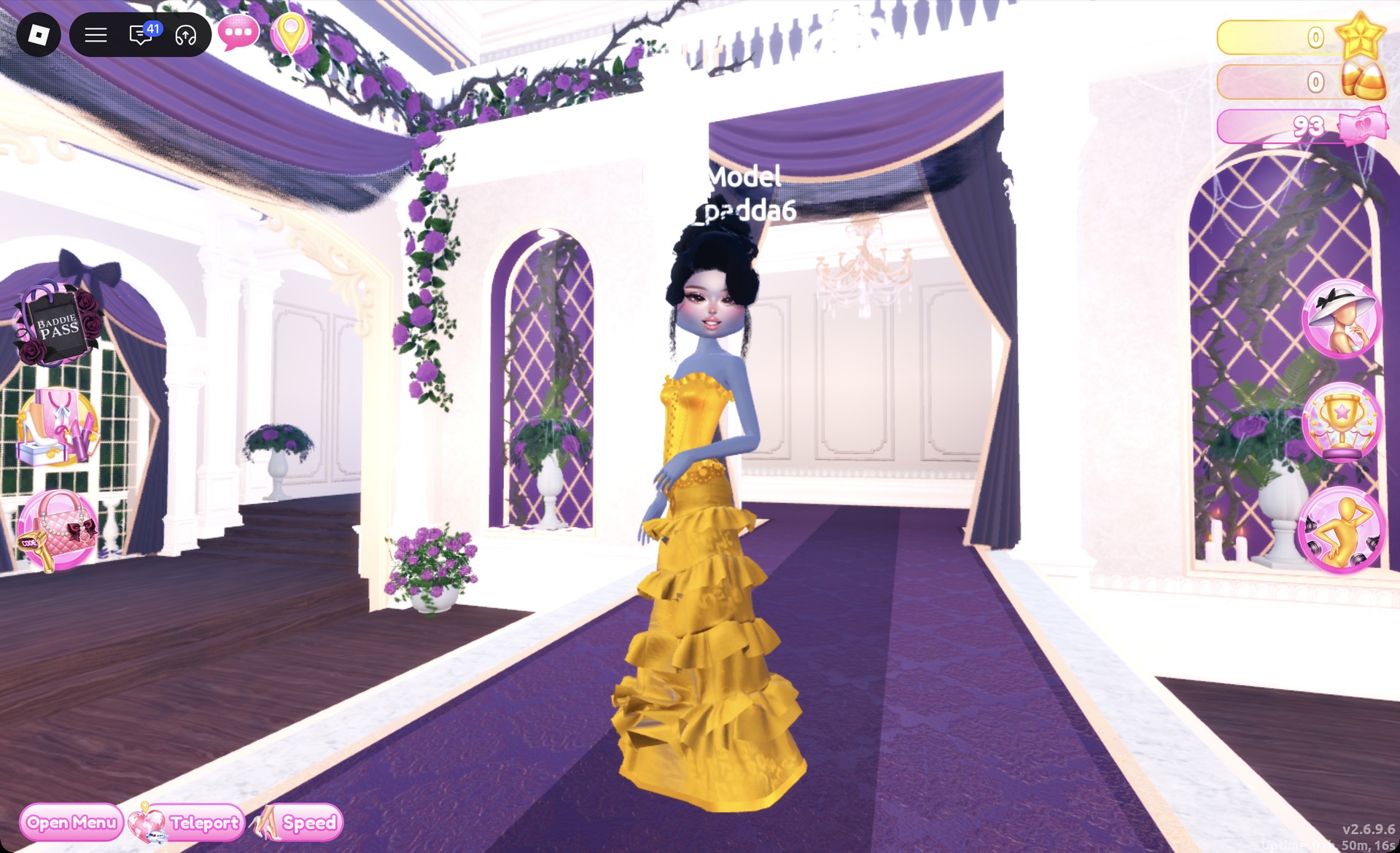
The Dazzle pose suits the gown.
The Wearing panel should list only the gold corset, the gold tiered skirt, the heels and the updo.
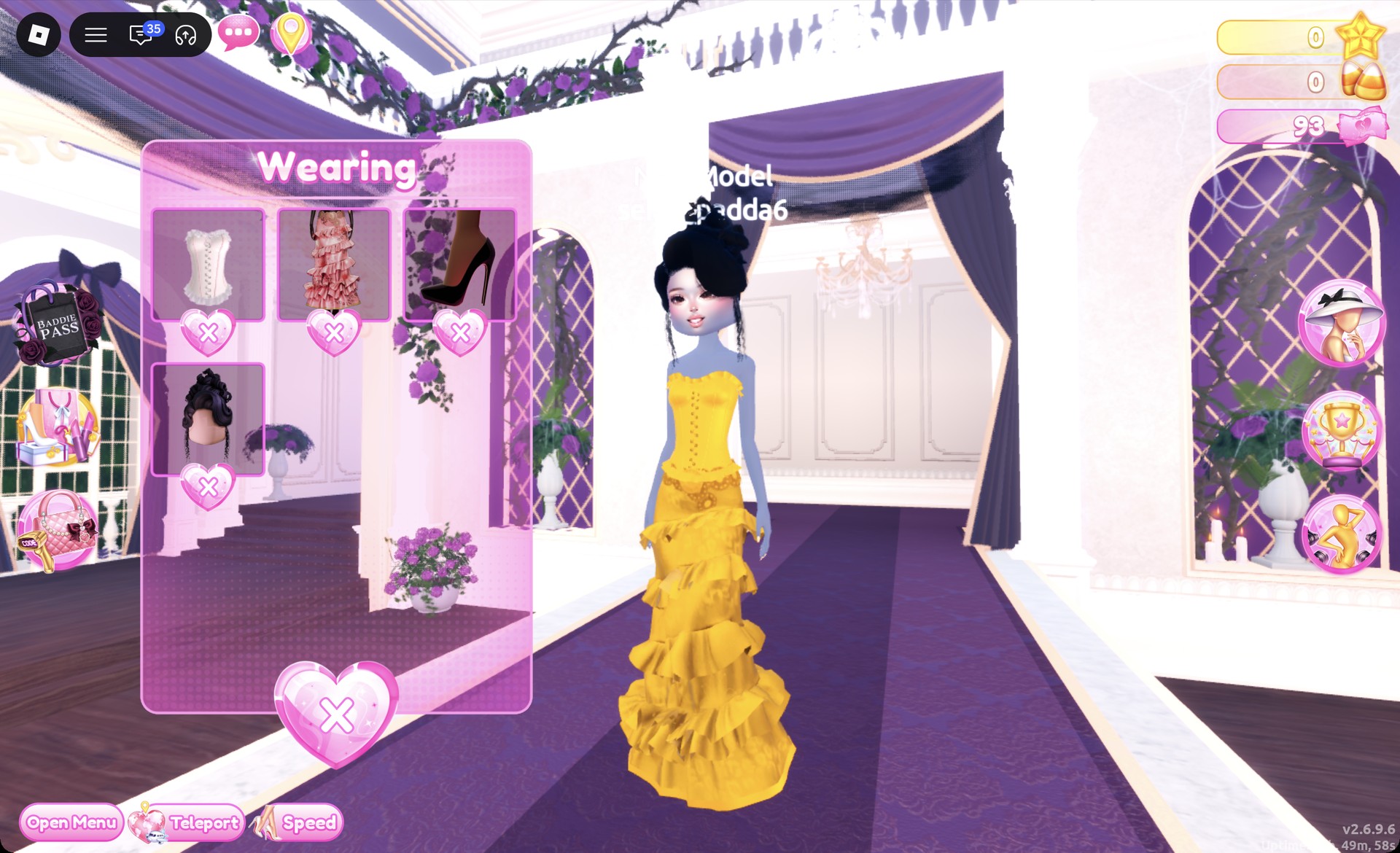
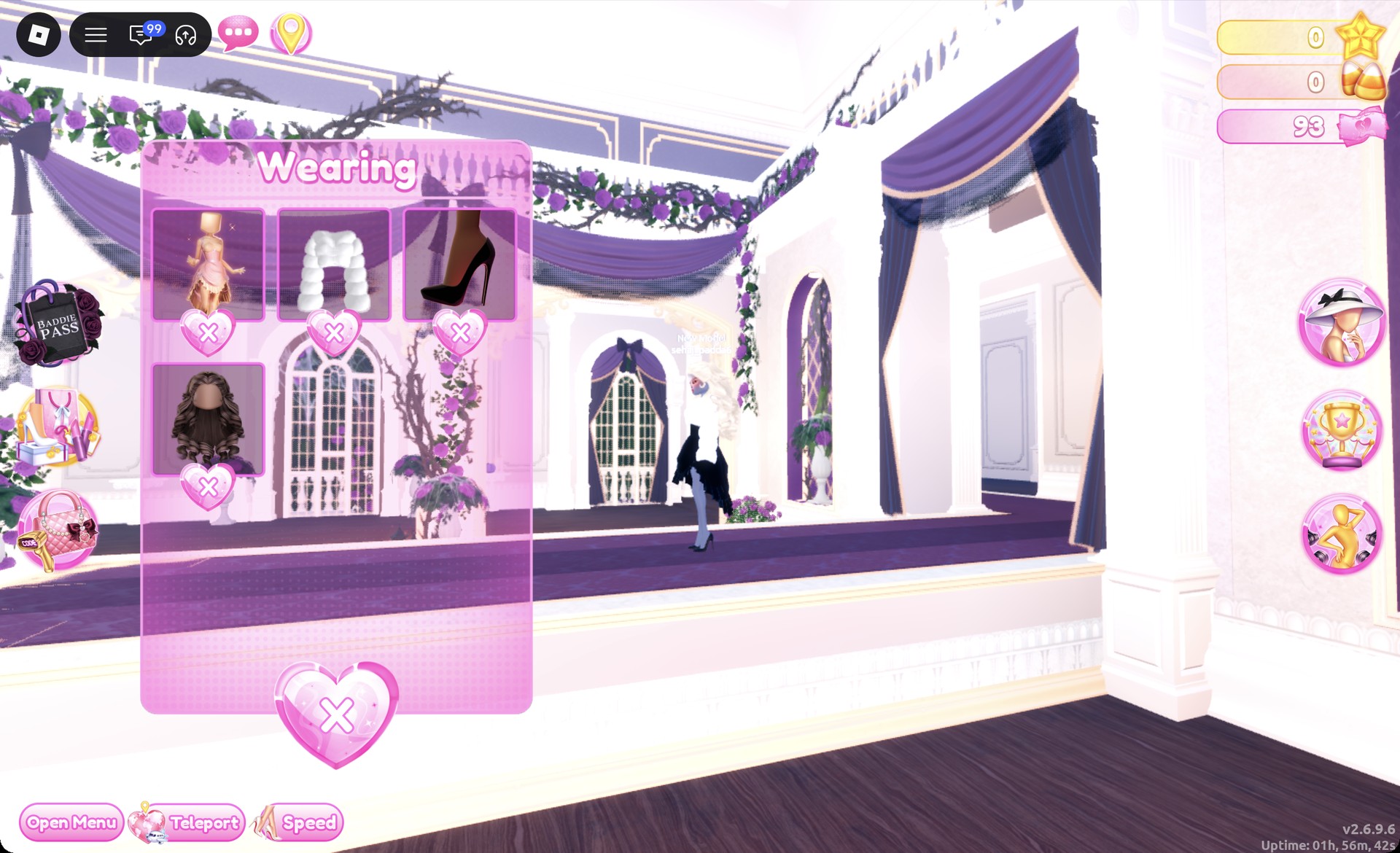
Clicking around the corset puff dress can put its white ruffle skirt on as well. Open the Wearing panel with the hanger button and click the X under any stray piece to remove it.
Look 2: Black silk dress with a white fur jacket
Take the gold pieces off in the Wearing panel before you start, so nothing from the first look carries over.
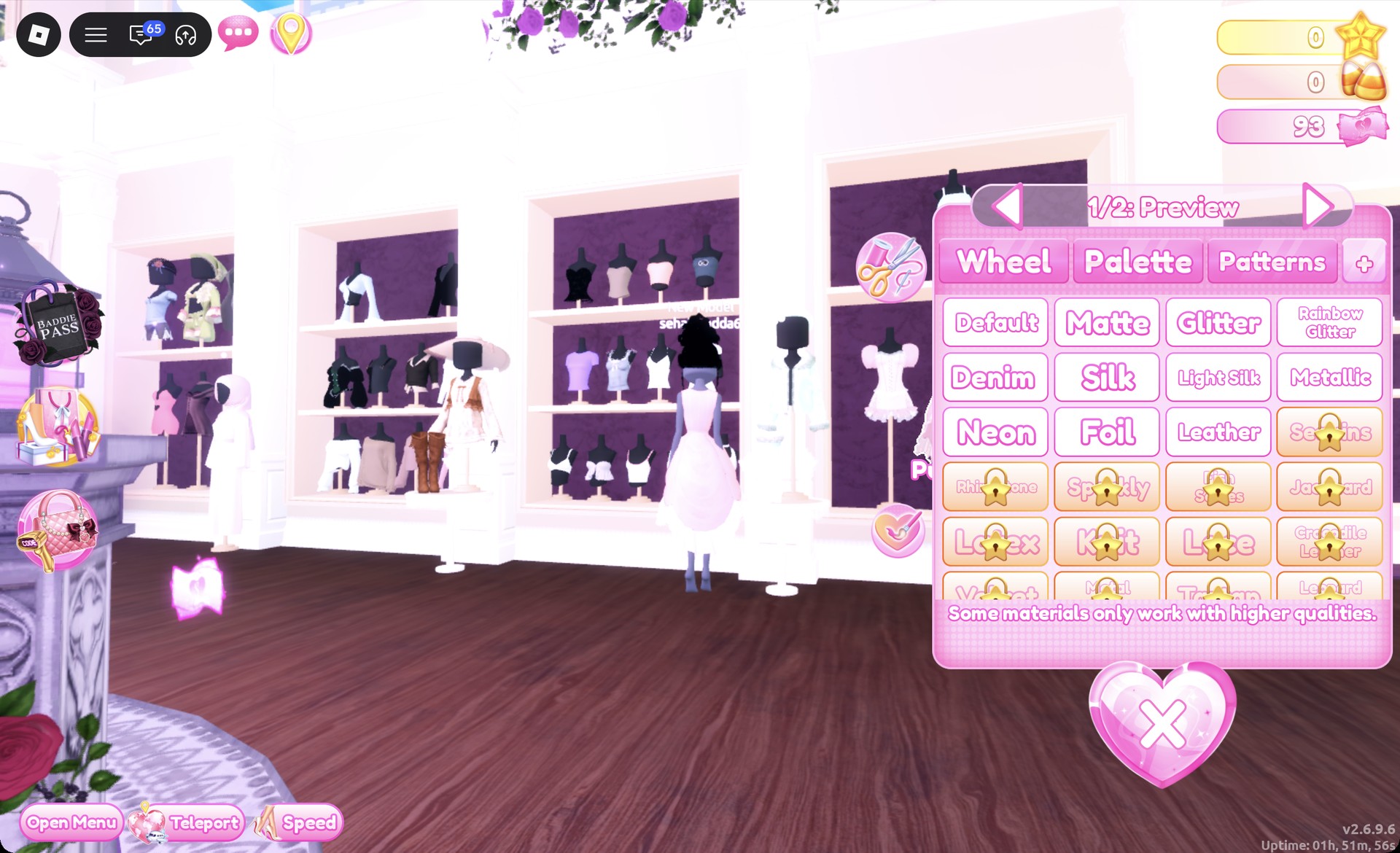
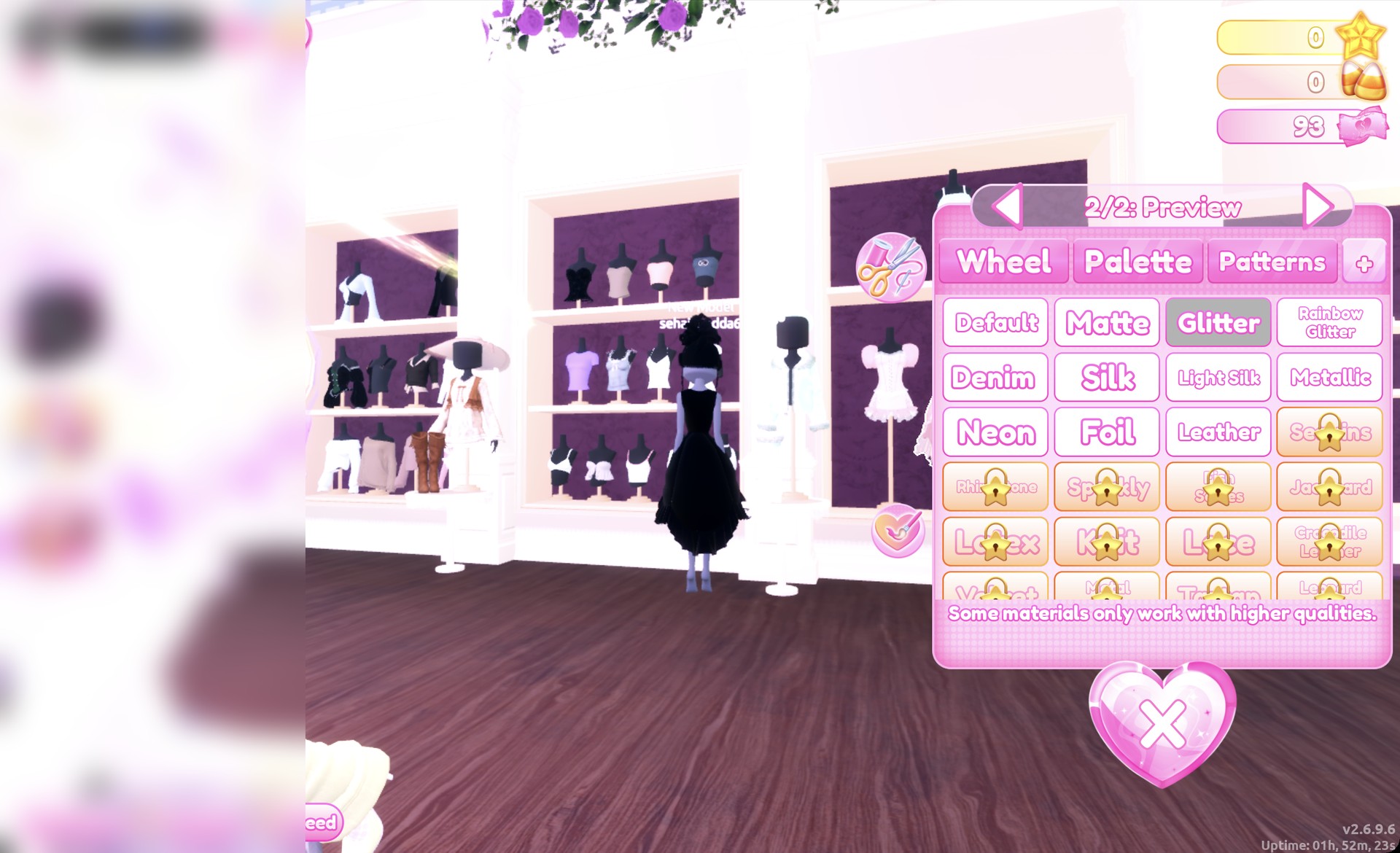
Set part 1 to Palette column 9, row 8 (black) with Silk, and part 2 to black with Glitter, then Put On. On the runway, it becomes a black high-low dress with a full skirt.
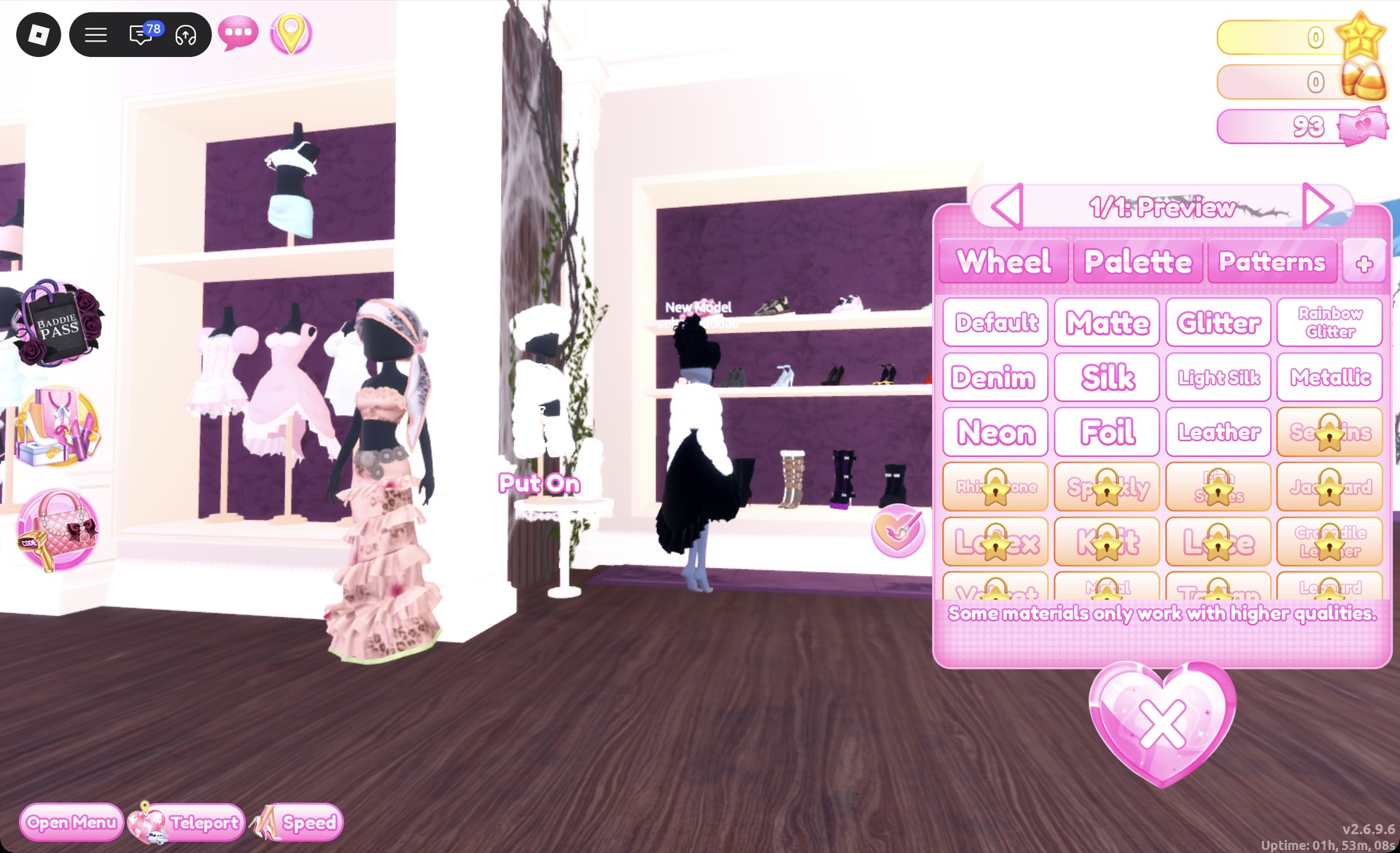
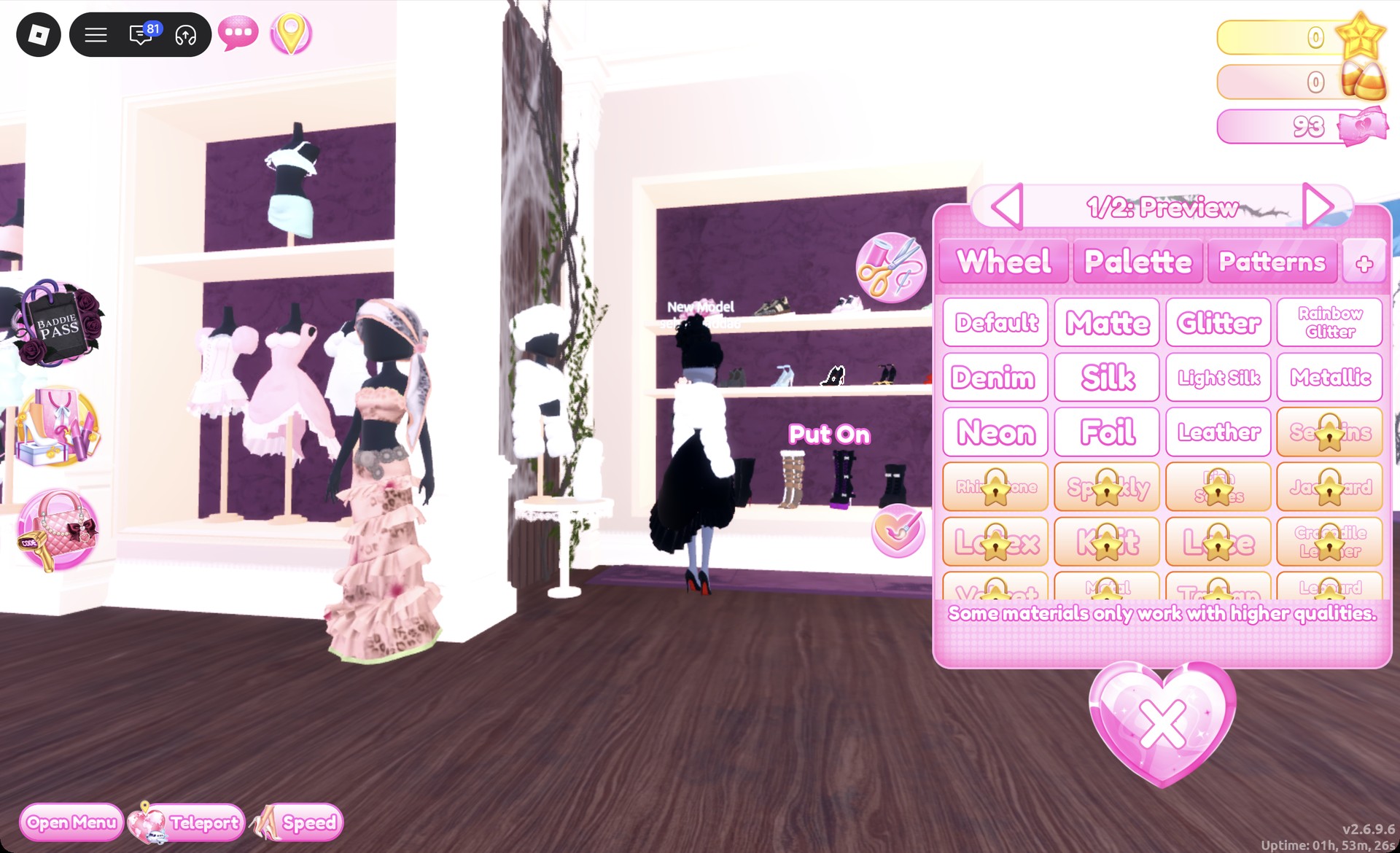
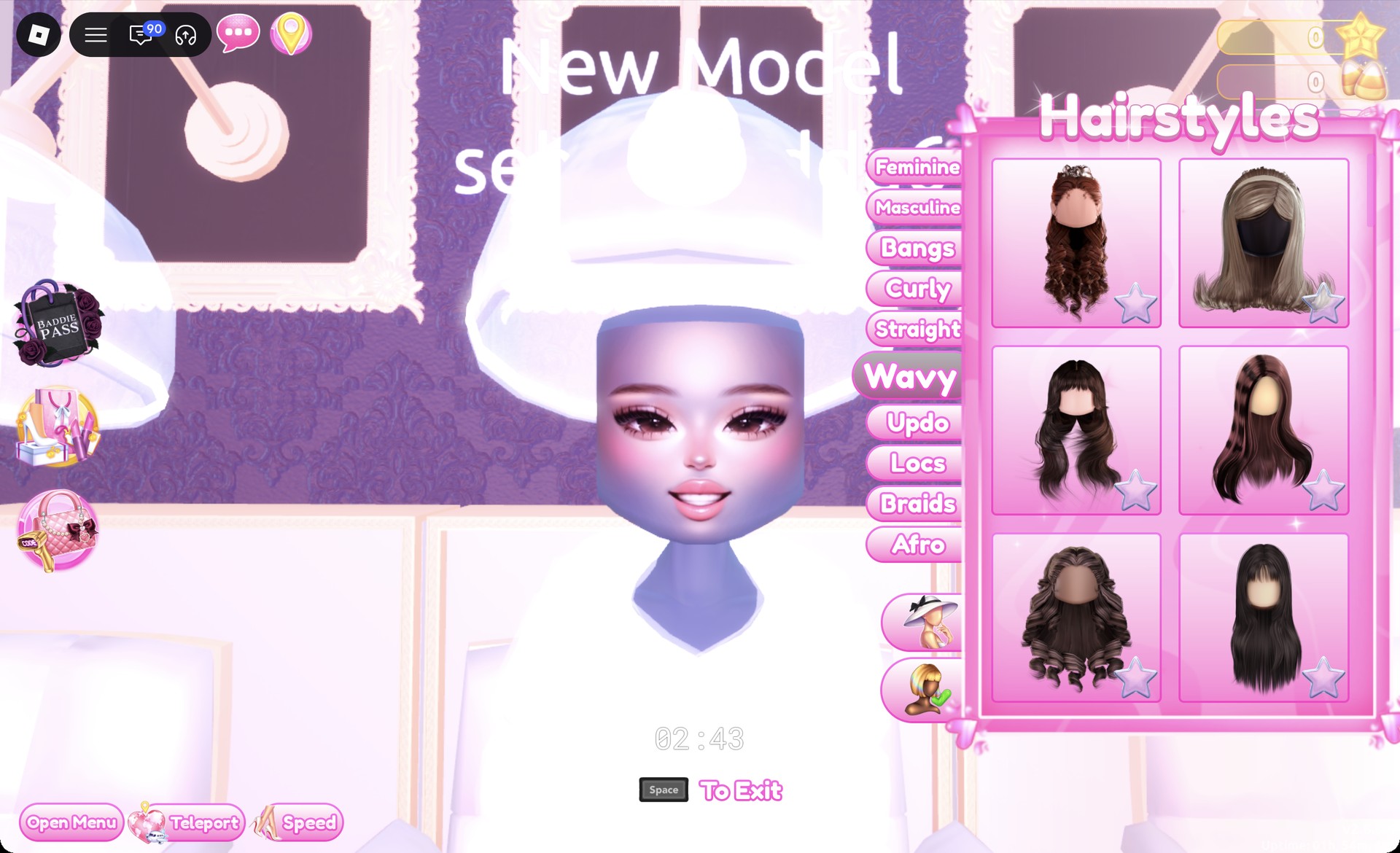
These are big long bouncy curls that open in a default brown.
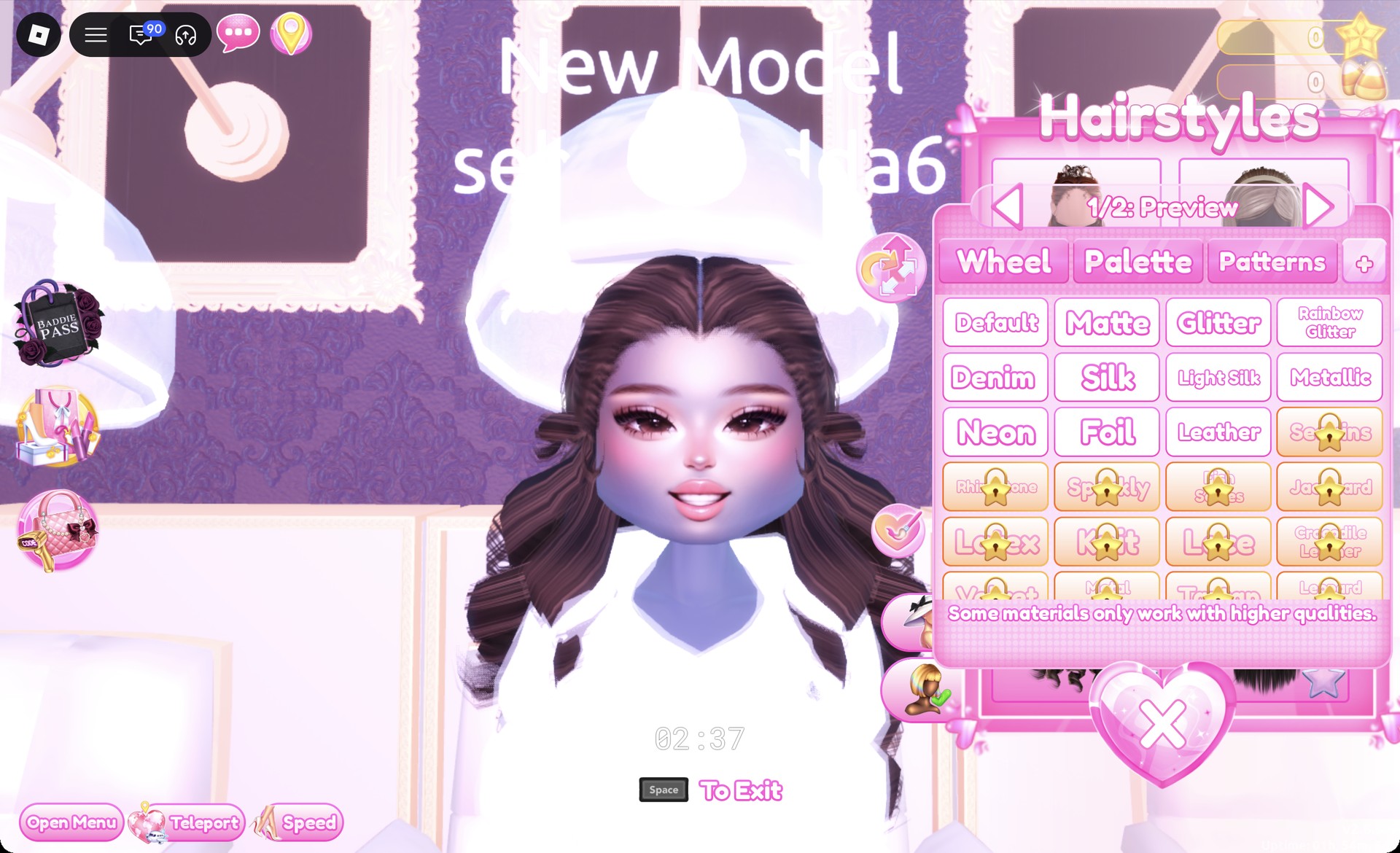
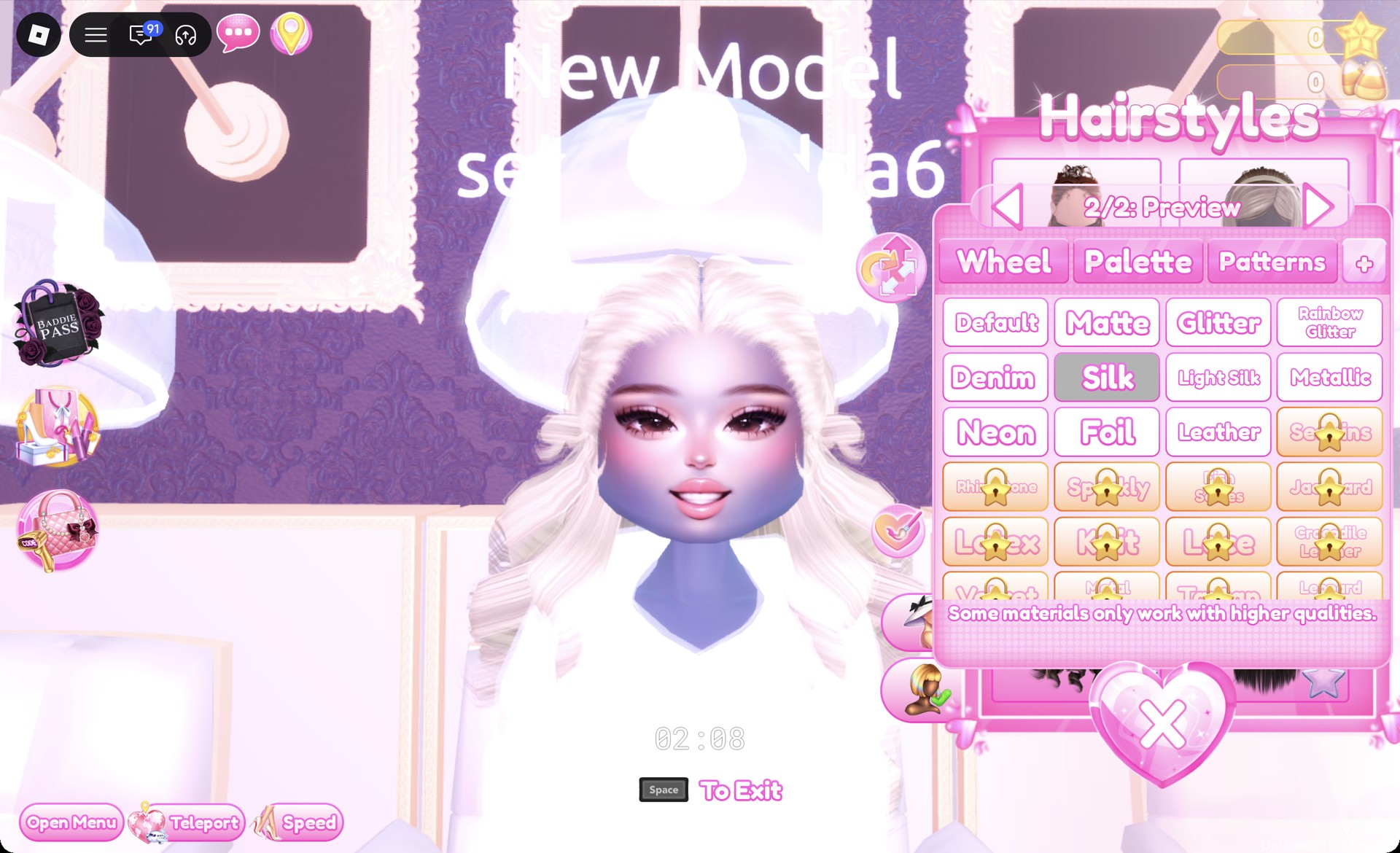
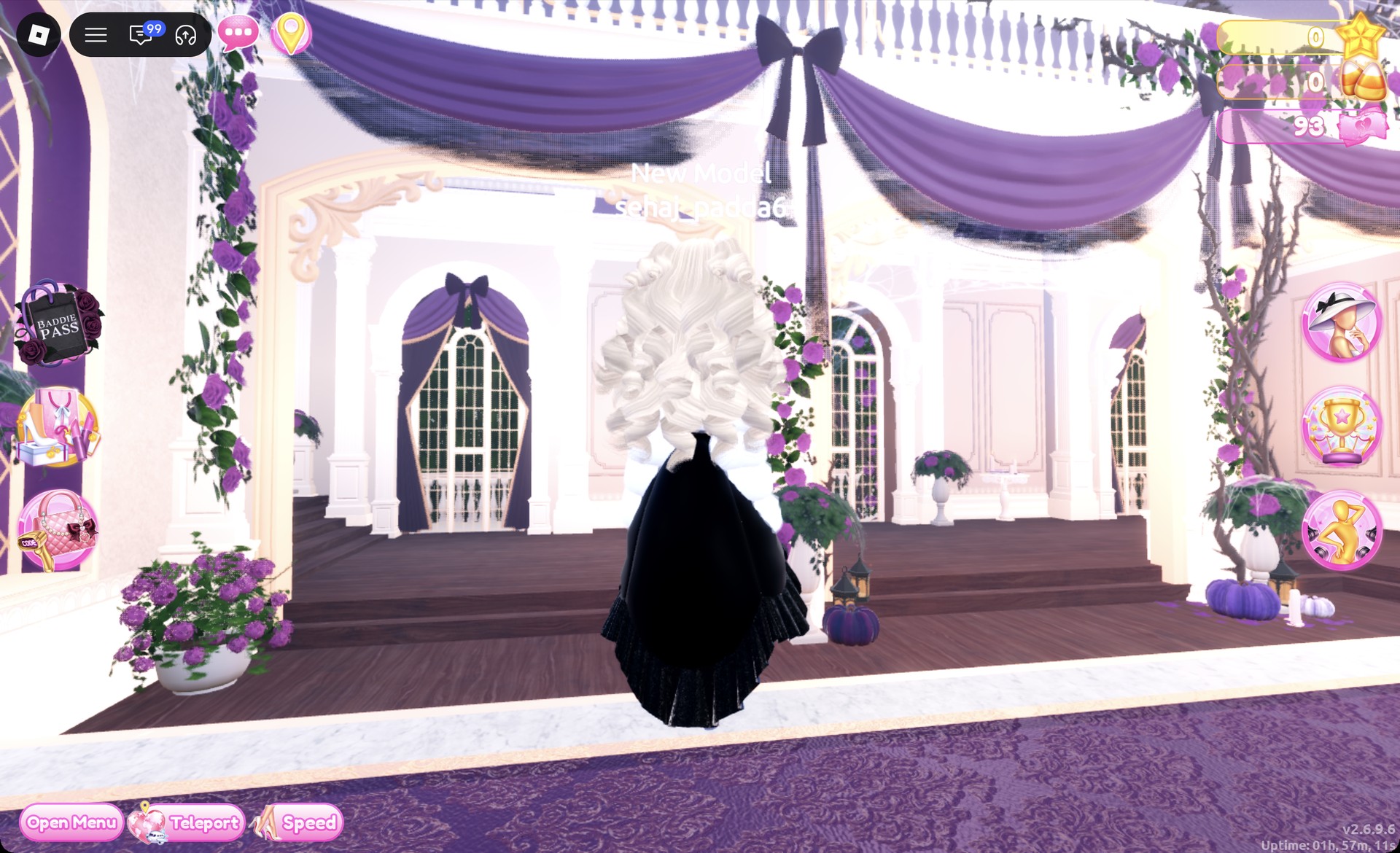
Set both parts to Palette column 9, row 2 (cream) with Silk for platinum blonde, then Put On.
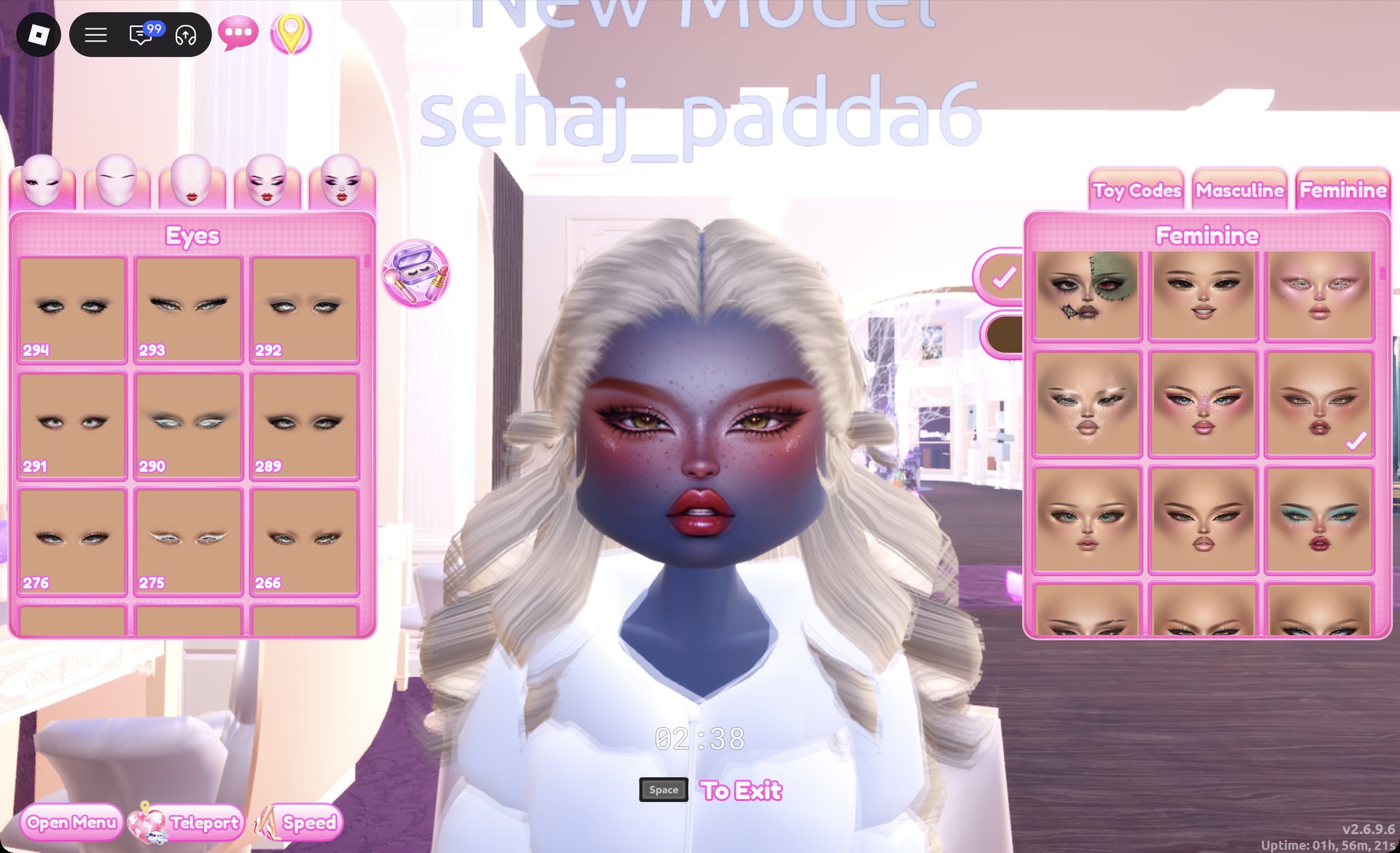
From behind, the platinum curls fall over the white fur jacket and the full black skirt.
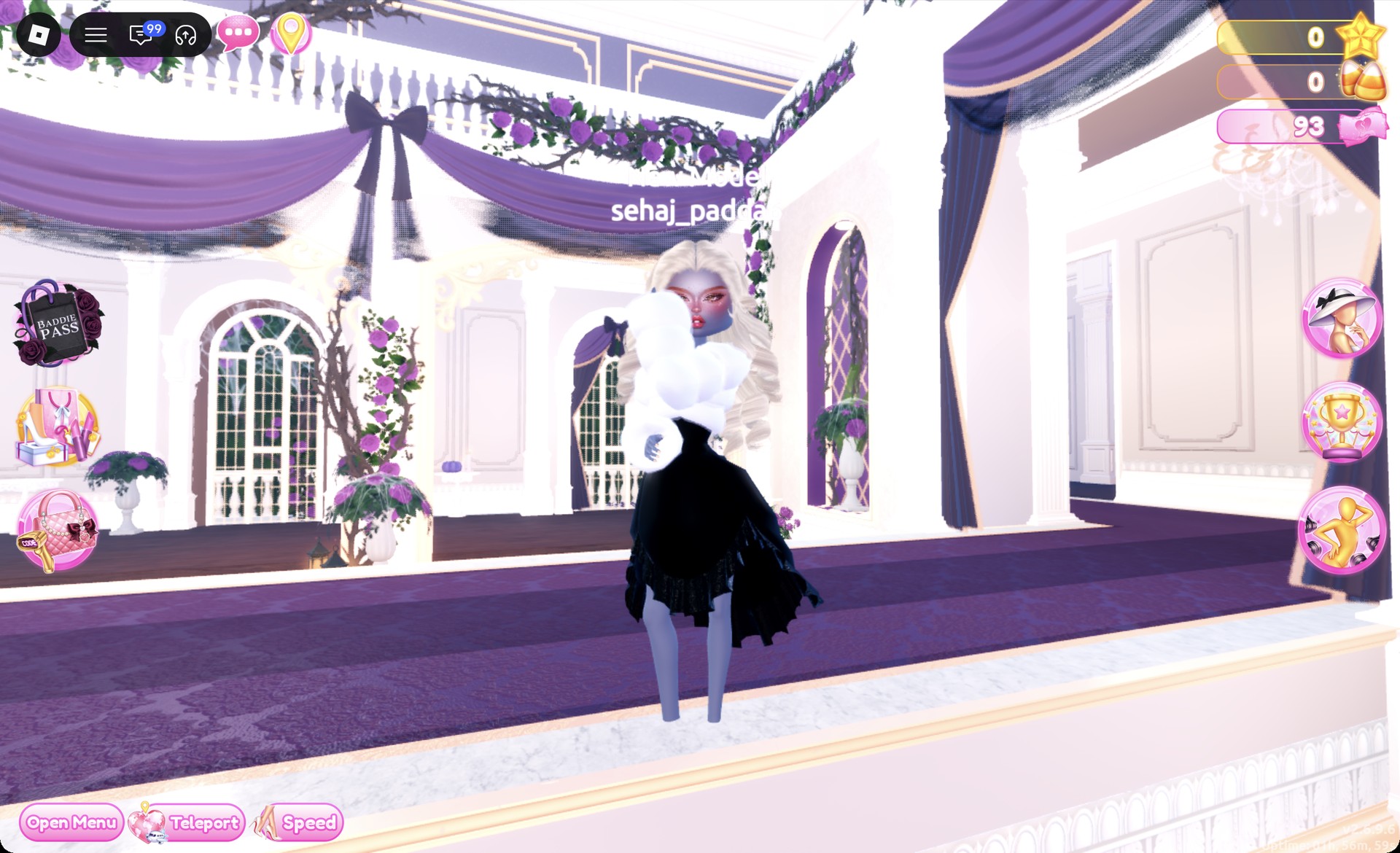
The Satin pose fits the silk and fur combination.
The Wearing panel should show the dress, the fur jacket, the heels and the curls.
More red carpet and glam theme ideas
- Award Show
- Night Luxe
- Casino Night
- Jazz Club
- Dripping in Gold
- Every Dress To Impress theme and every free pose
The Oscars in Dress To Impress: Common questions
What is The Oscars theme in DTI?
It asks for an awards-night red carpet look: a floor-length gown or sleek evening dress, polished hair such as an updo or big curls, glam makeup and heels.
How do I do The Oscars without VIP?
Both looks work without VIP. Every piece, color and material in them is free, including Silk, Glitter and Metallic. Just avoid tiles marked with a star lock.
How do I make gold in DTI?
Use the Wheel tab. Click near the top of the color square on the yellow-orange side, click the left end of the gray slider below it, and then pick Metallic on the “+” tab.
How do I make a dress silk or glitter?
While the piece is previewing, open the “+” tab next to Patterns and choose Silk or Glitter for each part. Use the arrows to move between parts, and press Put On when you’re finished.