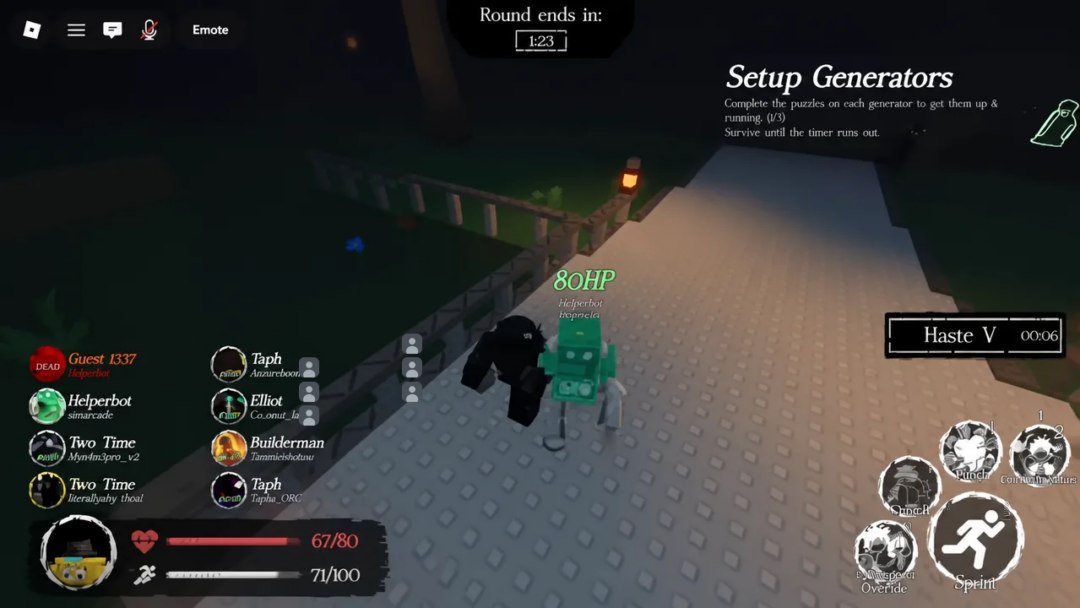
ST Blockade Battlefront tasks players with holding the line against waves of toilet enemies using an army of Cameramen. Codes hand out free Points, Cens, and Mastery that speed up unit purchases and upgrades without extra grinding.
Working ST Blockade Battlefront codes
These codes are confirmed active right now. Redeem them soon since Loading Studio can deactivate them without warning.
EspadaReworkWillComeInAvengersDoomDays— 7,000 Points NEWUpdateDelayMafia— 8,000 Points NEWSORRYFORSHUTDOWN3— 15,000 PointsSORRYFORDELAY— 10,000 CensZOMBIEPART2— 50 Mastery
How to redeem ST Blockade Battlefront codes
The redemption menu sits inside the game itself, and codes can also be entered straight into the in-game chat.
Alternatively, type the code directly into the chat box using the format !redeem CodeName, replacing “CodeName” with the exact code text.
Expired ST Blockade Battlefront codes
These codes no longer grant rewards. Skip them and use the working list above instead.
WelcomeIronCameraman!2WelcomeIronCameraman!!redeem Verified!redeem Scientist!redeem Sandbox!redeem Return!redeem Digi!redeem UTSM!redeem 18kLikesW!redeem 5MVisits!redeem 15kLikes!redeem DelayUTCM!redeem 12kLikes!!redeem ForgorLoop!redeem 10kLikes!!redeem 8.2kLikes!!redeem 9kLikes!!redeem Reinforcement!redeem DelayedUpdateFinallyHere!redeem ParasiteIncident!redeem StoryBugFixingGrrr!redeem SORRYFORSHUTDOWN!redeem 1Mvisit!redeem SORRYFORSHUTDOWN2!redeem 3KLikeTHX!redeem ToiletTimeStop!redeem ThxFor2kLikeN5kFav!redeem RagdollIncident!redeem 7kLikeand4MVisit!!redeem flyingToiletXDD!redeem 5kLikeYEand2.5MVisitImSorryGuys1ImSorryGuys2ImSorryGuys3ImSorryGuys4ImSorryGuys5ImSorryGuys6ImSorryGuys7ImSorryGuys8ImSorryGuys9ImSorryGuys10ImSorryGuys11ImSorryGuys12ImSorryGuys13ImSorryGuys14100MVisit1100MVisit2CCTVBaseADelayedGameIsEventuallyGoodButRushedGameIsForeverBadUpdateScheduleRevampCamArmada
Where to find new codes
New codes usually go out through the official ST Blockade Battlefront Discord server, though scrolling through the channel history to spot them takes time. Checking back on this page is a faster way to catch fresh codes as soon as they appear, since expired ones get moved out of the working list right away.