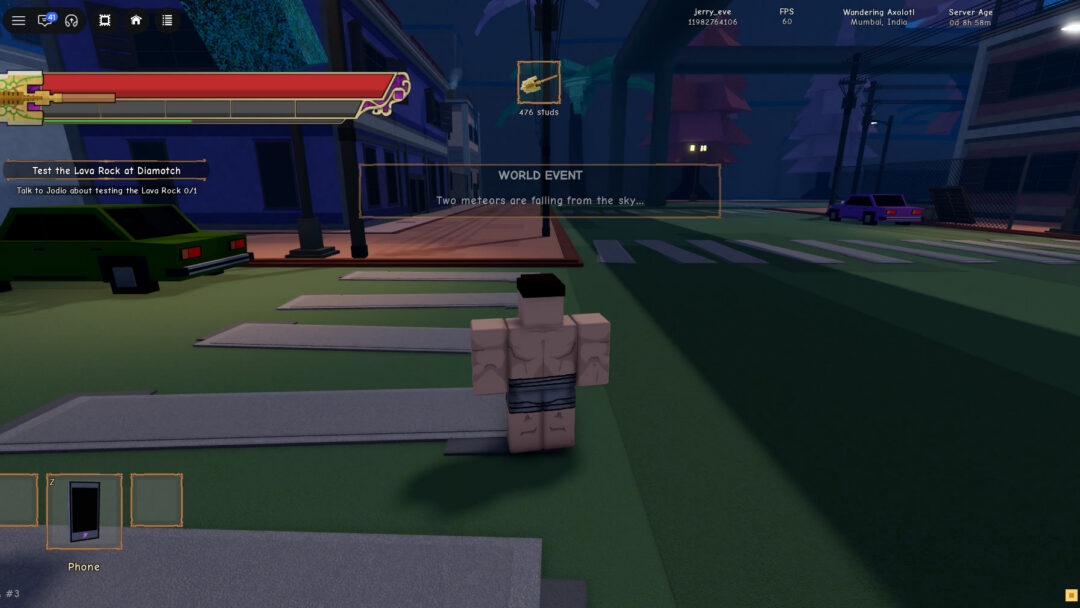
Boss fights in Stand Out begin with a world event banner. That banner tells you two things: which boss has shown up and where. DIO and Jotaro have both appeared this way. What happens after that is far less ceremonial than the opening suggests.
Quick answer: Read the WORLD EVENT banner for the boss and location, then head there. Boss events have run from about three minutes to about a quarter of an hour. When DIO’s event ended, he vanished with no message, and nothing dropped where he stood.
Where DIO and Jotaro appear in Stand Out
A boss arrives with a panel headed “WORLD EVENT”. The line underneath it names the boss and the place, and that line is the only direction you get (every banner wording is in the Stand Out world events guide). Bosses have turned up in different spots, so read each banner rather than assuming a boss has a fixed home.
| Boss | Banner line | Location |
|---|---|---|
| DIO | “DIO has appeared at Docks!” | Docks |
| Jotaro | “Jotaro has appeared at Museum!” | Museum |
| DIO | “DIO has appeared at School!” | School |
The game shows no timetable for boss appearances, so the banner is your signal. Boss events have run from about three minutes to roughly a quarter of an hour, from the banner to the end of the event.
How to reach DIO after the banner
What DIO looks like on screen
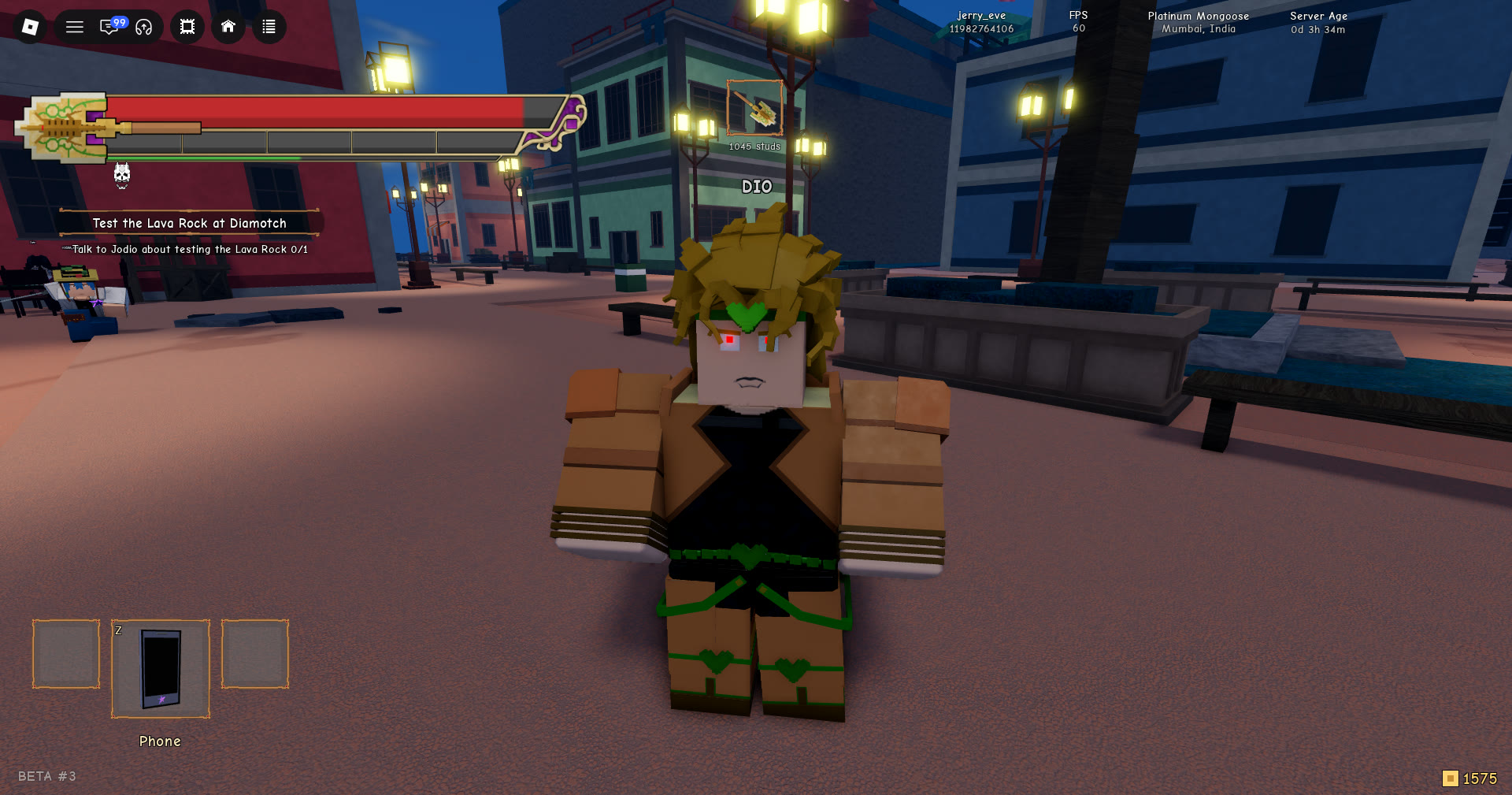
Up close, DIO is easy to pick out from regular players:
- Gold hair and red eyes
- A dark green headband
- A gold-and-black outfit
- A bandaged right arm
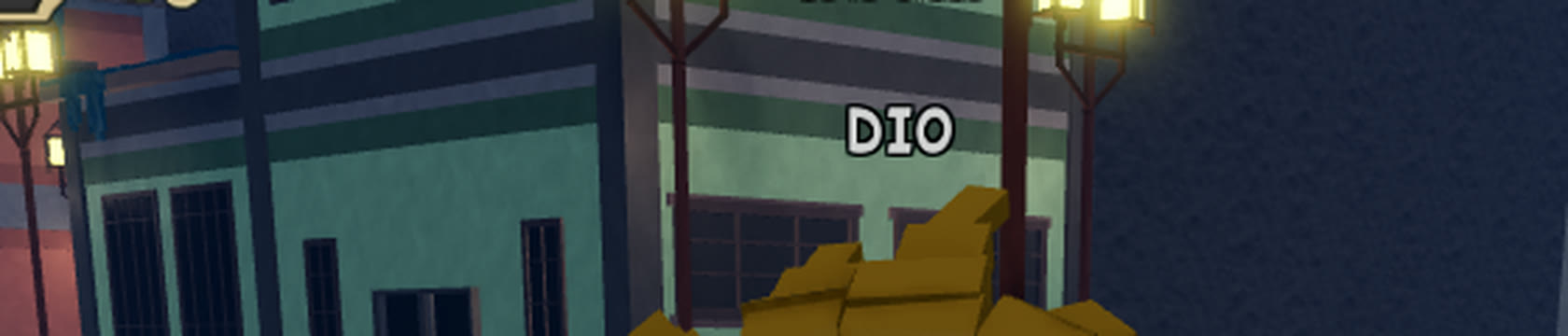
Above him floats the name DIO in three capital letters. The letters are white with a dark outline. Because the label only shows when you are close, you cannot track him across the map by it.
The boss health bar
Stand Out shows no HP number for the boss. There is no total, no percentage, and no “HP” label anywhere on screen. Instead, a plain red bar sits directly under his name. It has no text and no segments.
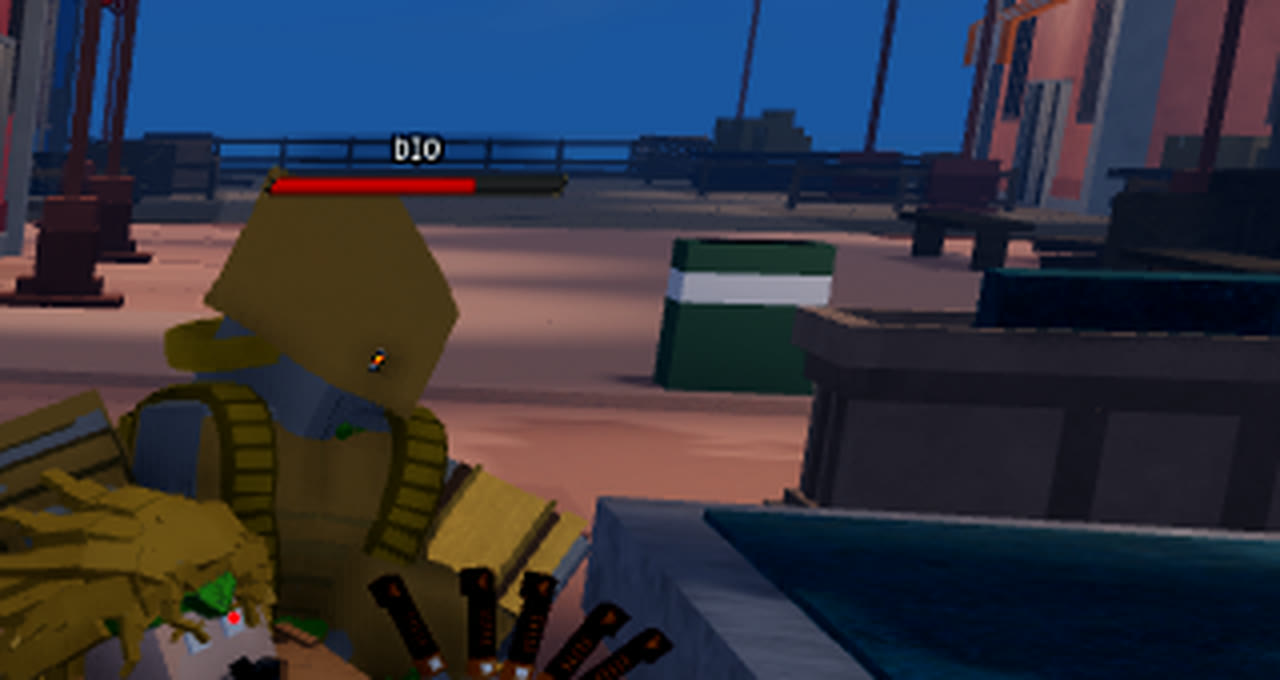
At full health, no bar is drawn under the name. The red bar appears once the boss has taken damage. It is partly red on the left and partly empty on the right. That empty portion is the only progress readout the fight offers.
Fighting DIO alongside other players
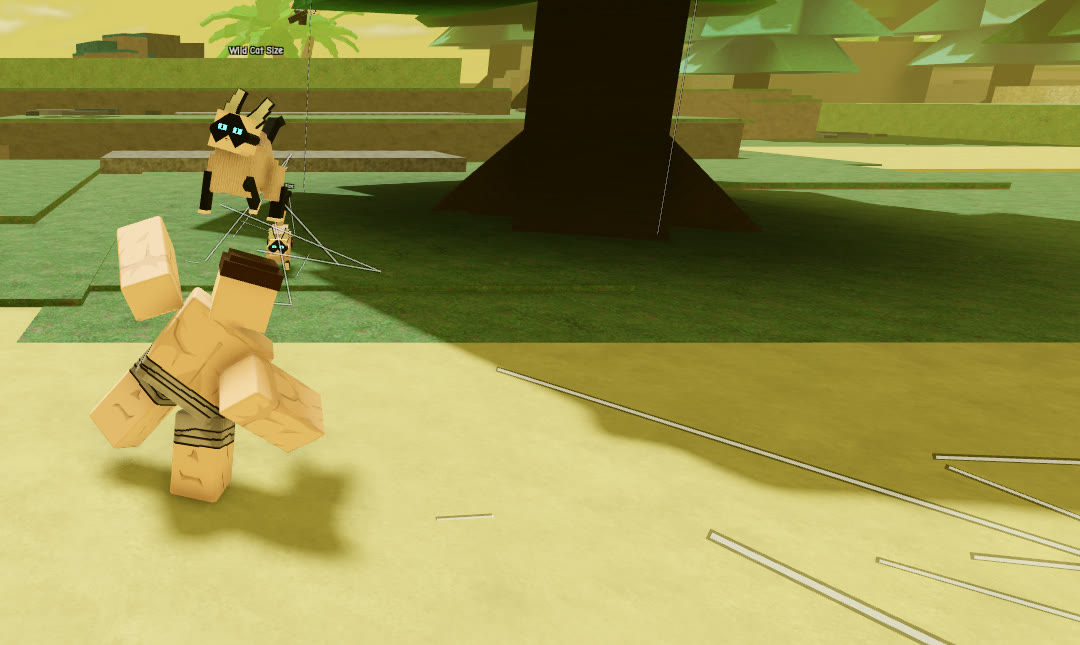
Players fight DIO up close; one player with a sword stood right beside him. You will see white bursts of blocky debris go off at his position.
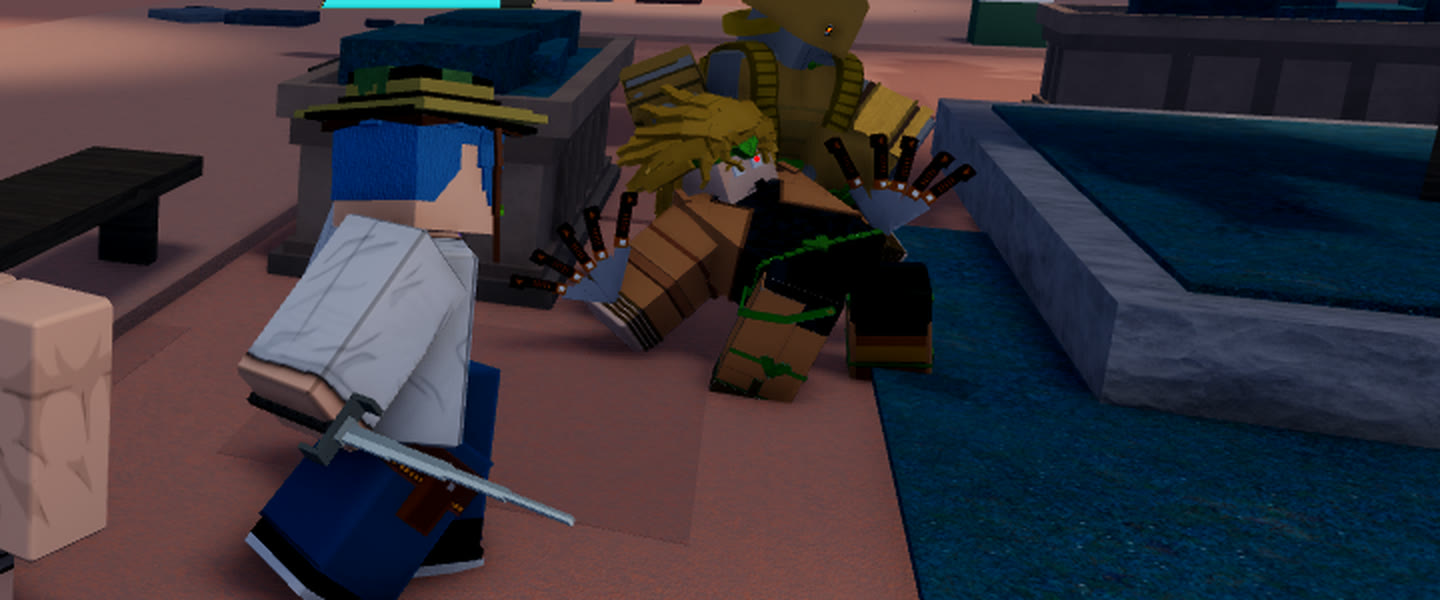
Your own health can drop in the middle of that crowd. One drop of about a third came at the same moment as one of those white bursts, so it is not clear what caused it. Further back, with the fight further away, health held steady and refilled on its own. Which of DIO’s moves hurt players is not clear from the fight.
How the DIO boss event ends
The end comes without any fanfare. DIO is simply gone from the street. One second after the event ends, the spot where he stood is empty. Fifteen seconds later, it is still empty.
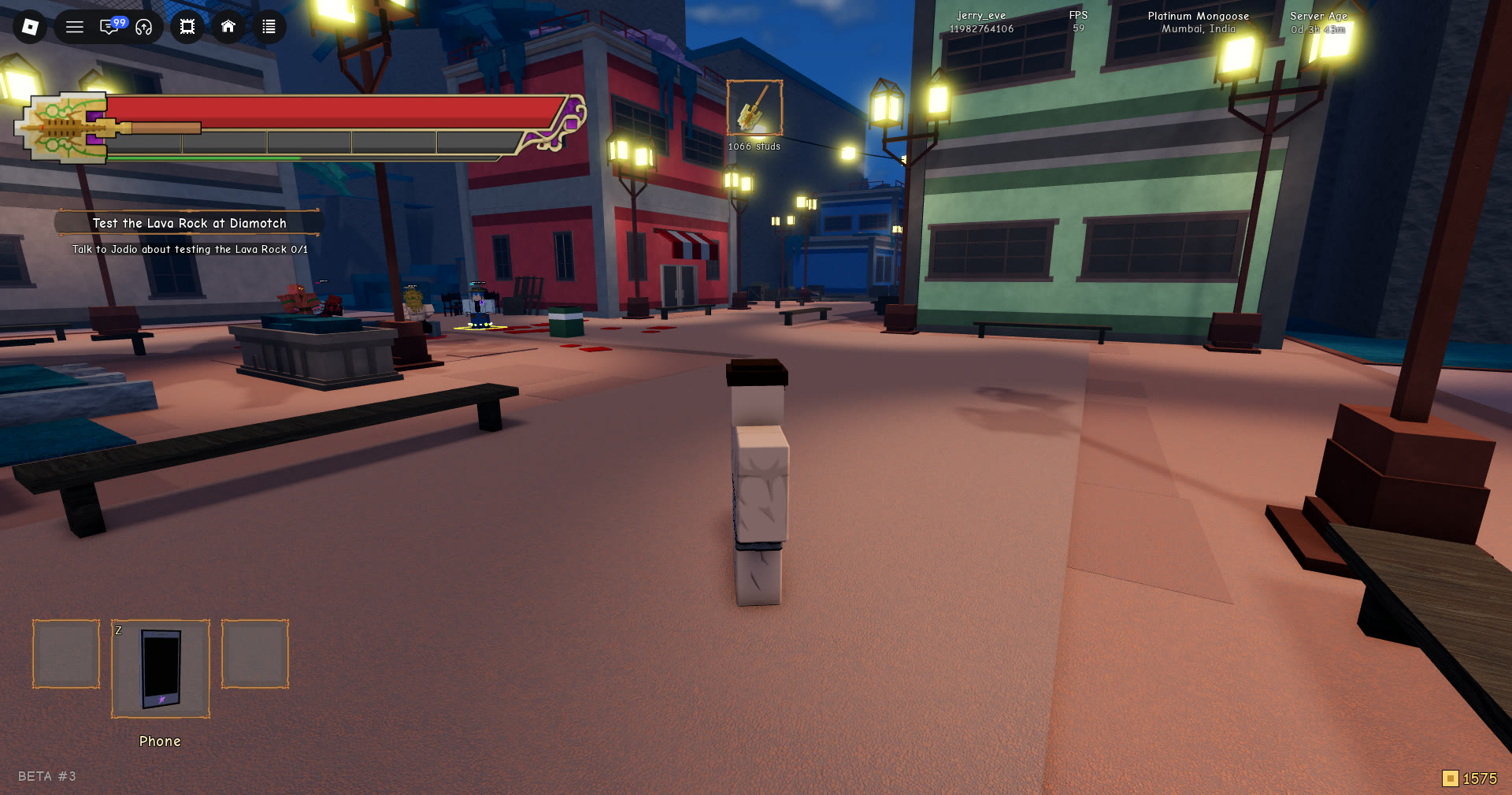
Nothing else marks the moment:
- No banner
- No “defeated” message
- No quest update
- No reward panel
No pop-up appears when the event ends. If you are on the street when it ends, your health remains unchanged and the boss’s former location is empty.
There is no payout either. Nothing drops on the ground where DIO stood. No pop-up or inventory notice appears, and your money does not visibly change. The only sign that the event is over is the boss’s absence.
Jotaro’s label, health bar and a three-minute fight
Jotaro’s name label looks the same as DIO’s: Jotaro in white letters with a dark outline. Once he has taken damage, the same plain red bar sits under it, with no numbers.
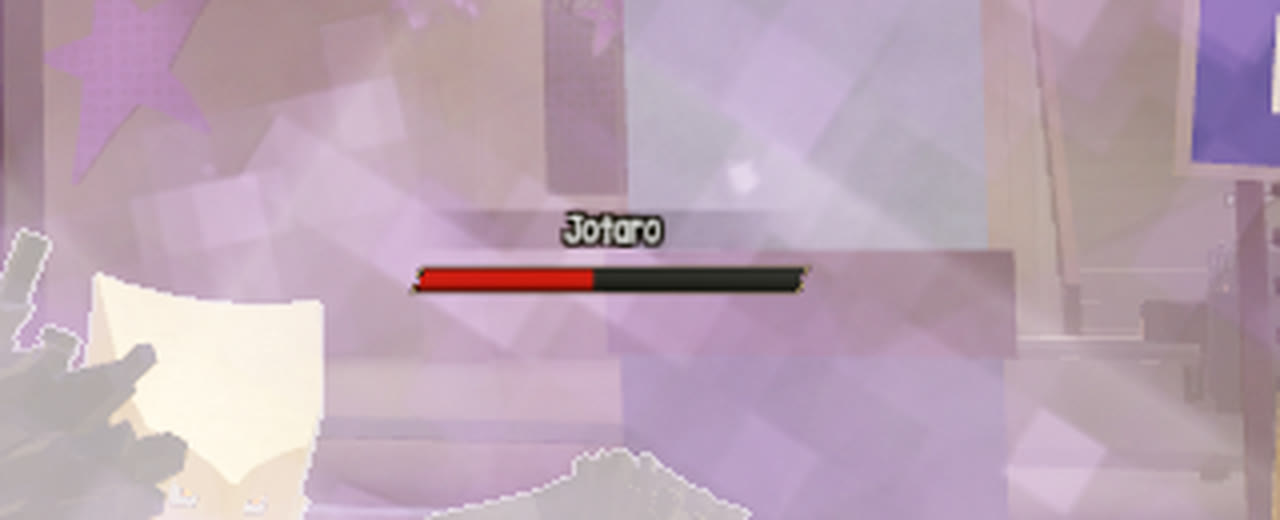
In one Jotaro event at Museum, players fought him in the forecourt, and his bar went from full down to a thin sliver.
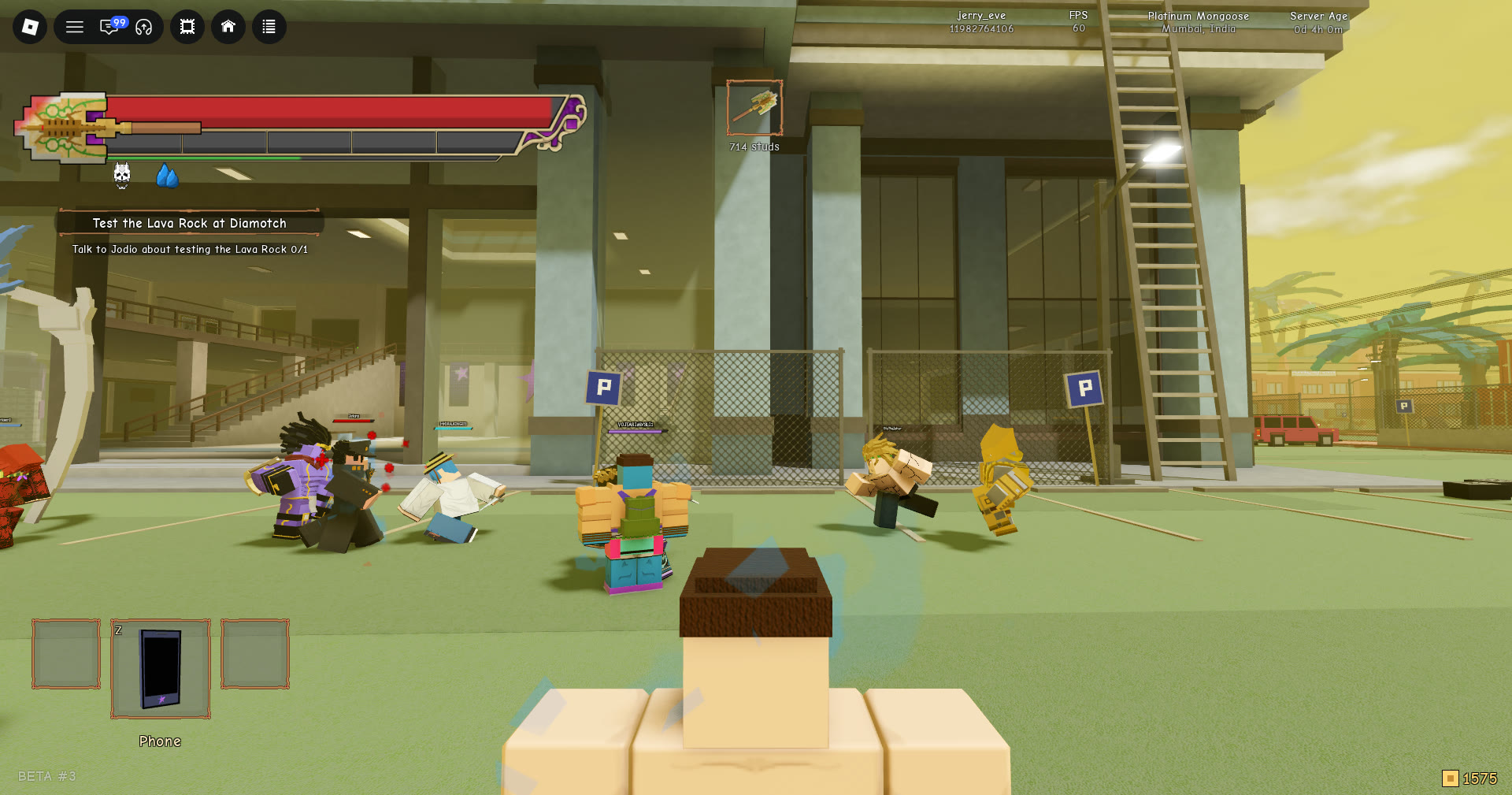
The bar then emptied, and a few seconds later the event was over and Jotaro was gone. That event lasted about three minutes from the banner, while an earlier Jotaro event ran about a quarter of an hour, so a boss event does not have a fixed length.
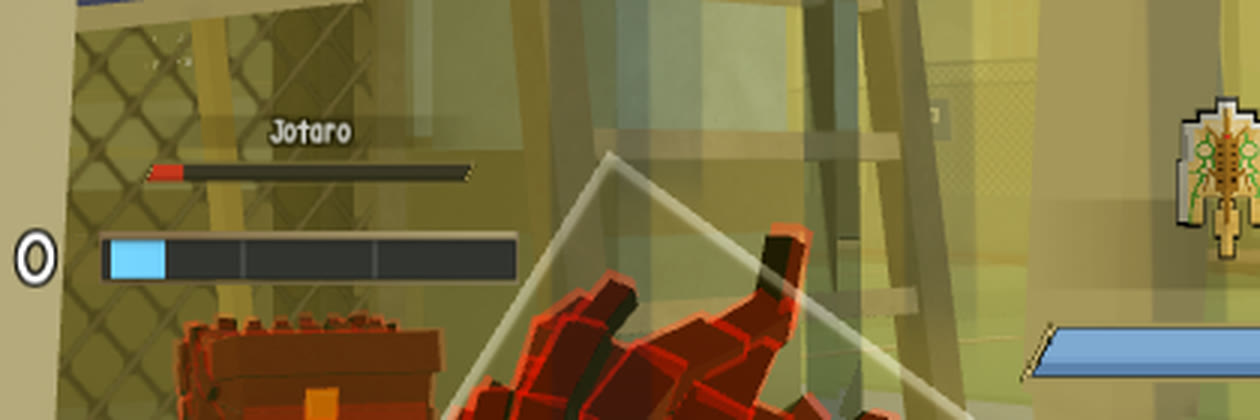
No notice or reward appeared on screen for a player who did not land the final hit. Whether the player who does sees anything is not known.