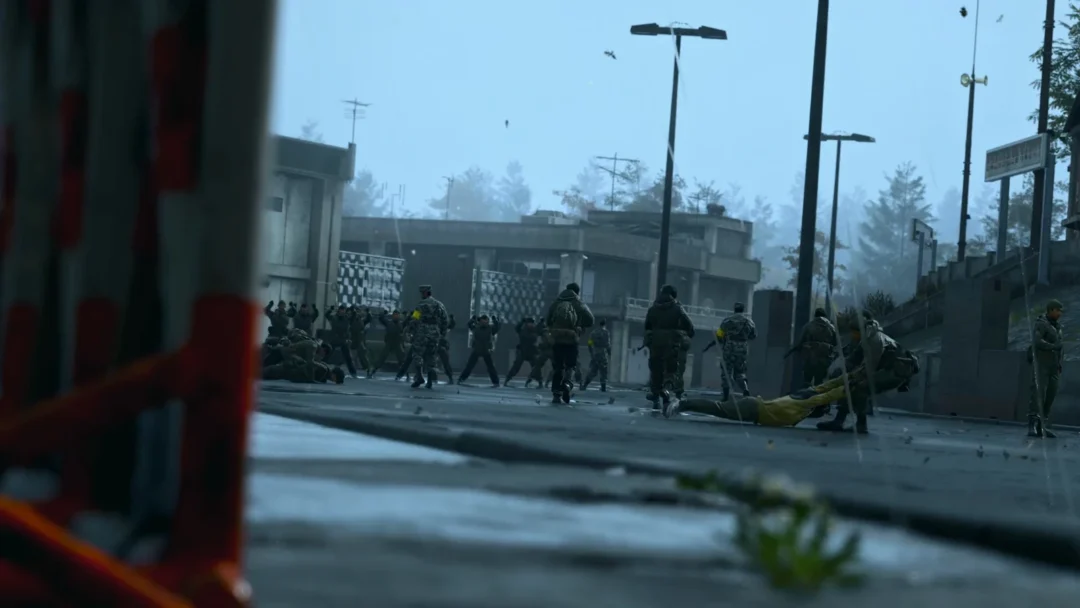
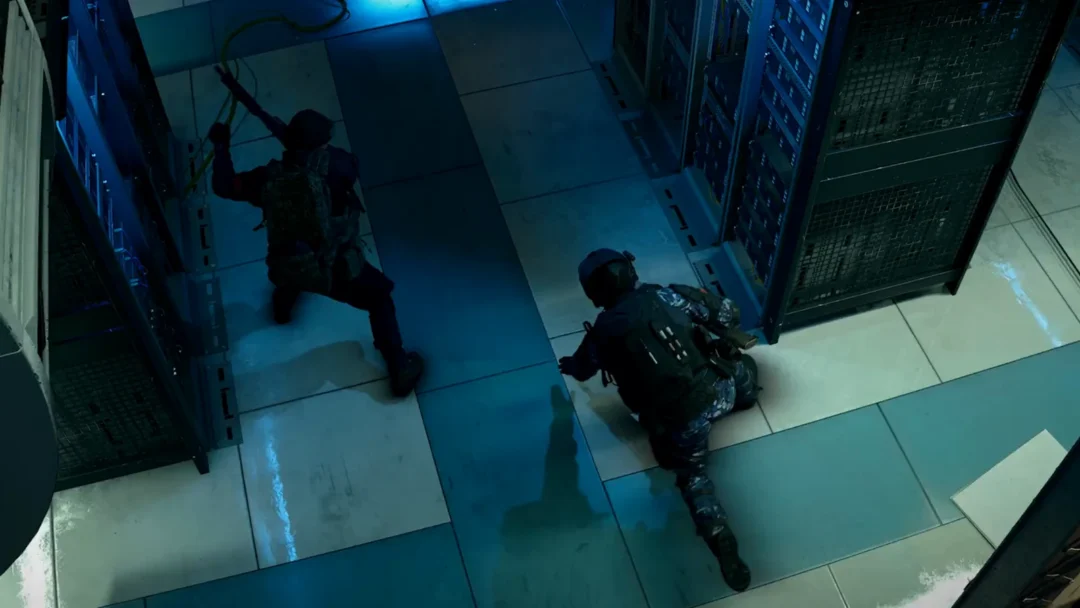
Star Wars Zero Company got its first real cleanup pass. Title Update 1.1 landed on September 9th, 2026, and it is almost entirely repair work — crashes, save corruption, targeting math that lied to you, and an Overwatch system that let droids shoot through walls. There is no new content here, but a few of these fixes change how missions actually play out.
Quick answer: Update 1.1 is live now on PC and consoles. Launch the game to download it, and if you play on an NVIDIA GTX 10-series or RTX 20-series card, open Options > Graphics and switch Environment Geometry Detail to Off for higher framerates.

Crashes, stutters, and deleted Beskar saves
The most damaging bug in the launch build wiped Beskar mode saves. That is fixed, and the saves affected by it were only temporarily deleted rather than lost for good. A separate crash tied specifically to Beskar mode has also been patched out.
Beyond that, 1.1 clears assorted crashes and visual stutters, and stops save files from corrupting when the game is closed suddenly or force-quit. A rare main menu softlock — triggered by hammering inputs while the intro cinematic plays — no longer happens. The game’s minimum suggested driver versions were bumped to current game-ready releases for both NVIDIA and AMD, and the in-game prompt now tells you plainly to update your drivers.
One smaller correction worth noting: the Global Illumination and Reflections settings text mistakenly referred to ray tracing. That wording is gone.

Missing pre-order and Deluxe Edition items
Some players never received their pre-order or Deluxe Edition contents. Update 1.1 delivers them. If your bonus items were absent before, install the patch and check your inventory and customization options — no support ticket or manual redemption step is required.
Tactical combat fixes: 100% hit chance, Scatterguns, and DC-17m Anti-Armor
This is the section that matters most for anyone deep into a campaign. Shots listed at a 100% chance to hit could still miss. They can’t anymore. Several weapons and abilities were also running on wrong numbers, so damage output shifts noticeably after the patch.
| Weapon, ability, or talent | What changed in 1.1 |
|---|---|
| Any 100% hit chance shot | No longer misses |
| Tier 2–4 Scatterguns | Stop using Tier 1 damage values |
| DC-17m Anti-Armor | Base damage fixed so it can score Critical Hits and take grenade damage bonuses |
| Rocket Strike and DC-17m Anti-Armor targeting | Easier to control when aiming |
| Ion Blasters | No longer double their Critical Damage |
| Tel-Rea’s Force attacks | Correct UI damage values, Ranged Damage Cross Training applies once instead of twice, Critical Damage bonuses now count |
| Droid Dismantler | Grants Harmony only on Droid kills, not every enemy death |
| Sweeping Salvo | Enemies outside the targeting cone are no longer hit |
| A Life of Labor (tier 2) | Bonuses stop stacking infinitely on repeat purchases |
| Immovable status | Now actually provides its bonuses |
Cone attacks no longer snap awkwardly when aiming with mouse and keyboard, and Kabb’s firing animation with the M-32 was corrected. A handful of UI gaps closed too: Focus now shows outside the Radial Menu, the Rally prompt appears when targeting a unit from the Move preview, damage reduced to zero or below displays properly, and the Astromech’s Enhanced Scanners no longer reports “Invalid Target” on a controller.
Overwatch no longer fires through solid objects
Overwatch was the source of some of the worst-feeling losses at launch. When an Overwatch shot triggered against an attacker, enemies could return fire through solid cover at Operators they had no line of sight on. That is fixed. Overwatch also stops triggering on units standing outside the targeting cone, and a broader set of Overwatch bugs that caused unintended attacks on both enemies and your own squad has been resolved.
Turn order got a related correction. The Coil Captain could heal a target that Overwatch had already killed, wasting your kill and its action. It won’t now. Combat actions that previously failed to process correctly also go through as expected.
Camera behavior improved alongside it. Drift while picking targets for abilities is reduced, and the wobble when switching into the over-the-shoulder view is gone. Operators who ended up outside the map boundary can be used again, and squad members no longer go missing when you arrive at a Tactical Mission.

Bacta Tank exploit, autosaves, and Secondary Specializations
The Medbay’s Bacta Tank could be used more than once per cycle. It is now limited to a single use per cycle, so plan your healing around that. The Medbay tutorial’s rare softlock is fixed as well.
Secondary Specializations were quietly underperforming. Their passive Cross Trainings weren’t being added to the selection pool at Relationship level +8, and they now are. Secondary Specializations also count properly when Operations check Specialization-specific requirements and results.
Two smaller management annoyances are gone: loading a save no longer generates an extra autosave, and moving in and out of the Squad selection menu while opening inspection mode no longer blocks progression.
Customization, Databank, and cinematic fixes
The Databank fixes are the important ones here, because they protected against permanent damage to your roster. Interacting with the Databank while the game was saving could corrupt characters, editing characters could corrupt their information, and renaming one Operator could rename another — producing duplicate names and broken customization on the affected Operator. All three are patched.
In the Customization facility, Tel-Rea Vokoss’ lightsaber stayed visible after swapping to an Astromech. Swapping an Operator’s Origin between Humanoid and Clone also carried over the previous origin’s default Voice Preview. Hawks’ preview Dossier now plays during character creation.

Cinematics got a round of animation corrections: Fathom’s hair no longer moves unnaturally, Clone Trooper and Kabb animations were fixed, Hawks’ arm appears correctly during a standing animation, and characters in the Den respond properly when Hawks is nearby or talking to them. Hawks was sometimes absent from the Bespin closing cinematic and now shows up. Trick also stops equipping his default helmet or default outfit when entering Stillwatch.
Feature updates: Tutorial, Upgrade Facility, and Tel-Rea’s hero mission
Three deliberate behavior changes sit outside the bug list. The back option in the Weapon Mods menu now closes the tutorial. Canceling a multi-cycle upgrade correctly shows that its progress has been reset, instead of leaving you guessing.
The most meaningful one is Tel-Rea’s hero mission. Its final battle used to end early once the remaining survival turns hit 1. The mission now succeeds at the end of the final enemy turn instead. Encounter fixes back that up — the mission’s last opponent failed to reassign its targeting to the Operator that hit it, and also failed to retarget the Operator who Rallies Tel while she is in danger.

PC framerate fix for GTX 10-series and RTX 20-series GPUs
If you are running an NVIDIA GTX 10-series or RTX 20-series card that meets the minimum specification, one setting is doing disproportionate damage to your framerate. Those architectures take on extra rendering overhead when processing complex environmental detail, and turning that detail off relieves it.
Tip: update your graphics driver to the current game-ready version first. The patch raised the minimum suggested driver versions for both NVIDIA and AMD, and an out-of-date driver undercuts the setting change.
How to confirm update 1.1 installed
On Steam, the update downloads the next time you launch the client, so quit the game fully and reopen it if it hasn’t pulled. Consoles follow the platform’s normal update prompt.
Two quick in-game checks confirm you are on the patched build. Open Options > Graphics and look at the Global Illumination and Reflections description — the incorrect ray tracing reference should be gone. If your Beskar saves disappeared before, they should be listed again in the save menu. And if you were owed pre-order or Deluxe Edition content, it should now appear without any further action.
Bit Reactor hasn’t confirmed a date for the next title update. For now, 1.1 is the build to be on, particularly if you are playing Beskar mode or relying on Overwatch to hold a line.