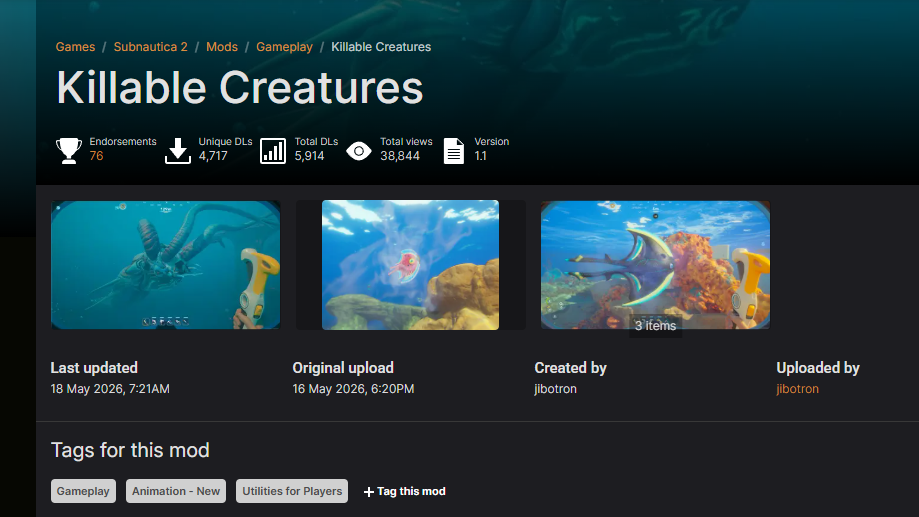
Subnautica 2 ships without the ability to permanently kill hostile fauna, a deliberate design choice from Unknown Worlds that breaks from the original game’s sandbox combat. The Killable Creatures mod by jibotron puts that mechanic back, assigning health values to fauna and turning existing tools into proper weapons. Installing it takes two pieces: the UE4SS mod loader, then the mod itself, dropped into a specific folder.
What the mod changes
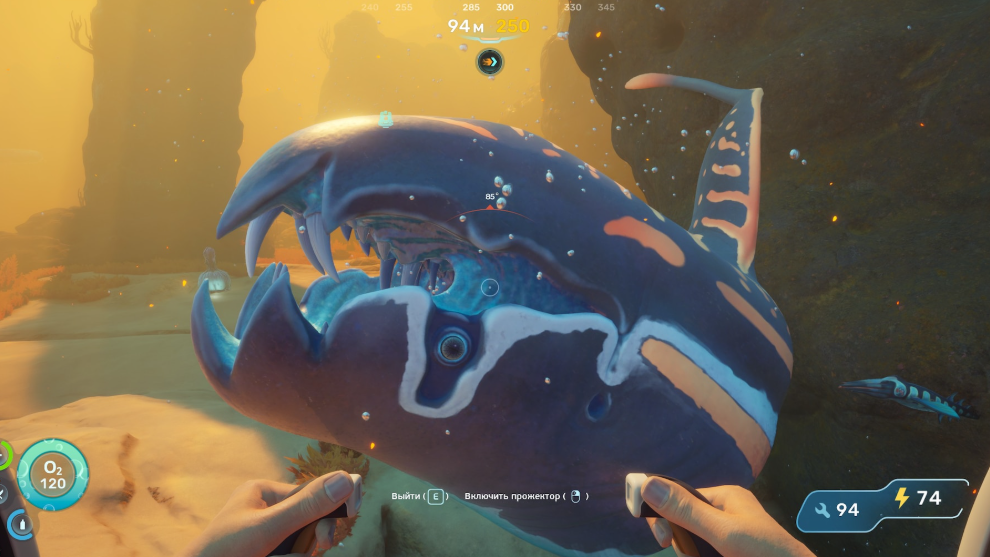
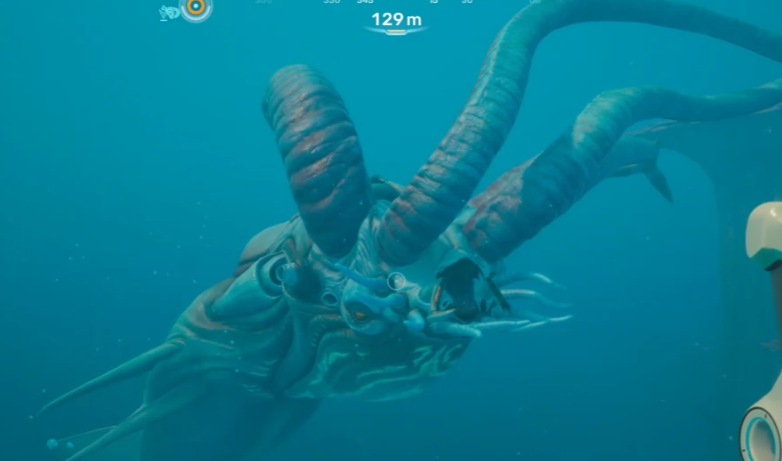
Killable Creatures gives every fauna entity a health pool scaled to its size, so a Nibbler dies far faster than something like The Collector. Two existing tools become viable weapons rather than utility items.
| Tool | Damage | Notes |
|---|---|---|
| Multitool | 20 per hit | Functions like the survival knife from the first Subnautica |
| Sonic Resonator | 50 per hit | Only at close range to the target |
The mod is on version 1.1, and the author has stated it will be updated alongside early access patches. It works on PC only — there is no console support.
Requirements before you start
You need the PC version of Subnautica 2 (Steam, Epic, or Xbox/Game Pass via WinGDK) and access to the game’s install folder. The mod will not function without the UE4SS mod loader, which is the framework every gameplay-altering Subnautica 2 mod currently relies on.
- Subnautica 2, PC build
- UE4SS for Subnautica 2 (non-dev version is fine for players)
- The Killable Creatures ZIP from Nexus Mods
- A file archiver capable of handling ZIPs
Install UE4SS for Subnautica 2
UE4SS is a fork maintained by the Subnautica 2 Modding Organization, the same group behind Nautilus for the original game. It loads Lua scripts, C++ mods, and Unreal Engine blueprint mods at runtime.
\Subnautica2\Subnautica2\Binaries\Win64. Note the doubled folder name — this is the inner Subnautica2 directory, not the engine one.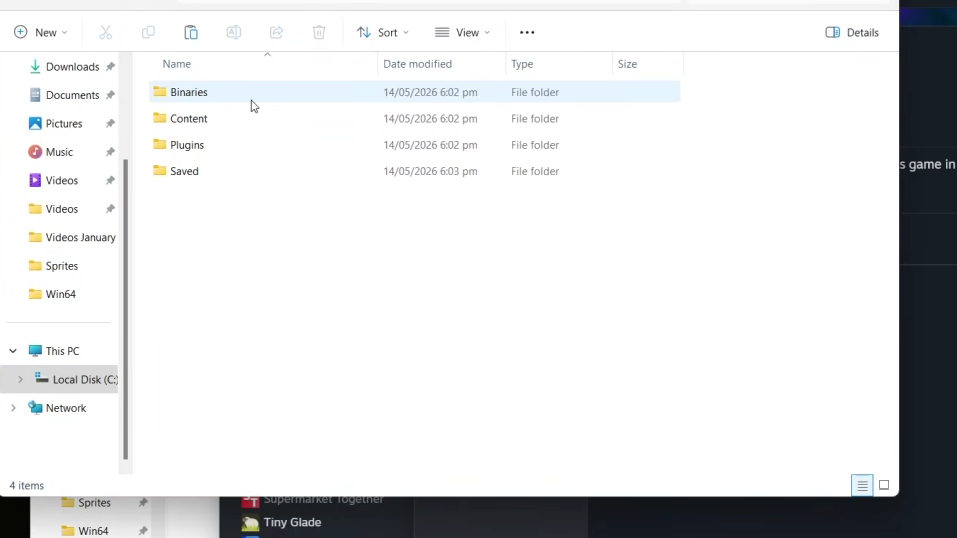
ue4ss folder must sit directly inside Win64 alongside the game’s existing binaries.ue4ss folder. A file called UE4SS.log (or just UE4SS with no extension if Windows hides it) confirms the loader initialized correctly.On Xbox Game Pass, the target path is \Content\Subnautica2\Binaries\WinGDK instead. On Linux via Proton, add WINEDLLOVERRIDES="dwmapi=n,b" %command% to the game’s Steam launch options before starting it.
Install the Killable Creatures mod
Once UE4SS has generated its log file, the mod itself drops in as a folder.
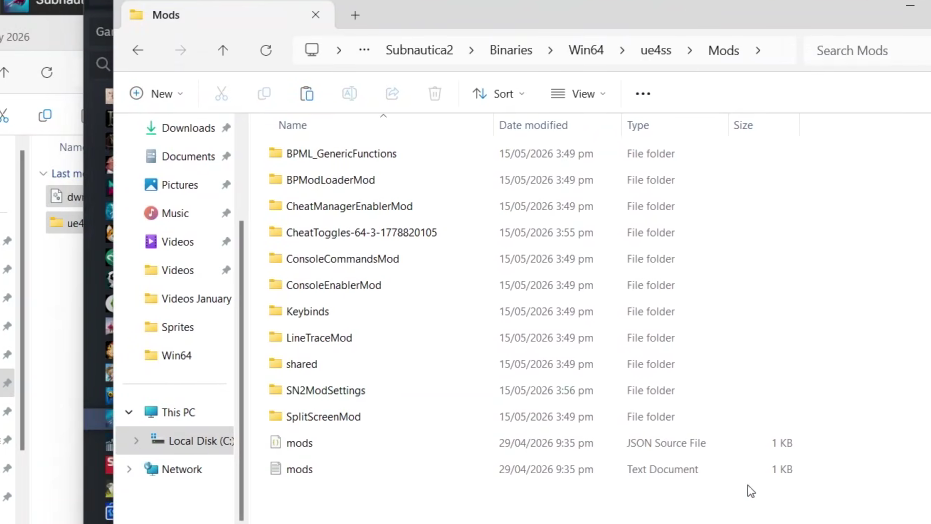
KillableCreatures.zip from the mod’s Nexus page. Manual download is the only option — there is no Vortex auto-install yet for this title.\Subnautica2\Subnautica2\Binaries\Win64\ue4ss\Mods. The Mods directory was created when UE4SS ran for the first time. Drop the whole folder in — do not extract the loose files directly into Mods.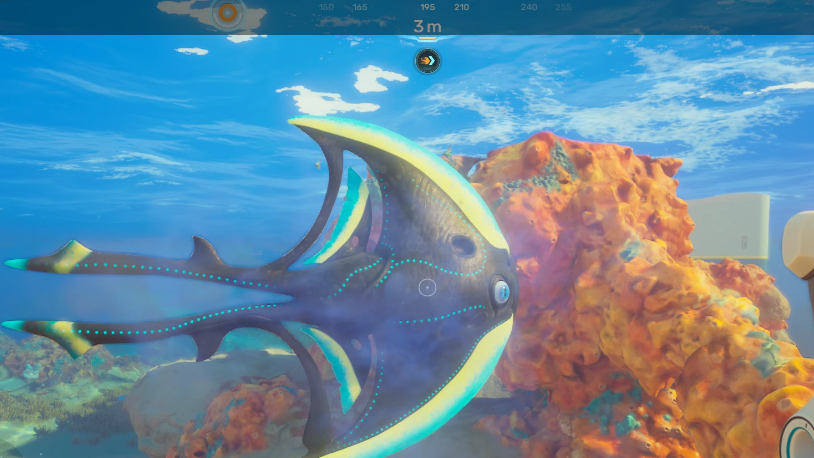
Verify it worked
Spawn near any aggressive creature and hit it with the Multitool. Creatures should now take visible damage and die after enough hits rather than fleeing or resetting. The Collector and leviathan-class fauna take significantly more hits because their health scales with size.
If nothing happens, the most common failures are: UE4SS extracted into the engine’s Win64 folder instead of the game’s, the KillableCreatures folder placed outside the Mods directory, or the game launched before UE4SS finished generating its first log. Re-check the path one segment at a time.
Updating and removing
The mod author publishes updates frequently to track Subnautica 2’s early access patches. To update, delete the existing KillableCreatures folder from ue4ss\Mods and replace it with the newly extracted one. To uninstall entirely, remove that folder; to fully revert to vanilla, also delete the ue4ss directory and the UE4SS DLLs from Win64.
Game patches during early access can temporarily break mods until the loader and the mod catch up. If a Subnautica 2 update lands and creatures stop dying, wait for jibotron to push a compatibility update rather than reinstalling the same files.