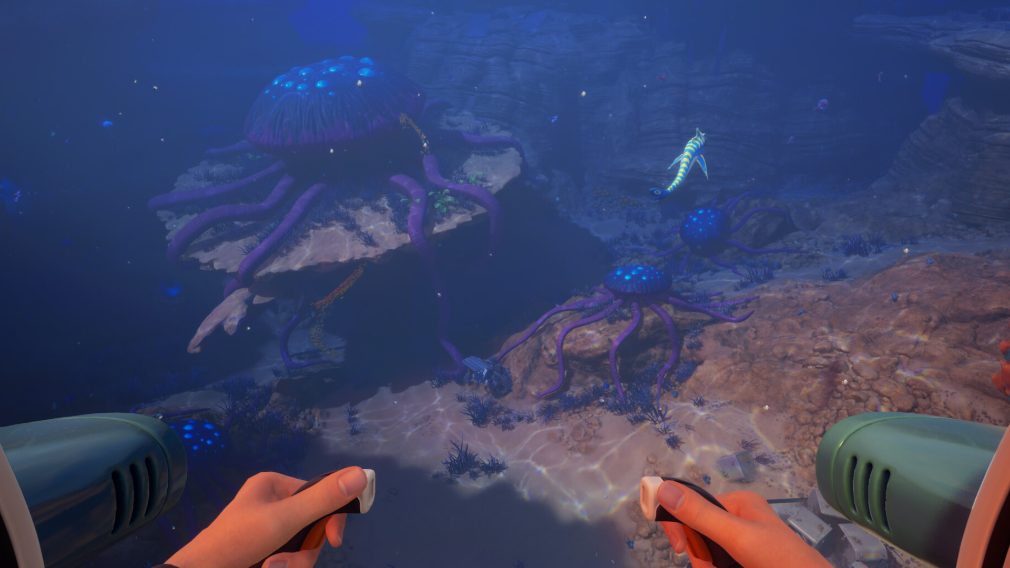
Subnautica 2 ships with optional online co-op from day one of Early Access. Up to four players can share a single underwater world across PC and Xbox, with the host’s save acting as the persistent world for everyone in the session. Solo play remains the default, and nothing in the game requires a second player to finish.
Quick answer: Host a session from the main menu, generate an invite code, and share it with up to three friends on Steam, Epic, or Xbox. They join with the same code, regardless of platform.
Player cap and platforms
The session limit is four players total, including the host. Unknown Worlds has not published any larger party size in storefront pages or the Xbox announcement, and the cap is the same whether the group is all on Steam, all on Xbox, or mixed. There is no split-screen, couch co-op, or local network mode. Every player needs their own copy of the game and their own machine.
| Detail | Subnautica 2 multiplayer |
|---|---|
| Maximum players | 4 (1 host + 3 guests) |
| Supported platforms | Steam, Epic Games Store, Xbox Series X|S, Xbox on PC, Game Pass |
| Crossplay | Yes, between PC and Xbox |
| Split-screen / local co-op | No |
| PS5 / Switch support | Not available |
| Solo play | Fully supported; no co-op-only content |
| Save conversion | Single-player saves can be hosted as multiplayer |
How hosting and joining work
Multiplayer uses a drop-in, drop-out model built on a host-and-guest structure. The host loads a save slot, and that world becomes the shared session. Guests connect through an invite code, and the host can keep playing alone whenever guests are offline. Progress stays attached to the host’s save, so the world persists between sessions.
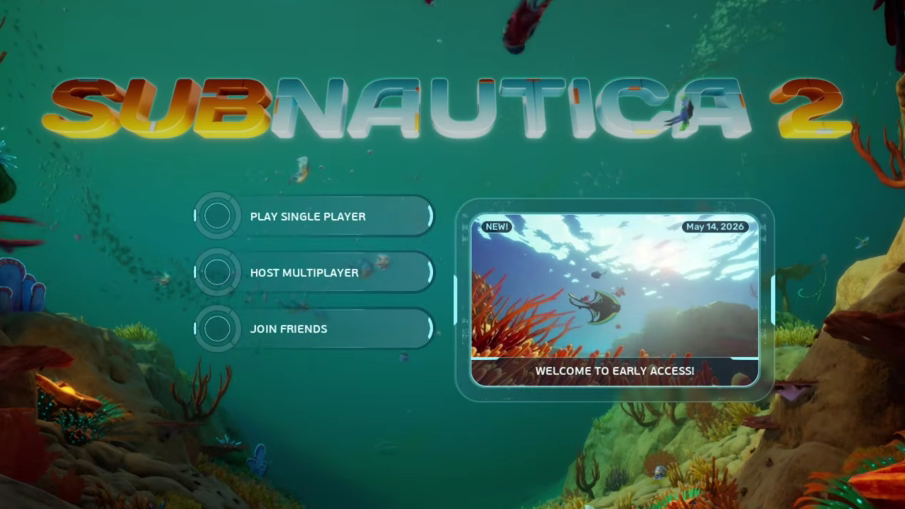
Host Game and pick the save you want to share. You can start a fresh world or promote an existing solo save to a multiplayer one without losing progress.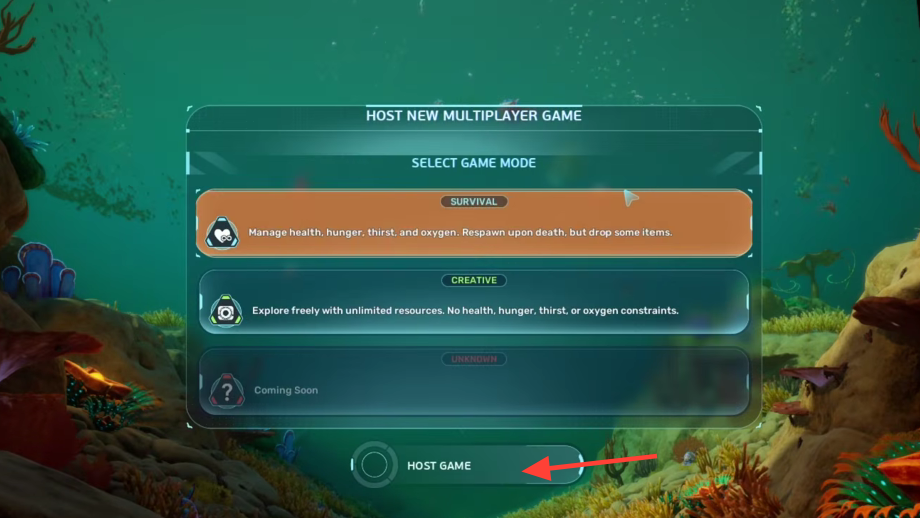
Host Game and pick the save you want to share | Image credit: Unknown Worlds Entertainment (via YouTube/@Video Game News)Join Game, and enters the code. Platform invitations through Steam friends or the Xbox party system also work for same-platform groups, but the friend code is the universal route.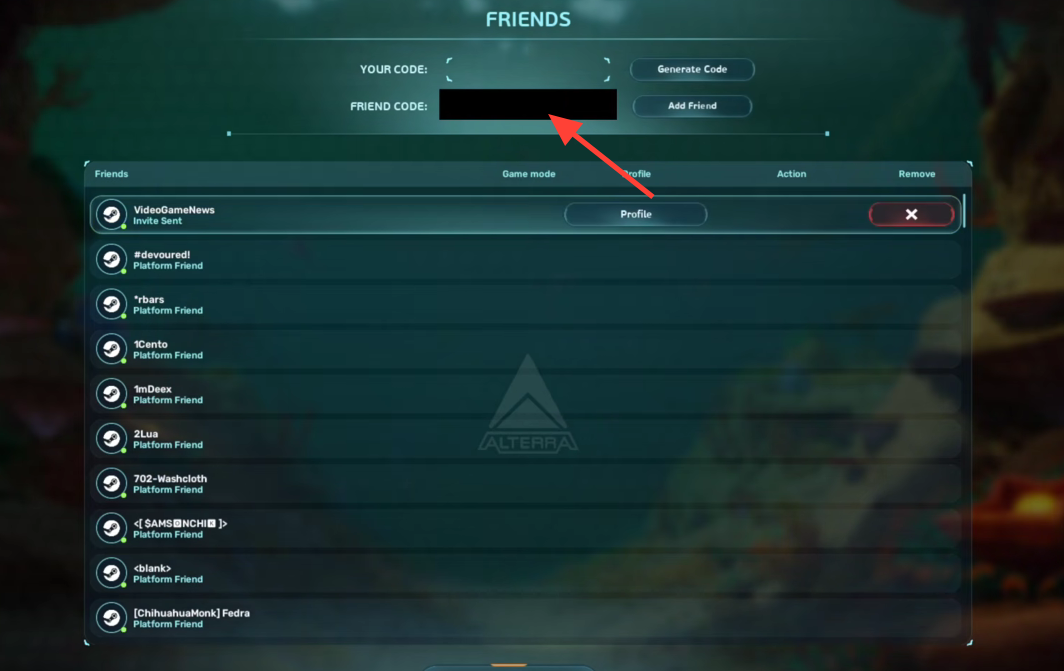
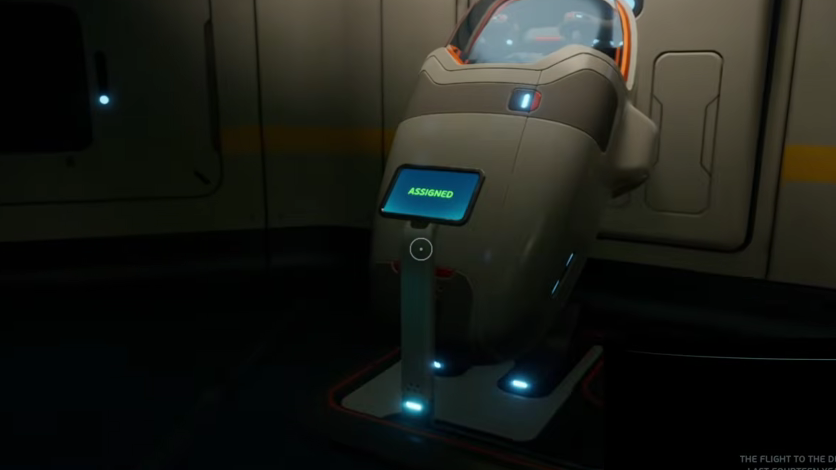
Join Game, and enters the code | Image credit: Unknown Worlds Entertainment (via YouTube/@Video Game News)You know it worked when the guest spawns into the host’s world on their own drop pod and appears on the host’s player list inside the social panel.
Crossplay between PC and Xbox
Crossplay is enabled across every supported storefront. A Steam player can host an Xbox player, an Epic player can join a Game Pass player, and any combination in between works through the same matchmaking layer. The friend code is the required method when the group spans platforms, since Steam and Xbox friends lists do not see each other directly.
PlayStation 5 and Nintendo Switch are not part of the launch lineup, so there is no crossplay route to those platforms. A PS5 version has not been dated.
What changes between solo and co-op
The design goal is parity. Every activity available in single-player, including base building, crafting, scanning, vehicle use, and story progression, is available in multiplayer. There are no co-op-only systems, no shared progression bars, and no separate multiplayer campaign. The studio has stated the game was engineered for multiplayer from the start rather than patched in later.
Resources in a co-op world are shared in the practical sense. Anything stored in a base locker or left in the open can be picked up by another player in the session. Coordinate storage if you want to avoid losing materials to a teammate who needs them for a build.
At the Early Access launch, players pick from four pre-made characters. More customization options are planned during the Early Access window, which the studio expects to last roughly two to three years.
Save handling and session continuity
A solo save can be converted into a multiplayer world from the main menu, so hours of single-player progress are not wasted when a friend asks to join. The reverse also works in practice, since the world is just the host’s save. Guests do not carry their inventory between different hosts’ worlds, so personal progress is tied to whichever save you are visiting.
If the host is offline, the world is offline. Guests cannot continue exploring the host’s session without the host present, because the session is peer-to-peer with the host acting as the authoritative machine. Pick the player with the most stable connection and the best hardware to host long-term campaigns.
Common reasons a friend cannot join
- Version mismatch after a patch. Both players must be on the same game build.
- Strict NAT on a console or router. Enabling UPnP or running the platform’s NAT test usually clears it.
- Expired or mistyped invite code. Generate a new one and resend.
- Host is not in the session. The world only exists while the host has the game running.
Co-op is optional throughout, so the moments of isolation that defined the series are still available by simply not hosting or joining. The four-player cap is the firm ceiling for now, and any larger party needs a rotation rather than a parallel save.