The Scanner is one of the two starter tools in Subnautica 2, alongside the Survival Multitool, and it’s the gate to most of the game’s crafting progression. Without it, you can’t pull blueprints from the wreckage scattered across the seabed, and you can’t unlock the gear needed to dive deeper.
Scanner crafting requirements
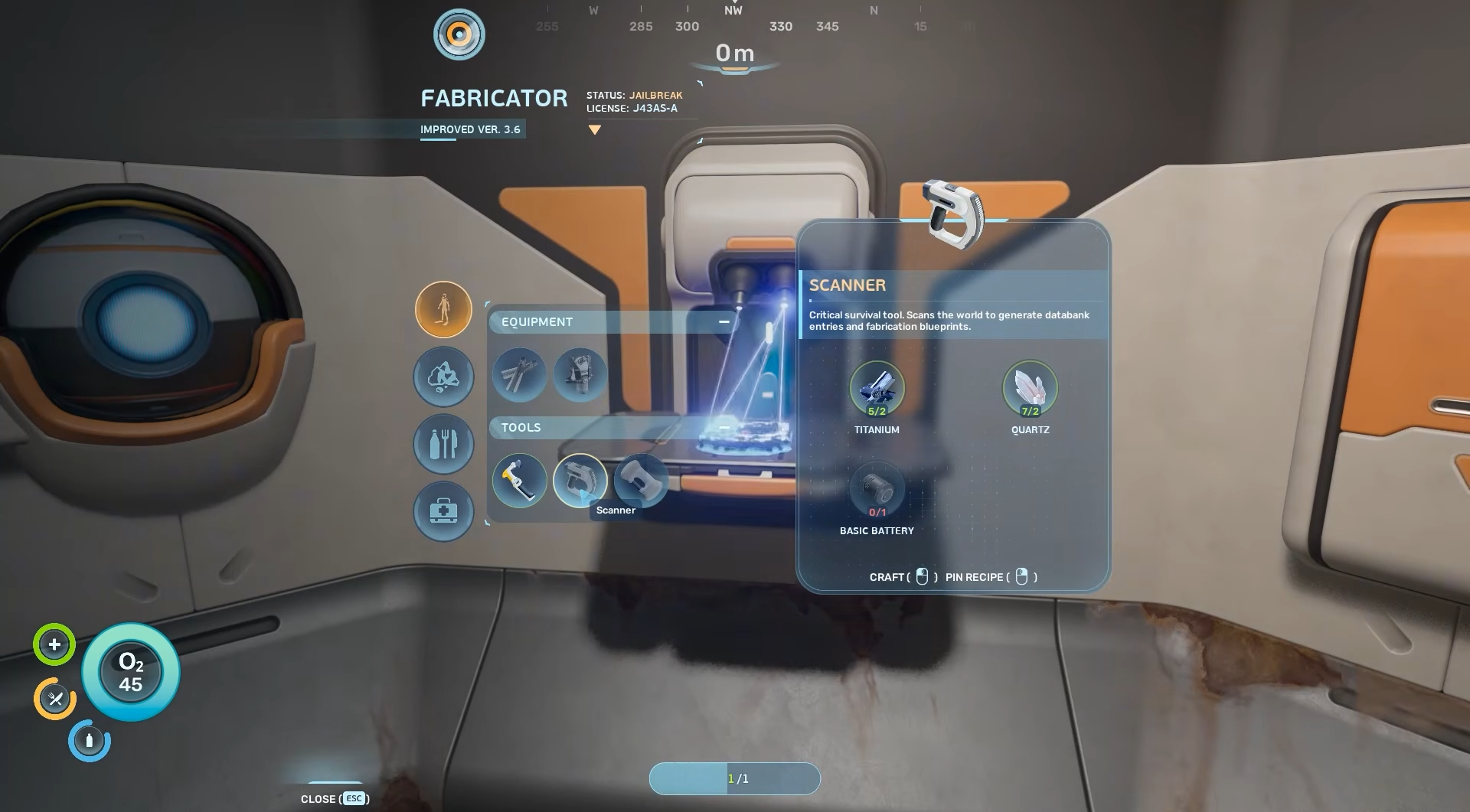
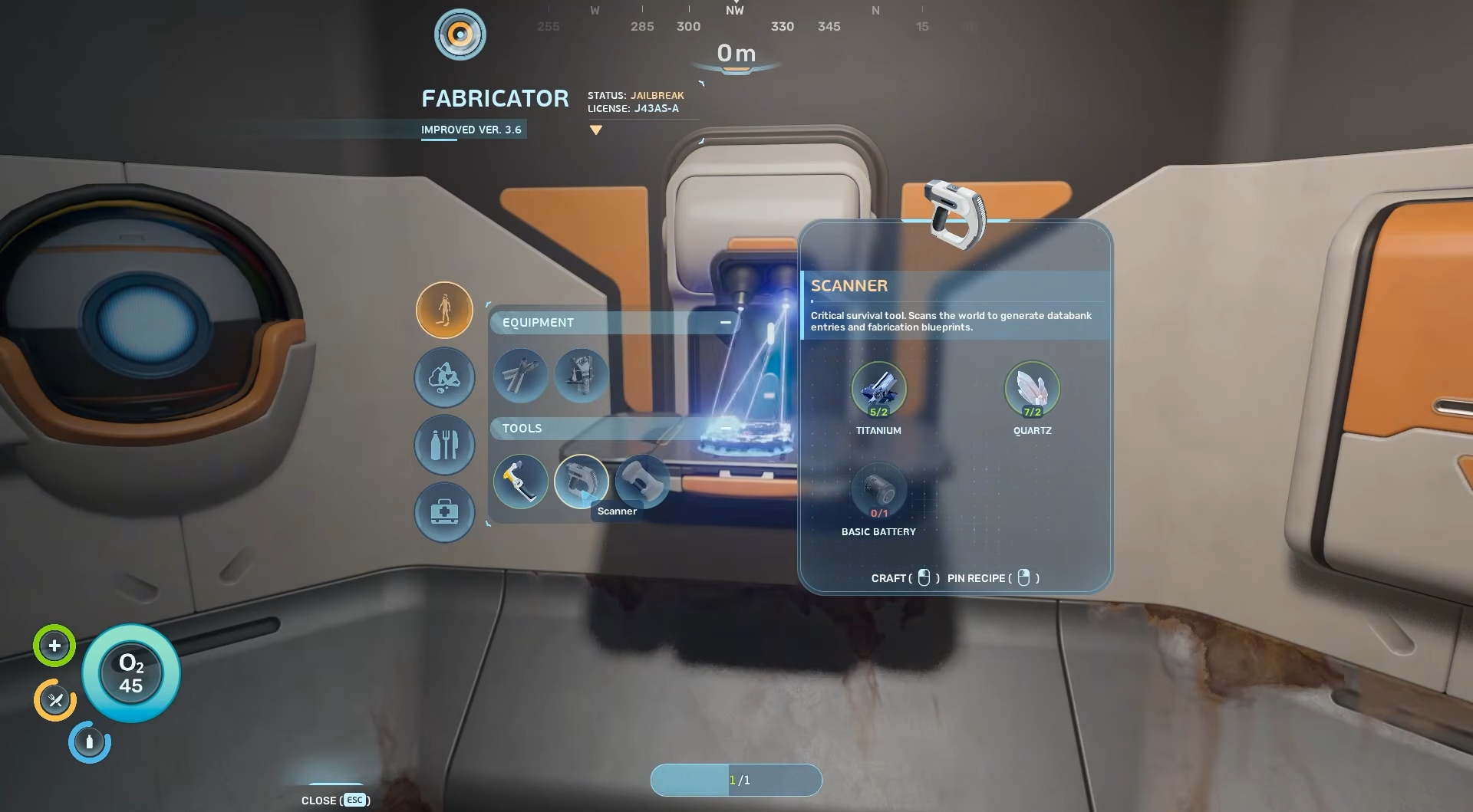
The Scanner is built at the Fabricator inside your lifepod under the Tools menu. Every input is available within the shallow waters biome surrounding your spawn point, so you don’t need to range far.
| Material | Quantity | Where to find |
|---|---|---|
| Titanium | 2 | Ocean floor, underground caves, and inside coral structures around the lifepod |
| Quartz | 2 | Inside Coral Domes in the shallows |
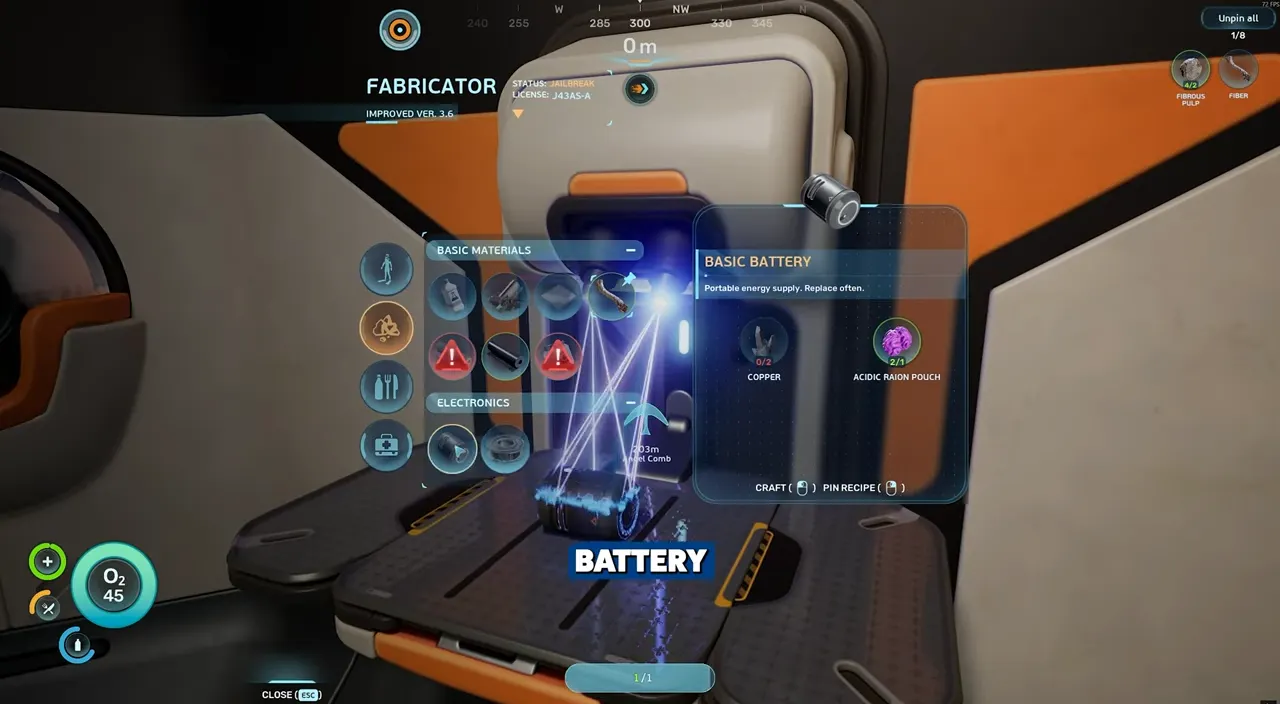
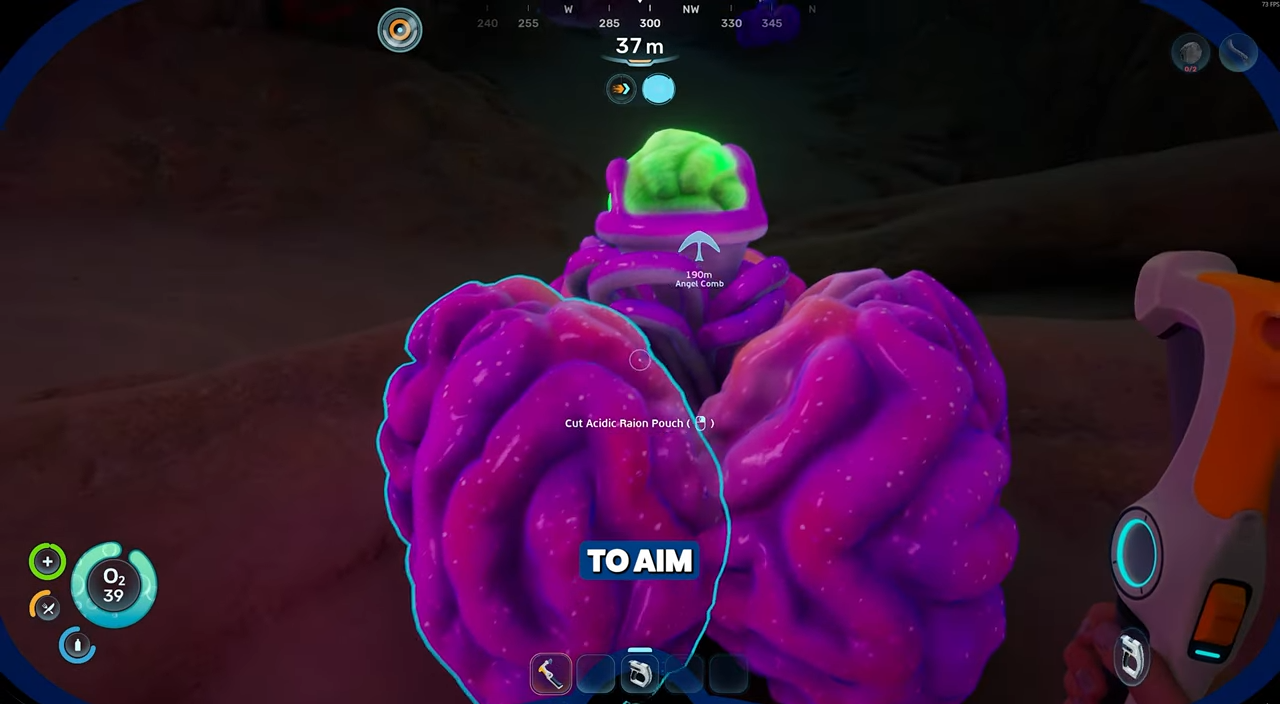
| Basic Battery | 1 | Crafted at the Fabricator from 2x Copper + 1x Acidic Raion Pouch |
Where to find Quartz
Quartz is the trickiest of the three raw materials early on because it does not generate openly on the seabed in useful quantities. It’s tucked inside Coral Domes, the large round orange coral formations dotting the shallows.
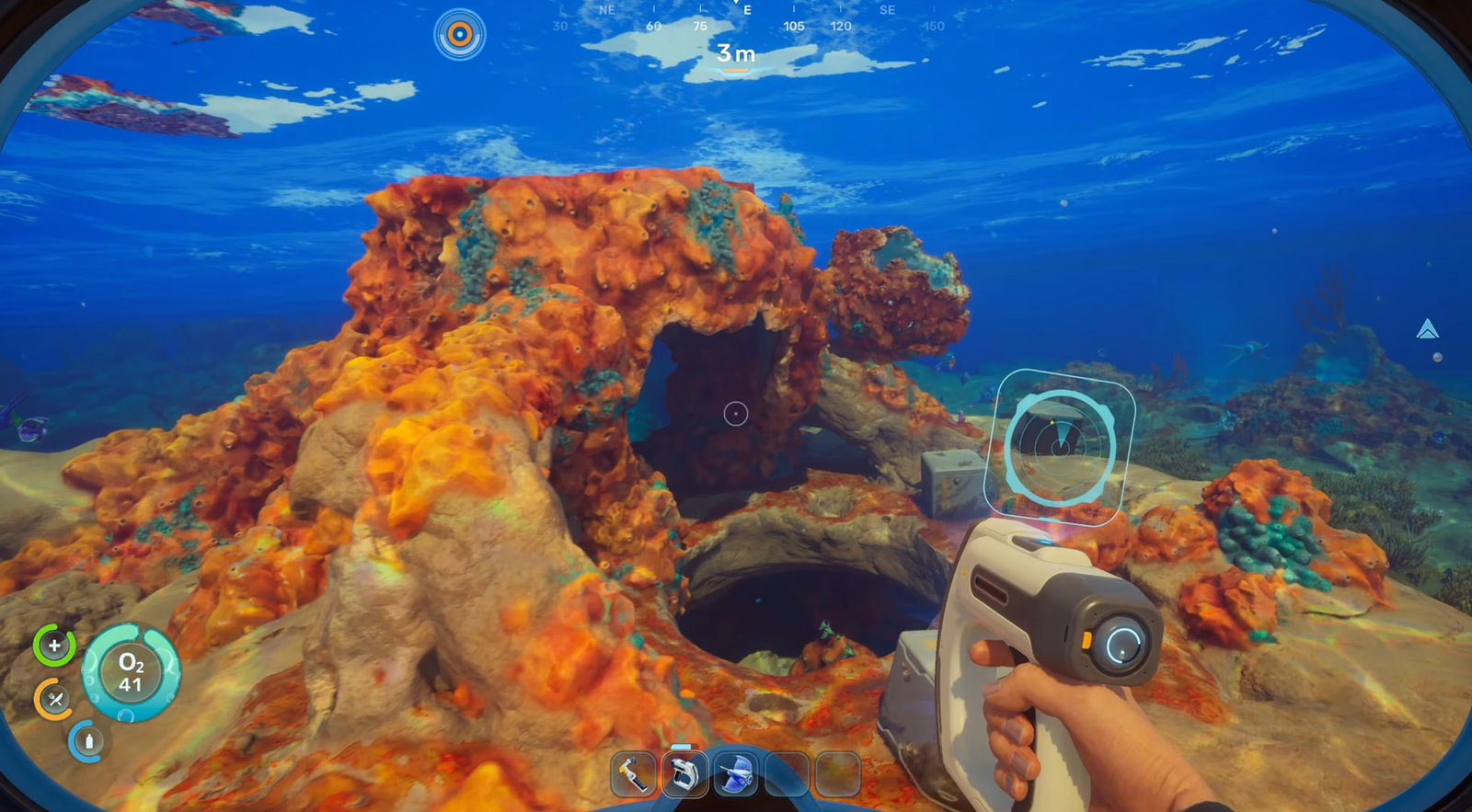
Each dome has an opening you can swim through. Inside, Quartz deposits line the inner walls and floor, often in clusters of several nodes. Larger domes can hold more than enough Quartz to fill out your early crafting needs. One dome sits roughly 30 meters east of the lifepod, which is the fastest route for a first run.
Where to find Titanium
Titanium is the most common ore in the starting area. You’ll find loose chunks sitting on the seabed near the lifepod, larger deposits inside cave systems, and nodes embedded in coral. You can also convert Metal Salvage into Salvaged Titanium at the Fabricator, which functions as the raw ore for recipes.
Two pieces is a trivial gather. If you’re already exploring for Copper or Quartz, you’ll likely pick up enough Titanium on the same trip.
How to craft the Basic Battery
The Scanner won’t work without a Basic Battery loaded, and the battery itself needs two ingredients you have to collect before the Scanner is even on the menu.
Building the Scanner
With all three inputs in your inventory, open the Fabricator, navigate to the Tools category, and select Scanner. The craft completes in a couple of seconds and drops the finished tool into your inventory.
Assign the Scanner to one of your quick slots (1–5) so you can equip it on the fly while exploring.
How to recharge the Scanner
The Scanner has a finite charge that drains a bit with every scan. Its current power level shows above the item icon on the quick slot bar.
To swap a depleted battery for a fresh one:
The drained battery stays in your inventory and can be topped up later at a Battery Terminal. Carrying a spare charged battery on longer dives is the safest way to avoid running out mid-scan in front of something dangerous.
What the Scanner actually does
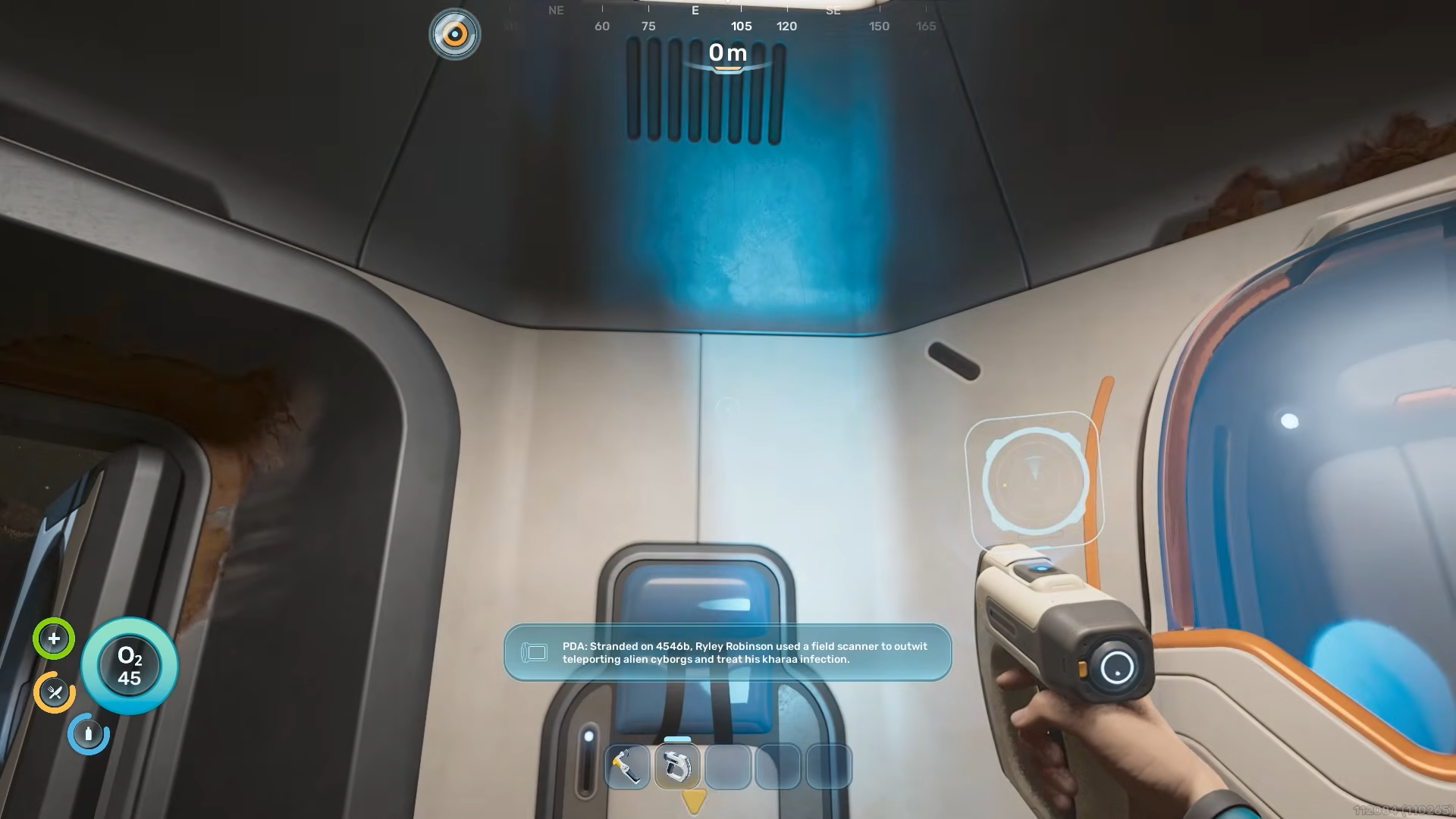
Equip the Scanner, point it at an unknown object within range, and hold the scan input. A progress ring fills, and once it completes, you either unlock a blueprint, log a Databank entry, or both.
Most degraded tools and equipment fragments left behind by previous colonists require multiple scans across separate copies before the full recipe registers. The Fabricator menu shows partial completion progress, so you always know how many more fragments of the same item type you still need.
Scanning flora and fauna doesn’t unlock recipes, but it does add ecological data and tells you which creatures are hostile. For aggressive fauna, start the scan from as far back as the five-meter range allows and break off if the creature closes in.
Once the Scanner is in your hand, the path forward opens quickly. Habitat Builder, Dive Elevator, Torch, and most other progression-critical tools all come from scanning fragments, so the sooner the Scanner is built and powered, the sooner the rest of the tech tree starts unlocking.