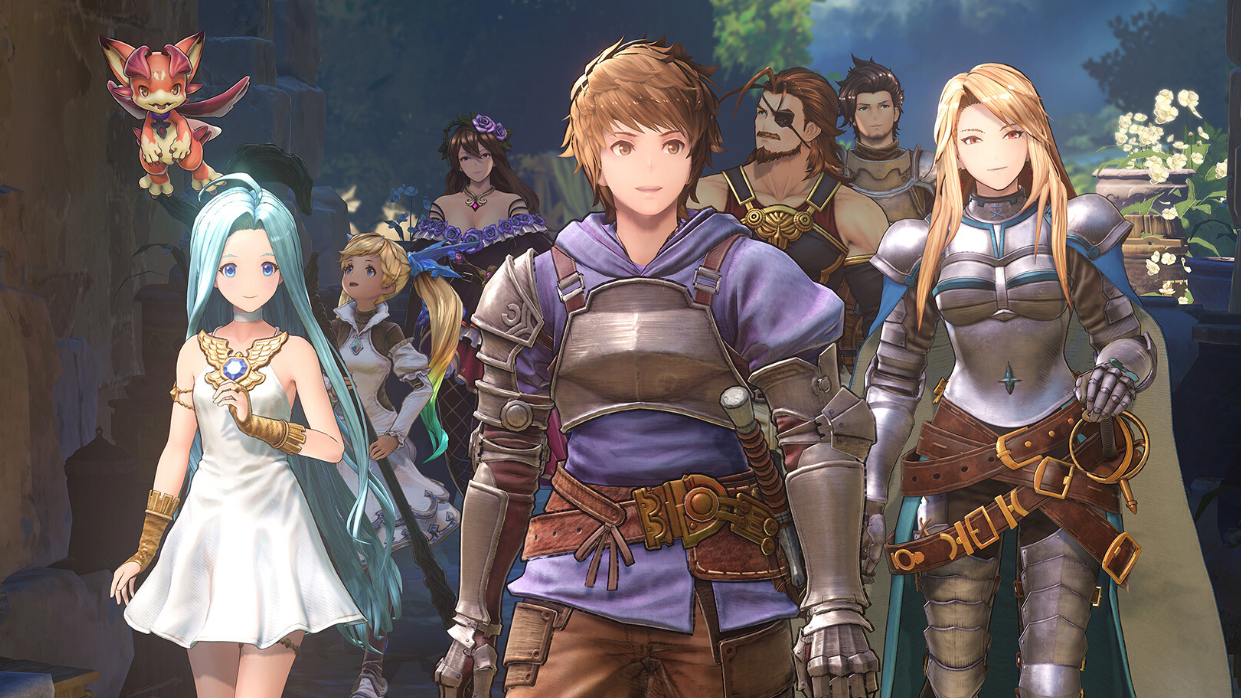
Swapping between party members mid-fight is one of the core combat tools in the Granblue Fantasy: Relink — Endless Ragnarok open beta. The control is identical to the base game, but the open beta changes how you queue your starting fighter from the lobby, which trips up returning players who jump straight into a quest.
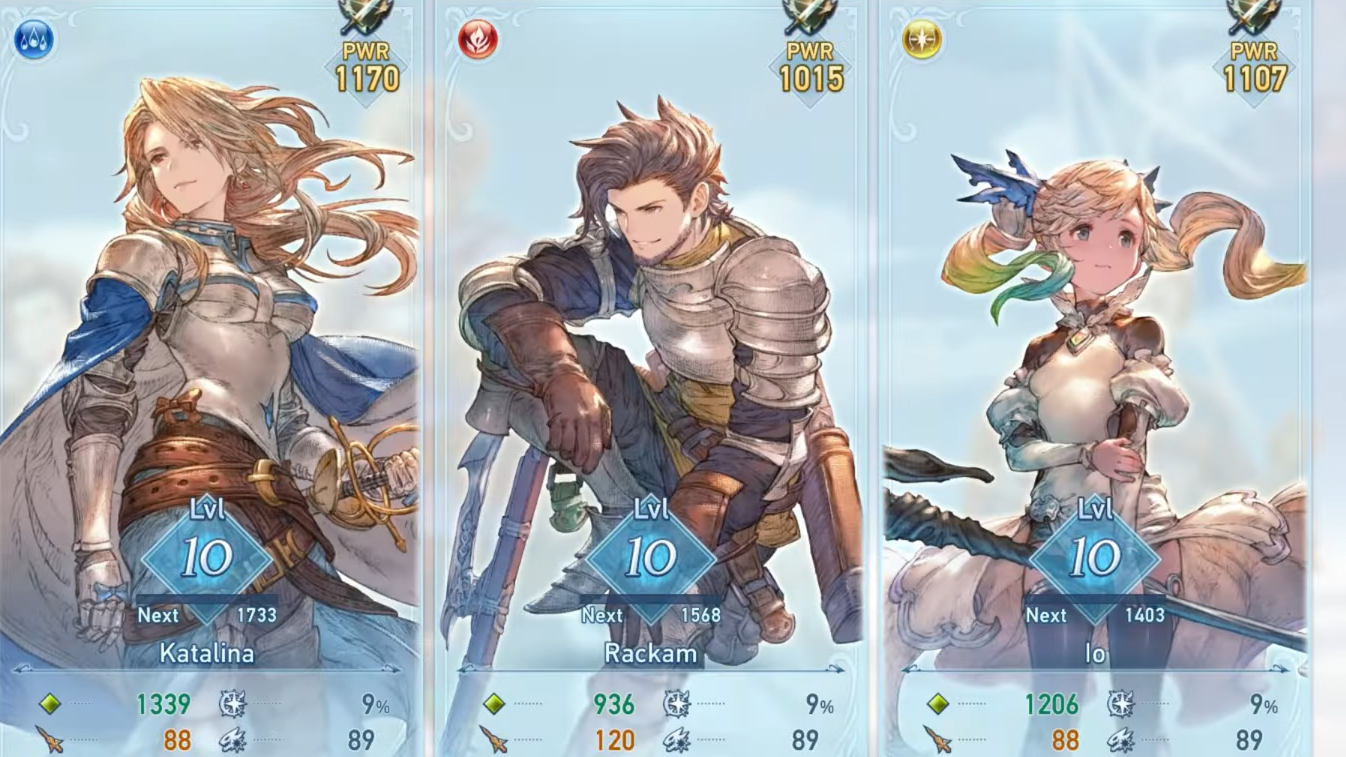
How character swapping works in combat
Each quest deploys a four-person party. You take direct control of one fighter while the other three are handled by the AI. The swap menu is a hold-to-open radial that pauses input briefly so you can pick a teammate without dying mid-combo. Swapping is unlimited and has no cooldown, so you can rotate based on what the fight needs — a healer when HP drops, a breaker when a boss is close to stagger, or a high-burst character during Link Time.
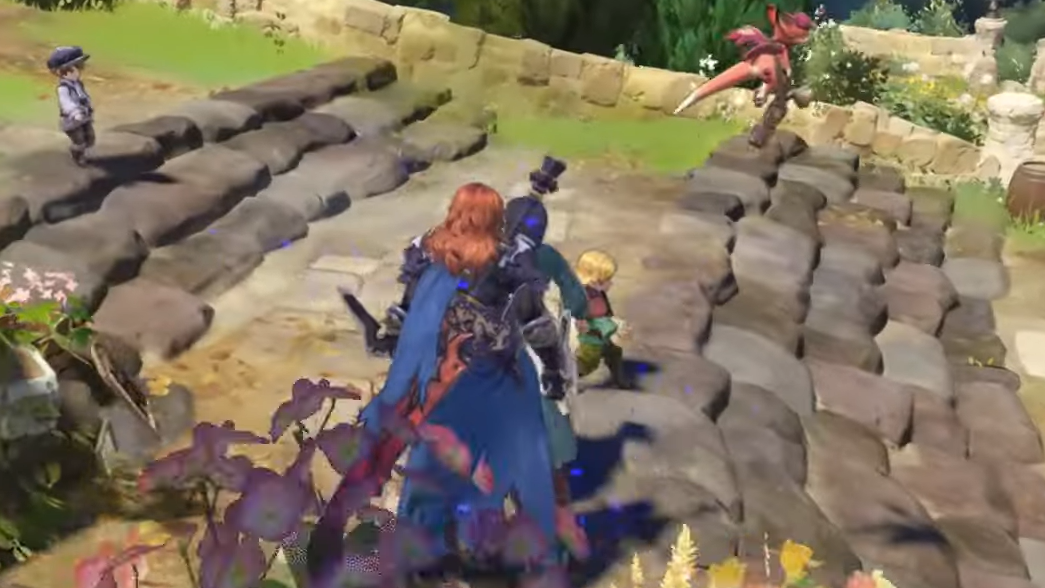
Setting your starting character before a quest
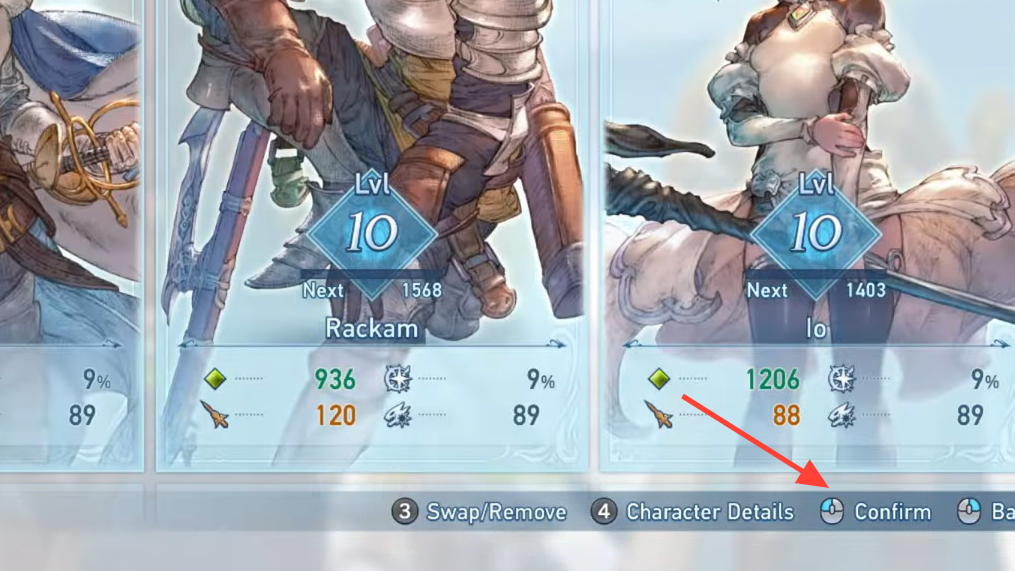
If you want to begin a quest as a specific character rather than swapping in after the fact, you set that from the quest counter, not the party screen.
Platform input reference
| Platform | In-quest swap | Confirm selection |
|---|---|---|
| PlayStation 5 / PS4 | Hold touchpad | Right stick direction |
| Xbox-style controller (PC) | Hold View / Back | Right stick direction |
| Nintendo Switch 2 | Hold Minus (−) | Right stick direction |
| Keyboard and mouse | Hold Tab | Mouse or movement keys |
Button names can be remapped under Game Options if the default is uncomfortable. The open beta added a User Interface settings group, so check there if the radial prompt does not appear or feels mistimed.
Things that block a swap
The radial menu won’t open in a few specific situations. None of these are bugs — they are intentional restrictions tied to scripted moments.
- During boss entrance and defeat cutscenes on a first clear (these no longer auto-skip in the open beta until you’ve cleared the quest once).
- While performing a Skybound Art animation or a chained full burst.
- When a teammate is downed and waiting for revival, that slot is greyed out on the wheel until they recover.
- During matchmaking transitions, where control is briefly locked while the session resolves.
If the wheel opens but a specific ally is unselectable, it usually means they are in a knockback or revive state. Non-player party members now recover from knockback faster in the open beta build, so the lockout is shorter than it was during the closed test.
Verifying it worked
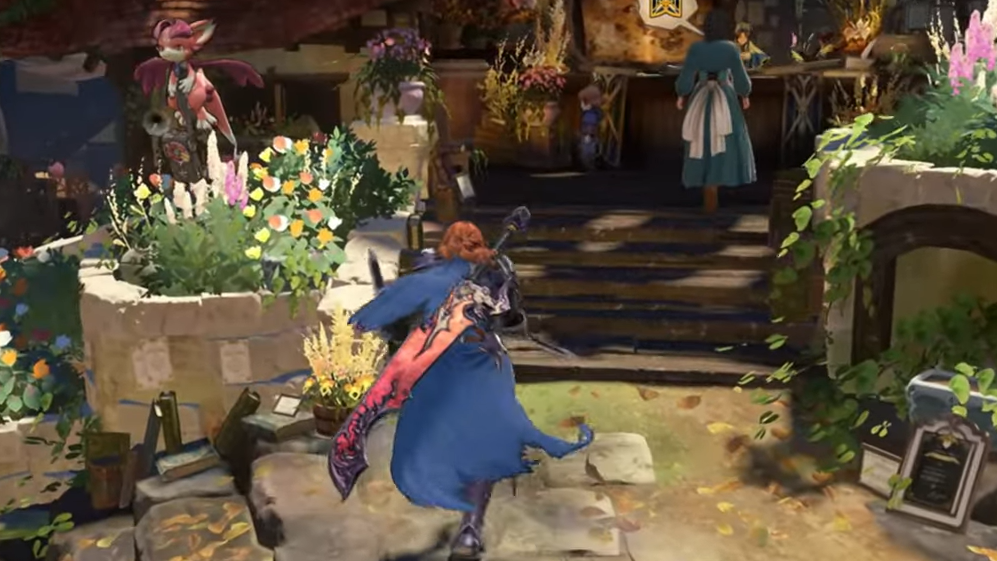
You’ll know the swap landed when the camera snaps to the new character, the HUD portrait updates in the lower-left, and the skill bar changes to that character’s loadout. If the camera stays on your previous fighter, the input was cancelled — usually because the swap button was tapped instead of held, or because a hitstun frame interrupted the menu. Reopen the wheel and hold until the icons fully appear before releasing.
For anything beyond character control — including the new summon transformations introduced in Endless Ragnarok — the input is separate from the swap wheel and ties to a shared party gauge filled by Link Attacks and Skybound Arts. Keep that gauge in mind when planning rotations, but it does not interfere with standard character swapping at any point.