
Topic
Microsoft OneDrive
-

Fix ‘Your Personal Vault isn’t up to date’ in OneDrive (Windows)
Proven fixes to clear the red X and get Personal Vault syncing again.
-

How to Fix OneDrive Error 0x80049d61
Resolve the OneDrive 0x80049d61 error by switching to the desktop app or accessing files online, and learn effective troubleshooting and reset methods for persistent…
-
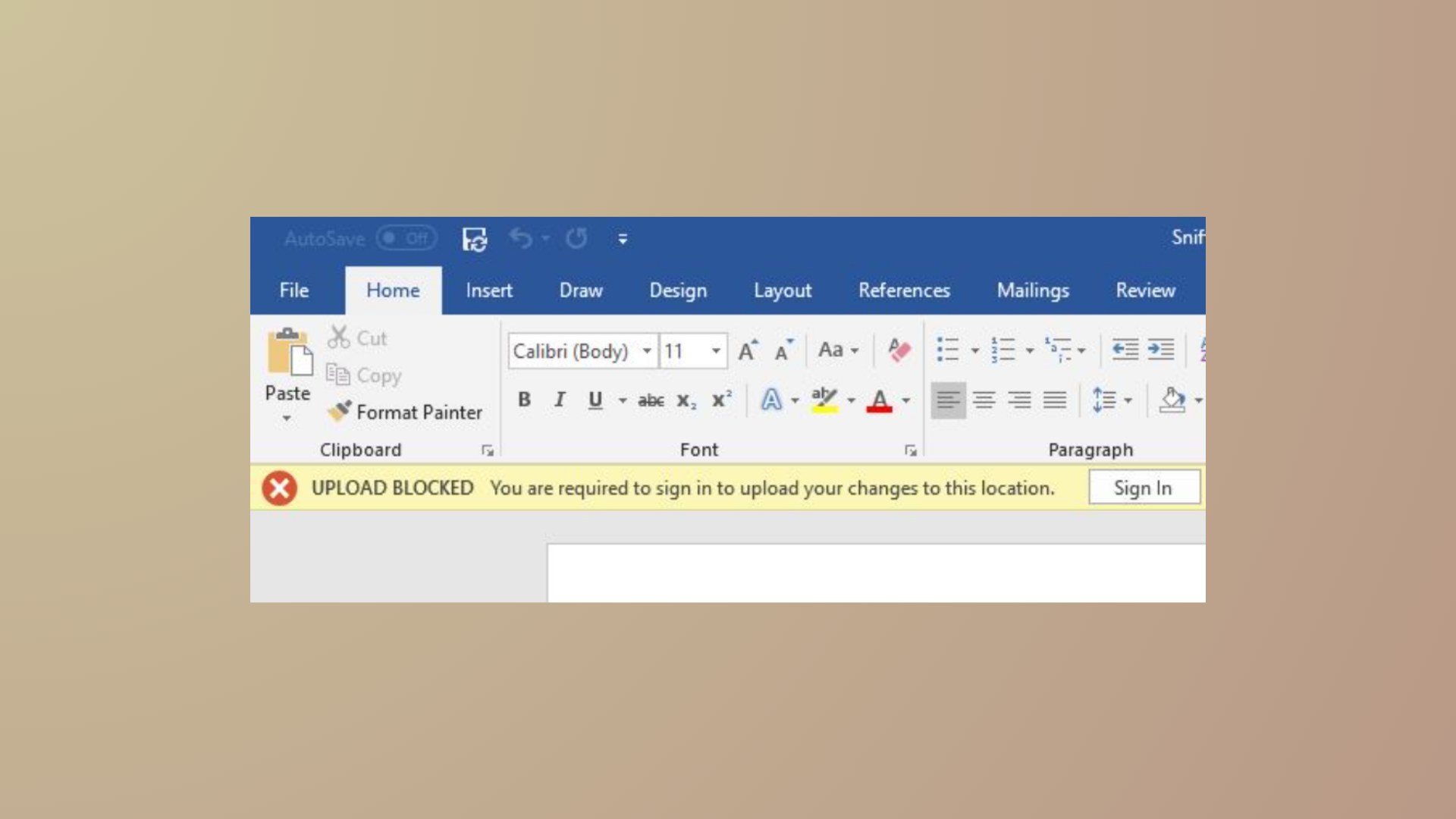
How to Fix OneDrive Upload Blocked, Sign In to Save This File, or Save a Copy Errors
Resolve OneDrive sync issues and eliminate “Upload Blocked,” “Sign In to Save This File,” and “Save a Copy” errors in Microsoft 365 apps with…
-
How to Fix 0x80010007 OneDrive Error Code
Unlinking and reconfiguring OneDrive resolves sync issues caused by error code 0x80010007, restoring reliable file synchronization on Windows and macOS devices.
-

How to Fix High CPU or Memory Usage When Using Microsoft OneDrive
Reduce OneDrive’s excessive CPU or RAM consumption in Windows and macOS with targeted troubleshooting steps and configuration changes.
-

How to Fix OneDrive Error Code 102: Something Went Wrong
Resolve OneDrive error code 102 by addressing browser session issues, network changes, and permission conflicts using these effective solutions.
-
How to Make Windows Save Documents Locally Instead of in OneDrive
Switching Windows default save location from OneDrive to your PC ensures your files stay local and avoids cloud sync issues.
-
How to Fix the Source and Destination File Names Are the Same OneDrive Error
Resolve the “The source and destination file names are the same” error in OneDrive by addressing path length, sync issues, and file naming conflicts…
-
How to Stop Saving Screenshots to OneDrive Automatically
Disable automatic screenshot uploads to OneDrive in Windows to keep your captures local and free up cloud storage.
-
How to Fix OneDrive Unable to Move Shortcut
Resolve OneDrive shortcut errors and restore seamless access to your shared folders with these clear solutions.