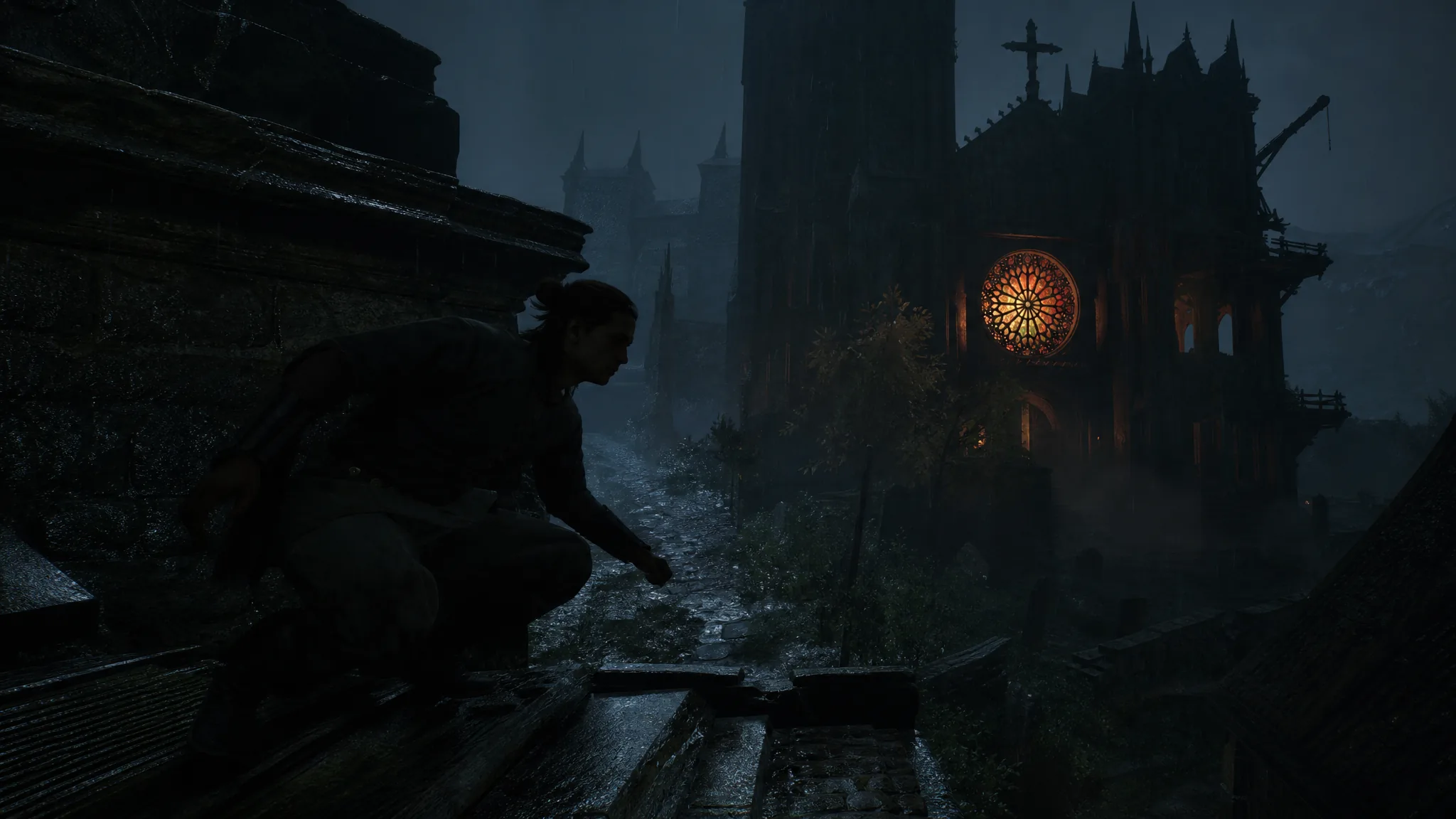
The Blood of Dawnwalker gives you four difficulty presets and a full set of custom sliders on top of them, so combat can be as gentle or as punishing as you want. The 14th-century vampire RPG from Rebel Wolves puts you on a 30-day clock to save Coen’s family, and the setting you pick changes how much resistance the world throws at you along the way.
Quick answer: Start on Fair if you want balanced combat that still lets you focus on the story. Pick Story if you only care about the narrative, Challenging for a stiffer fight, and Duelist if you want the hardest test with directional indicators turned off. You can change any of it at any time from the Gameplay menu.
The four difficulty presets
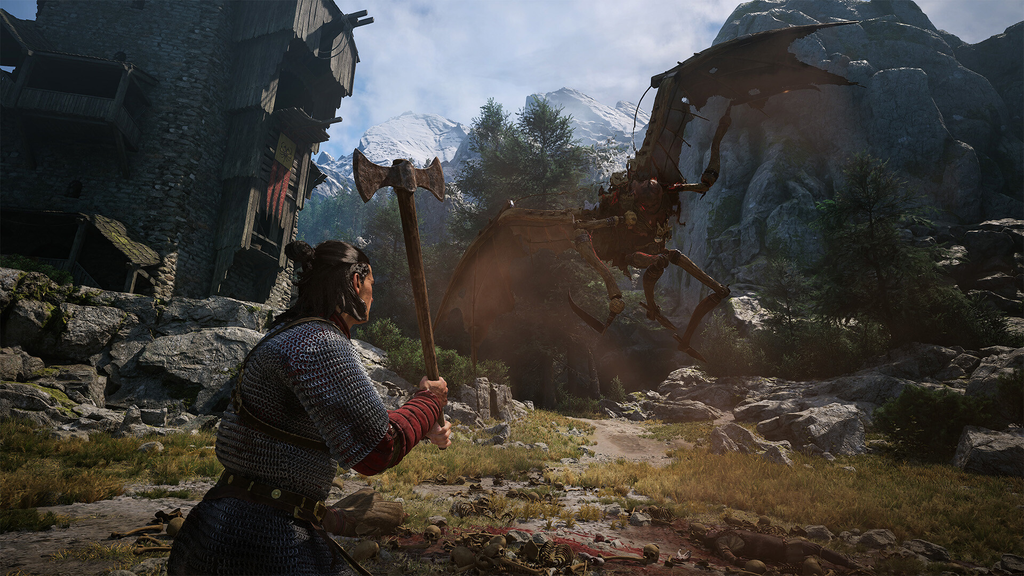
There are four preset modes. Each one shifts enemy stats, aggression, and Coen’s stamina in a set direction, with Duelist also stripping out the on-screen combat cues.
| Preset | What it does |
|---|---|
| Story | Easiest mode. Enemies are weaker and slower, and Coen has more stamina. |
| Fair | Standard mode. Coen’s and enemy stats sit at their default levels. |
| Challenging | Hard mode. Enemies are more aggressive and hit harder, and Coen has less stamina. |
| Duelist | Hardest mode. No directional indicators. Enemies have less health but are far more aggressive and hit much harder, and Coen has much less stamina. |
RPG difficulty and Action difficulty
Behind each preset are two separate dials. RPG difficulty controls the numbers, while Action difficulty controls the timing. Understanding the split matters because you can set them independently in a custom profile.
RPG difficulty adjusts enemy health, enemy damage, and Coen’s stamina. Action difficulty adjusts enemy attack speed and how hard it is to land a perfect block, and at higher levels some enemies use more complex attack patterns.
| Level | RPG difficulty | Action difficulty |
|---|---|---|
| Story | Enemies have less health and deal less damage; Coen has more stamina. | Enemy attacks are slower; perfect blocks are much easier. |
| Fair | Enemy health, damage, and Coen’s stamina are at default. | Attack speed, aggression, and perfect-block windows are balanced. |
| Challenging | Enemies deal more damage; Coen has less stamina. | Enemies are more aggressive and attack faster; perfect blocks are harder. |
| Duelist | Enemies have less health but deal far more damage; Coen has much less stamina. | Enemies attack faster and are far more aggressive; perfect blocks are much harder. |
How to change the difficulty and build a custom profile
Nothing is locked at the start. You can switch presets or edit individual values whenever you want, so a fight that feels unfair can be dialed down and a run that feels soft can be pushed up.
The individual toggles let you tailor the experience beyond the presets:
| Setting | What it controls |
|---|---|
| Directional Indicator | On shows an on-screen arrow for incoming attack direction; Off leaves you to read enemy animations only. |
| Auto Block | On lets a wrong-direction block still succeed but drains stamina; Off means a wrong-direction block gets you hit. |
| Show Damage Indicators | Toggles numeric damage values above enemies. |
| Use Consumables from Inventory | On lets you use any inventory consumable in combat; Off limits you to quickslot items. |
| Instant Special Attacks | On triggers special skills by pressing Attack and Block together; Off also requires a direction. |
| Combat Finishers | Enables or disables finisher animations. |
| Slow Motion on Perfect Blocks | Toggles the brief slow-motion effect on a well-timed perfect block. |
If the direction-based parry gives you trouble, keep Auto Block on. Blocking the wrong way still works, at the cost of stamina, so you are not punished for a mistimed input while you learn the system.
Which difficulty fits your playstyle
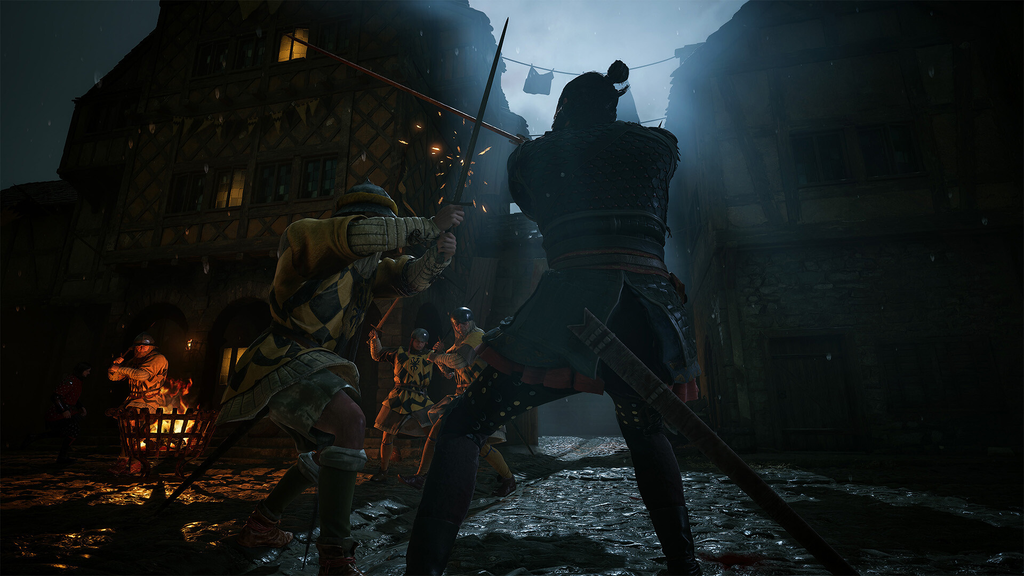
Because combat runs on a directional dueling system that takes time to get comfortable with, the right choice depends on what you want out of the run.
| You want to… | Pick |
|---|---|
| Follow the story with combat mostly out of the way | Story (turn Auto Block on if directional inputs frustrate you) |
| Get a balanced first-timer experience | Fair |
| Learn the systems but with a real test | Challenging |
| Take the hardest combat challenge with no attack indicators | Duelist |
| Clear mandatory fights as fast as possible | Custom: Duelist RPG (less enemy health) with Story Action (low aggression) |
Fair is the recommended starting point for most players. It keeps enemy stats and stamina at default, which is enough to make the combat meaningful without letting fights swallow your limited days. If it ends up feeling too easy after you upgrade Coen, moving to Challenging or Duelist restores the pressure. Veterans comfortable with directional parries can start on Duelist straight away, since it forces you to read enemy body language rather than lean on the indicator.
Does difficulty change the ending or trophies?
The difficulty you play on does not change the outcome of Coen’s story. Your choices and how you spend your 30 days shape the narrative, not the combat setting. That means you can lower the difficulty during a rough stretch without worrying about locking yourself out of an ending.
The one exception is an achievement. The gold trophy Uphill Battle requires you to complete the entire game and save the people of Laslea on the Duelist preset. If you are hunting a full completion, that run has to stay on Duelist the whole way through.
Since every value can be retuned mid-playthrough, there is no penalty for experimenting. Begin on the setting that matches your comfort level, then adjust the presets or custom sliders the moment the combat feels too light or too harsh.