Loot Merge is a gameplay setting in The Witcher 3: Wild Hunt — Remastered that pools the drops from enemies killed close together into one body. Clear a group, loot a single corpse, and you collect everything they carried without walking to each fallen fighter.
Quick answer: Open Settings → Gameplay, scroll to Enable Loot Merge, and set it to On. Nearby enemy drops then combine into one lootable corpse.
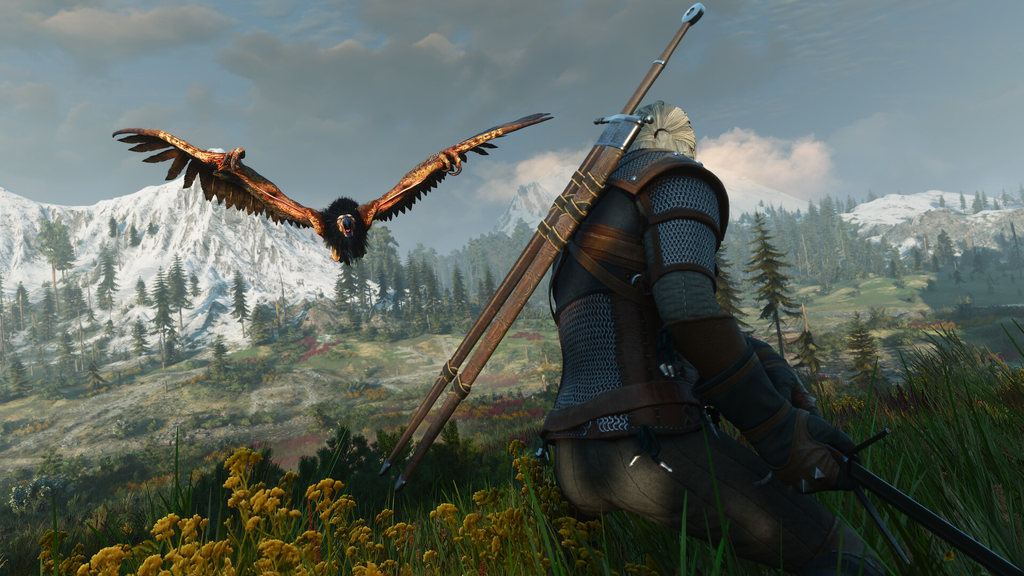
Enable Loot Merge in the Gameplay settings
The change takes effect right away. After your next fight against a crowd, opening any single corpse in the group shows the combined loot from every enemy in that encounter.
What Loot Merge changes and what it leaves alone
With the setting on, the loot pools of enemies who die near one another merge into a single pool. Defeat a pack of bandits or monsters, loot one of them, and every item that dropped during that fight lands in your inventory. Items belonging to an enemy who was knocked away or overlooked during the fight still show up in that shared body.
- Combines enemy drops from a single combat encounter into one corpse.
- Captures loot from enemies pushed far away or missed in the chaos.
- Does not affect chests, barrels, sacks, or other containers.
- Achievements and trophies stay enabled.
Environmental containers are unaffected. You still need to open chests, barrels, and sacks individually.
Why it helps at Hanse Bases
The time saved is largest in places where dozens of enemies attack at once. Hanse Bases are a common gold and gear farming spot, and clearing one normally means picking through a long line of corpses. With Loot Merge on, a single body holds the full haul, so you spend less time collecting and more time moving to the next run.
Because it has no effect on achievements or trophies, there’s no downside to leaving it enabled if you are chasing completion. You can turn it off again from the same Gameplay menu at any point.