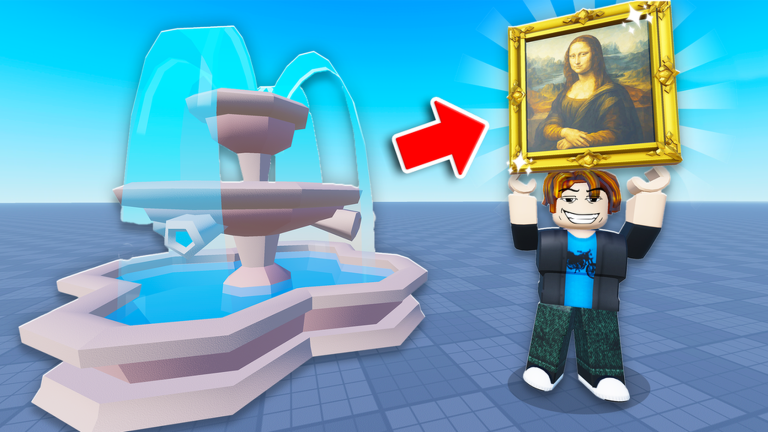
Throw a Coin is a Roblox incremental game built around a simple loop: toss a coin into a wishing fountain, collect whatever item comes out, then sell it to fund upgrades. Codes hand out temporary luck multipliers and rare items that make the fountain’s payouts worth a lot more.
Working Throw a Coin codes
These codes are confirmed working right now, each one giving a temporary luck multiplier or a specific fountain item.
HALLOWEENNEWWORLD8ETERNITYDragonpearl— 10x luck for 5 minutesBANZAI— Void AppleNAUTILUS— 15x luck for 10 minutescandy— 5x Luck Boost for 5 minutes
Codes are case-sensitive, so type each one exactly as shown, including capitalization, to avoid a failed redemption.
How to redeem Throw a Coin codes
A successful redemption triggers an on-screen pop-up confirming the reward, whether that’s a luck multiplier applied to your character or an item added straight to your inventory.
Expired Throw a Coin codes
These codes no longer work and will return an error if entered in the Shop menu.
WORLD6FULLSTEAMWORLD5abracadabraChampionworld4BIGBANGWORLD3Luckyducky
Where to find new codes
New codes tend to show up in the game’s official Discord server, which developers use to post rewards tied to updates, milestones, and events.
Luck boosts stack with your existing gear upgrades, so redeeming a code right before a fountain session gets you the best return on each coin thrown.