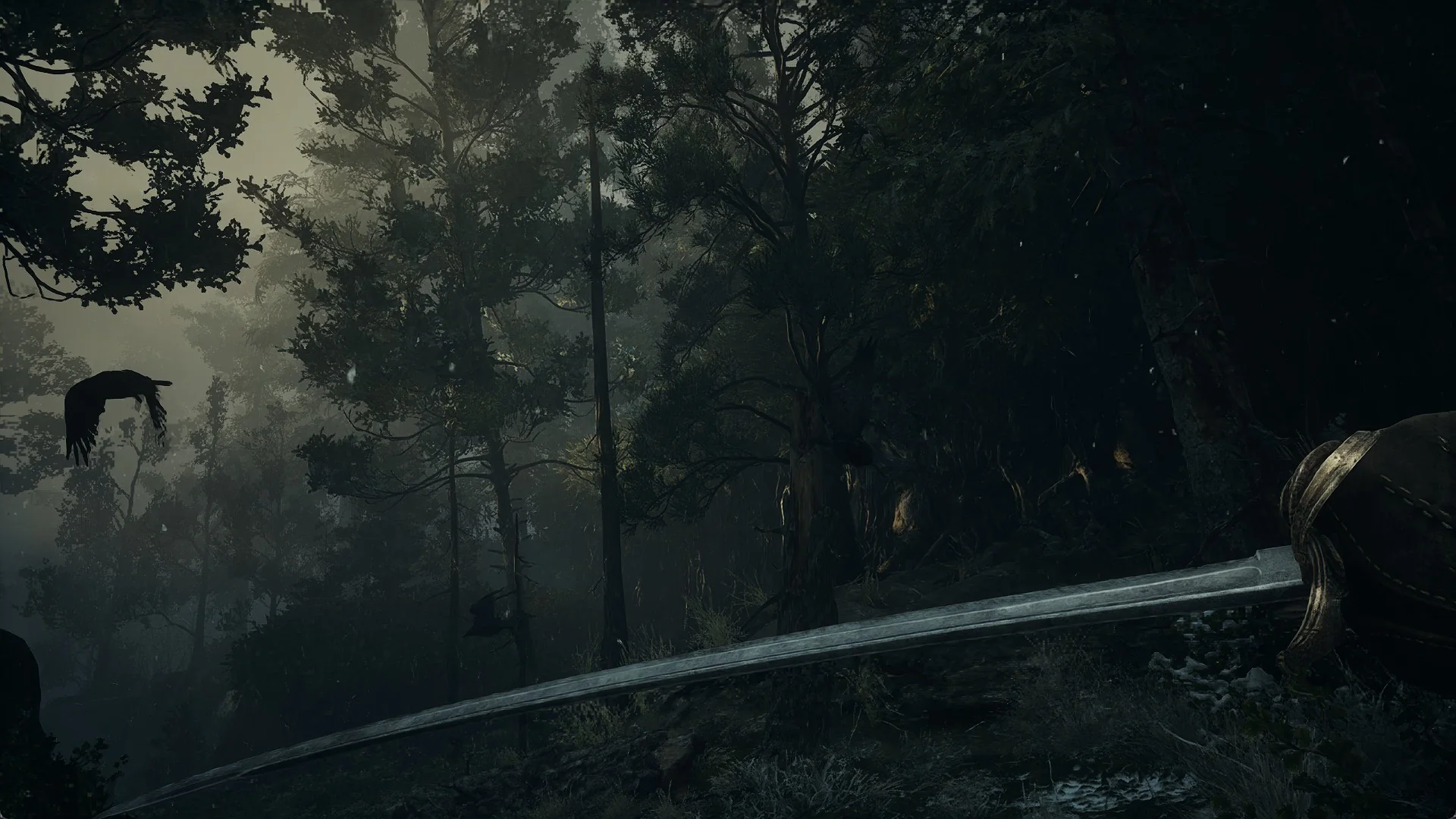
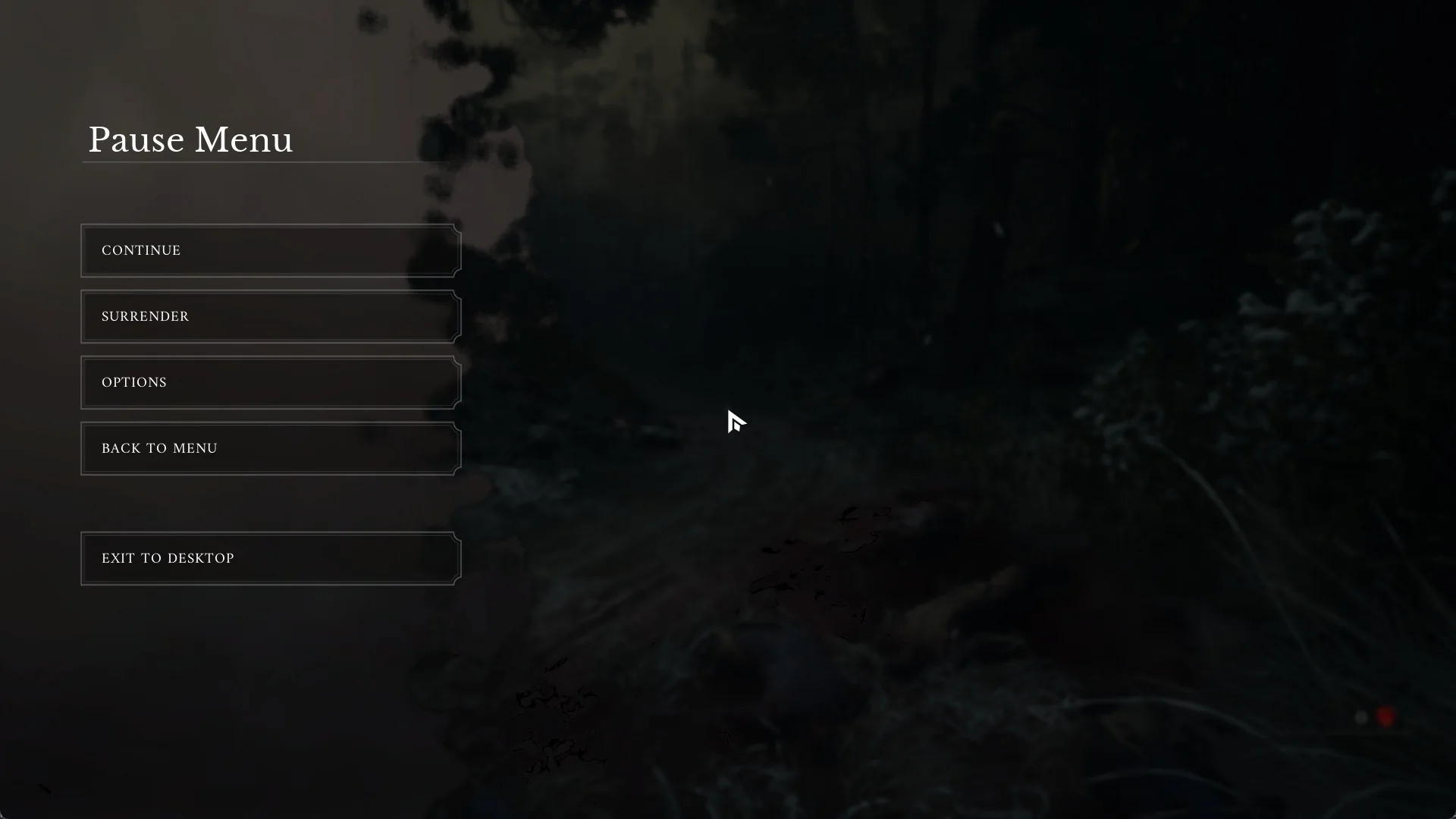
Valor Mortis drops you onto a battlefield with no map screen to lean on. Valor Mortis has no map screen at any point in the game, not even after the opening chapter: nothing in the Pause Menu or the Tab menu opens one, and no key is bound to a map. You find your way by reading the quest text and watching the world itself.
Quick answer: No. Valor Mortis has no map screen at all. Press Tab, select the QUESTS tab, then track the empire’s tricoloured banner mentioned in the Chapter I text.
No map in the Pause Menu or key bindings
Press Esc to open the Pause Menu. It lists CONTINUE, SURRENDER, OPTIONS, BACK TO MENU, and EXIT TO DESKTOP. There is no map option here.
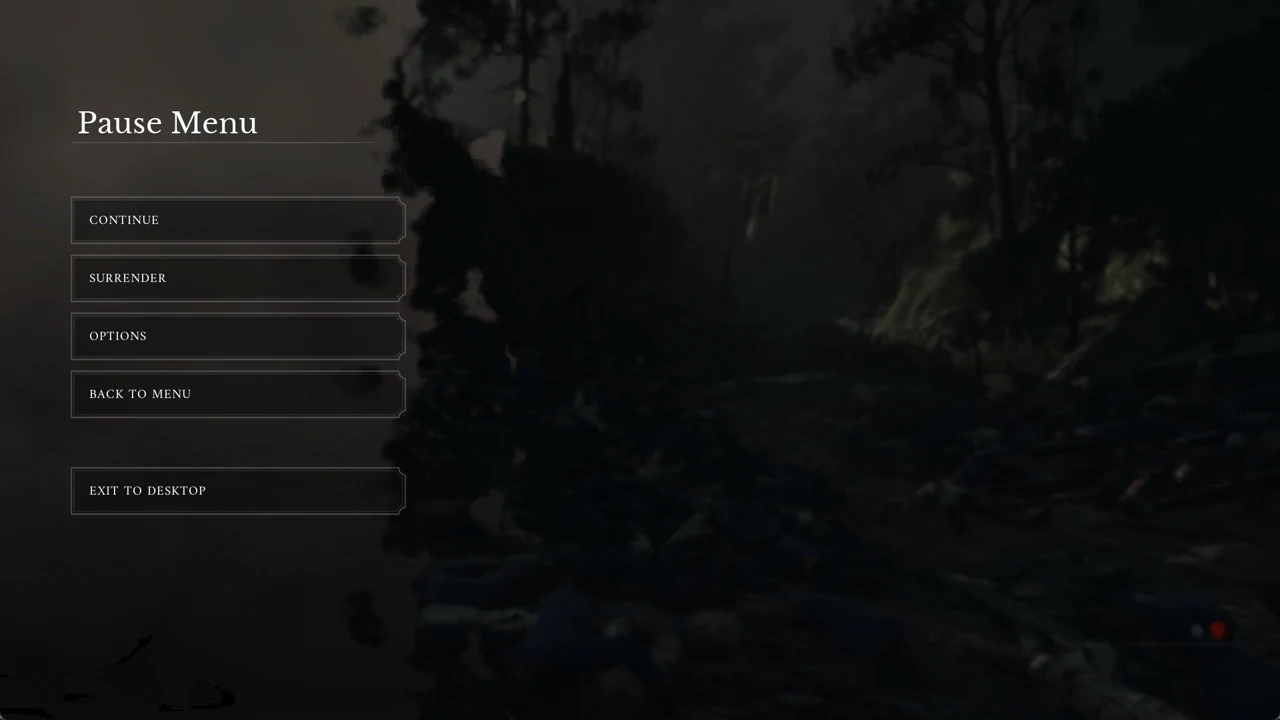
The MOUSE & KEYBOARD bindings in OPTIONS also carry no map row, so there is no key you can press to bring one up. This does not change later: the game has no map screen anywhere. Fast travel, once unlocked at Lanterns, works from a list of regions and Lanterns, each shown with a picture, rather than from a map.
What the Tab menu holds instead
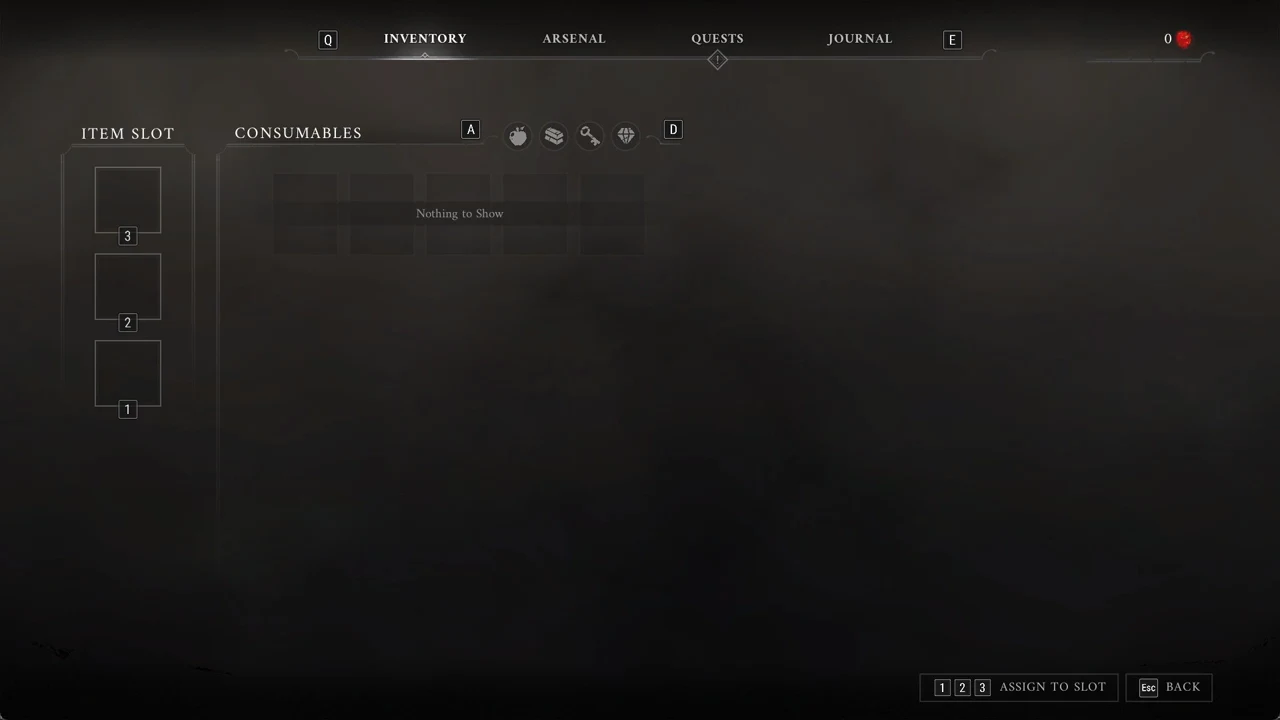
It opens a menu with four tabs you switch between using Q and E. The Catalyst count sits at the top right. None of the four tabs is a map.
- INVENTORY — the ITEM SLOT column lists slots 3, 2, then 1. CONSUMABLES has four category icons; switch between them with A and D. Initially, it reads “Nothing to Show”.
- ARSENAL — the weapons you own. You begin with one, a “Lvl 1 Saber” at “20 Damage”, with “R CUSTOMISE WEAPON”.
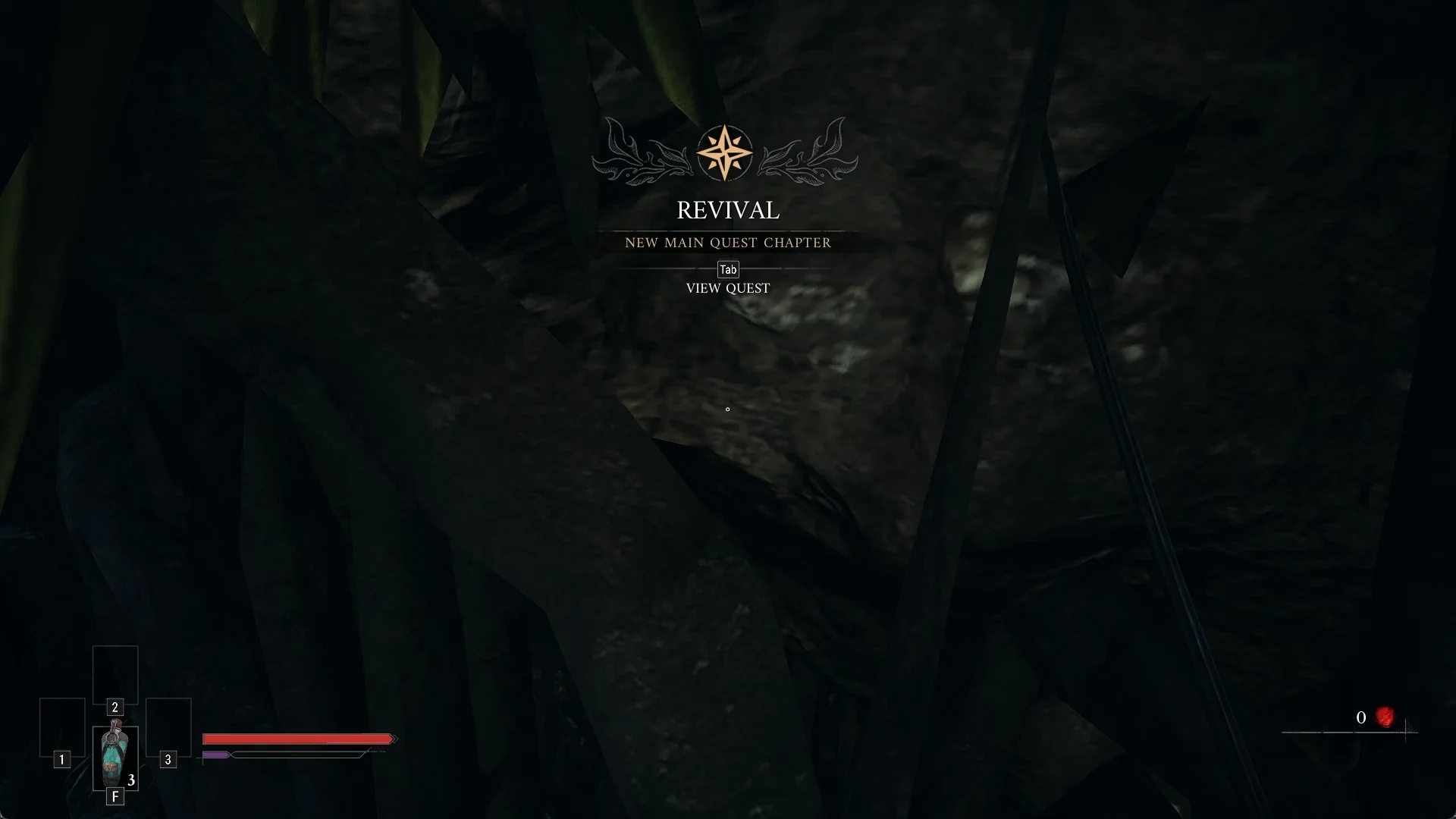
- QUESTS — use A and D to move between the main and side quest lists. Your first active entry is “MAIN QUEST”, “Active”: “REVIVAL”.
- JOURNAL — CHARACTERS, ENEMIES, LOCATIONS, and NOTES make up its four cards. When you start, CHARACTERS is lit; the remaining three appear greyed out.
How to know where to go next
With no map, direction comes from the quest text and from markers planted in the world. Work through it in this order.
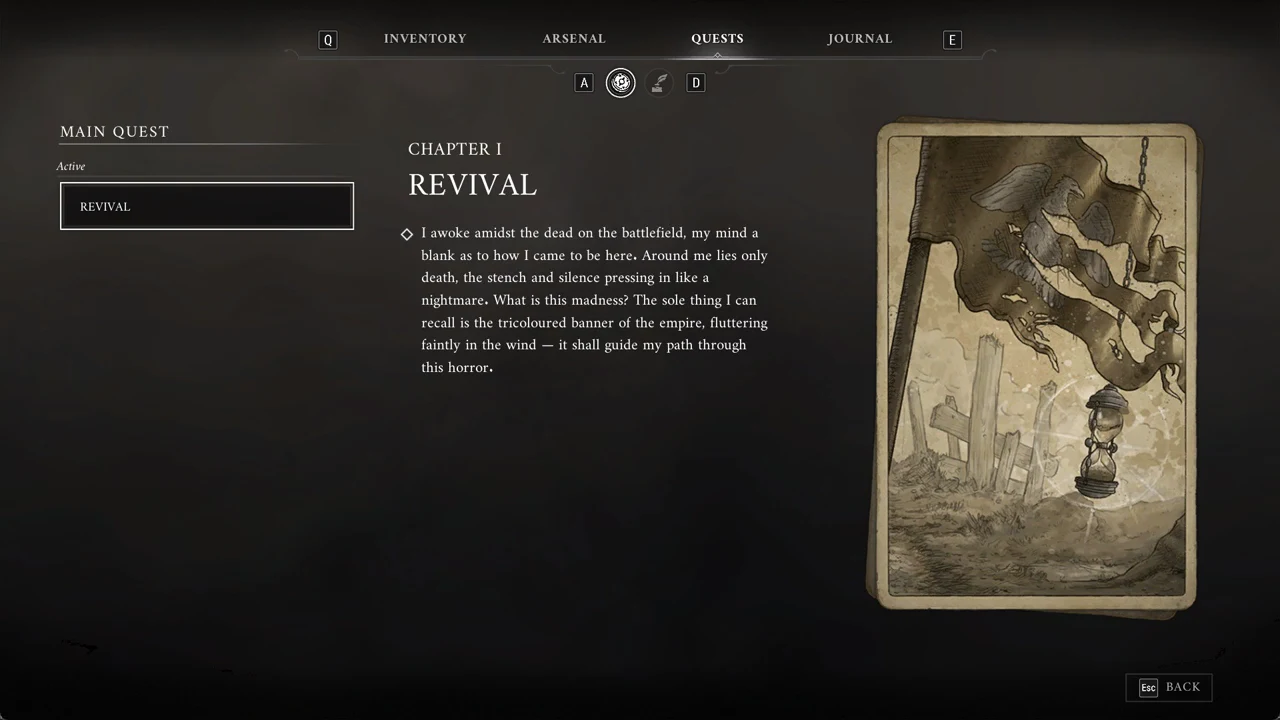
Follow the banners through the opening area
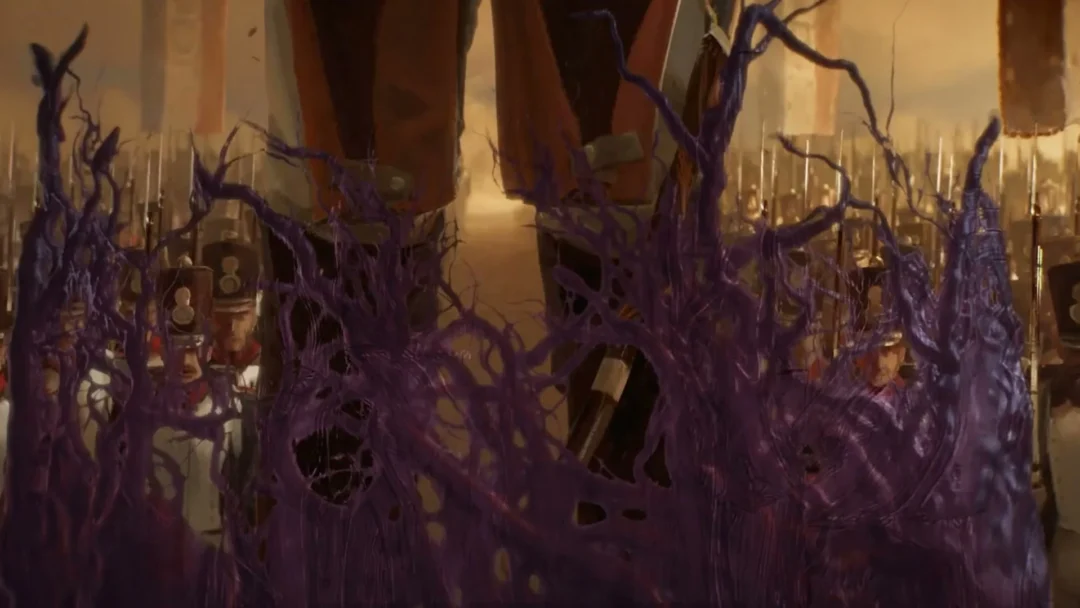
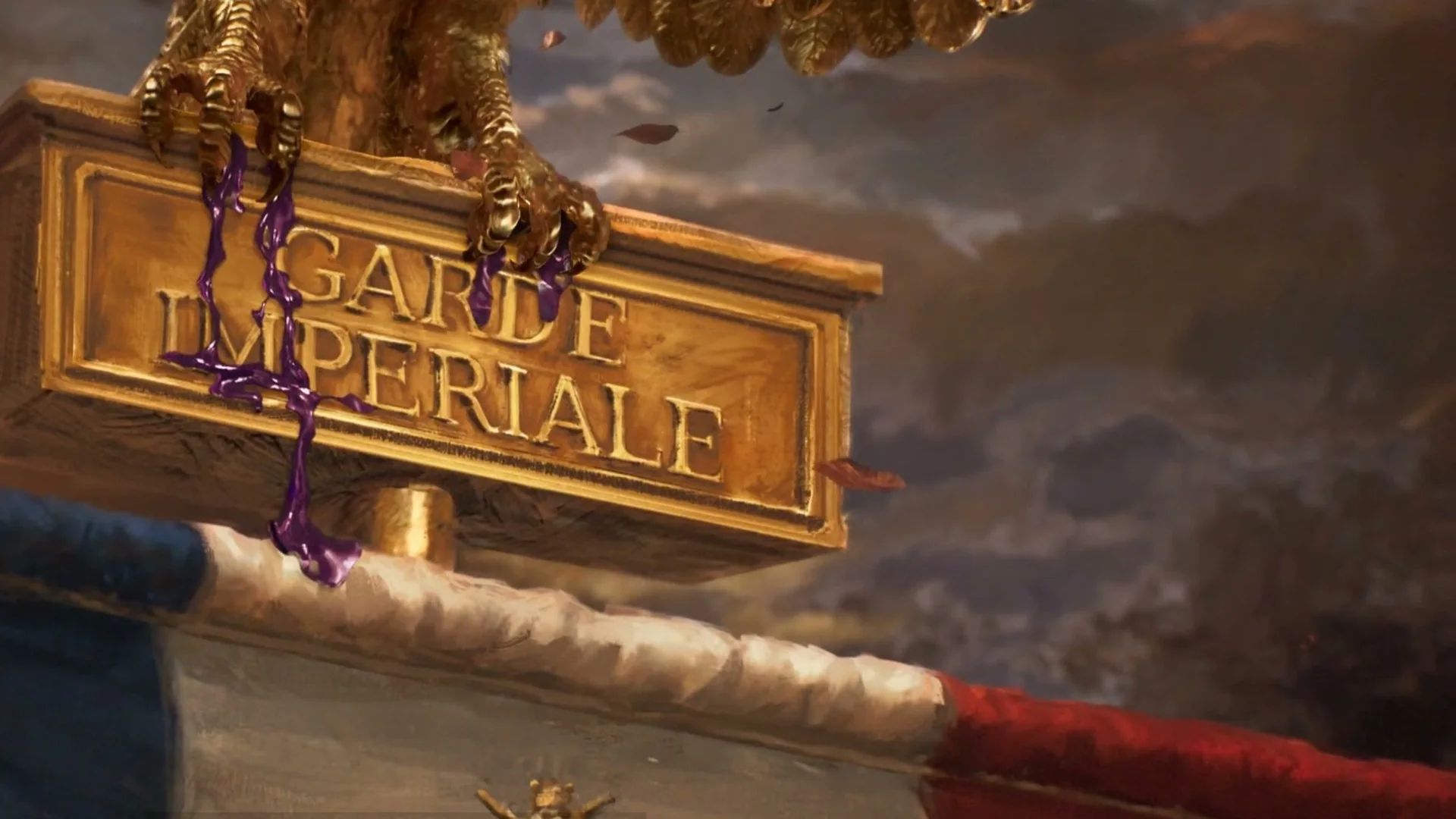
In the first area, torn French tricolour flags stand on poles along the ravine path. These are the banner the quest text points you toward. Head toward them to move forward.
A location’s title appears in large lettering upon arrival; your first is THE BATTLEFIELD. From there, the opening path crosses a ravine strewn with dead soldiers, passes a knee-high rock lip that you jump with Space, and reaches a muddy cart road.
You will know you are on track as the flags continue ahead of you along the path and the area name fades in when you cross into a new place. Between the quest text and the tricolour banners, that is the whole navigation system, from the opening chapter to the end.