Gaming Codes

War Thunder Codes (July 2026)

Redeem these codes for free decals and stickers in Gaijin Entertainment's combined-arms MMO — updated regularly with the latest working list.

Redeem these codes for free decals and stickers in Gaijin Entertainment’s combined-arms MMO — updated regularly with the latest working list.

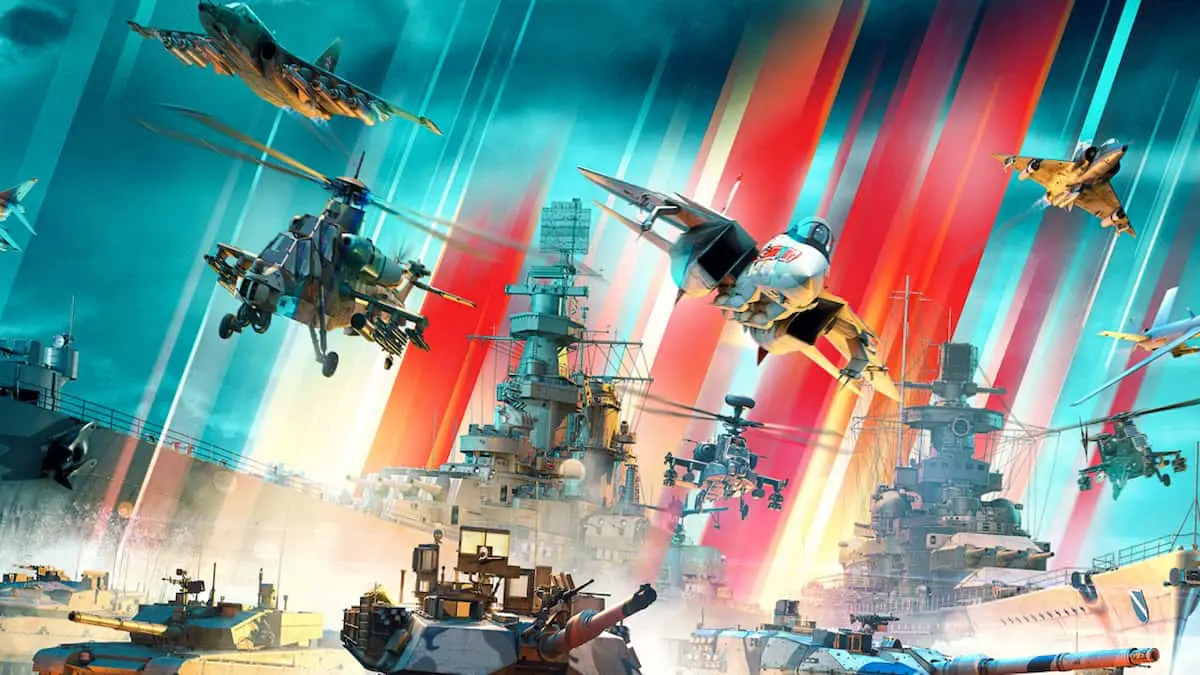
War Thunder is a free-to-play combined-arms MMO from Gaijin Entertainment spanning ground, air, and naval combat. Promotional codes released by Gaijin let players claim free cosmetics — mostly decals and stickers — to customize their vehicles at no cost. These codes expire without warning, so redeeming them quickly is always the right call.


Working War Thunder codes

The codes below are currently active. Copy them directly to avoid capitalization or spacing errors — codes are case-sensitive and will fail if entered incorrectly.

  • STUDENTPILOT — Student Pilot decal
  • WTBUTCHER — Sergey Chikhachev’s Butcher sticker

How to redeem War Thunder codes

Two redemption paths are available: the Gaijin website and the in-game menu. The website route tends to be smoother, especially if you run into issues using the in-game panel.

Redeem via the Gaijin website

Go to warthunder.com and sign in with your Gaijin account credentials.
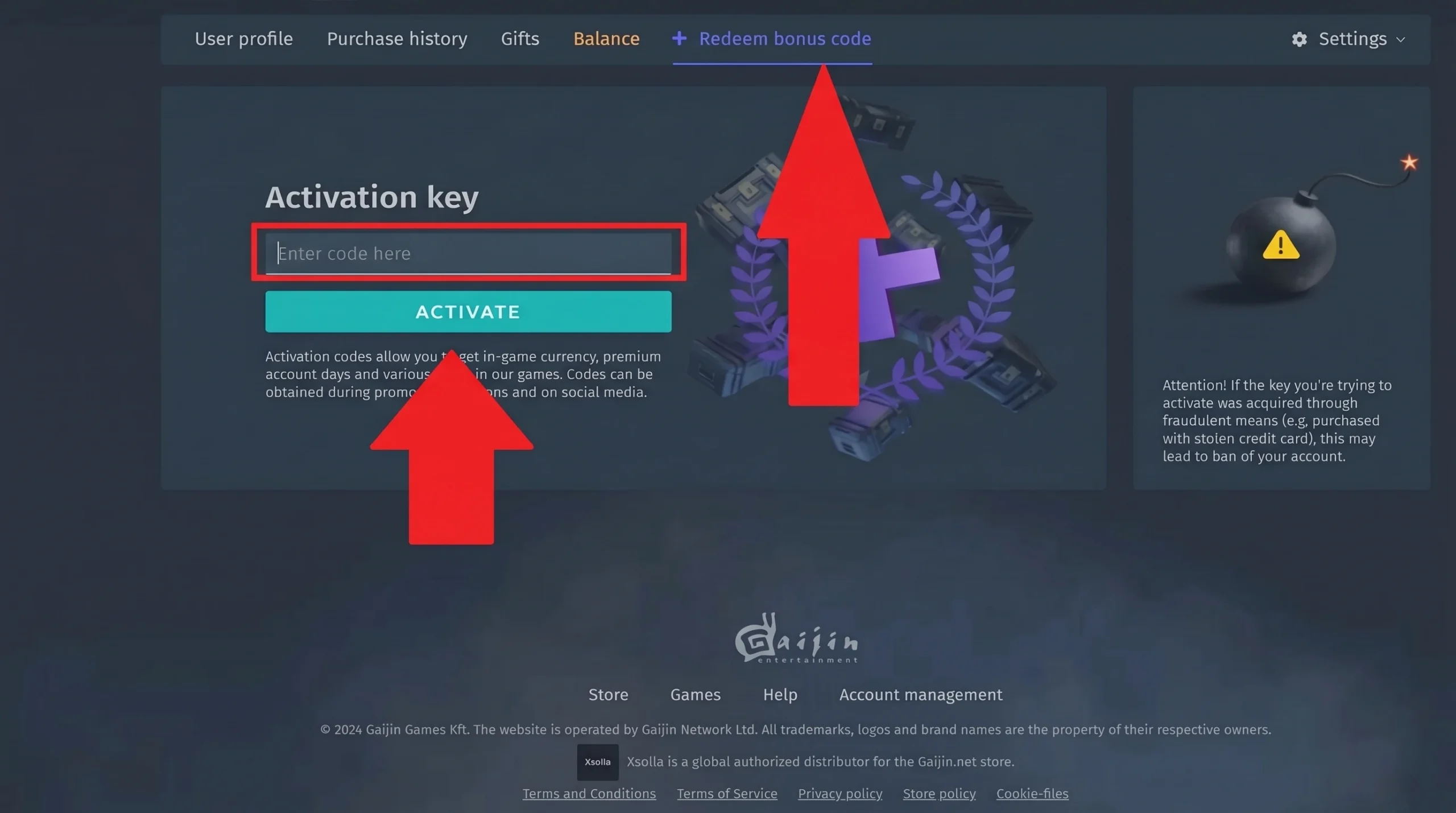
Locate the “Redeem bonus code” tab in the top navigation bar or inside your profile dropdown menu.
Paste the code into the entry field. Double-check that no extra spaces were copied alongside the code itself.
Click Activate. The button label may vary slightly by region, but the function stays the same. Launch War Thunder afterward and log in — a “Following rewards received” notification on login confirms the code registered correctly.
War Thunder Code Redemption Guide
If the reward doesn’t appear right away, log out and back in — the “Following rewards received” notification on login confirms the code was applied.

Redeem in-game

Launch War Thunder and open your profile from the main menu.
Select Registration, then tap Redeem Bonus to open the code entry panel.
Type the code into the field and hit Confirm. If rewards don’t appear immediately, exit and relaunch the client.

Applying decals and stickers after redemption

Cosmetics from codes don’t auto-equip to vehicles. After claiming a reward, open the vehicle customization menu from the main screen, navigate to Decorations or Decals, then look under the Special or Other subcategory. Select the unlocked item there and place it manually on your vehicle.


Expired War Thunder codes

These codes no longer work. They’re listed here as a reference so you don’t spend time entering them.

  • 52MONKEYS
  • PO-LI-GON
  • WARTHUNDER500K
  • WTDESCOM-BESTWORK
  • BRAVO

Where new codes get announced

Gaijin doesn’t follow a fixed release schedule for codes, so keeping an eye on official channels is the most reliable method. The official War Thunder accounts on X, YouTube, Facebook, and Instagram are the primary spots where codes surface — often tied to subscriber milestones, game anniversaries, or content partnerships. The official Discord server also has channels dedicated to announcements and community events, where codes sometimes appear first. It’s also worth scanning patch notes and update posts when major content drops go live, since codes occasionally appear buried in those announcements rather than highlighted separately.