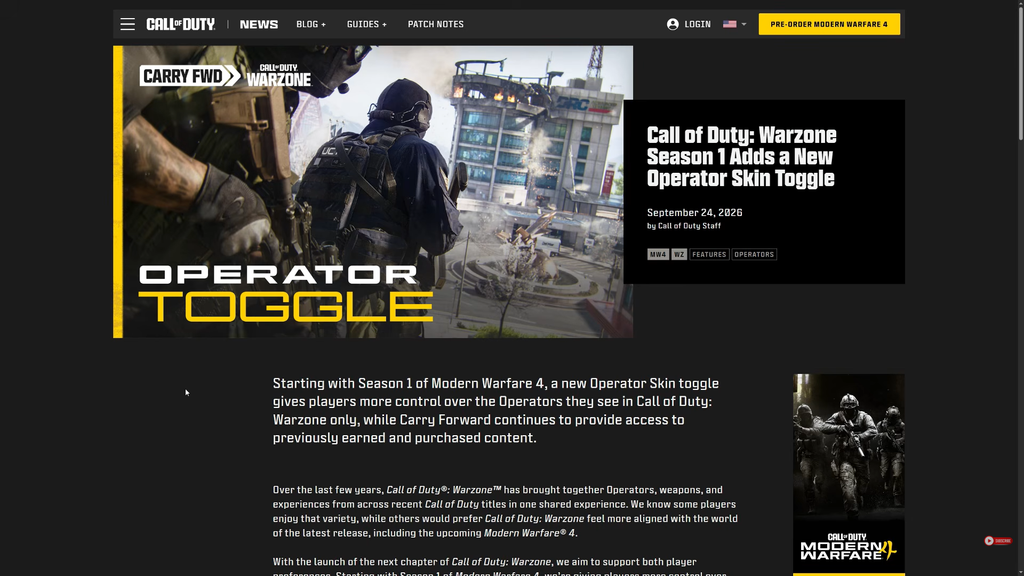
Call of Duty: Warzone is getting an Operator Skin toggle that hides cosmetics carried over from older games. Once you switch it on, any Operator or skin another player equips from a title like Black Ops 6 shows up as a Modern Warfare 4 Operator instead, but only in your view.
Quick answer: The toggle is off by default. Turn it on in Warzone’s in-game settings and every non-MW4 Operator on enemies, party members, and squadmates is replaced by a Modern Warfare 4 Operator on your screen.
What the Operator Skin toggle changes
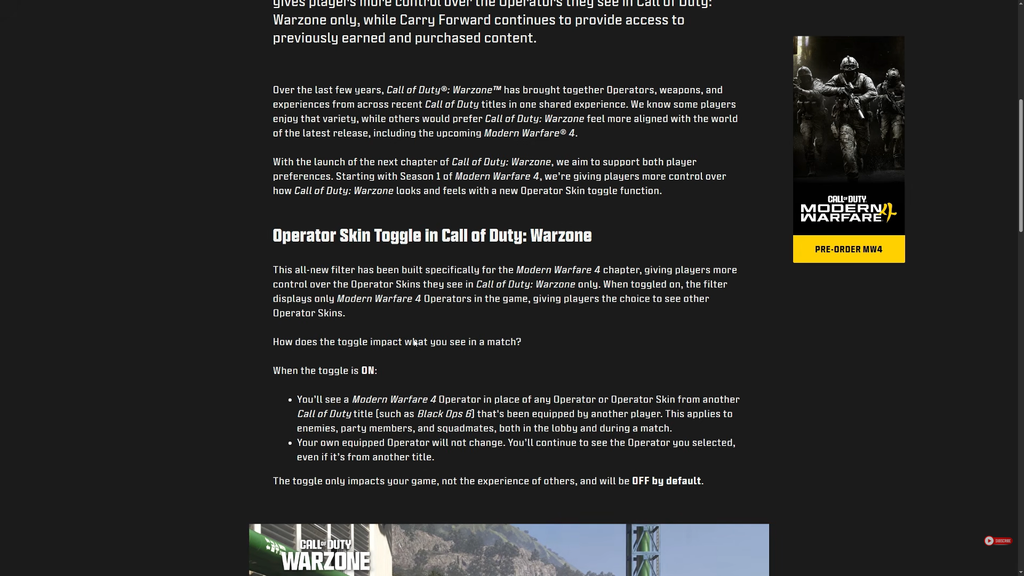
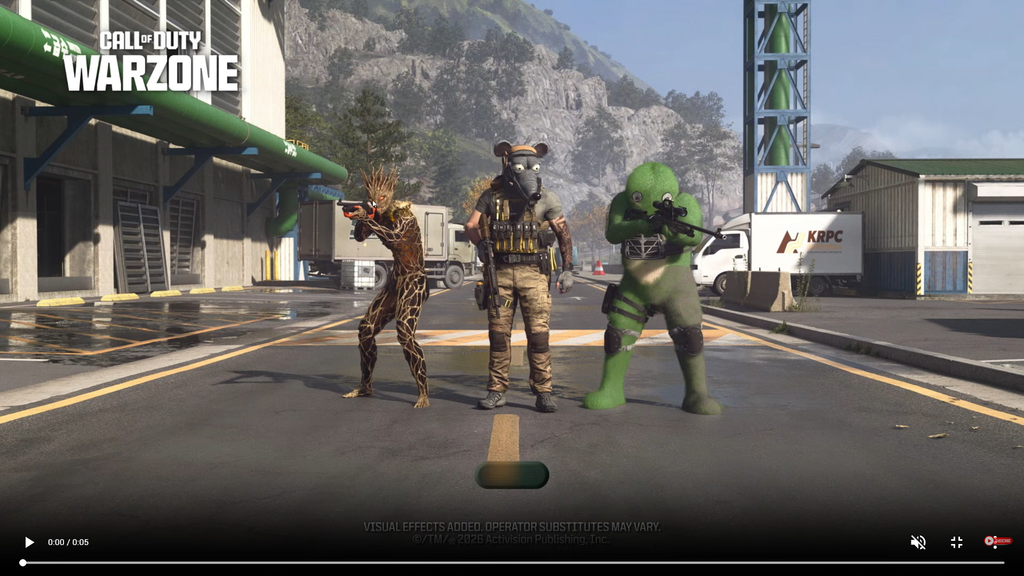
The filter is built specifically for the Modern Warfare 4 chapter of Warzone. With it enabled, the game displays only Modern Warfare 4 Operators in place of skins that originate from another Call of Duty title. That means crossover and legacy cosmetics from past games are replaced with grounded, series-appropriate characters whenever you look at another player.
The behaviour is consistent across the whole match. Here is exactly what the setting touches when it is on:
- Enemies, party members, and squadmates who use a non-MW4 Operator appear as a Modern Warfare 4 Operator.
- The swap works in the lobby as well as once a match is underway.
- The Operator you have equipped remains unchanged on your screen. You continue to see your selected character, including one from another title.
- Only your view reflects this adjustment; everyone else continues seeing the cosmetics they selected.
If you own something like an American Dad or Nicki Minaj skin, other players who enable the toggle will see you as a standard Modern Warfare 4 soldier, while you continue to see your own skin. Each player has to turn the setting on for themselves.
The toggle only changes how older cosmetics look on your screen. It does not remove them from Warzone, and it does not affect your ability to equip and use them.
How to enable the Operator Skin toggle
Because the filter ships off by default, you have to activate it yourself. Open Warzone’s in-game settings and turn the Operator Skin toggle on. You will know it worked when other players’ non-MW4 Operators and skins are replaced by Modern Warfare 4 Operators in the lobby and once a match begins.
The full details of the feature are laid out on the official Call of Duty blog.
Carry Forward and legacy weapons in Season 1
The toggle sits alongside Carry Forward, which keeps your older content usable. Operators and weapons from Modern Warfare II, Modern Warfare III, Black Ops 6, and Black Ops 7 stay available in Warzone from Season 1, including the skins, Blueprints, and Camos you earned or purchased for them. The collection you built remains yours.
Legacy weapons work a little differently from Modern Warfare 4 guns. Here is how that access is handled:
| Aspect | Legacy weapons in Warzone |
|---|---|
| Where to find them | Legacy tab in the Loadout menu |
| Gunsmith / Custom Loadouts | Not supported for legacy weapons or Blueprints |
| Base weapon setup | A five-attachment version of each legacy base weapon |
| Blueprints | Available with their existing attachment setups |
The goal is a weapon meta that feels rooted in Modern Warfare 4 while still letting you reach for familiar guns. Raven Software will keep balancing weapons on a biweekly schedule to keep the Modern Warfare 4 lineup fresh across each season.
When the toggle arrives
The Operator Skin toggle becomes available when Season 1 of Modern Warfare 4 begins. The base game arrives on October 23, 2026, with its opening season anticipated in the following weeks. Since no official season date has been announced, the toggle has no confirmed launch day beyond its connection to that first season.