The first hour of Web Rush is a timing puzzle in a superhero suit. Punk Society Games built this Spider-Man-inspired Roblox action game around rooftops, street thugs, and a web line that only feels smooth after you learn when to hold a key and when to let go. The experience is still in early development, so the city is there to cross, not to finish.
You swing, wall-run, dive, and fight. Missions refresh every day. Swinging and takedowns both pay Cash, and Cash is how you buy Suits and abilities.
Quick answer: Swing through the city and defeat thugs to earn Cash, then buy Suits or abilities from the left-side menu.
Cash loop in Web Rush
Progress is a short circuit. Travel the city, stop crime, clear the daily mission list, then spend the Cash that appears after those actions. There is no published payout formula, so watch the Cash total after a fight or a finished objective. If the number rises, that loop is working.
Jobs announce themselves while you move. A red exclamation marker can sit more than 200 meters out and pull you toward an objective. Missions and Abilities stay on that same travel screen, so you can check work and upgrades without leaving the rooftops.
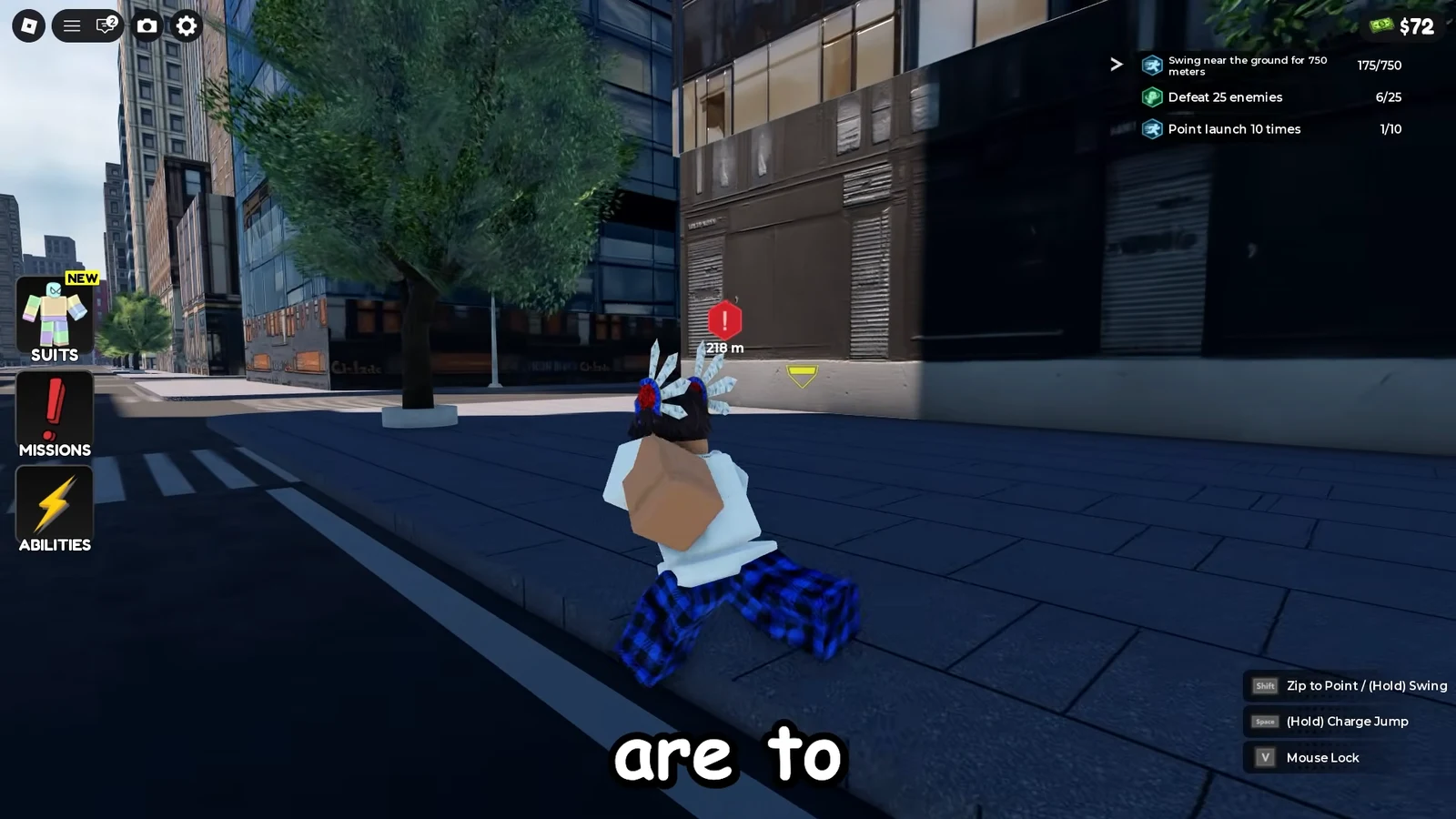
Thugs are easier to find if you keep moving. Cover ground on a swing, scan for crime events, land, punch, and leave. Standing still is how you miss the next payout.
Web Rush swing and traversal keys
Traversal is the skill gate. A clean crossing needs a timed press, hold, and release on Shift. Hold Shift to shoot a web and swing. Tap Shift for a Zip to Point or a long leap. Right Click can do the same zip-or-swing pair, so treat that mouse button as travel unless an attack prompt is up.
The on-screen line reads Shift Zip to Point, with Hold Swing as the second half of that move. Use that prompt until the rhythm sits in your hands. Release on the way toward the next ledge instead of after you have already dropped under it.
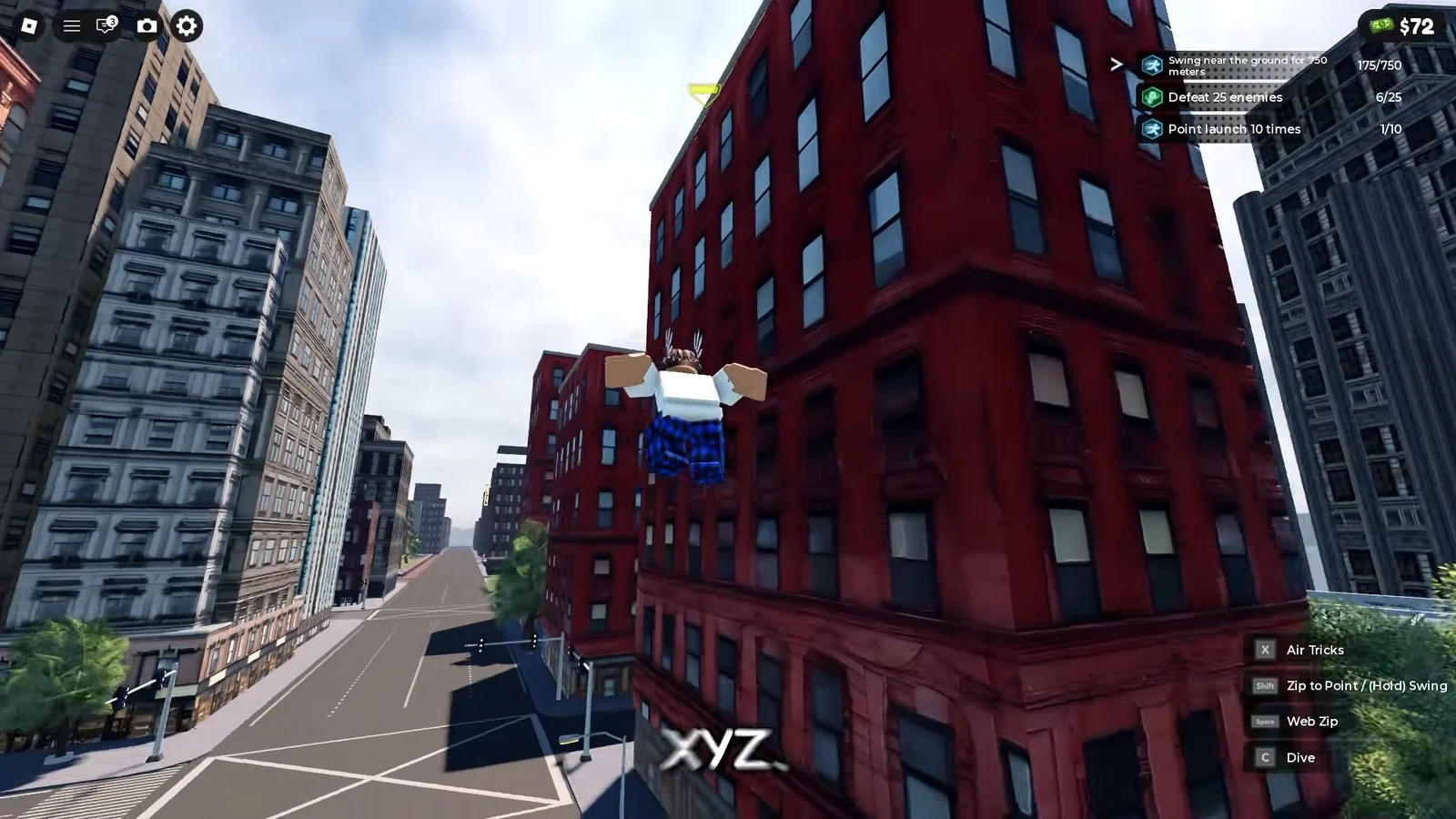
Space jumps on the ground and can jump again in the air. Press Space on impact for Quick Recovery so a hard landing does not pin you in place. While airborne, Space is also Web Zip. C dives from height and builds falling speed. X fires Air Tricks, the flips missions count. Run at a wall and keep jumping to wall-run up a face and crest a rooftop. V toggles camera lock when the city or a brawl gets hard to read. W, A, and D handle forward and side runs. The period key opens emotes.
| Action | PC key |
|---|---|
| Jump, double jump, Quick Recovery | Space |
| Web Zip while airborne | Space |
| Zip to Point or long leap | Tap Shift or Right Click |
| Web-shoot and swing | Hold Shift or Right Click |
| Dive | C |
| Air Tricks | X |
| Camera lock | V |
| Forward / left / right run | W / A / D |
| Emotes | . |
Web Rush combat and recovery
Left Click throws the fist attack. When a yellow warning sits over your character, an incoming hit is about to land. Ctrl is the escape key. It dodges, slides, or backflips, which is enough to slip a swing and reset your feet on the street.
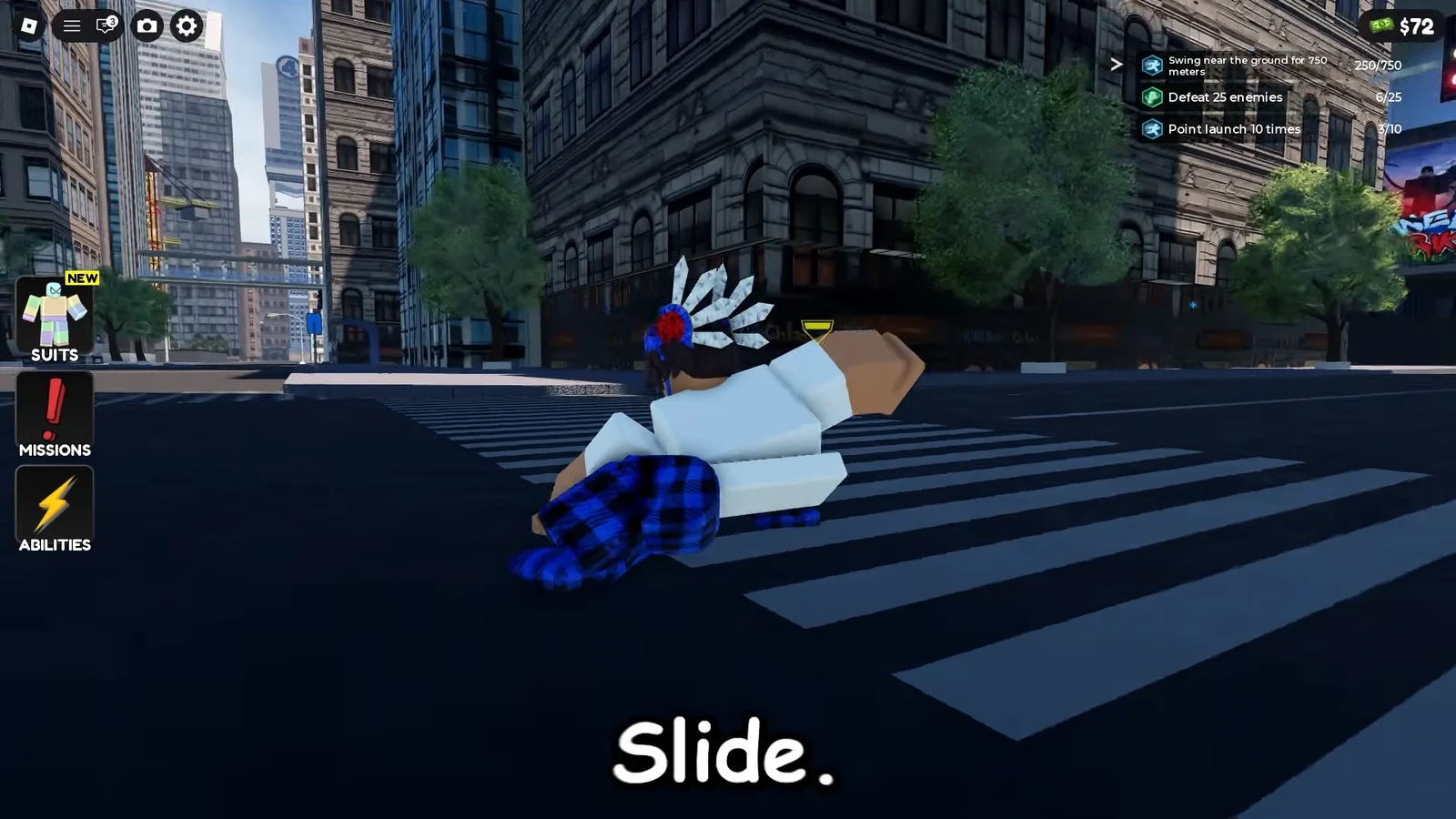
Keep fights short. Swing in, land a few punches, dodge the telegraph, then leave on a web if the rooftop fills up. A timed Space press on landing is how you know recovery worked. You pop back into motion instead of sitting through the hit-stun. Turn on camera lock if the lock-on view makes the next thug easier to track.
| Action | PC key |
|---|---|
| Fist attack | Left Click |
| Dodge, slide, or backflip | Ctrl |
| Quick Recovery on landing | Space at impact |
| Camera lock | V |
Web Rush daily mission list
Daily missions are extra Cash on top of street fights. They refresh every day, so treat any printed target as an example, not a permanent contract. The mission tracker stays on the city view and lists whichever challenges are live, while a red marker can still tug you toward the next objective.
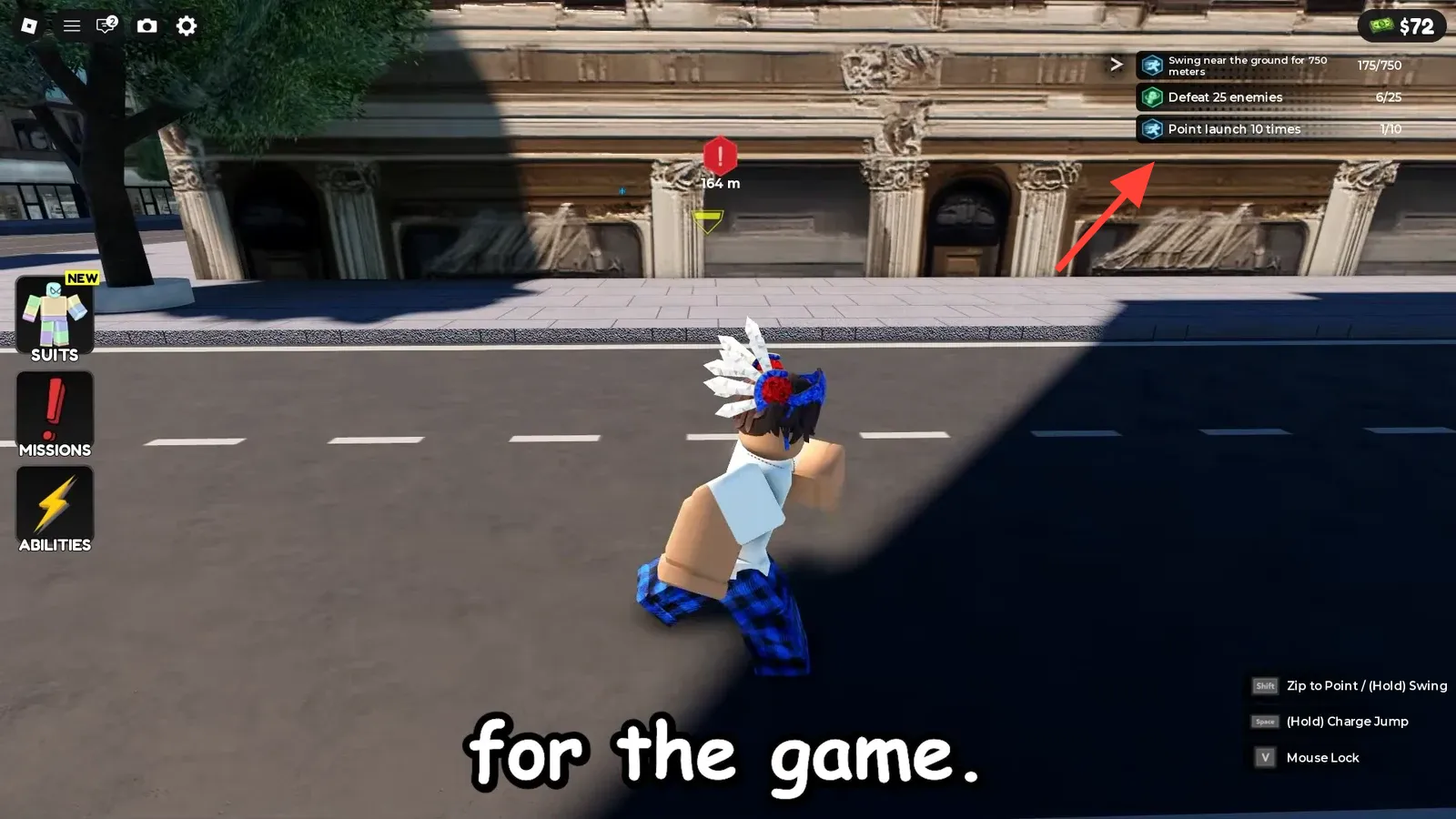
Named tracks such as Sky Skipper I, Speed Freak III, Free Fall II, and Acrobat I can appear in that same panel. The actions underneath stay simple. Move a set distance, stay in the air, launch, or clear enemies.
| Daily mission | Example target |
|---|---|
| Wall run | 250 meters |
| Air tricks | 25 |
| Swing fast | 180 seconds |
| Point launch | 20 times |
| Swing near the ground | 250 meters |
| Defeat enemies | 25 |
A live tracker can mix those jobs. One session may ask you to swing near the ground, defeat 25 enemies, and point launch several times before the list resets. Finish the row and check Cash. The mission is done when the challenge leaves the tracker and the total ticks up.
Web Rush Suit prices and abilities
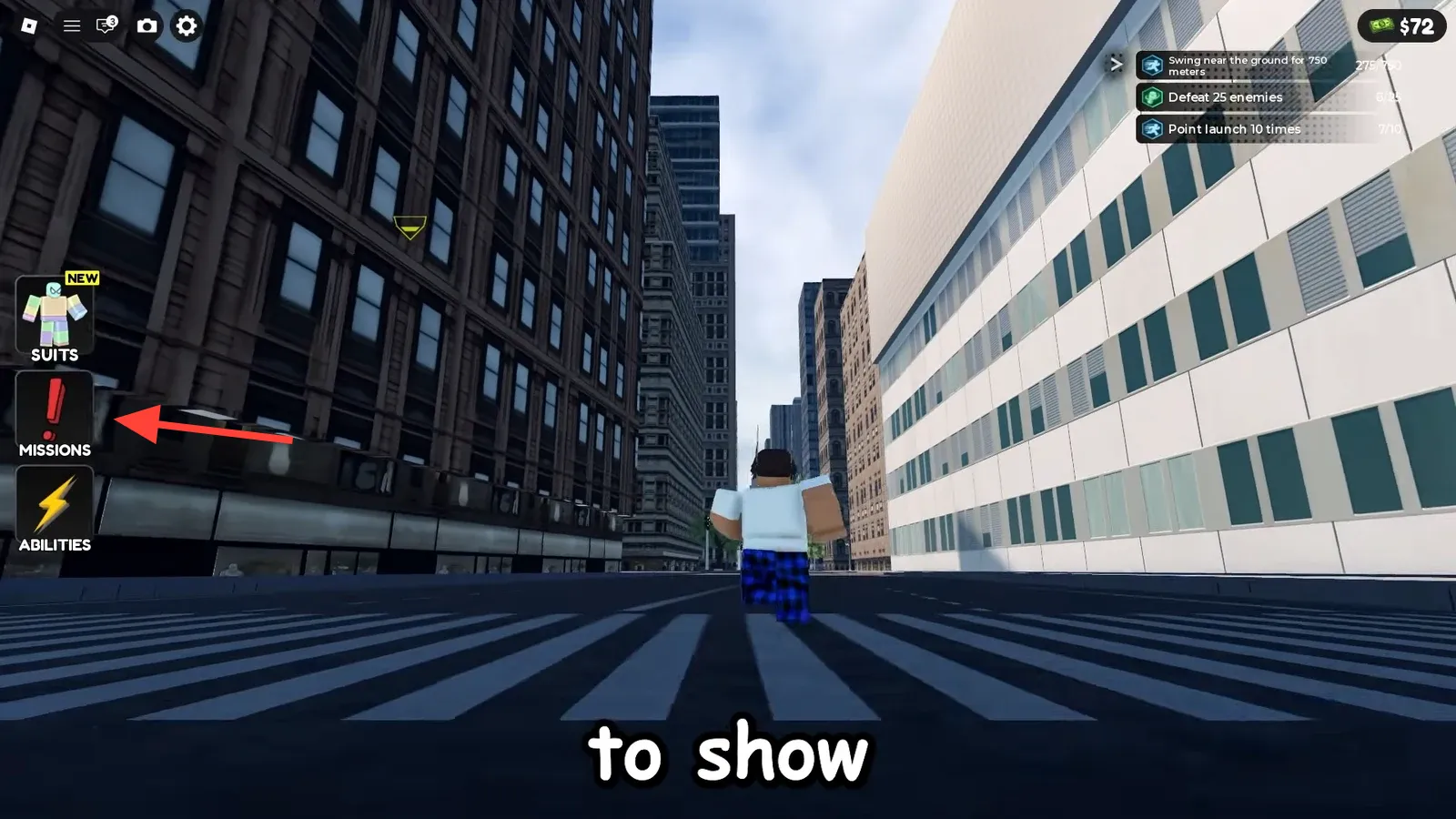
Spend from the left-side menu. Suits, Missions, and Abilities sit in that column. Open the Suit icon or the Suits tab, pick an outfit, and pay the Cash (or Robux) price on the tile. After a successful buy, the Suit can be equipped and swapped freely. If the avatar changes and the Suit stays in your list, the purchase landed.
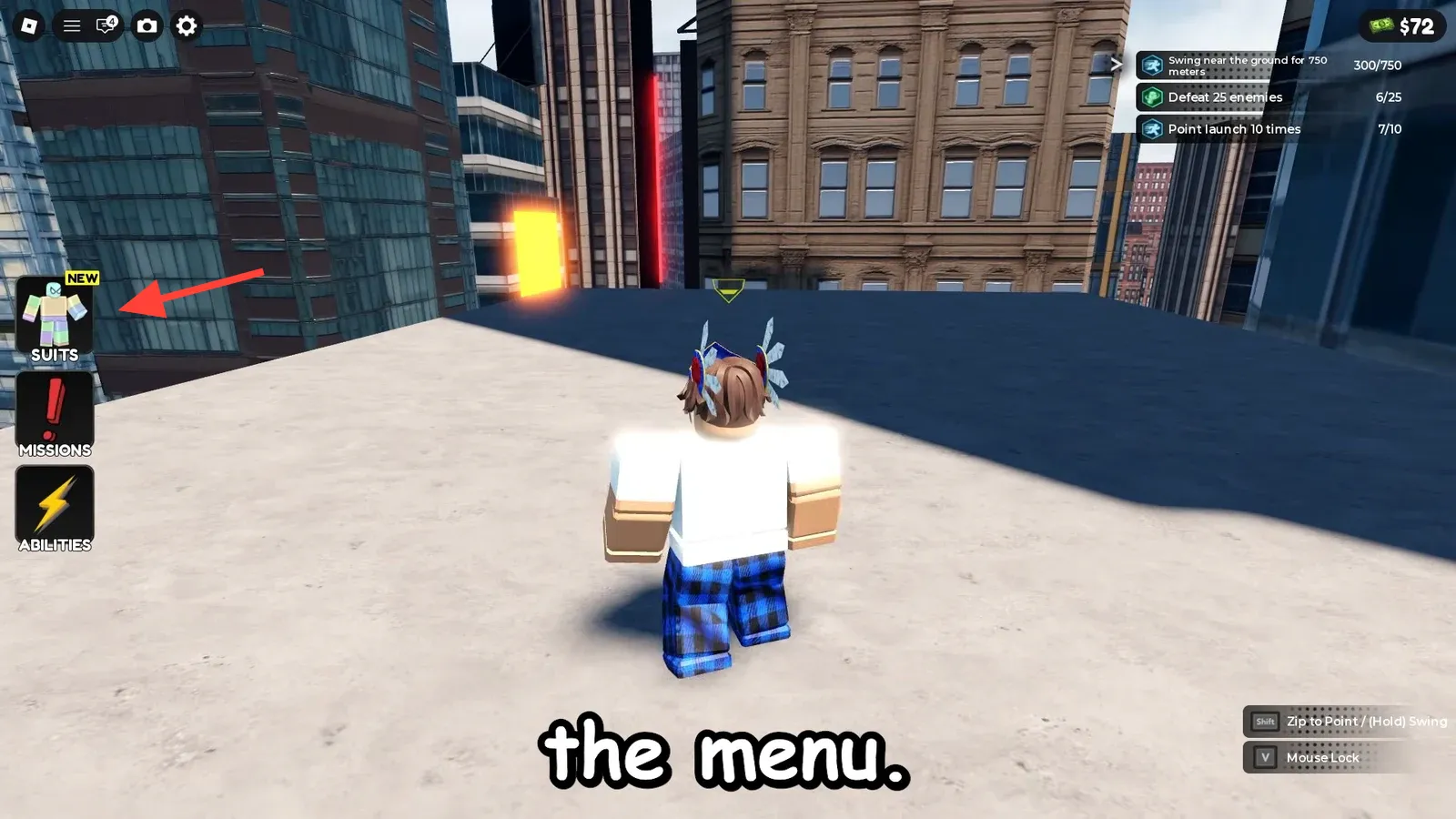
There are 25 unlockable Suits. They are cosmetic only and do not change stats or powers. The Default look is your regular Roblox avatar. Cheaper comic and film-style outfits such as Gwen, Amazing 1, Wrestler, ITSV Miles, and Spider-UK sit at 200 Cash. Mid-tier looks such as Amazing 2, Spectacular, and ITSV Miles (Jacket) sit at 500 Cash. Spider’s Shadow, Big Time, and Webbed Suit cost 1,000 Cash. Advanced, Ending, and Neuva ’99 cost 1,500 Cash.
| Price band | Examples |
|---|---|
| Owned from the start | Default |
| 200 Cash | Gwen, Amazing 1, Wrestler, Spider-UK, Reverse, Amazing Vigilante, ITSV Miles |
| 500 Cash | Amazing 2, Spectacular, Unsure Suit, ITSV Miles (Jacket), Gagamboy (Classic), Gagamboy (Modern) |
| 1,000 Cash | Spider’s Shadow, Big Time, Webbed Suit |
| 1,500 Cash | Advanced, Ending, Neuva ’99 |
| 3,000 Cash or 119–159 Robux | Bombastic Bagman, Red Agent, Future Foundation, Upgraded Miles |
| 5,000 Cash or 199 Robux | Fresh Start Suit |
The Abilities tab is the other Cash sink. Point Launch Boost, Slingshot Launch, and Web Dash sit there as paid upgrades. Web Wings are a travel tool that raise the speed of a crossing from one building to the next. Buy those only after you have confirmed the current price in the live menu, because early-development shops change.
If a swing still feels broken, slow down and practice one input at a time. Hold Shift until the web catches, release toward the next ledge, then add Dive, Air Tricks, or a zip. Recheck Suit tiles and mission text in your current session before you spend. The city is still being built, and the shop is part of that build.