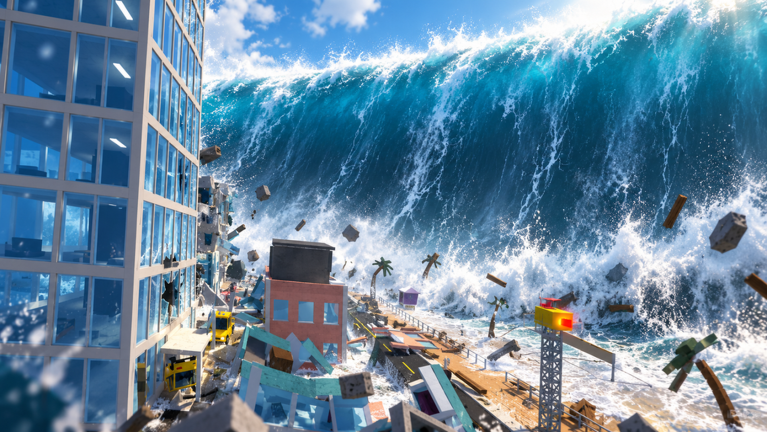
What If Disasters is a Roblox survival game built around one question. Each round opens with a “What if…?” scenario, drops a group of players into a themed map, and then escalates that scenario in stages until the timer runs out. Most of what matters happens in a fixed loop of lobby, simulation, disaster, and results. Once that loop makes sense, the rest of the game is easy to read.
Quick answer: Stand on the central pad when the lobby countdown hits 00:00. You get 30 seconds on the map before the disaster starts, then you follow the yellow HUD prompts until the round ends.
What If Disasters round loop, phase by phase
Every round runs through the same sequence. The disaster and the map change each time, but the order and the timers stay the same.
| Phase | On-screen cue | What happens |
|---|---|---|
| Lobby wait | NEXT DISASTER countdown | Shop, settings, crates, leaderboards |
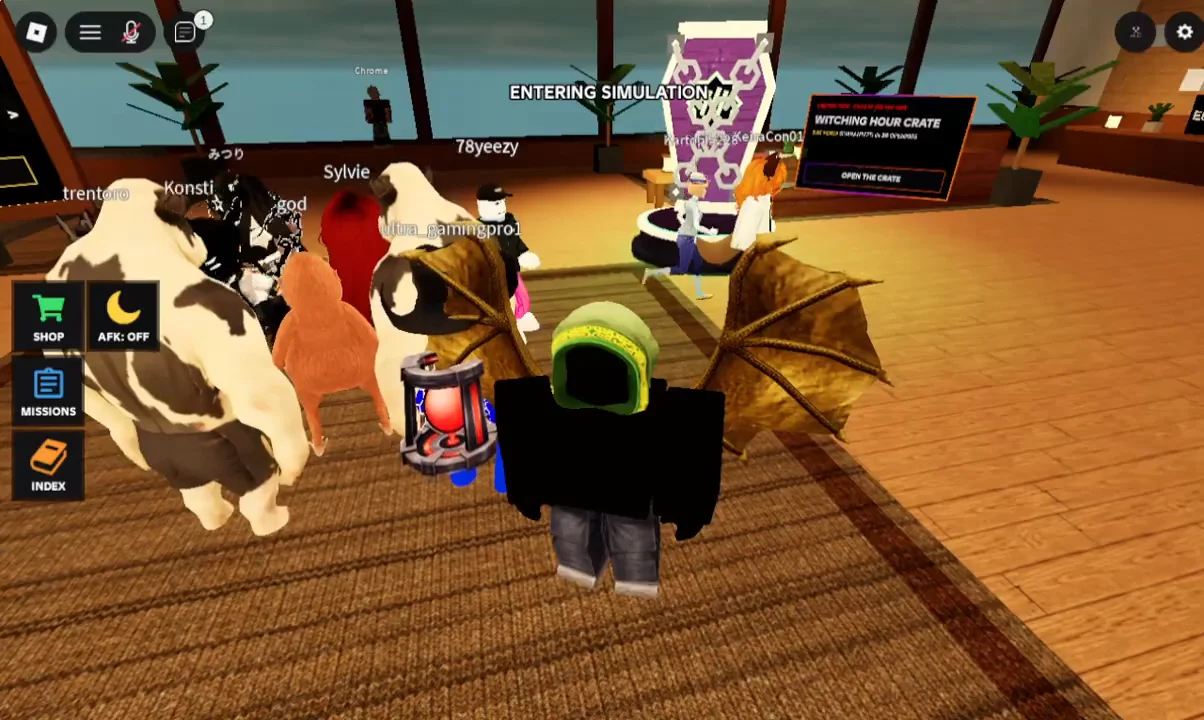
| Loading in | ENTERING SIMULATION | Players on the pad are sent to the map |
| Warm-up | DISASTER IN 00:30 | Free time to explore the map |
| Disaster | WHAT IF… banner | Scenario escalates in stages |
| Results | X OF Y SURVIVED | Survivor and casualty lists |
The pad in the middle of the lobby is how you get into the next round. When the countdown expires, everyone standing on that carpeted area sees the “ENTERING SIMULATION” status and gets moved into the new map together.
The 30-second warm-up
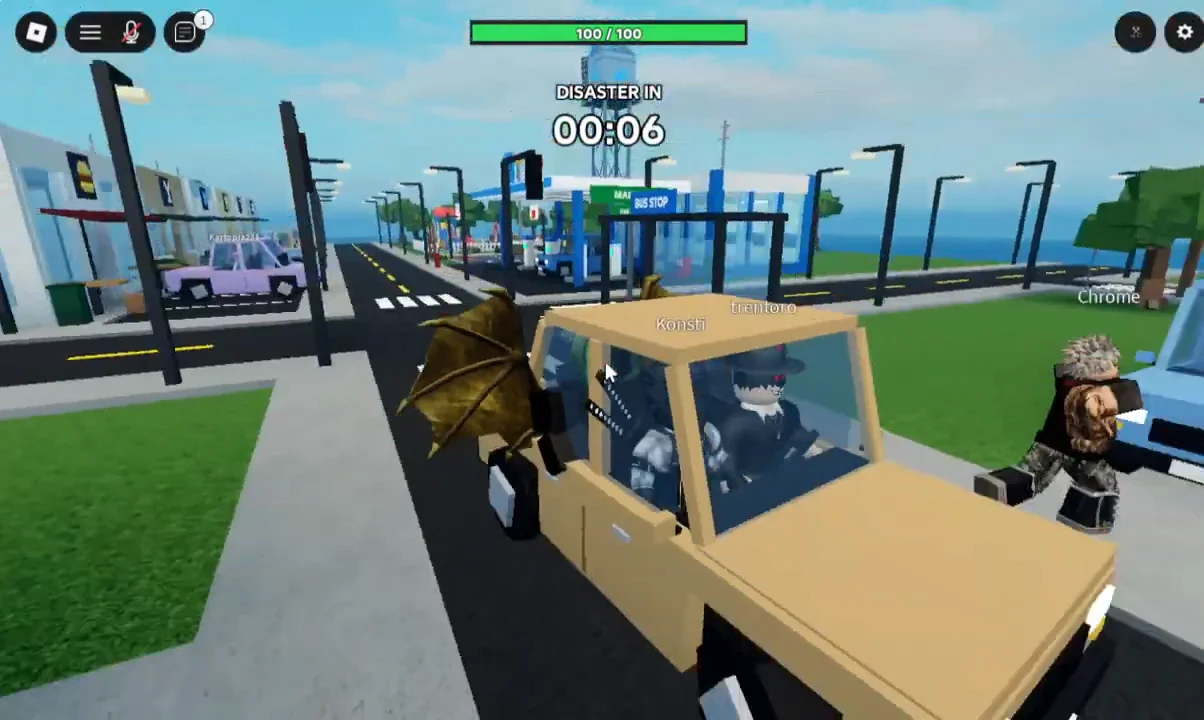
You spawn into the map with a “DISASTER IN 00:30” timer and no idea yet what is coming. The scenario is only revealed when that timer runs out. The maps are interactive. Garages can be opened and closed with an [E] Open Garage prompt, and cars show [E] Drive and [E] Sit prompts, so other players can drive you around the streets.
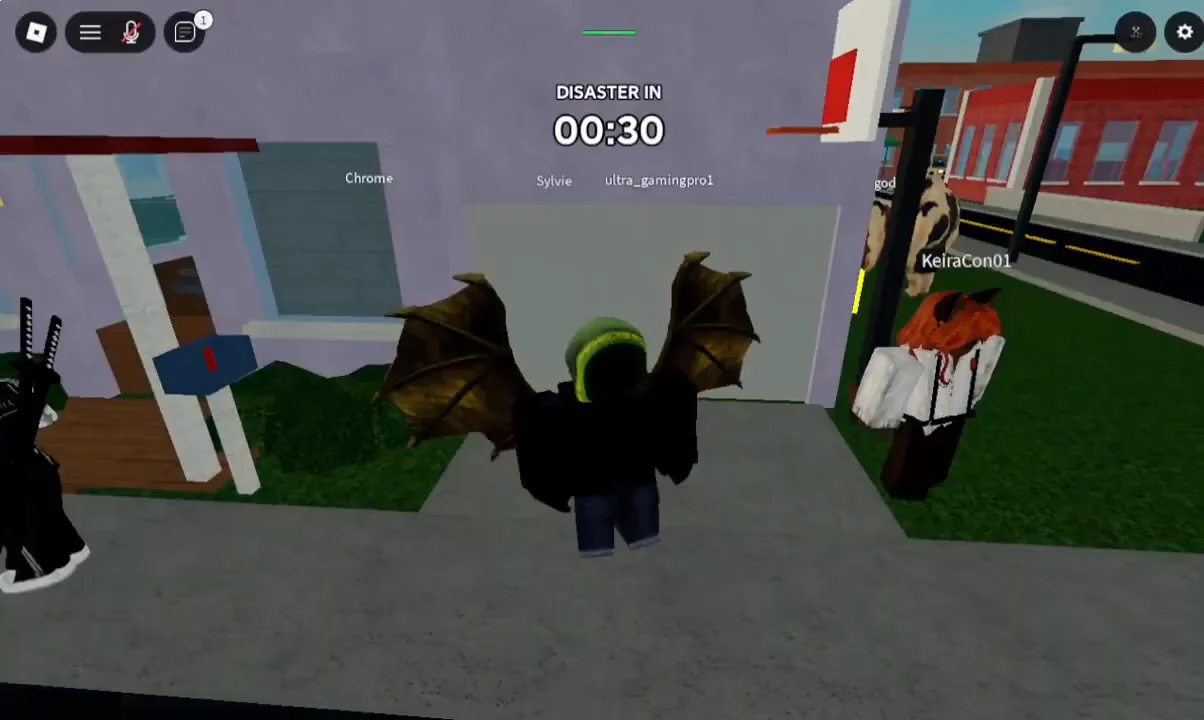
Vehicles hold several players at once, though a ride is not a guaranteed safe spot. Passengers can get thrown off a moving car.
How disasters escalate: The Moon Falls
Each disaster comes with three labels: the “What if” question, a short catastrophe name, and the map it plays out on. “WHAT IF… THE MOON FELL TOWARD EARTH?” becomes “THE MOON FALLS” in Suburban Neighborhood. Once it starts, the HUD walks through the event in stages. Each stage adds a new hazard, a live readout, and a one-line explanation of what is going on.
| Stage | HUD readout | Survival prompt |
|---|---|---|
| Moon approaches | DISTANCE TO THE MOON: 310,000 KM | GET SOMEWHERE SAFE |
| Tides rise | TIDE HEIGHT +20 METERS, climbing past +50 | GET SOMEWHERE HIGH |
| Ground splits | EARTHQUAKES ARE STARTING | GET SOMEWHERE HIGH |
| Moon breaks up | THE MOON IS CRACKING APART | Falling burning debris |
The yellow objective circle tells you what kind of position the current stage rewards, and it comes with a countdown to get there. In The Moon Falls, the switch from “safe” to “high” matters most. Once the tide starts climbing, the water floods the streets and keeps rising past +50 meters. Two-story houses with stairs, car roofs, and bus stop shelters all become places to stand above it. Later, the earthquakes and the moon’s burning fragments add hazards from below and above while the water is still up.
Other scenarios follow the same staged pattern with their own readouts. “Earth Enters a Mega Storm” at Thrill Park tracks wind speed, which reaches 150 KM/H. Its late stages describe tornadoes roping out and a storm that never ends.
Round results and spectating
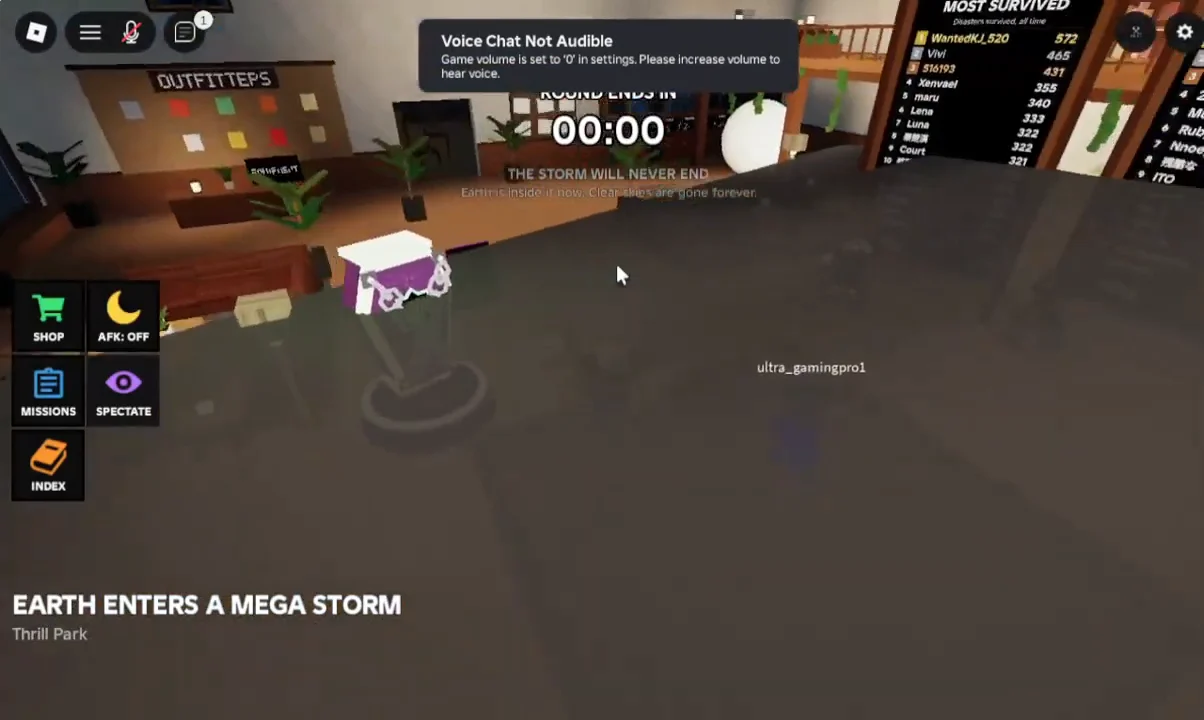
When the “ROUND ENDS IN” timer hits zero, the game posts a tally in the form “EARTH ENTERS A MEGA STORM: 4 OF 12 SURVIVED.” It then splits the server into a SURVIVORS list and a DIDN’T MAKE IT list. That results screen is how you confirm whether you made it through.
If you are in the lobby while a round is running, the Spectate button lets you cycle through active players. A “YOU WATCHED THIS ONE” tag appears on the results for rounds you only spectated. The lobby also shows leaderboards, including a Most Survived board.
What If Disasters lobby: shop, crates and settings
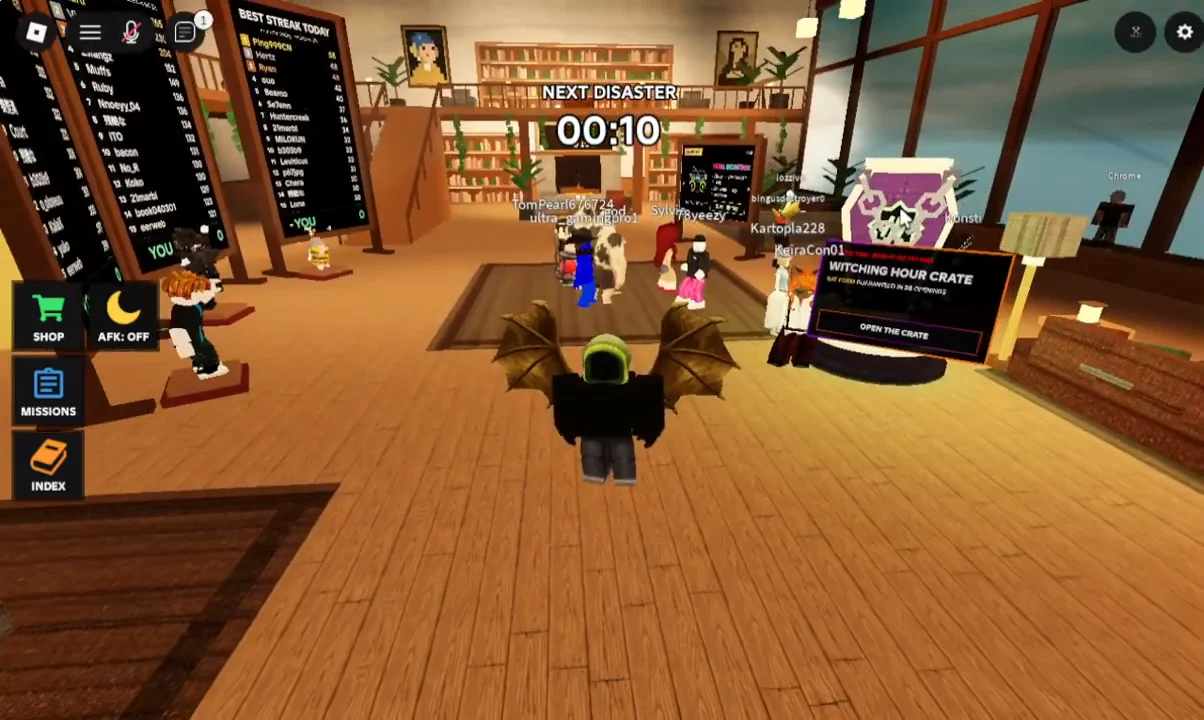
Downtime between rounds happens in a lounge-style lobby. Its HUD has buttons for SHOP, MISSIONS, SPECTATE, and INDEX, plus an AFK toggle. A “Witching Hour Crate” station sits near the leaderboards with an “OPEN THE CRATE” prompt, which ties into the shop’s seasonal Fright Night tab.
Game passes (Robux)
| Pass | Price | Perks |
|---|---|---|
| VIP | 399 R$ | 2x credits, +50% XP per round, animated VIP title |
| Red Balloon | 99 R$ | Cosmetic item |
| Neon Boombox | 149 R$ | Cosmetic item |
VIP is the only pass that changes your progress, because it doubles the credits you earn each round. Credits are the currency for everything in the Equipment tab.
Equipment (credits)
The shop has Equipment, Titles, Boosts, and Fright Night tabs, and your credit balance is shown at the top. Equipment prices range from a few hundred credits to the Beast Scythe at 195,000 credits.
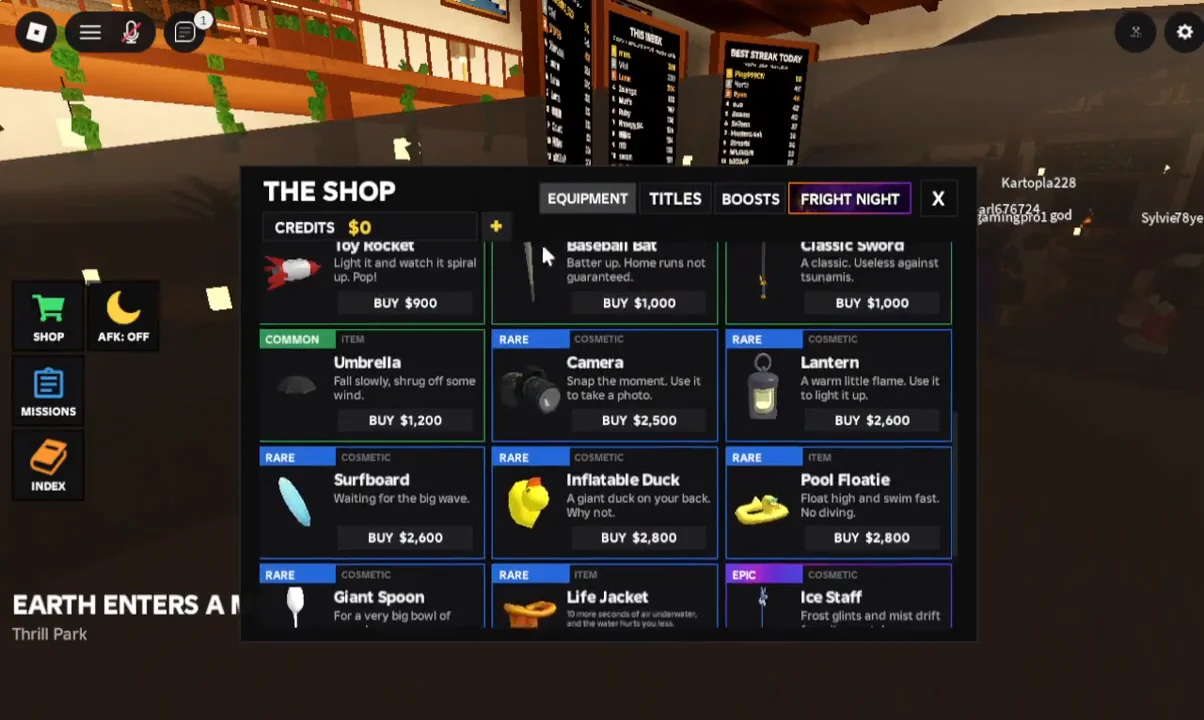
| Item | Credits |
|---|---|
| Rubber Duck | 600 |
| Soda | 600 |
| Bloxy Cola | 700 |
| Flashlight | 750 |
| Teddy Bear | 850 |
| Picket Sign | 900 |
| Surfboard | 1,500 |
| Inflatable Duck | 2,500 |
| Pool Floatie | 2,650 |
| Giant Spoon | 9,000 |
| Life Jacket | 16,500 |
| Impact Helmet | 18,000 |
| Ice Staff | 20,000 |
| Fire Sword | 20,000 |
| Beast Scythe | 195,000 |
Settings options
The Settings panel has five toggles. Weather particles and notifications are on by default, and the rest start off.
- Reduced camera effects (default OFF)
- Weather particles (default ON)
- Performance mode (default OFF)
- Mute other boomboxes (default OFF)
- Notifications (default ON)
Reduced camera effects and weather particles are the two toggles most tied to the disasters, since storms and quakes are where screen shake and particle effects pile up. The core of What If Disasters stays the same from round to round: get on the pad, use the 30 seconds to learn the map, and watch the yellow prompt. When it changes from “safe” to “high,” the disaster has moved into its next stage.