Bulk-selling junk gear is one of the fastest ways to clean up a cluttered inventory in Where Winds Meet, and it is also the fastest way to lose a weapon you actually wanted. The game handles this with a per-item lock. Anything you mark stays put through dismantling, recycling, and vendor sales until you deliberately unmark it.
Quick answer: Open the character menu, select Bag, click the item, then click the padlock icon in the top-right corner of its detail panel to switch the lock on or off.
What the padlock icon does
A locked item cannot be dismantled, recycled, or sold. The game simply refuses to include it in those actions, which is the whole point when you are using a “select all” style button in a recycling screen.
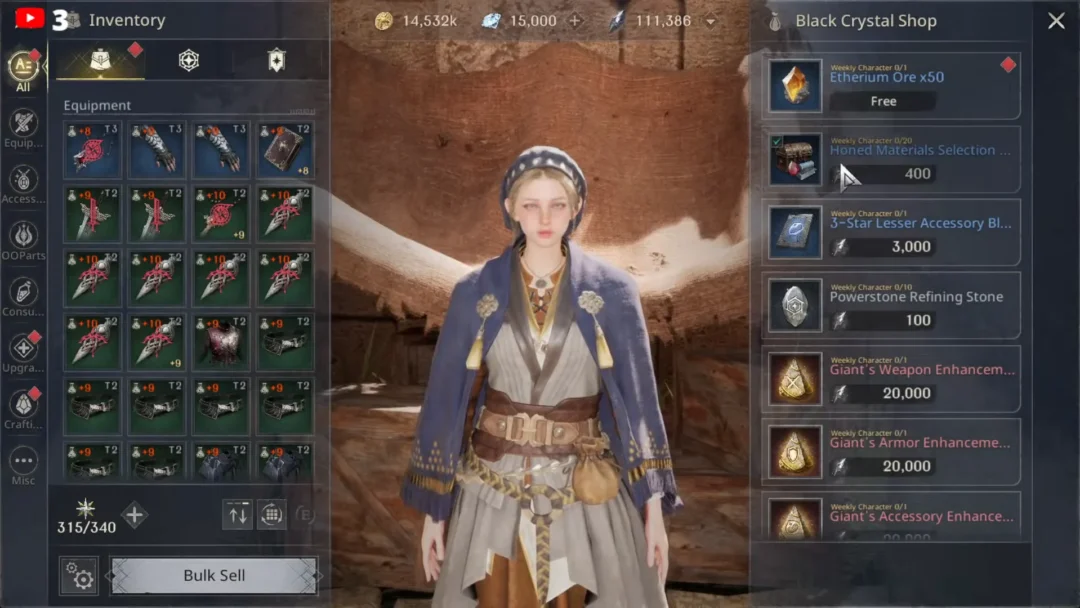
You can tell an item’s status at a glance without opening it. Locked entries show a small padlock in the top-right corner of their thumbnail in the bag grid. No padlock means the item is fair game for disposal.
The system is not limited to weapons and armor. It covers gear, common items, and development materials alike, so a stack of tuning stones can be protected the same way a bow is.
| Status | What you see | What it blocks |
|---|---|---|
| Locked | Padlock on the thumbnail’s top-right corner | Dismantling, recycling, selling |
| Unlocked | No padlock on the thumbnail | Nothing — the item can be disposed of freely |
How to lock or unlock an item in the Bag
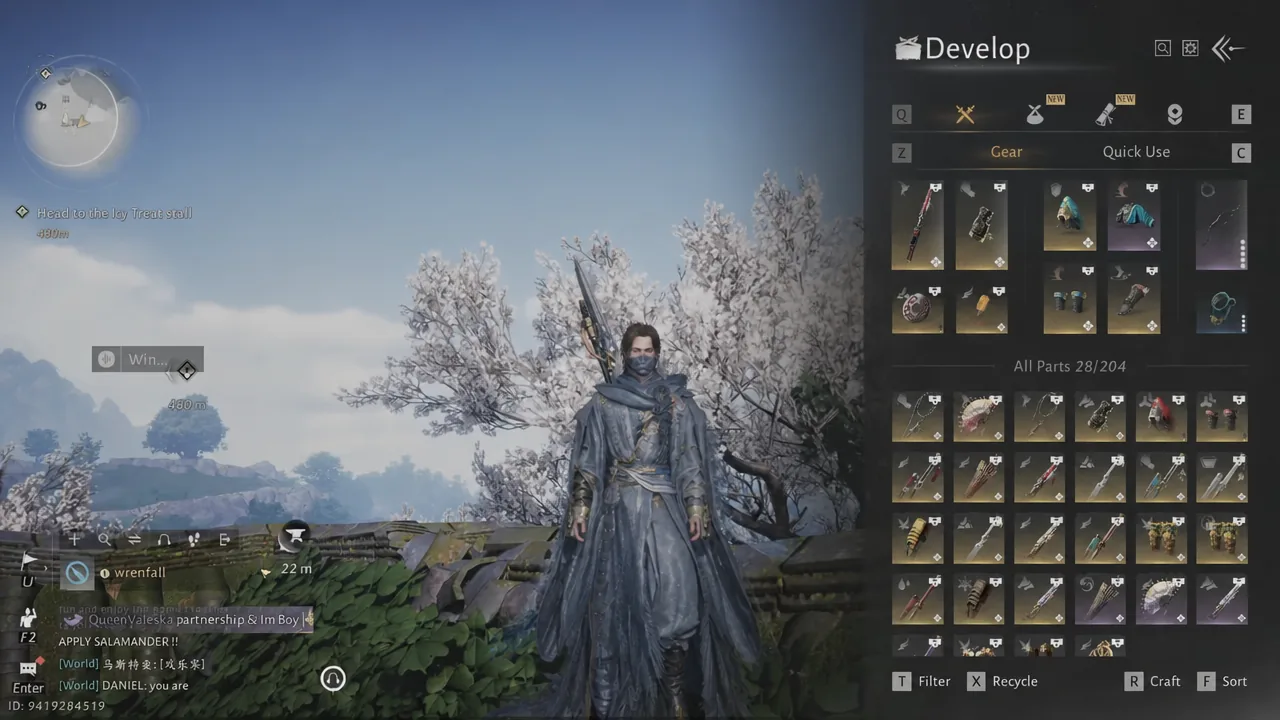
There is no bulk toggle for this. Each piece has to be handled on its own panel, so clearing out several old weapons means repeating the toggle on each one.
Unlocking materials before recycling
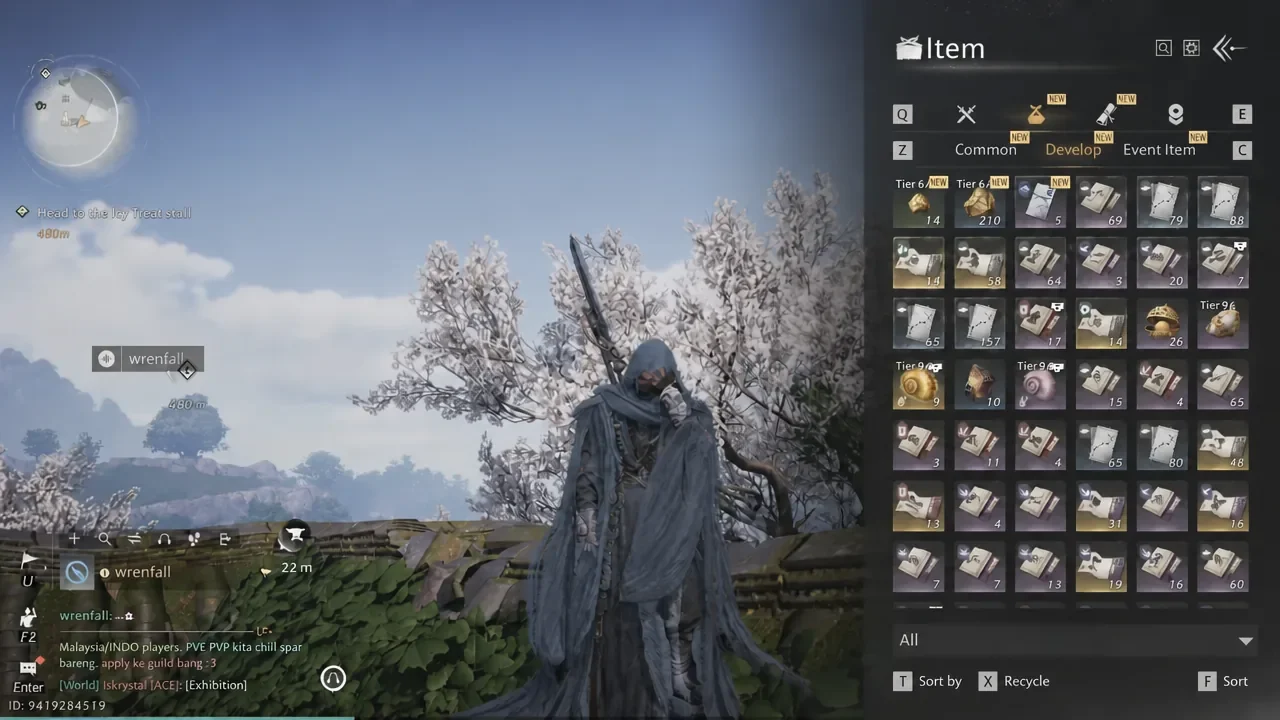
Recycling is where the lock most often gets in the way. If a development material is locked, pressing Add All in the recycle screen will skip it, and the item stays in your bag no matter how many times you hit Confirm.
The fix is to unlock those materials first. Open the Develop tab, select the stack you want to break down — small tuning stones and attunement stones are common candidates — and clear its padlock, then return to the recycle flow. Clear All is useful here if you want to reset a selection and rebuild it after unlocking.
Note: unlocking an item does nothing on its own. It only removes the barrier, so the material sits in your bag untouched until you actually recycle or sell it.
When an item refuses to dismantle or sell
If a piece of gear keeps getting skipped by a disposal action, the lock is the first thing to check. Open the item and look at the top-right corner of its panel rather than trusting memory, since gear picked up from certain sources can arrive already locked.
The reverse problem is worth guarding against too. Anything you plan to keep long-term — a weapon you are still upgrading, a set piece you swap in occasionally, or materials you are saving for a later tuning session — should get the padlock before you ever open a bulk recycle screen. It takes one click, and it is the only thing standing between a careless Add All and a gear piece you cannot get back.