

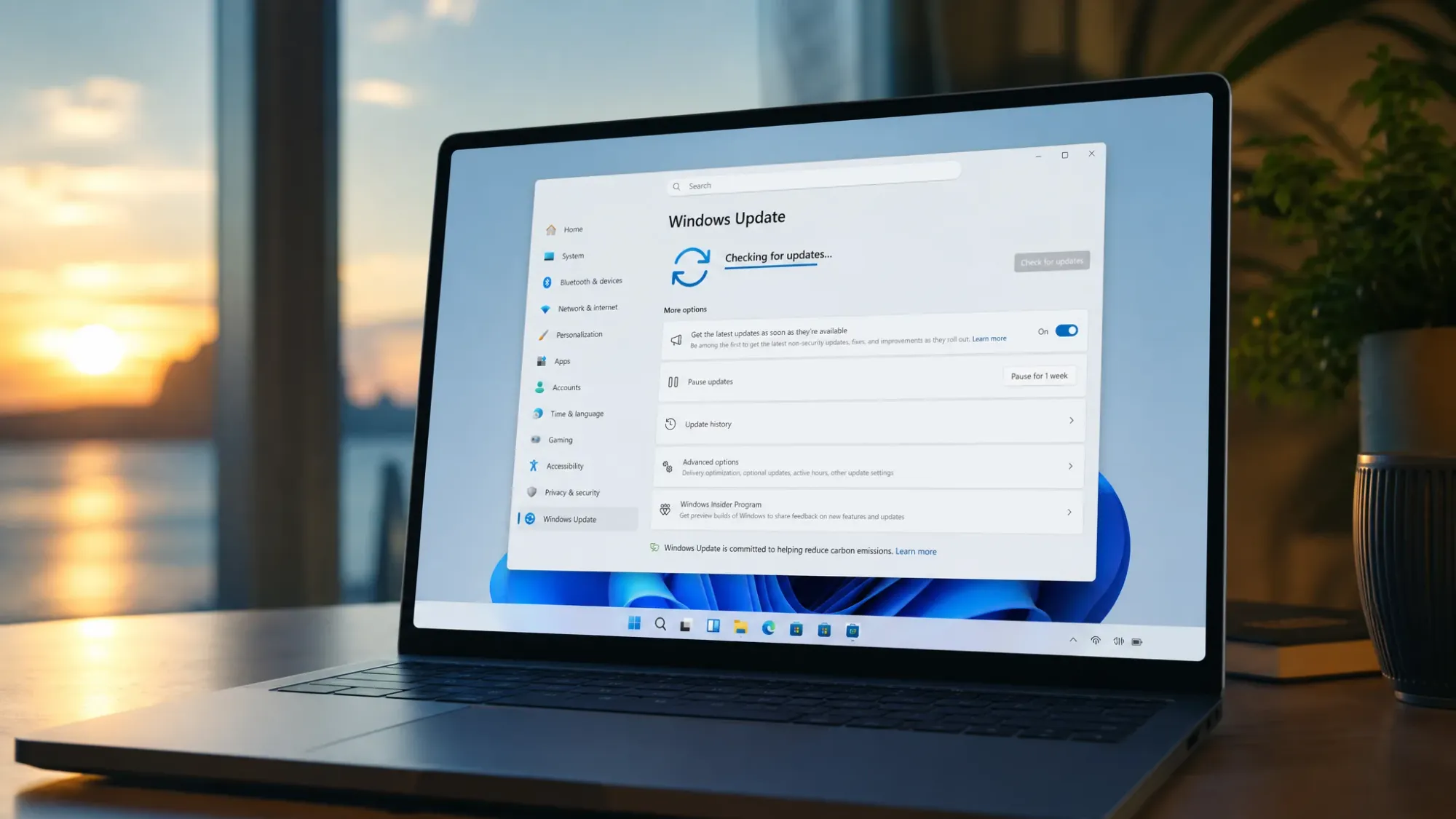
Microsoft pushed two Windows 11 preview builds through the Experimental channel on May 29, 2026. Build 29599 lands on the “Feature Platforms” version, and build 28020.2207 covers version 26H1. Neither flight adds user-facing features. Both focus on bug fixes, platform groundwork, and a small set of undisclosed improvements.
What’s fixed in build 29599 for Feature Platforms
The headline change in 29599 is structural. Microsoft is transitioning the operating system to a new active development build, so this flight introduces platform-level changes rather than anything you’ll see on screen.
On the bug side, two fixes stand out. The first addresses a sign-in problem where some people saw a message claiming they weren’t connected to the internet when signing in to their Microsoft account inside certain apps, even when the connection was fine.
The second targets virtual machines. Task Manager now reports CPU speed correctly for VMs, so the “Performance” page no longer shows unexpectedly high processor speed values after a machine resumes from hibernation.
What’s in build 28020.2207 for Windows 11 26H1
The 26H1 flight is lighter. Build 28020.2207 delivers a small number of bug fixes and improvements that Microsoft hasn’t detailed. There are no new features tied to this release, which keeps it in line with how the 26H1 branch has been maintained.
Why 26H1 won’t install on your current PC
Windows 11 version 26H1 is not a feature update for existing machines. Microsoft has been explicit that it is not an upgrade path from version 25H2 or any earlier release, and it won’t arrive through Windows Update on systems you already own.
Instead, 26H1 enables the next generation of silicon and ships only on select new ARM64 devices, starting with computers powered by Qualcomm Snapdragon X2 Plus, Elite, and Extreme processors. The build carries the same features introduced with the Windows 11 2025 Update (version 25H2), but it sits on a different Windows core. Because of that, 26H1 devices won’t be able to move to the annual feature update planned for the second half of 2026, though Microsoft says they’ll get a path forward in a later release.
| Detail | Windows 11 26H1 |
|---|---|
| Preview build | 28020.2207 (Experimental) |
| Target hardware | New ARM64 devices, Snapdragon X2 Plus / Elite / Extreme |
| Offered to Intel or AMD PCs | No |
| In-place upgrade from 24H2 / 25H2 | No |
| Path to next annual feature update | Not directly; a future release is planned |
How to install these preview builds
You can get either flight on a test device by joining the Experimental experience in the Windows Insider Program. Treat these as preview builds and run them on secondary hardware or a virtual machine.
How to confirm the build installed
After the update finishes and the PC restarts, you can verify the version directly in Windows. Press Windows key + R, type winver, and press Enter. The dialog should report build 29599 on the Feature Platforms version or 28020.2207 on the 26H1 version.
For the 29599 sign-in fix, open the affected app and sign in to your Microsoft account. You’ll know it worked when the false “not connected to the internet” warning no longer appears with a working connection. For the virtualization fix, launch a VM, resume it from hibernation, and check Task Manager’s “Performance” page, where the reported CPU speed should now stay accurate rather than spiking to an inflated value.
Because these are incremental flights, the practical takeaway is simple. If you’re testing on supported hardware, install for the stability fixes and the platform groundwork in 29599. If you’re on a standard Intel or AMD PC, 26H1 isn’t coming your way, and the broad feature update remains scheduled for the second half of 2026.



