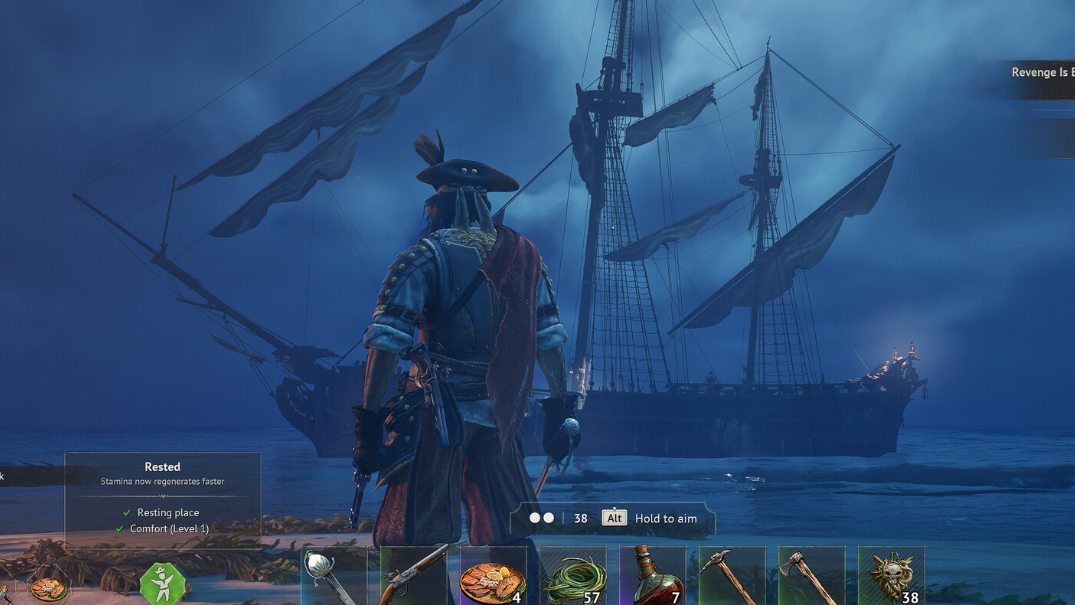
Doctor Galen is one of the story NPCs who lives at your camp in Windrose, and he is tied to progress on quests like Need a Bigger Boat. If he suddenly vanishes from the bonfire, the cause is almost always the same: your original bonfire was destroyed or relocated, and Galen has not been re-settled at the new one.
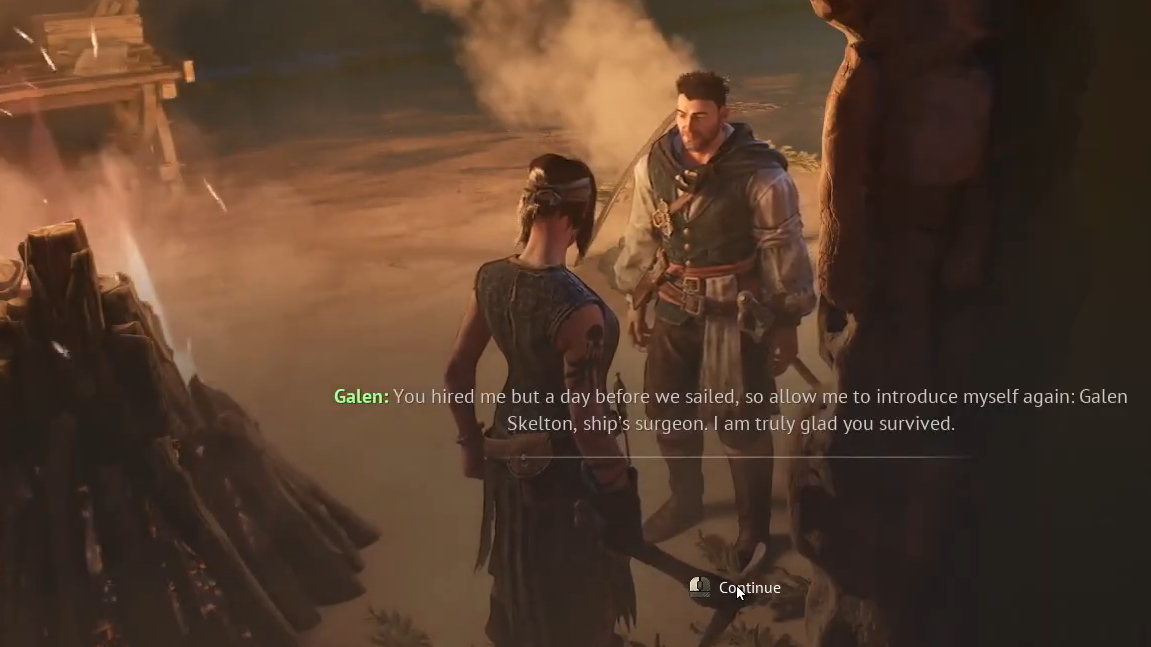
Why Doctor Galen disappears
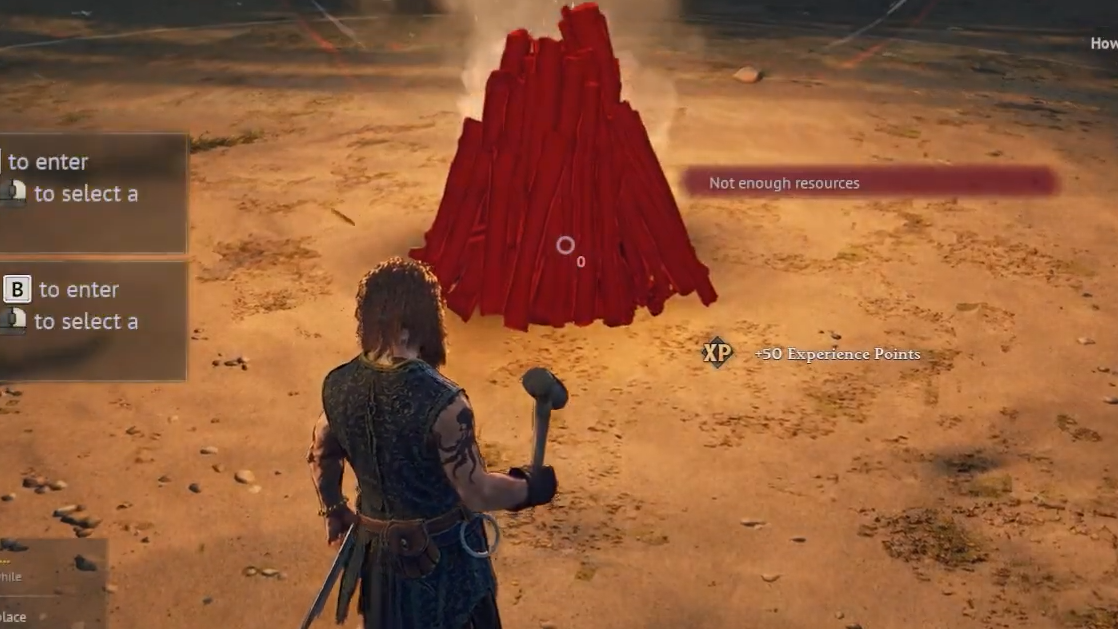
Story NPCs in Windrose are bound to your bonfire, not to the world itself. When you destroy the bonfire to move your base, or place a new one somewhere else, the game treats those characters as unassigned. They do not wander to the new fire on their own, and there is no quest marker pointing to them because, mechanically, they are not placed anywhere in the world.
This is the same system that governs John Doe during the Needle In The Haystack quest. If he is asked to meet you back at camp and is nowhere to be seen, the cause and fix are identical to Galen’s.
Get Galen back at the bonfire
How Settle and Evict work
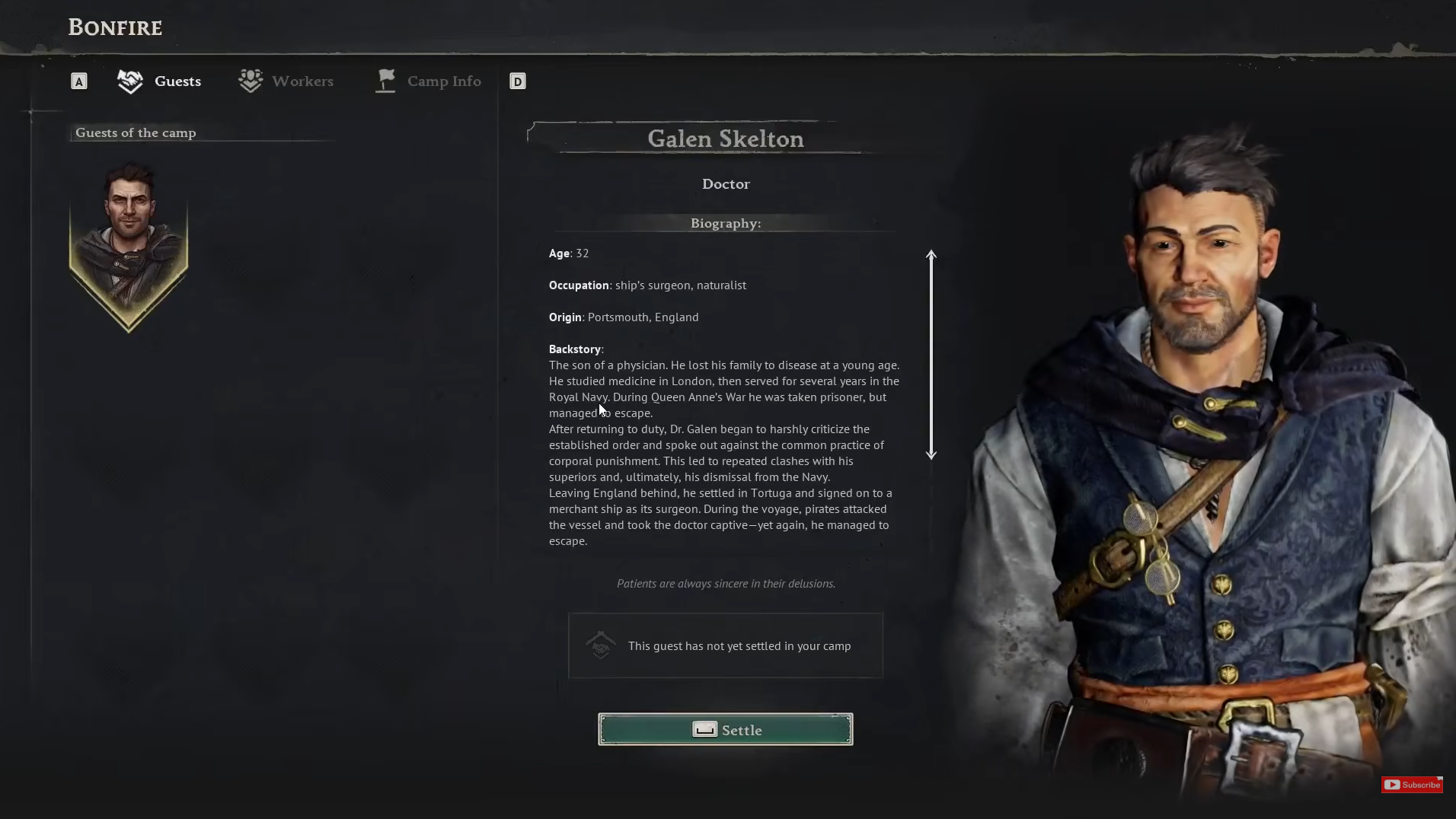
The bonfire menu is the control panel for which story NPCs live at your base. Each time you move camp, you are expected to Evict characters at the old fire and Settle them at the new one. The game does not explain this directly, which is why Galen going missing is one of the most common points of confusion in the early game.
| Action | What it does | When to use it |
|---|---|---|
| Settle | Places the NPC at your current bonfire | After building a new bonfire or when an NPC is missing |
| Evict | Removes the NPC from the current camp | Before relocating your base to a new area |
| View biography | Shows background and lore for the NPC | Optional, for story context |
When Settle does not bring him back
In most cases, choosing Settle resolves the problem instantly. A smaller number of players run into edge cases where Galen still does not appear, or where he vanishes again after logging back in.
- Relog the save. Fully quit to the main menu (or close the game) and load back in. Some instances of the missing NPC resolve on the next load.
- Evict, then Settle again. If he shows as assigned in the bonfire menu but is not visually present, evict him first and then settle him a second time.
- Do not travel to find him. Galen is not hiding on another island, on the ship, or in Tortuga. Sailing elsewhere will not trigger him to return, because he only exists where the bonfire places him.
If the bonfire menu itself crashes the game when opened, that is a separate bug rather than a missing-NPC issue, and it should be reported to the developers through the in-game channel.
How to avoid losing him again
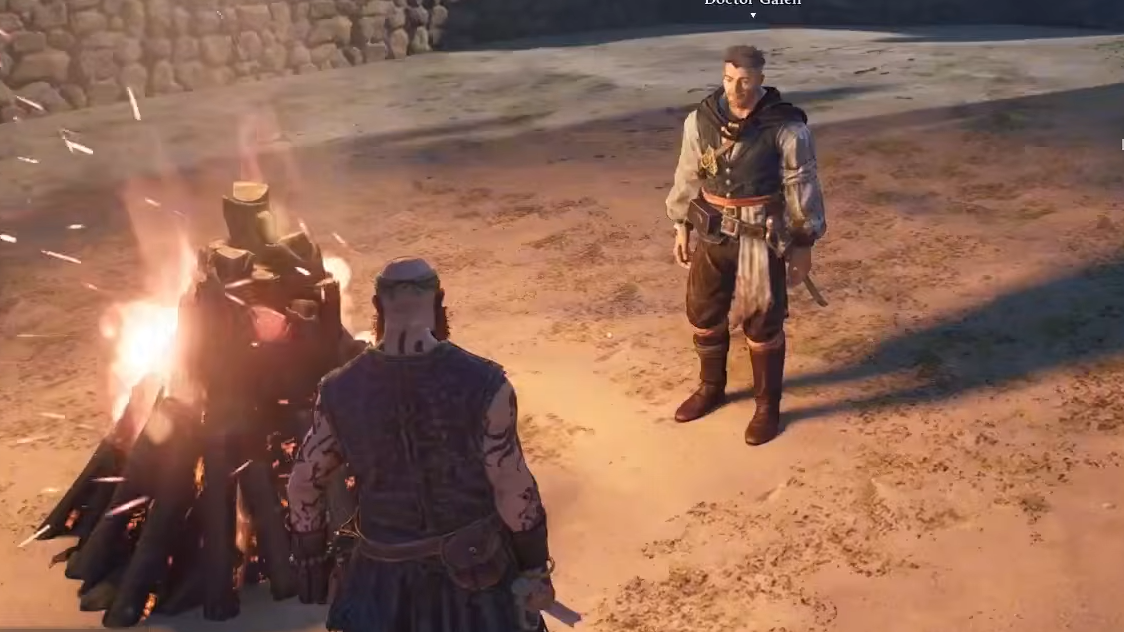
The cleanest habit when relocating your base is to treat the bonfire like a save point for your crew. Before tearing down the old fire, open it and evict everyone living there. Build the new bonfire at the destination, interact with it, and settle each NPC back in. Done in this order, Galen, John Doe, and any other story NPCs move with you without ever disappearing from the world.
Once Galen is back at camp, the Need a Bigger Boat quest will let you talk to him as normal and advance to the next step. If the objective does not update immediately after speaking with him, save and reload once; the quest state refreshes on the next load.