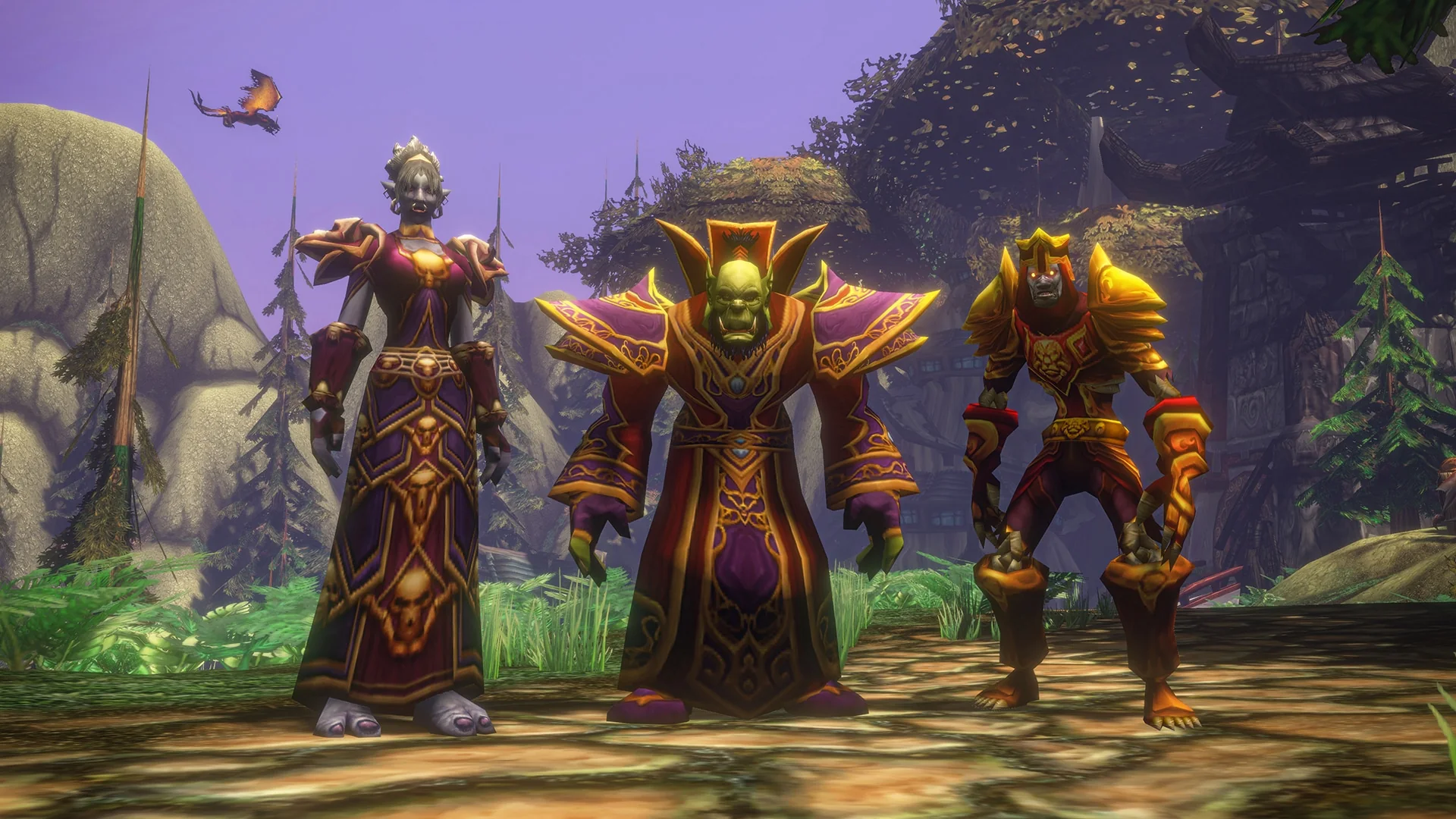
Quick answer: Transmog in World of Warcraft: Forever is done at a transmogrifier in certain cities. Appearances go into account-wide Collections, and you can switch the whole system off at the same NPC.
The original game never had transmogrification, but World of Warcraft: Forever does. You collect appearances from the gear you loot, and they stay available across your account. The system is optional, so if you would rather see everyone in the gear they are actually wearing, you can turn it off.
How to transmog in WoW Forever
You only need appearances in your collection and a city with a transmogrifier.
The transmogrifier also has the option to turn transmog off entirely. That is covered further down.
When transmog appearances are collected
An item’s quality and where it dropped decide when you get its appearance, and whether other players get it too.
| Item type | When the appearance unlocks |
|---|---|
| Poor (grey) and Common (white) | As soon as the item is looted |
| Bind-on-pickup Uncommon (green) or Rare (blue) from a dungeon | On loot, for all eligible looters |
| Epic raid drops | Only for the player the item binds to |
Grey and white items do not need to bind before their appearance counts. That makes unbound and low-level looks easy to pass around. Dungeon greens and blues work differently from a standard loot roll. Everyone eligible gets the appearance, so you never have to compete with someone who needs the item as an actual upgrade just to get its look. Epic raid gear is stricter, and only the player who ends up with the item gets the appearance.
You keep collecting appearances while transmog is turned off, so nothing is lost if you switch it on later.
Transmog rules: armor type and level 60
Owning an appearance does not mean every character can use it. Two rules control what fits a given slot.
- Armor type must match. Plate can only take plate appearances, and cloth can only take cloth.
- High-level looks wait for level 60. Low-level characters can’t use high-level appearances. At level 60, level restrictions are lifted for valid appearances in your collection.
- Cosmetic-only items are exempt. These items ignore the rules above, but they are rare in WoW Forever.
Armor appearance changes are limited by the armor type of the item you have equipped, regardless of class. For instance, if a Paladin has Robes of the Exalted equipped in the chest slot, only a cloth chest appearance can be applied there; a plate chest appearance is invalid.
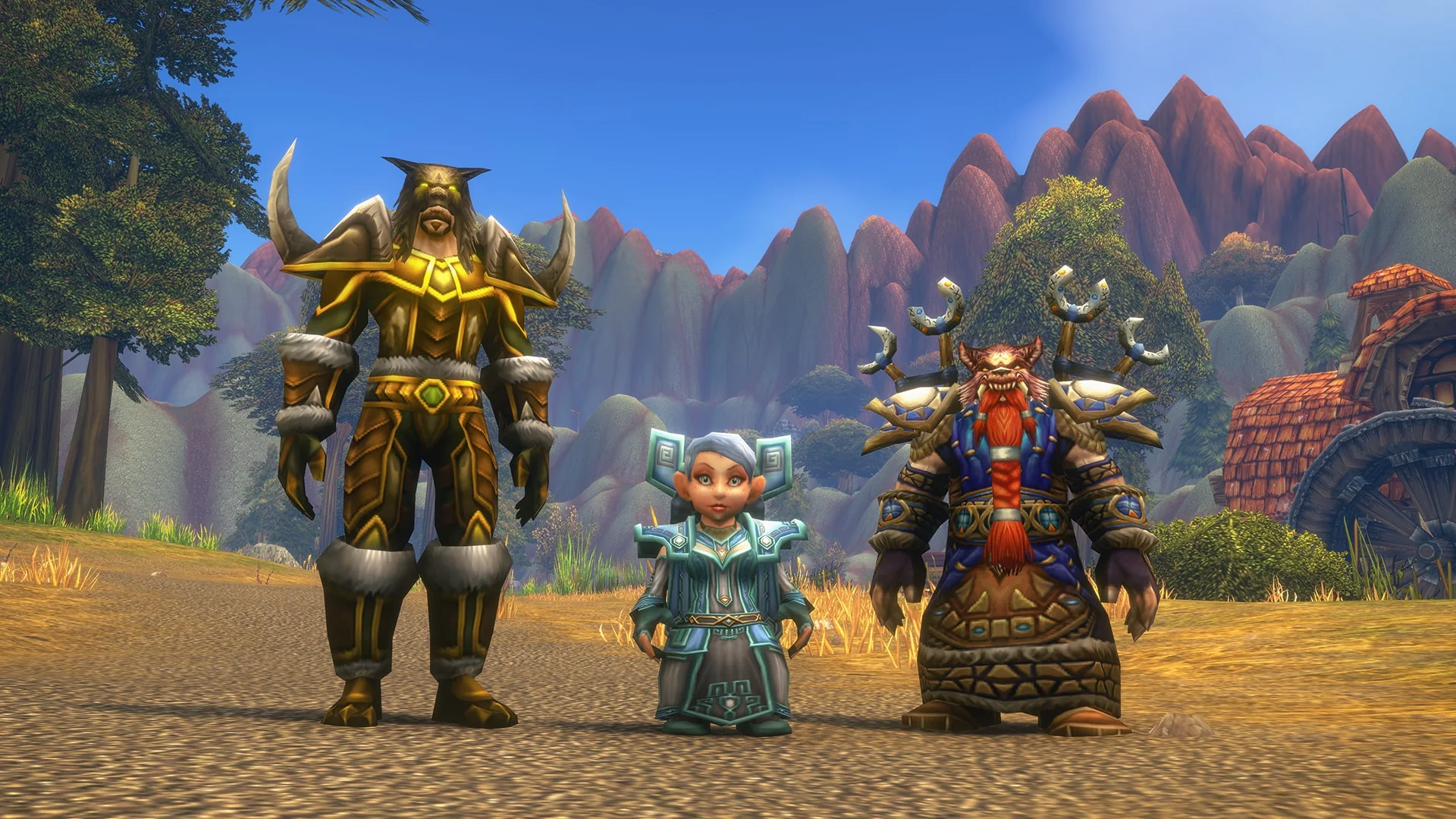
How to turn transmog off in WoW Forever
Go to a transmogrifier and disable the system there. Once it is off, other players appear in their real equipped gear instead of their transmogrified outfits.
Turning it off mainly changes how you see other people. You can still set up and display your own transmog. That lets you hide a single slot, such as your helm or cloak, or show one particular appearance without turning the full system back on.
Hidden helms and cloaks still work the same way. With transmog off, you will still see other players’ choices to hide those slots, just as in the original game.
Classic vs. Enhanced preset: transmog on or off at first login
When you first log in, you pick a preset, and that choice sets whether transmog starts on or off.
| Preset | Transmog | Other defaults |
|---|---|---|
| Enhanced | On | — |
| Classic | Off | Use classic layout, with standard-definition models and both quest objective markers and one-bag disabled. |
If you choose Classic, transmog is turned off automatically when you enter the world. Presets only set your starting defaults. You can change any individual setting later under Game Menu > Options, and you can turn transmog itself on or off at a transmogrifier.
WoW Forever Collections across rulesets and Hardcore
Collections and Legacy Points are account-wide across Normal, PvP, Roleplay, and Roleplay-PvP; Hardcore transfers are one-way. An appearance you unlock on one non-Hardcore ruleset is available on the others.
Hardcore, arriving later, has a one-way collection transfer: unlocks earned there can be used in other rulesets, but collections from elsewhere cannot be brought into Hardcore.
Transmog appearances from Skyborne packs and Legacy Rewards
Gameplay drops aren’t the only source of cosmetics. Transmog items are included in the Skyborne packs sold through the Battle.net Shop, while Legacy Rewards place cosmetics in your account.
| Cosmetic | Where it comes from |
|---|---|
| Shen’dorei Skyseer’s Garb | Skyborne Heroic Pack |
| Outdoor Wear transmog | Skyborne Epic Pack |
| Spectral Bear Tabard | Legacy Rewards |
| Reins of the Spectral Bear (mount) | Legacy Rewards |