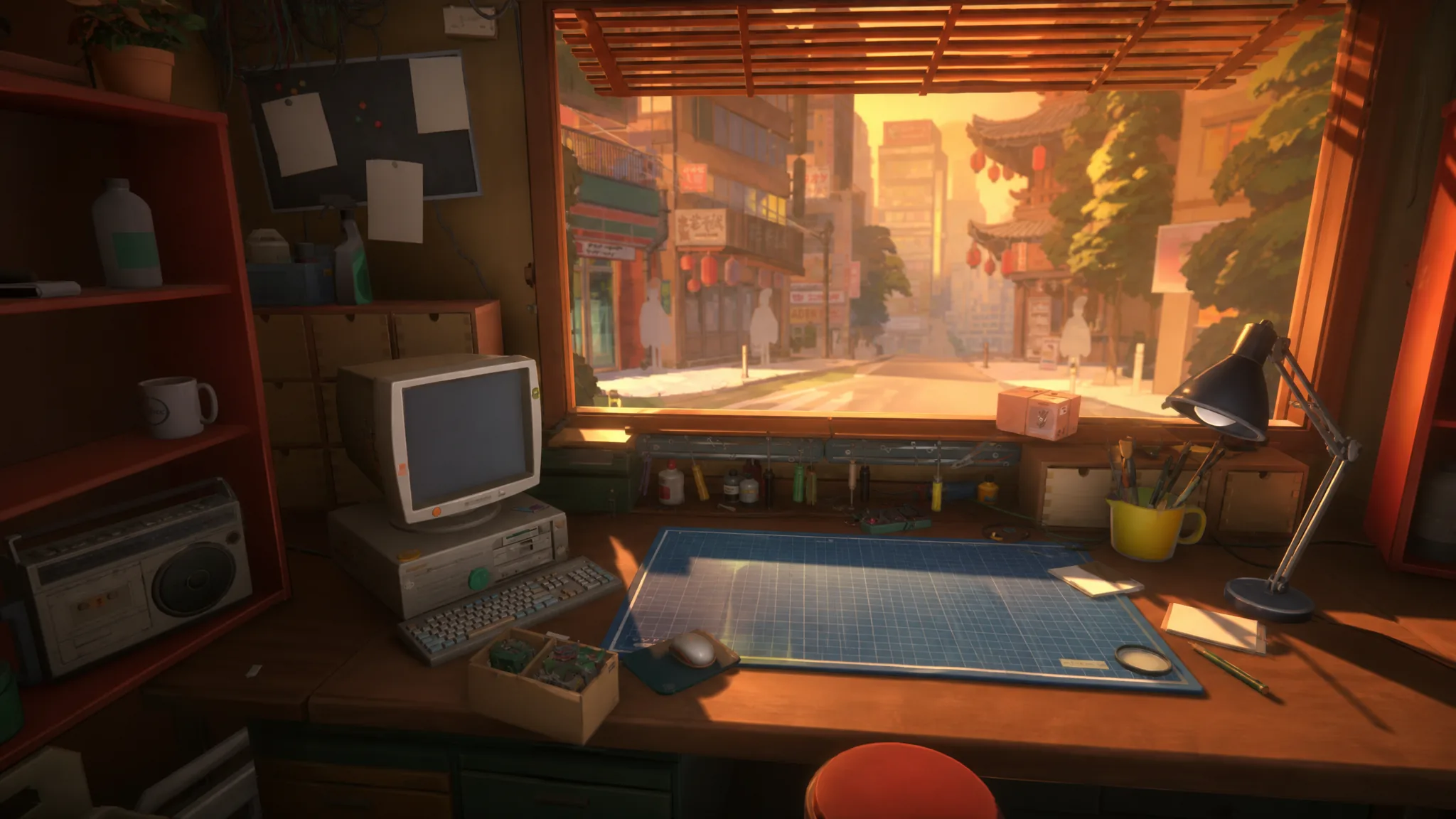
Running a tiny electronics repair shop in mid-2000s Tokyo sounds relaxing, and it mostly is. ReStory: Chill Electronics Repairs hands you a workbench, a stream of walk-up and online customers, and a pile of nostalgic gadgets to open, clean, and reassemble. But rent and internet bills come due, spare parts cost money, and the devices only get fussier over time. A few early habits keep the whole operation smooth.
Quick answer: Lean on the in-game notepad for every repair, sort parts by layer as you disassemble, upgrade the screwdriver first, hang a tip jar for extra yen, and buy the Eternal Shredder to sell off junk parts instead of trashing them.
Keep the notepad open on every job
The notepad is the single most useful screen in the game. Every device comes with a written record of what it is and how the repair should go, so you rarely have to guess. If you get stuck taking something apart or putting it back together, the notepad lists the exact order of steps you still need to complete.
It also flags problems for you. The notepad shows which component needs cleaning and which part is faulty, so you can head straight for the broken piece instead of poking around the whole board. Check it before you start, and check it again whenever a repair stalls.
Sort parts by layer as you disassemble
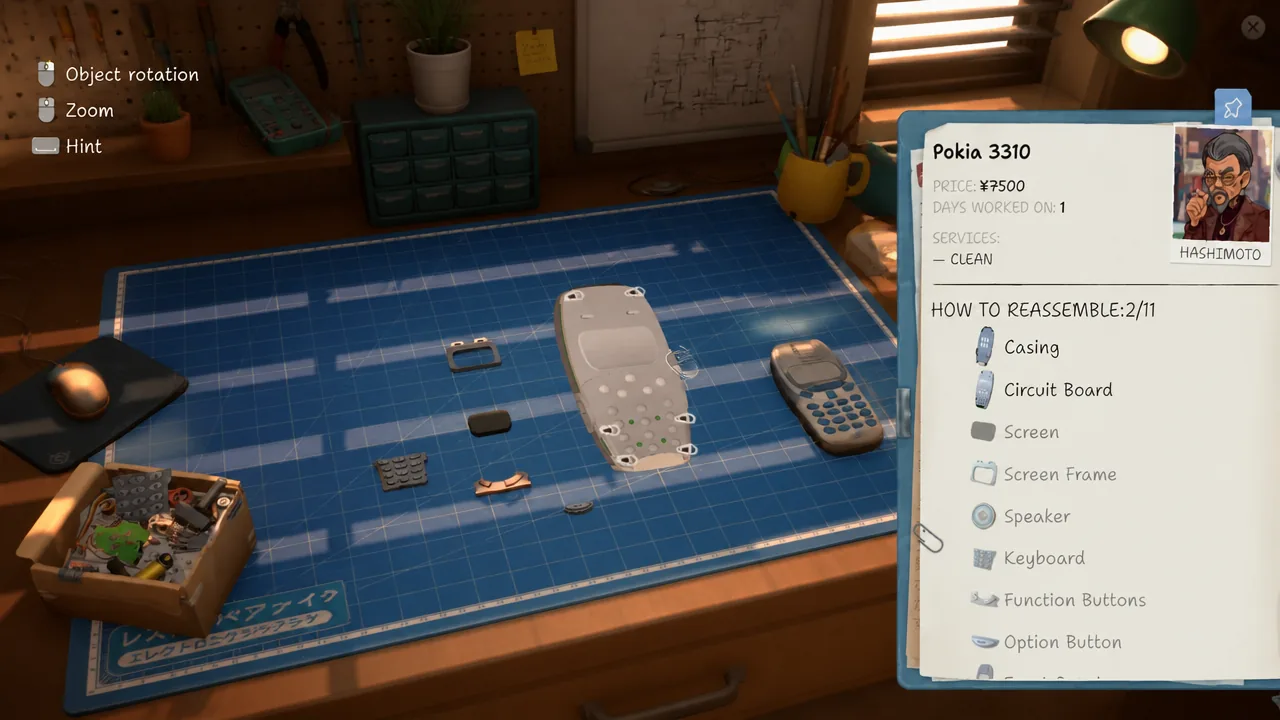
The first jobs are gentle. You start with simple gear like an old Nokia-style phone (called a Pokia in the game) and a small iPod-like music player. Once you progress, devices arrive with far more parts, and a messy table quickly becomes confusing when it is time to rebuild.
Give every part a home as you remove it. Group pieces by the layer they came from, for example the outer-shell parts along the top of the table and the deeper internal parts off to one side. Keep dirty parts separated on their own so you can see at a glance what still needs cleaning without opening the notepad again. Organized this way, reassembly follows the same layers in reverse.
Upgrade the screwdriver before anything else
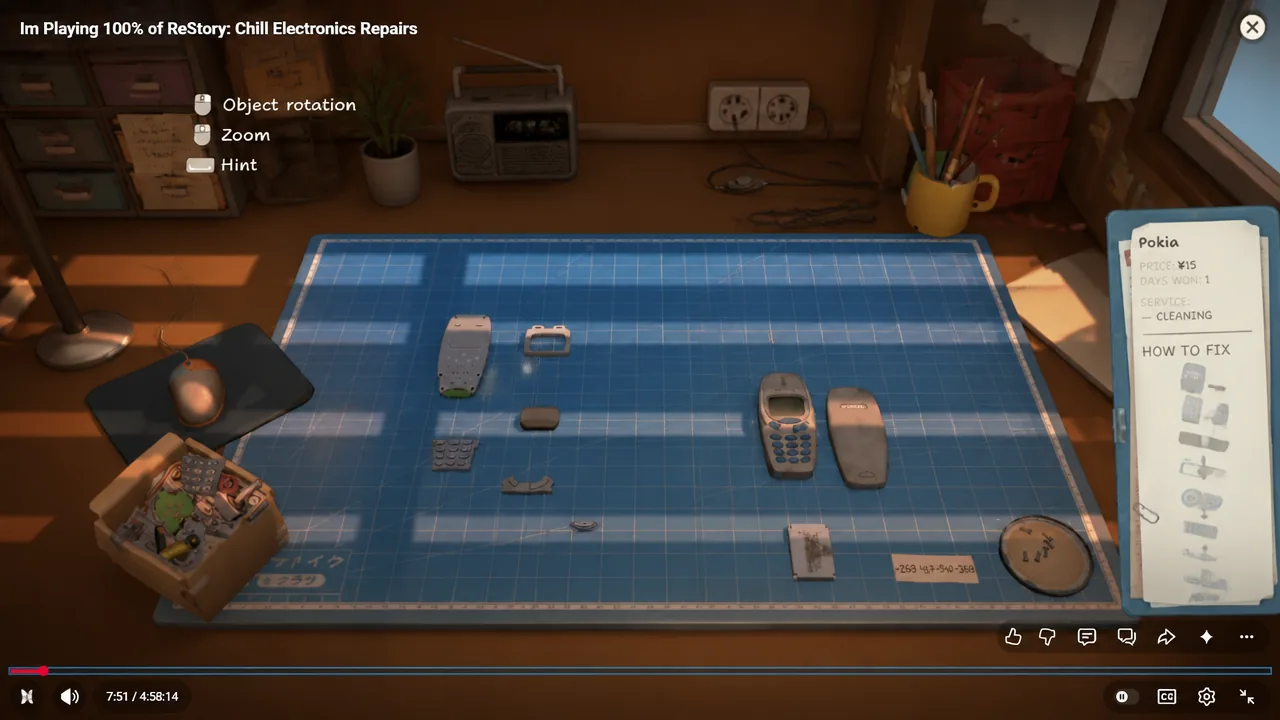
You touch the screwdriver in every single order, which makes it the best place to spend your first upgrade money. The tool has only two upgrades in total, and the second one makes handling screws noticeably quicker.
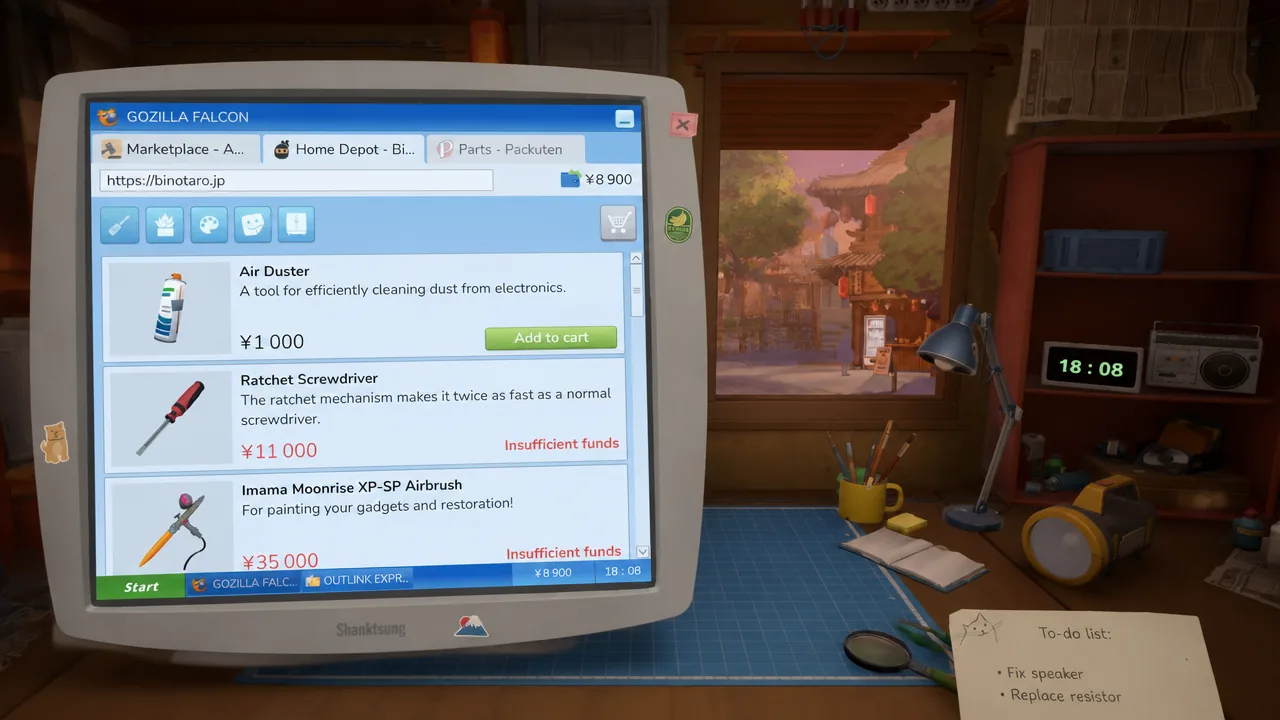
The first upgrade, the Ratchet Screwdriver, can feel pricey when you are just getting started. It pays off fast, though, since every job runs a little smoother once you have it. Prioritize this over decorations or other tools early on.
Hang a tip jar for extra yen per order
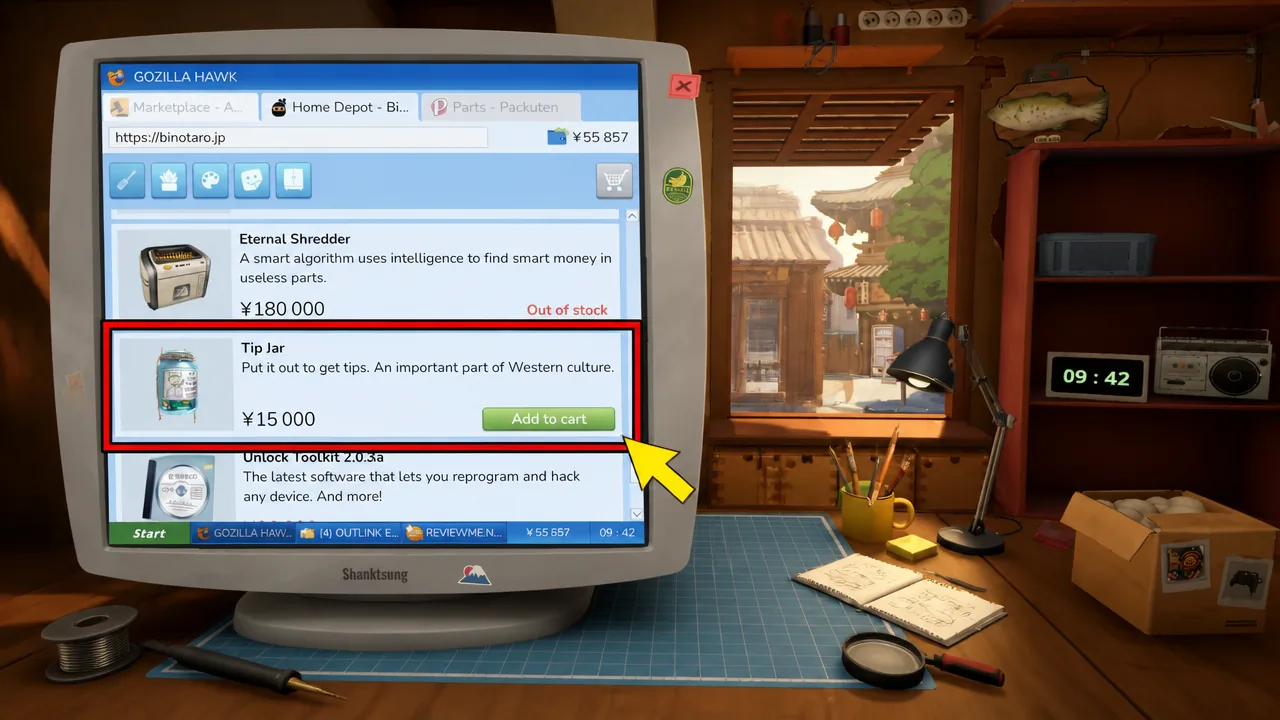
The Home Depot website in the game sells plenty of decorations and utility items, but the tip jar earns its cost quickly. It mounts on the left side of your store, and once it is up, nearly every successful repair adds a tip on top of the payment.
Both walk-up customers and online orders leave tips, usually an extra ¥200 to ¥500 per job. That adds up steadily across a busy day and helps you afford parts and upgrades sooner.
Buy the Eternal Shredder to sell junk parts
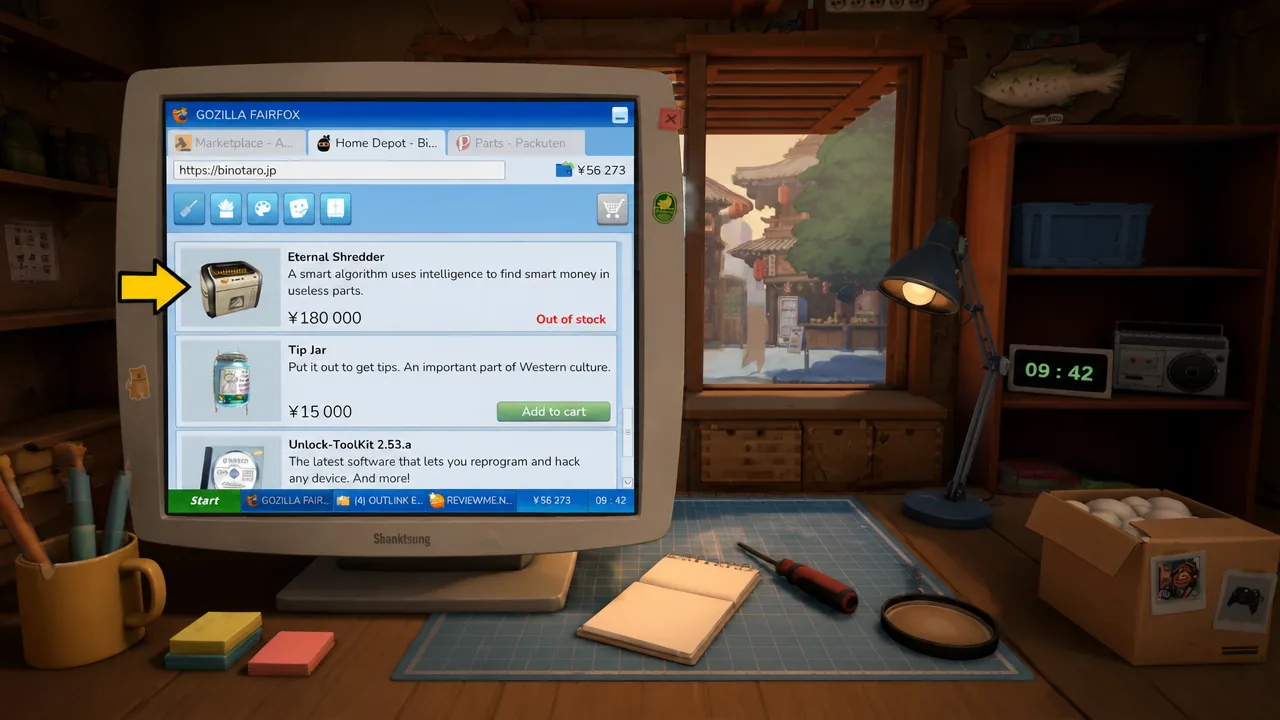
Early on, broken parts go straight to the trash and earn you nothing. The Eternal Shredder changes that. It costs ¥180,000, so it is a mid-game purchase you make once the shop has some cash to spare.
With the shredder installed, you recycle broken parts for roughly ¥200 to ¥500 yen each instead of throwing them out. Over many repairs, that recovered income funds fresh parts and licenses and keeps the shop running more efficiently.
Stick with these habits and the early hours settle into a comfortable rhythm. The notepad stops you from getting stuck, an organized bench makes rebuilds quick, and the small investments in tips, tools, and recycling keep enough yen coming in to handle the harder devices that show up later.