The latest wave of changes in Animal Hospital (Anomaly) touches how a run begins, what happens after you drop out of a server, and two new anomalies you now have to catch. Each addition has a clear trigger, so once you know the condition, you can reach it on purpose instead of stumbling into it.
Quick answer: Use “Skip Tutorial (Fast Start)” to launch straight into Shift 4’s emergency, reconnect after a disconnect and self-revive, watch for the pink axolotl during the rain shift (check its ears on camera), reject the flower-carrying deer visitor when its mouth hides fangs, and carry the CONFIDENTIAL boxes at Shift 17 to open Dr. Harlow’s office.
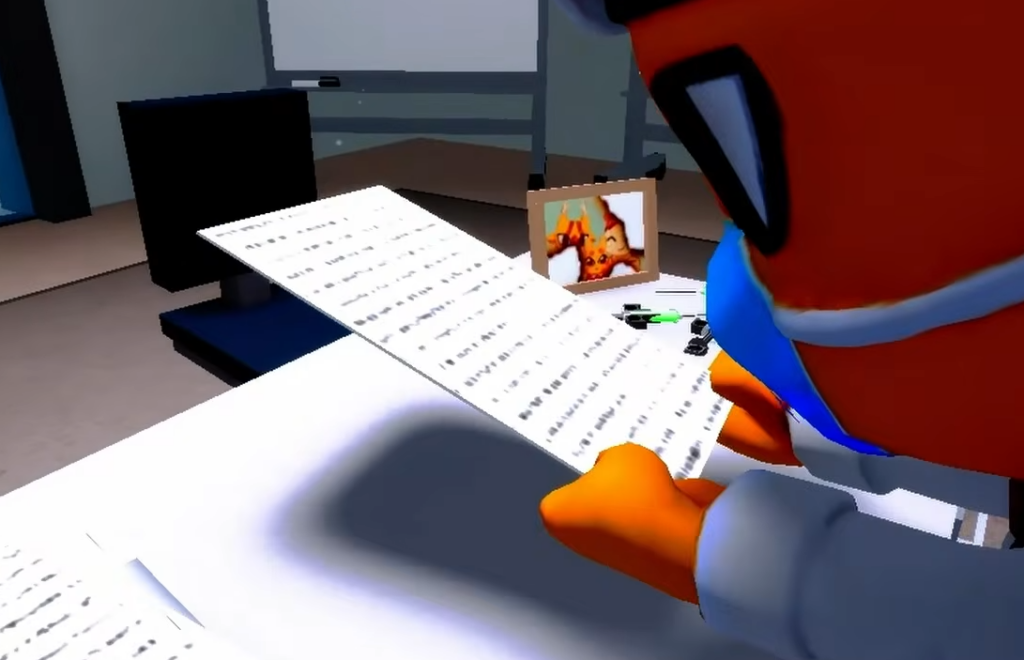
Fast Start drops you into Shift 4
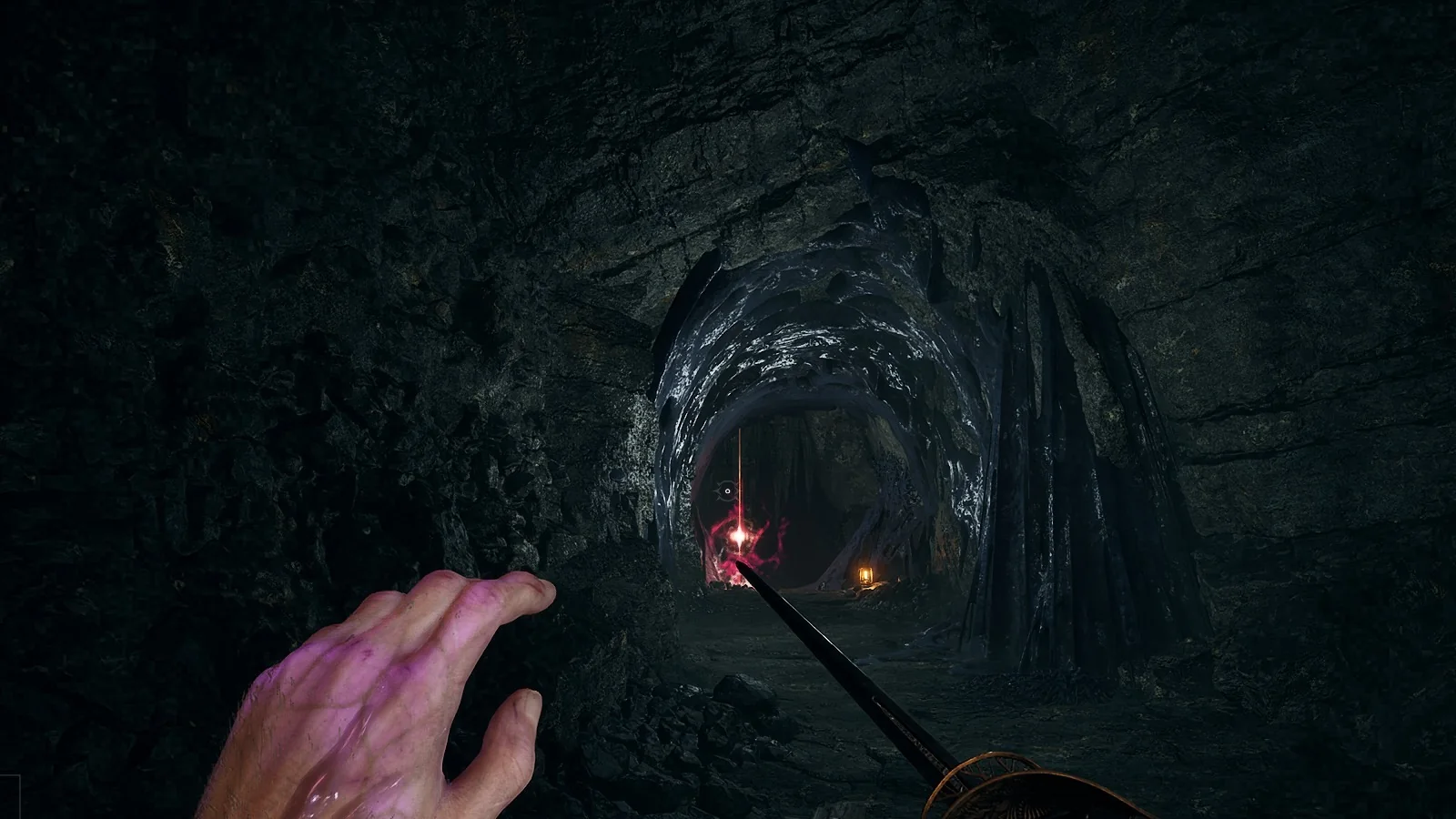
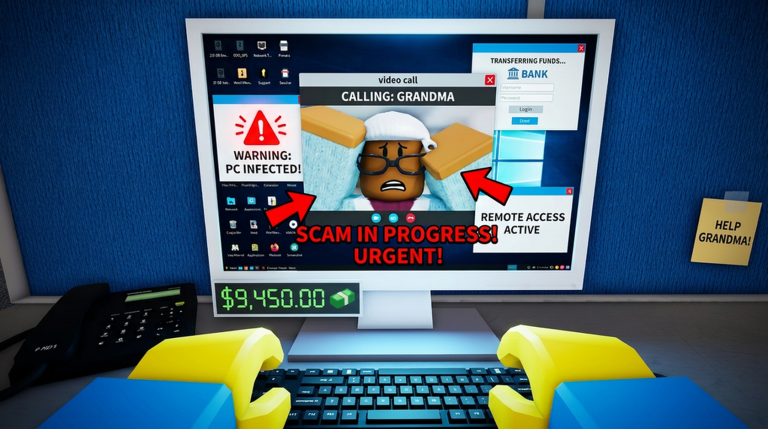
The old “Skip Doctor Dialogue” button is gone. In its place is “Skip Tutorial (Fast Start),” which skips the early hand-holding entirely and launches you into Shift 4 mid-emergency. Instead of easing through the first shifts, you arrive with a critical patient already in a room and the pressure on from the first second.
This is aimed at experienced players who already know the baseline and want to reach the harder anomaly checks quickly. If you are still learning the desk routine, the normal start is the safer choice because Shift 4 assumes you can handle visual, photo, and paperwork checks together.
Reconnect after a disconnect, but you return dead
Dropping out of an active game no longer ends your run outright. When you disconnect, a prompt asks, “Looks like you were disconnected from an active game. Would you like to reconnect?” Choosing Yes puts you back into the same session.
There is a catch. You rejoin dead. From there you either spectate teammates or use Self Revive to get back on your feet. The reconnect flow also appears alongside error handling such as “Disconnected — Please check your internet connection and try again” with Error Code: 277, and the options Leave, Reconnect, Self Revive, and Go to lobby.
| Button | What it does |
|---|---|
| Reconnect / Yes | Rejoins the active game as a deceased player |
| Self Revive | Brings you back into play after rejoining |
| Spectating | Watches remaining teammates until you revive |
| Leave / Go to lobby | Exits the session instead of rejoining |
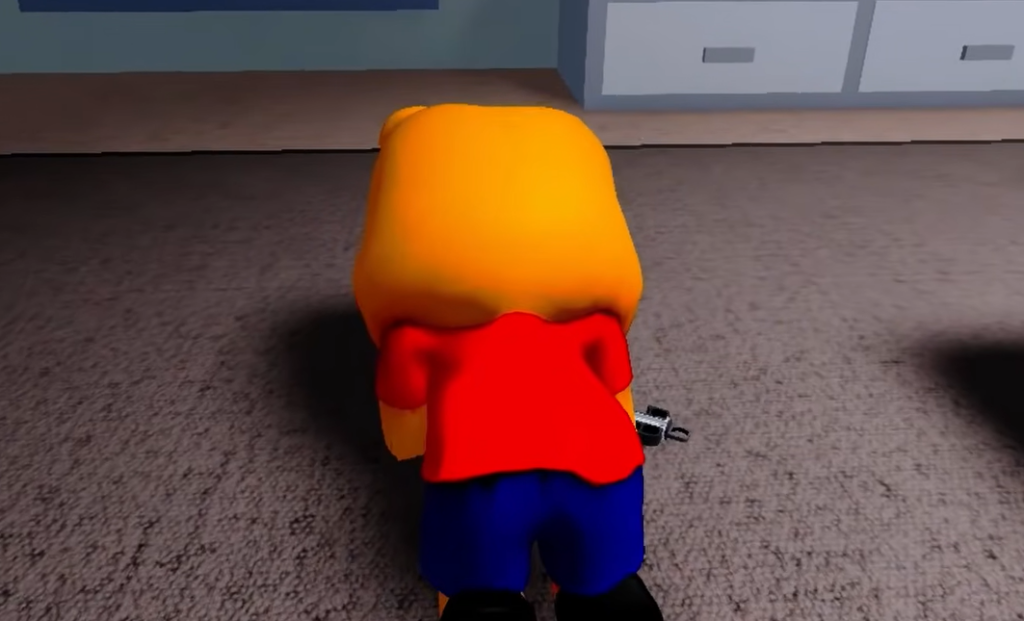
The rainy shift and its axolotl anomaly
Rain now triggers a special shift, and it can begin as early as Shift 2 with the message “it starts to rain outside…” When it starts, your gun recovers one use, which matters if you have been spending ammo on threats.
The rain brings a new pink axolotl-like anomaly. The tell is an ear mismatch. On the character itself the ears look large, but on the camera feed they read small. Compare the live model against the photo before you decide, because this one is easy to miss if you only glance at it once.
The same shift carries the “Don’t look up” warning near the anomaly’s photo, so keep your eyes on the check you need rather than reacting to the prompt.
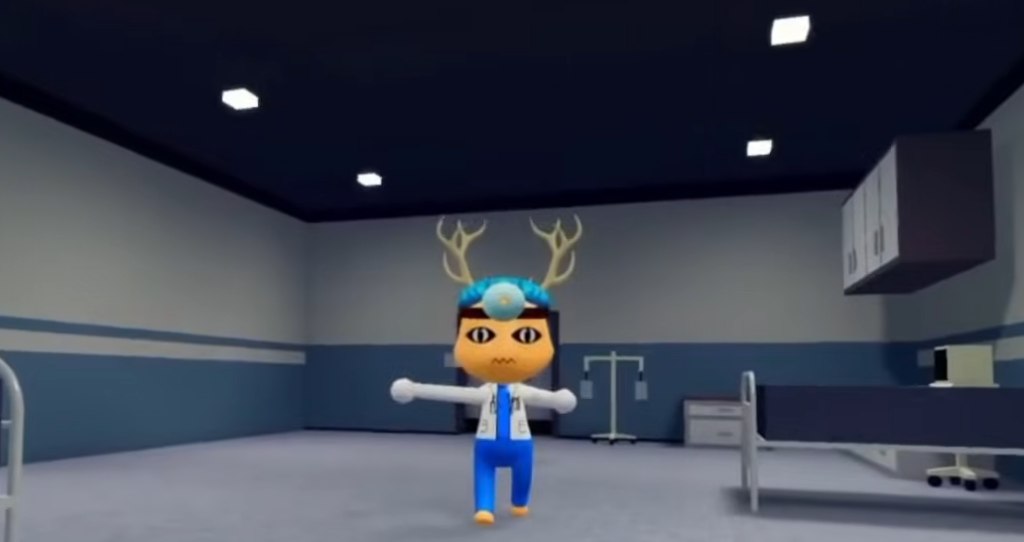
The flower-carrying visitor
A new deer-like visitor now shows up at check-in carrying flowers. Most are harmless, but some of these visitors are anomalies in disguise, hiding a fanged mouth behind the friendly presentation. Treat every flower visitor as a check, not a free admit.
Scan the face before you register anyone. If the mouth shows fangs where a normal visitor would not, reject it by closing the shutters. The visitor tie-in with names like Coco Park at CHECK IN keeps the interaction inside the standard registration flow, so your usual reject-on-anomaly routine still applies.
Unlocking Dr. Harlow’s office at Shift 17
Around Shift 17 you can finally get inside Dr. Harlow’s office. The trigger is a box-moving task. Harlow asks for help moving crates, saying, “I need your help with these boxes, help me move them to my office.” Carry the CONFIDENTIAL boxes to his office to open it up.

You know the unlock worked when the office door opens after the crates are delivered and the incident report becomes readable inside. The reward here is story rather than an item, extending the ongoing thread around Harlow and the anomaly outbreak that earlier lore beats have been building toward.
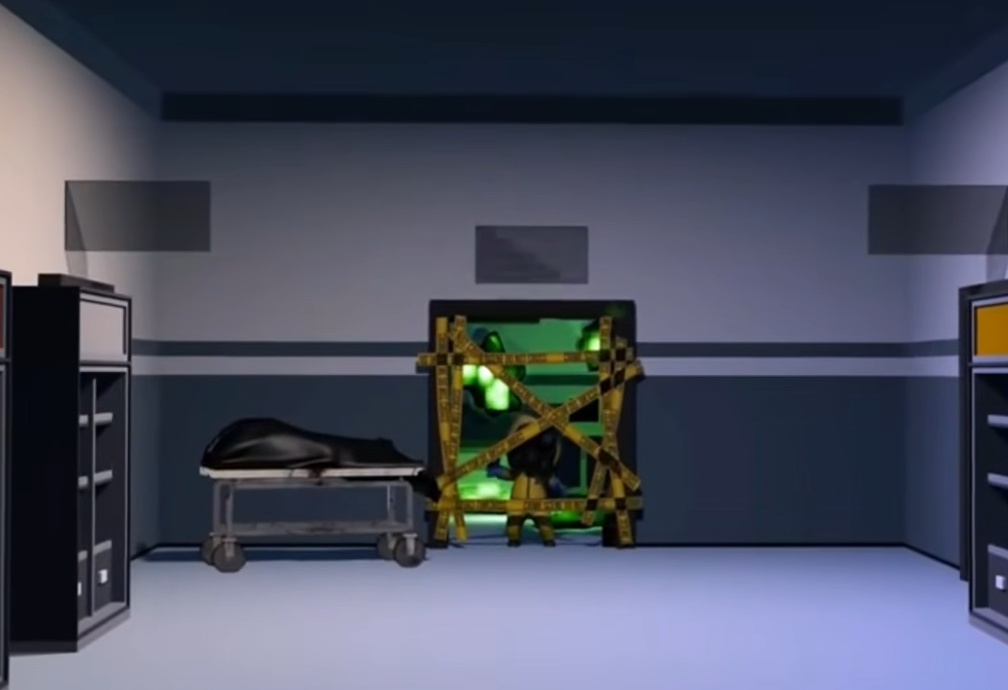
Between the Fast Start shortcut and the reconnect flow, the update smooths out how runs begin and recover, while the rain axolotl and flower visitor add two more tells to keep straight at the desk. If you are chasing lore, the Shift 17 box task is the clearest new thread to pull on right now.