Cookies collect information about your browsing habits to personalize your web experience by remembering login details and site preferences. However, they can also accumulate over time, potentially slowing down your browser and posing privacy risks if shared with advertising networks. Clearing cookies in Microsoft Edge helps protect your personal data and can enhance browser performance.
three dots) icon located at the top-right corner of the browser window to access the menu.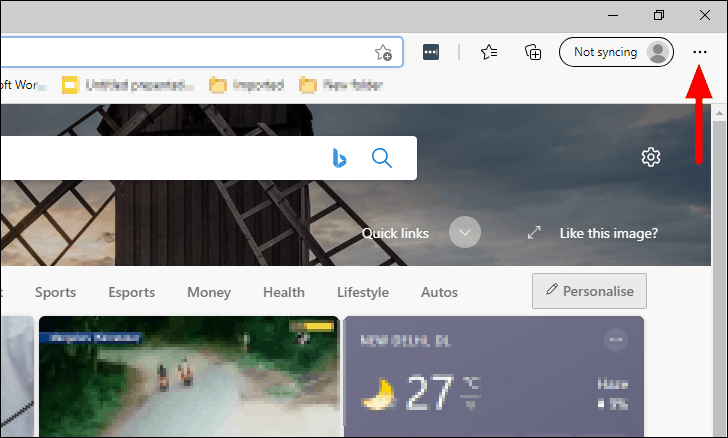
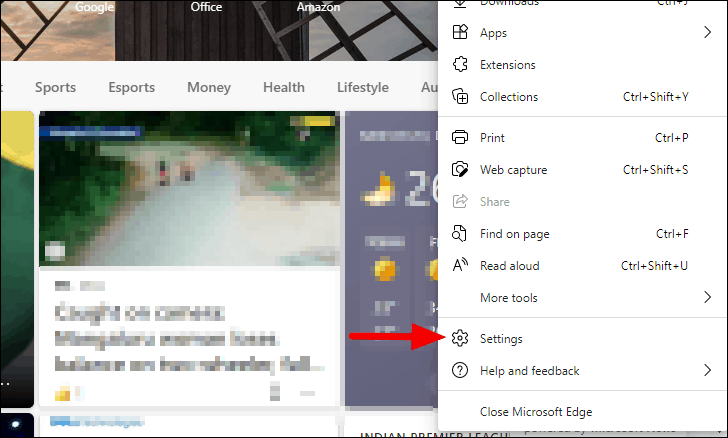
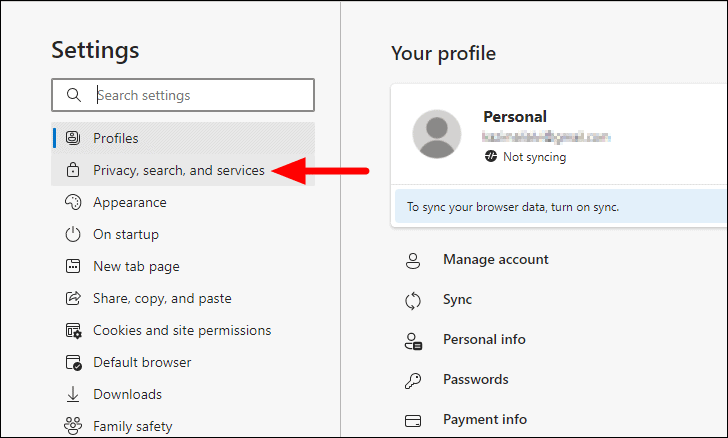
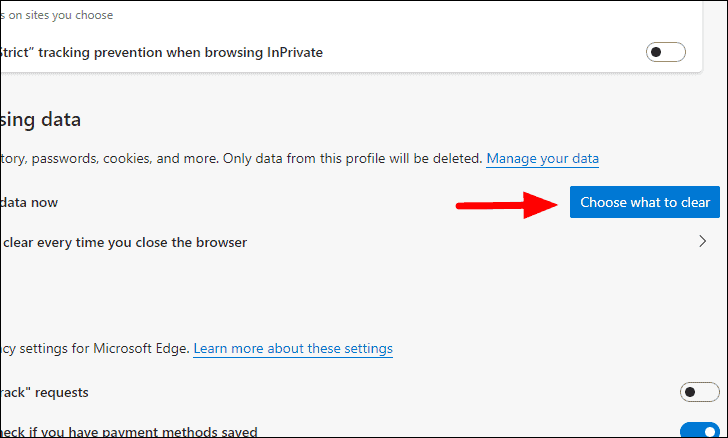
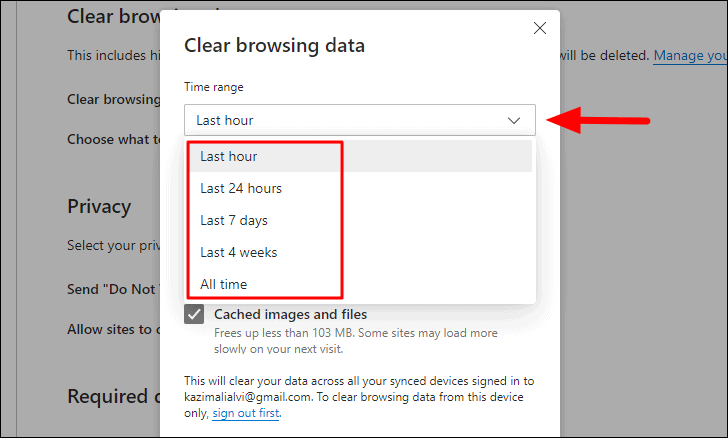
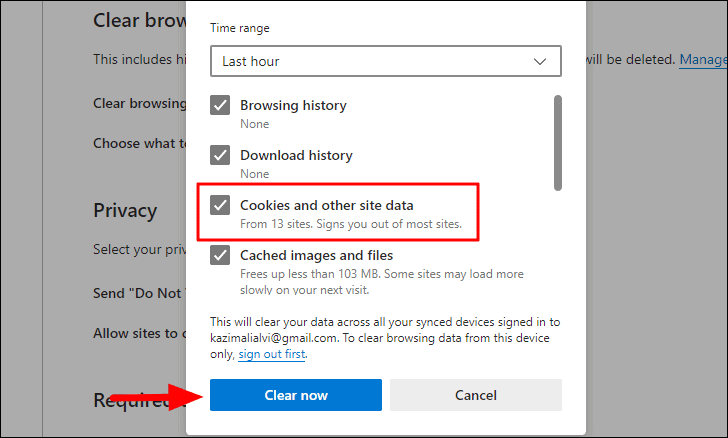
Be aware that if you have syncing enabled in Microsoft Edge, clearing cookies will remove them from all devices connected with the same account. To clear cookies only on your current device, sign out of your Microsoft account before performing these steps.
By regularly clearing cookies in Microsoft Edge, you can safeguard your privacy and keep your browser running efficiently by removing unnecessary stored data.