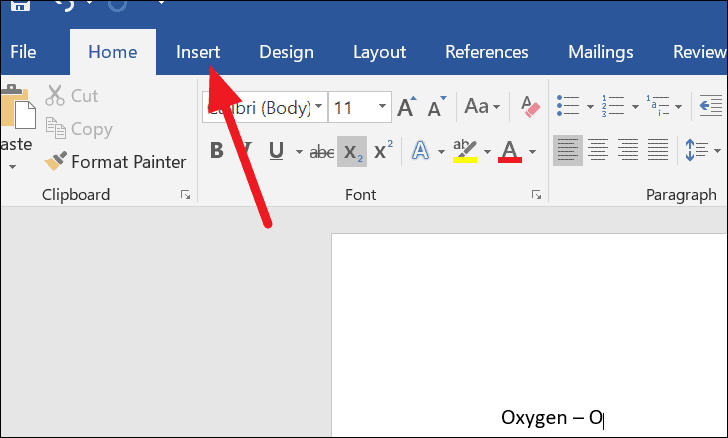
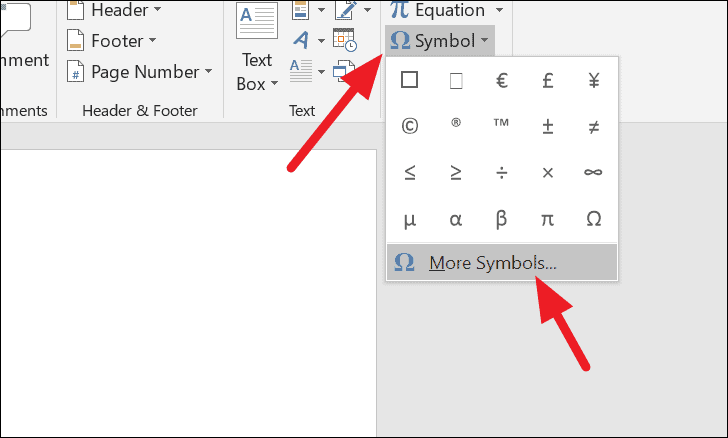
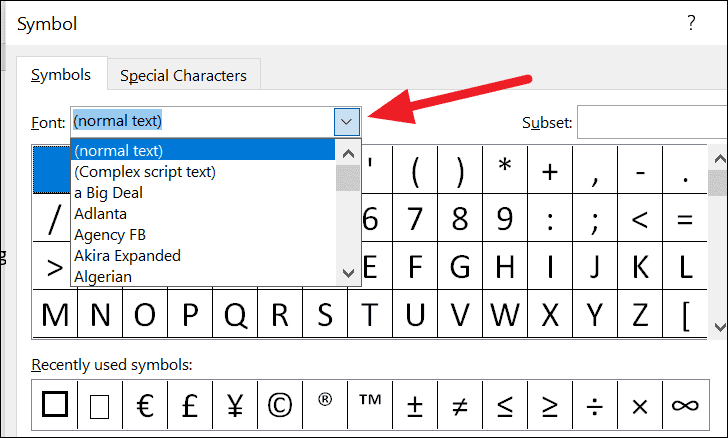
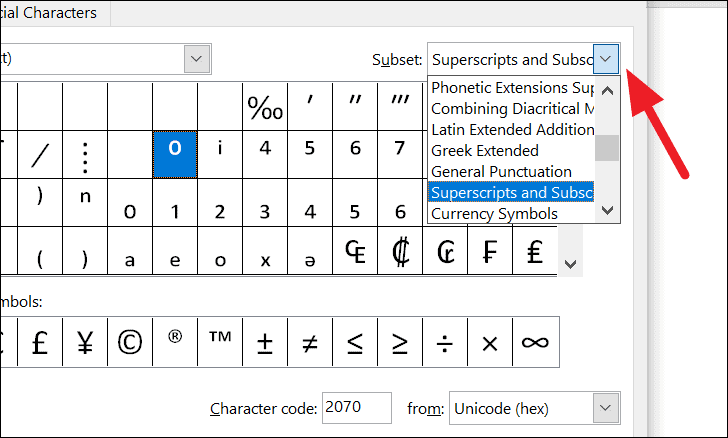
Here is a quick guide to using all the methods for doing subscript in Microsoft Word.
Here is a quick guide to using all the methods for doing subscript in Microsoft Word.
by Prasadh Kamma
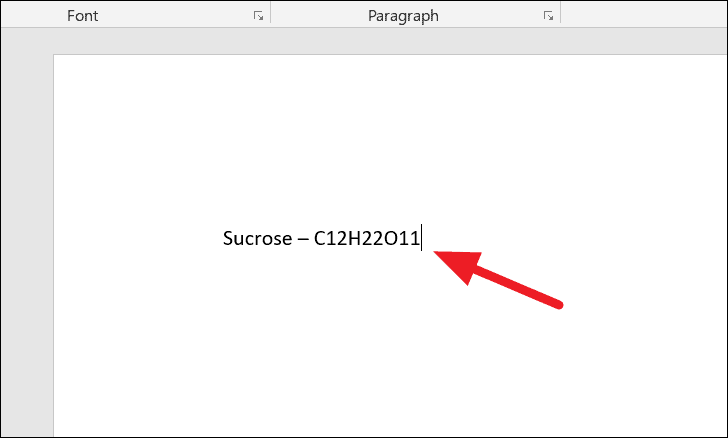
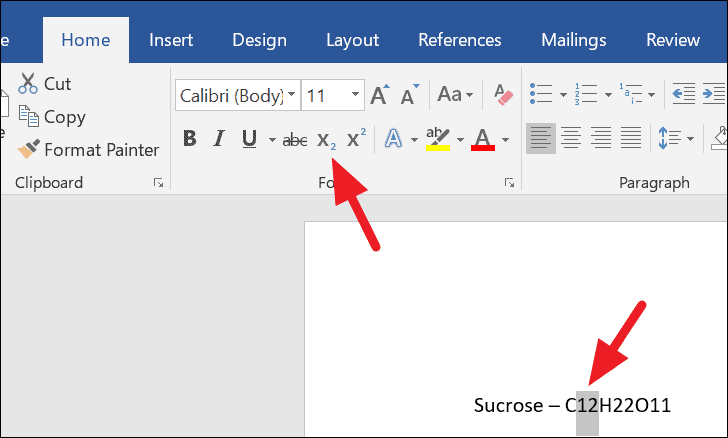
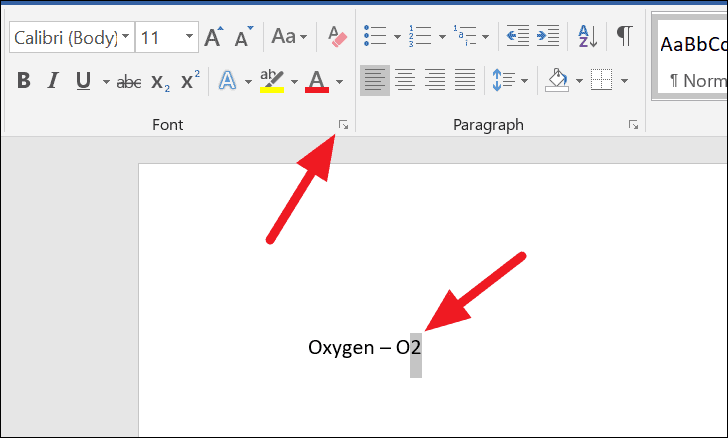
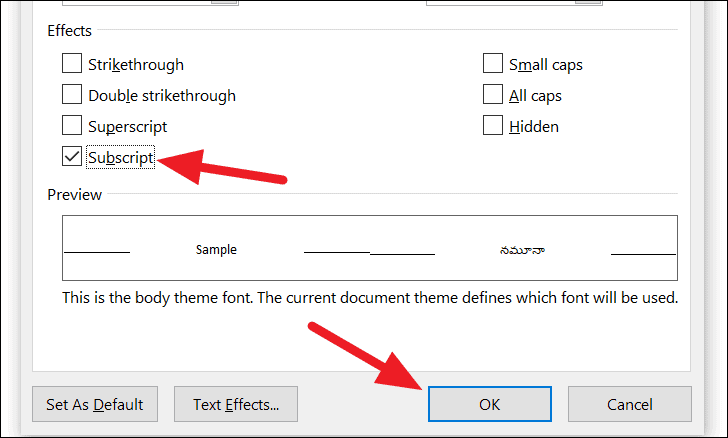
Subscripts are essential when working with mathematical equations, chemical formulas, or any form of scientific notation in Microsoft Word. While it might seem tricky to format subscripts correctly, Word offers several straightforward methods to help you effortlessly incorporate subscripts into your documents.
Click the X2 button again on the Home tab to toggle off the subscript formatting.
Alternatively, you can use the keyboard shortcut Ctrl + = to remove the subscript formatting from the selected text.
By using these methods, you can easily include subscripts in your Word documents, enhancing the readability and professionalism of your scientific and mathematical content.