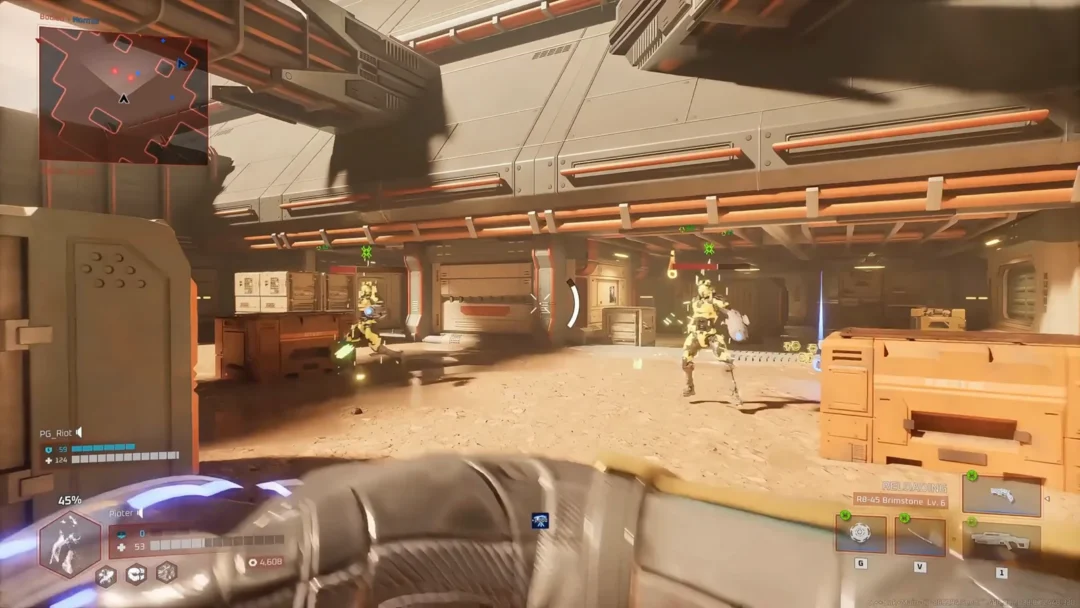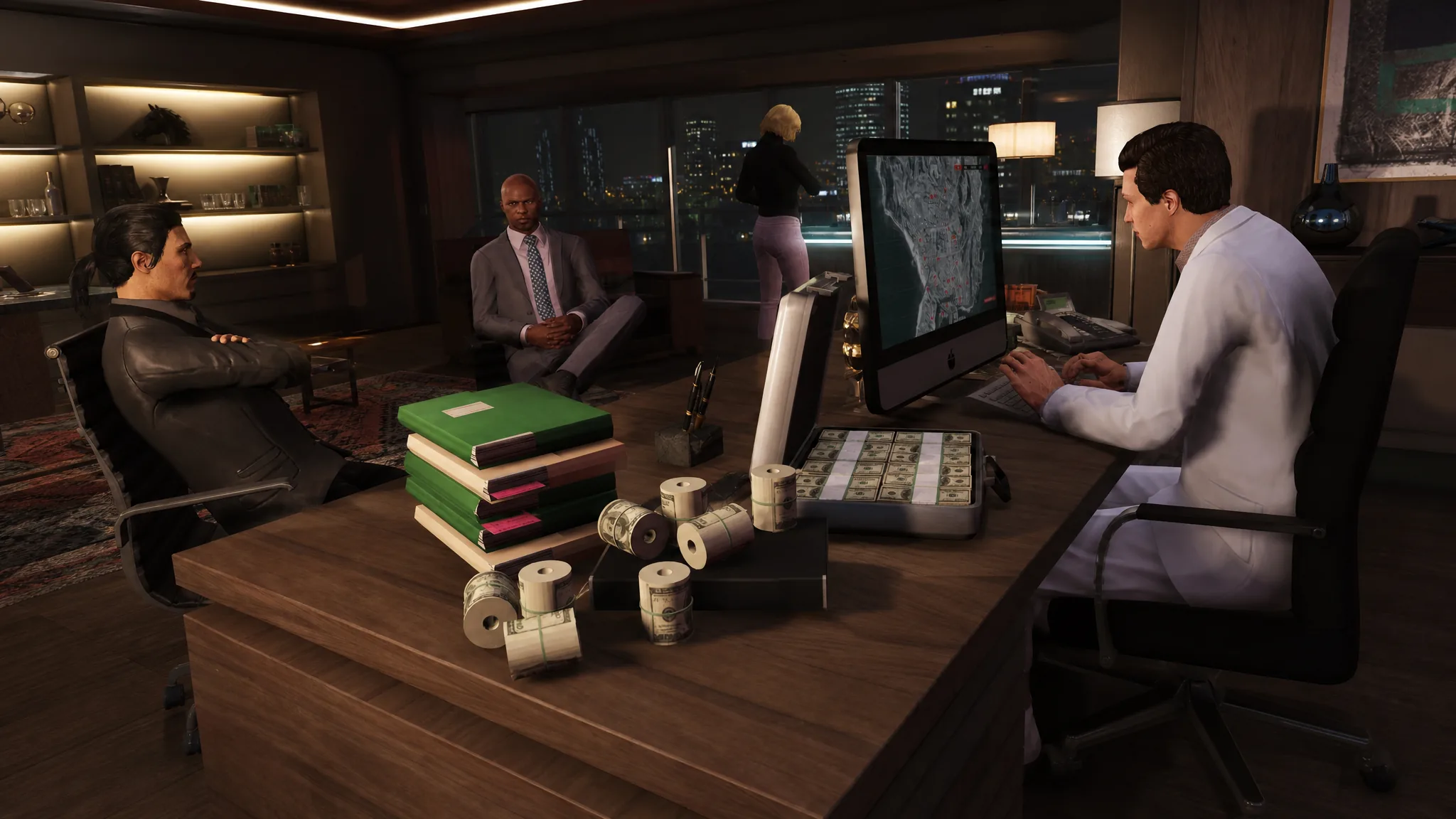
The Brand Wars Event in GTA Online turns a Team Sprunk versus Team eCola rivalry into free cash. From August 13 to 26, 2026, Rockstar is handing out up to GTA$2,000,000 plus two exclusive outfits to players who watch Twitch Drops-enabled streams tied to the event.
Quick answer: Link your Twitch and Rockstar Games accounts, then rack up 10 hours of watch time on a Team Sprunk stream and 10 hours on a Team eCola stream (20 hours total) before August 26, 2026. That unlocks the full GTA$2,000,000 along with the Sprunk Sweatsuit and the eCola Tracksuit.
How the $2 million splits across both teams
The reward pool is divided evenly between the two brands. Each side pays out up to GTA$1,000,000 and its own outfit, so you need watch time on both teams to reach the full total. Watching only one side caps you at half the cash and a single outfit.
The milestones below apply per team. Hit all four on a Sprunk stream, then repeat the same four on an eCola stream.
| Watch time (per team) | Reward |
|---|---|
| 2 hours | GTA$250,000 |
| 4 hours | Team outfit (Sprunk Sweatsuit or eCola Tracksuit) |
| 6 hours | GTA$250,000 |
| 10 hours | GTA$500,000 |
Ten hours on one side gives you GTA$1,000,000 and that team’s outfit. Do the same on the opposing side and the numbers double to GTA$2,000,000, with both the Sprunk Sweatsuit and the eCola Tracksuit landing in your wardrobe.
Note: You do not have to finish in one sitting. Watch time carries over across sessions, and plenty of creators go live throughout the run, so you can spread the 20 hours out before the window closes.
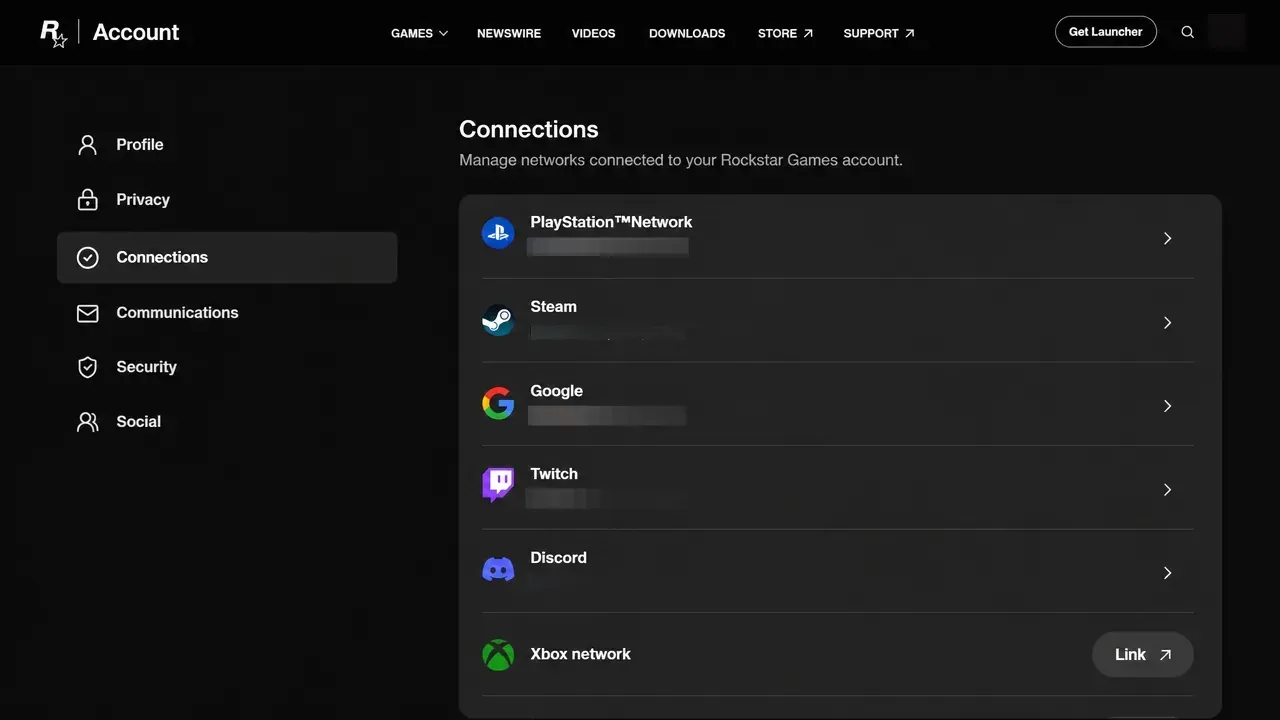
Link your Rockstar Games and Twitch accounts
None of your watch time counts until the two accounts are connected. Set this up before you start any stream.
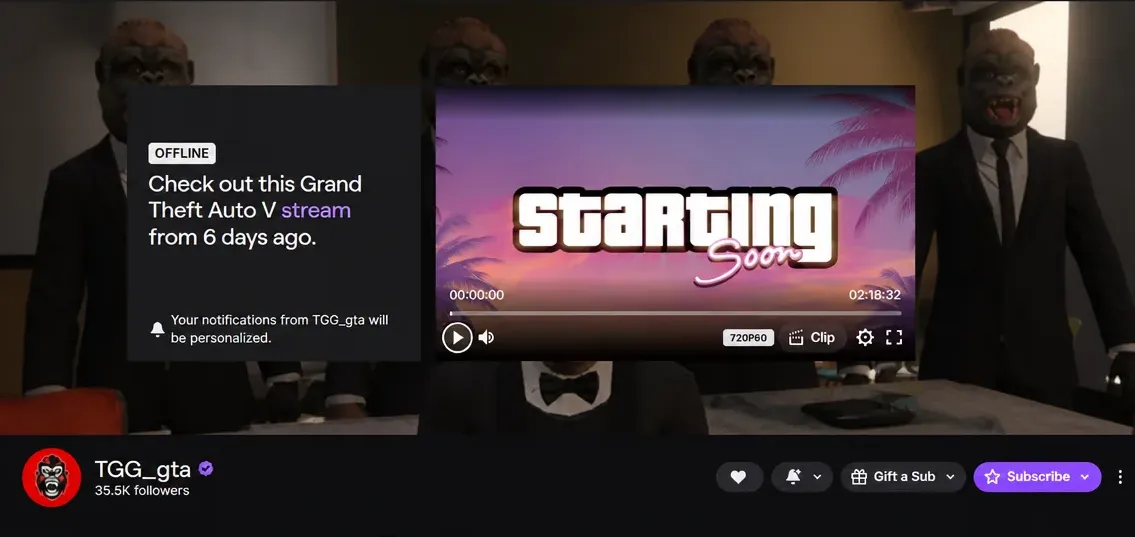
Find Brand Wars streams and confirm the campaign
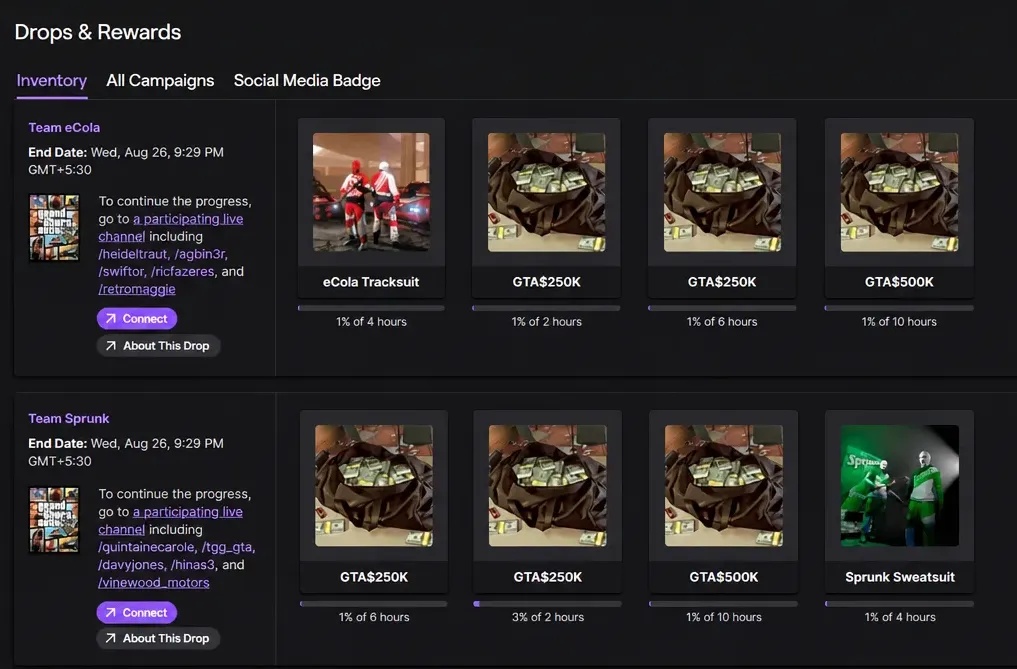
Claiming rewards and confirming they arrived
Milestones are recorded as you watch, but the payout is not automatic. Once you clear a tier, open your Twitch Drops Inventory and press Claim Now for each reward. Unclaimed drops expire after the event ends on August 26, 2026.
After you claim, the cash and outfits are delivered to your GTA Online account. There can be a short delay before they appear in-game, so don’t worry if they aren’t there the moment you log in. You’ll know it worked once the GTA$ shows up in your balance and the Sprunk Sweatsuit and eCola Tracksuit appear in your clothing selection.
Why watch time might not count
If progress isn’t moving, the cause is almost always one of these:
- Your Twitch and Rockstar Games accounts aren’t linked, so nothing tracks.
- The channel isn’t a participating Drops stream for the Brand Wars campaign.
- You only watched one team, which caps you at GTA$1,000,000 and a single outfit.
- You cleared a milestone but never pressed Claim Now in the Drops Inventory.
The Brand Wars run also comes with a couple of extras worth grabbing while you’re logging in. The Sprunk and eCola Bodysuits are free at every Clothing Store, and the Declasse Hotring Sabre is free at Southern San Andreas Super Autos. With the campaign closing on August 26, spreading your 20 hours across the two weeks is the simplest way to secure everything before the drops expire.