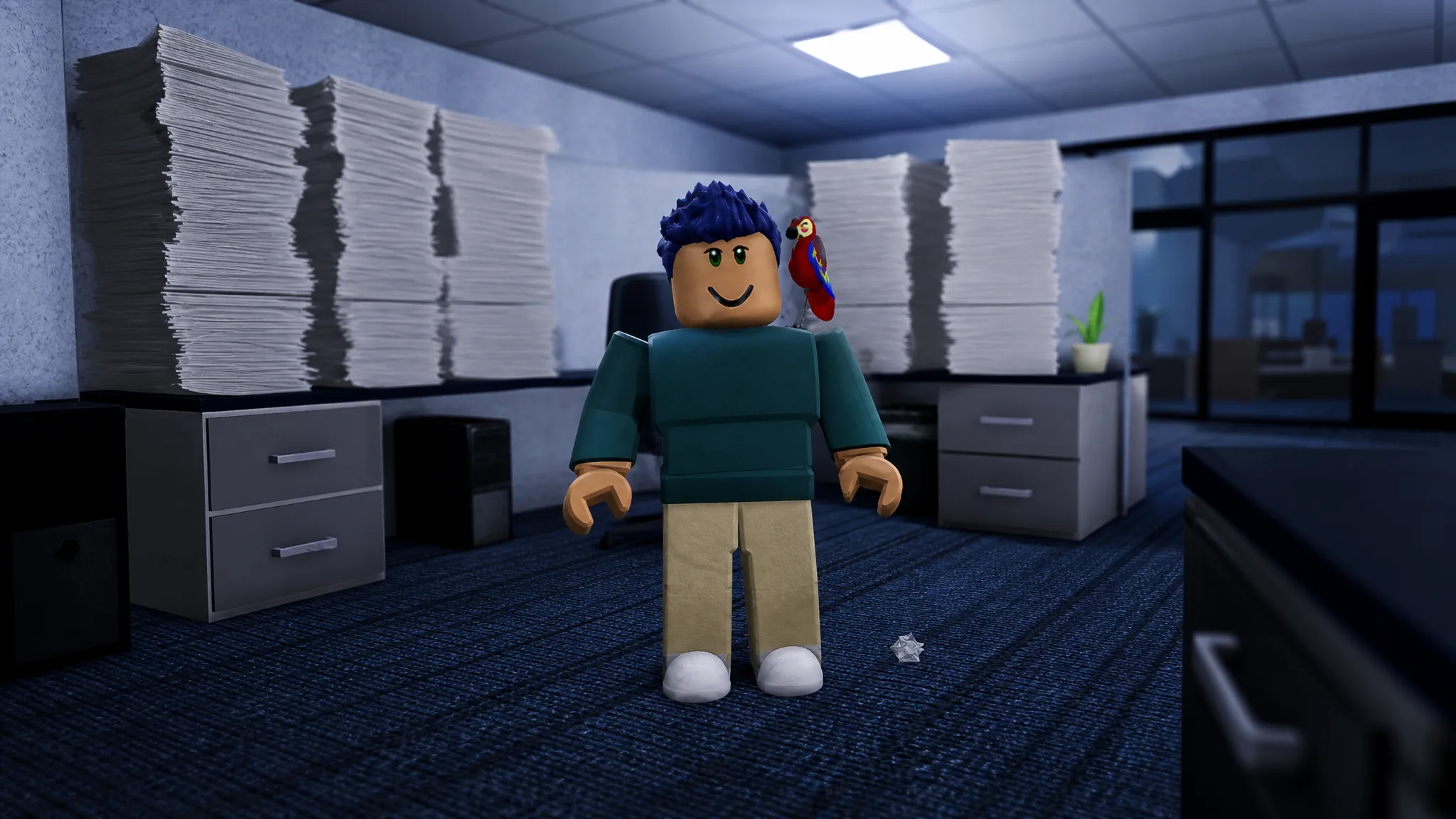
The Office is the newest map in Project: Escape Room, and its Beginner Mode strings five puzzles into one clean route. You start at a cubicle drawer and finish by matching colors in the reception lobby to open the front doors. Every answer below is tuned for Beginner Mode, which simplifies the logic used in Challenge Mode.
Quick answer: Enter 7615 at the cubicle 7 computer, C28 on the vending machine, copy the safe grid (top-left and bottom-right filled), enter 531624 on the elevator, then set the reception grid to Red, Yellow, Purple, Blue.
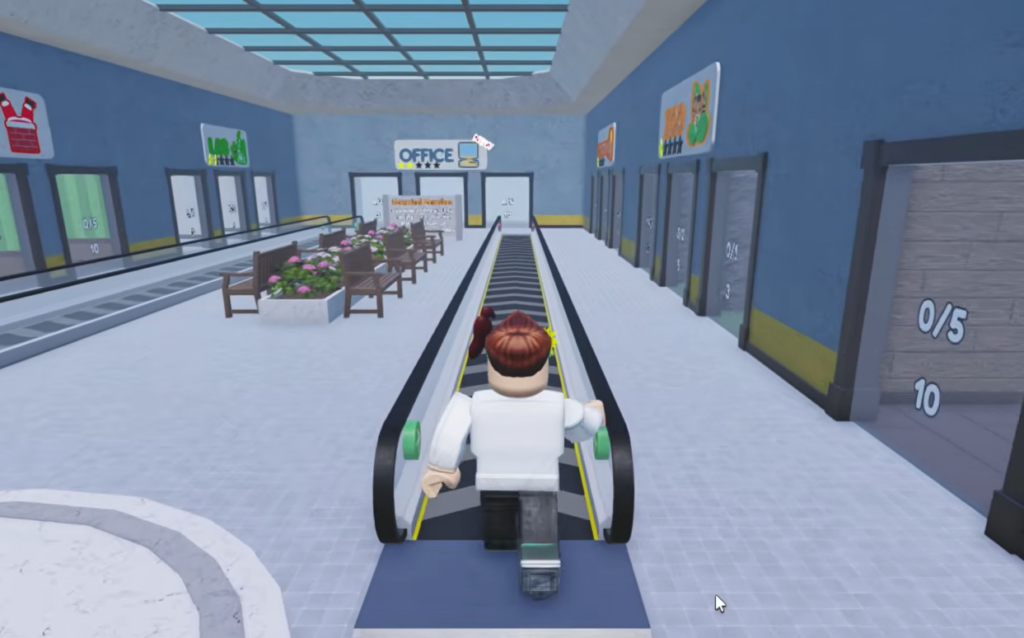
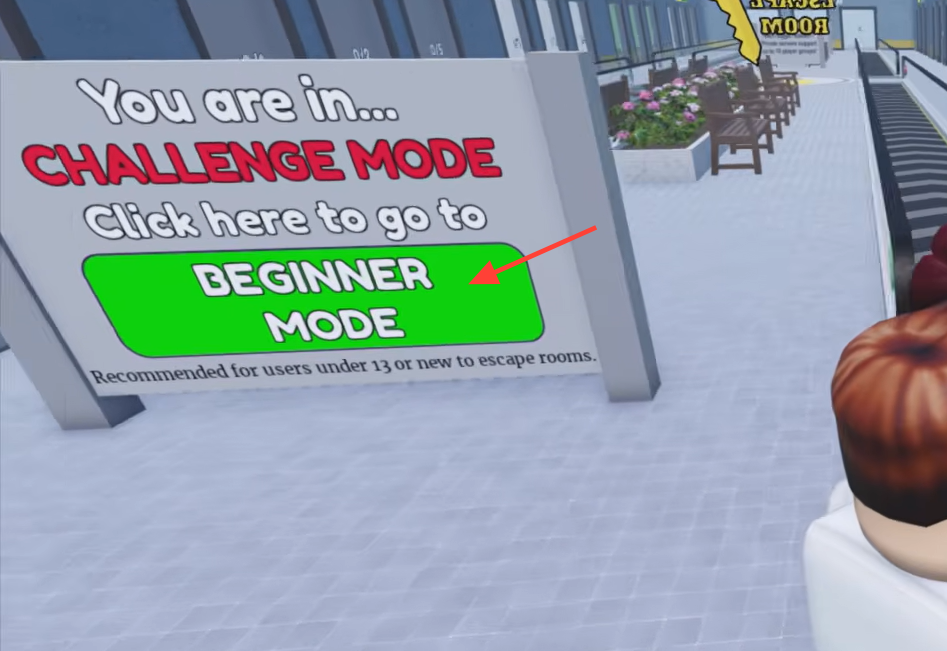
Switch to Beginner Mode before you enter
In the lobby, the mode sign starts on Challenge Mode. Click the prompt to go to Beginner Mode so the codes below match what you see in-game. Then step into the elevator marked OFFICE to load the map.
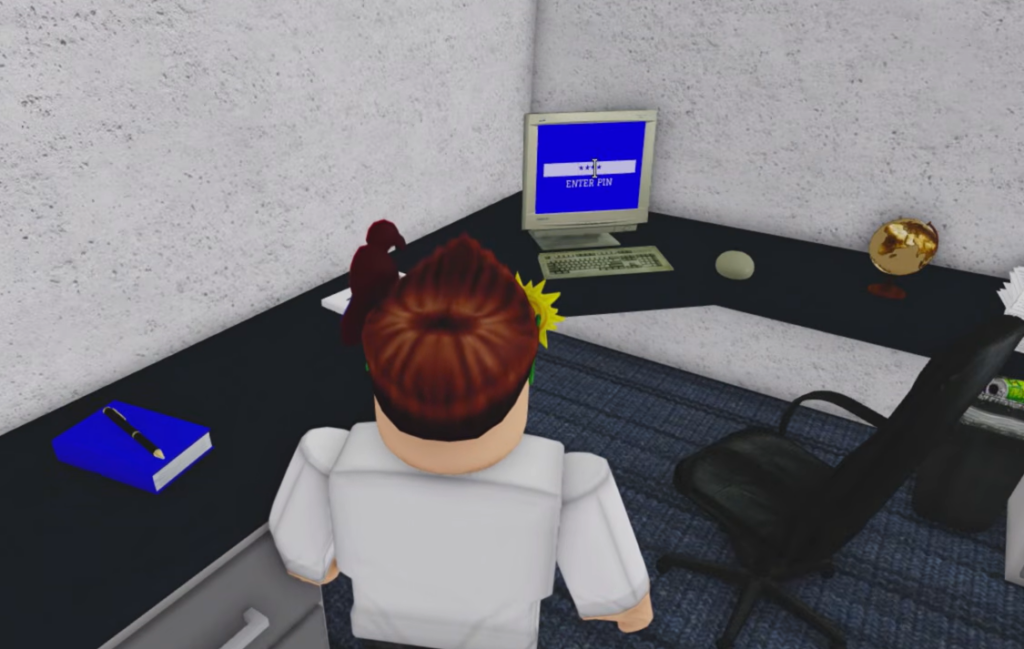
Cubicle puzzle: open the drawer with 7615
The first hint paper lists four items: Globe, Rubber Duck, Trophy, and Cheeseburger. Each item sits on a numbered desk, and the desk number is the digit you need.
| Item | Desk number |
|---|---|
| Globe | 7 |
| Rubber Duck | 6 |
| Trophy | 1 |
| Cheeseburger | 5 |
Enter 7615 on the computer at cubicle 7. The message “A cubicle drawer opened.” confirms it worked, and inside you collect the Break Room key.
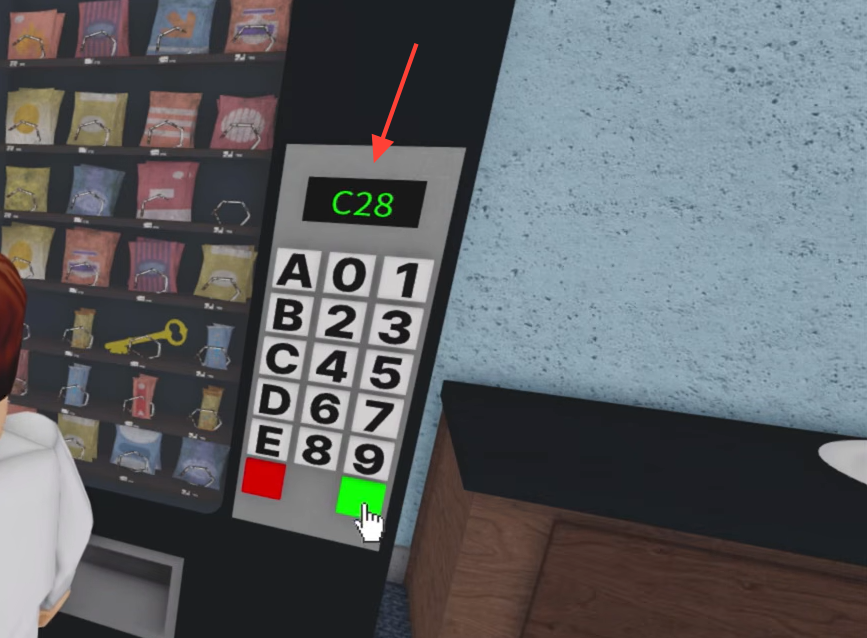
Break Room: enter C28 on the vending machine
Use the Break Room key on the locked door and head to the vending machine. A key is visible inside it. Punch C28 into the keypad to dispense the Manager’s Office key. You will see “A player has found ‘Manager’s office’ key!” when it drops.
Manager’s Office: copy the grid to open the safe
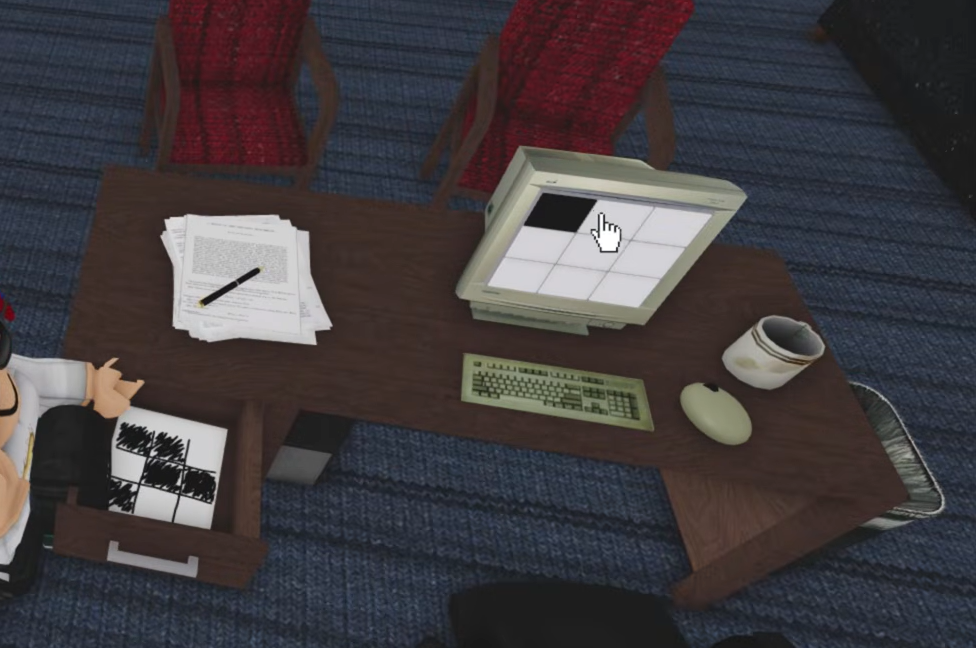
Unlock the Manager’s Office and search the filing cabinets. One drawer holds a paper showing a 2×2 grid pattern. Recreate that pattern on the desk computer to open the safe.
The pattern fills the top-left and bottom-right squares, leaving the other two blank. Once it matches, “SAFE OPEN” appears and you take the Meeting Room key.
Meeting Room: elevator code 531624
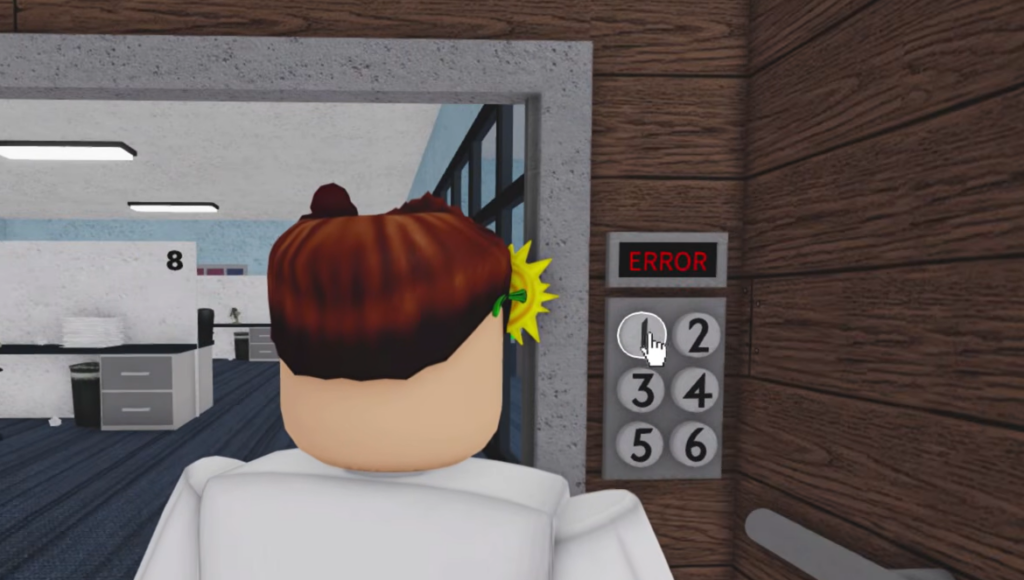
Open the Meeting Room and turn on the projector. It displays a “Company Sales” bar graph, and the elevator label reads LOW-HIGH. Order the months from the lowest sales bar to the highest to build the code.
That ordering gives months 5, 3, 1, 6, 2, 4. Enter 531624 on the elevator keypad to ride down to the reception area.
Reception: match the color grid to escape
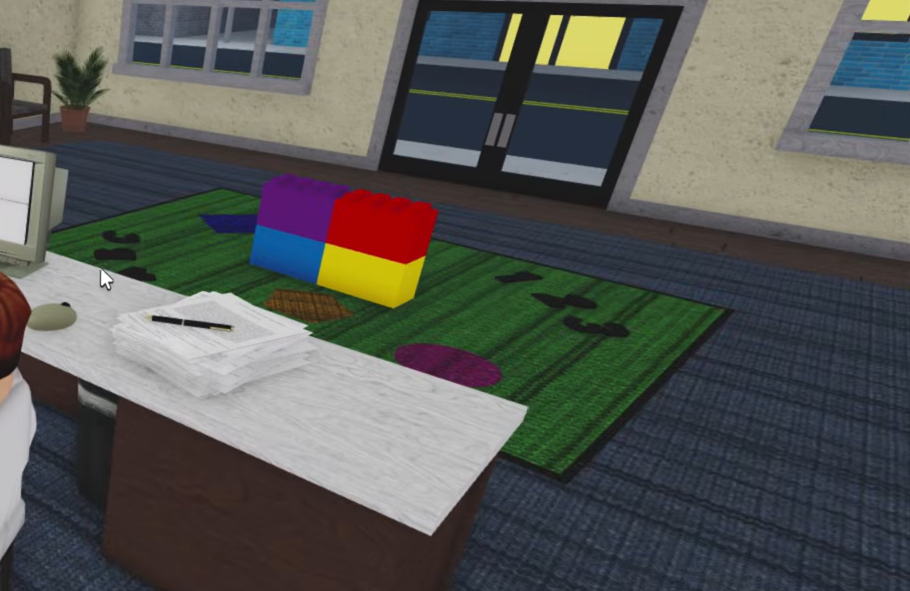
You exit into the reception room, where colored blocks sit on the rug. The reception computer shows a 2×2 color grid you must match to the block layout on the floor.
| Grid position | Color |
|---|---|
| Top-left | Red |
| Top-right | Yellow |
| Bottom-left | Purple |
| Bottom-right | Blue |
Set the grid to Red, Yellow, Purple, Blue. “GRANTED” shows on the panel and “The front entrance unlocked.” confirms the doors are open.
How to confirm the escape
Walk out through the front entrance to finish the map. The screen displays “You Escaped!” followed by “Teleporting back to lobby…”, which returns you to the mode select area. If a keypad rejects a code, recheck the desk numbers and the grid orientation, since the puzzle answers can shift after game updates. When in doubt, verify each clue in-game before entering.