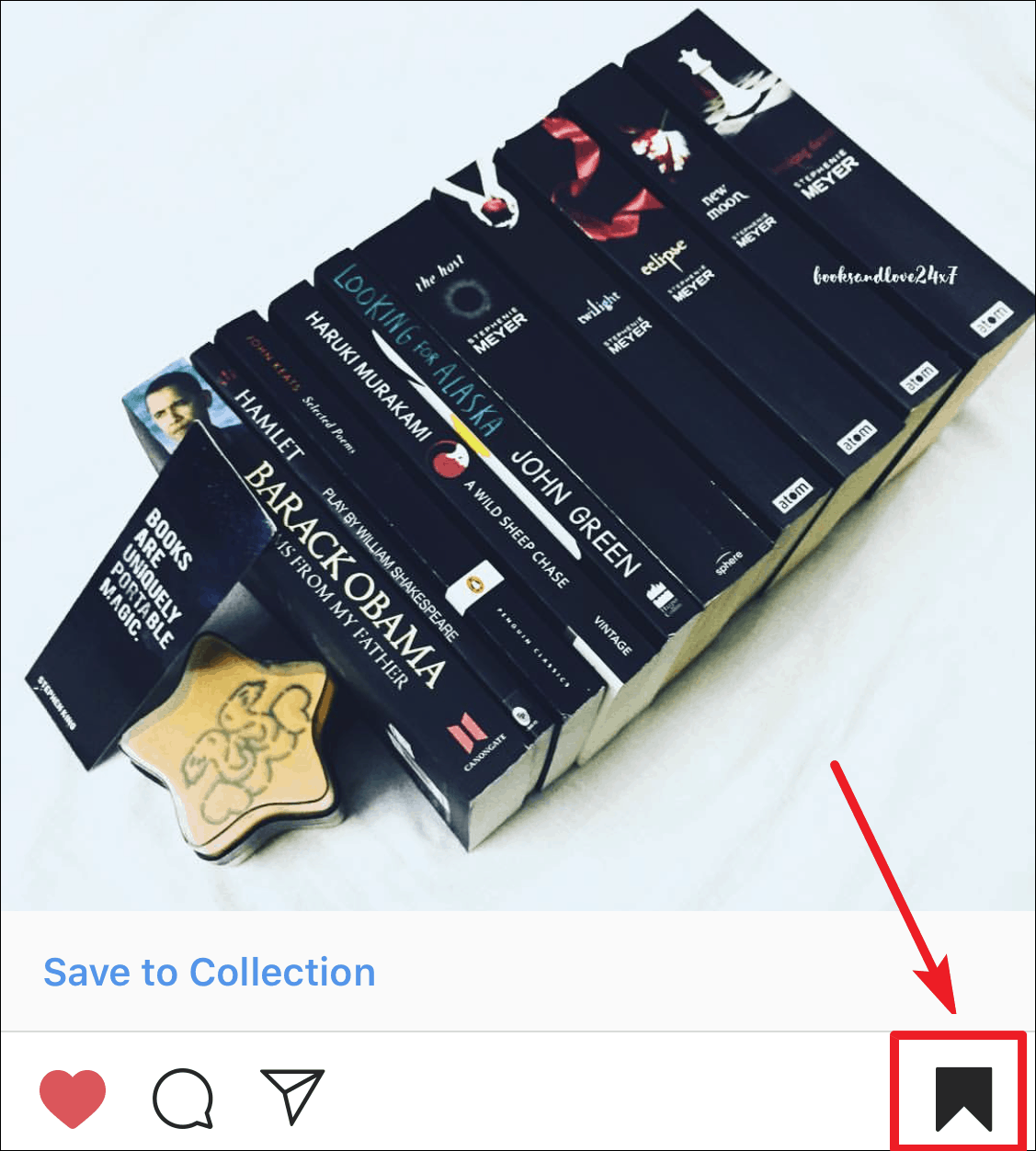
Instagram offers a vast array of captivating content that you might want to revisit later. While you can’t download posts directly, Instagram allows you to save posts privately within your profile. This feature enables you to organize and access your favorite posts anytime without notifying the original poster.
How to Save an Instagram Post
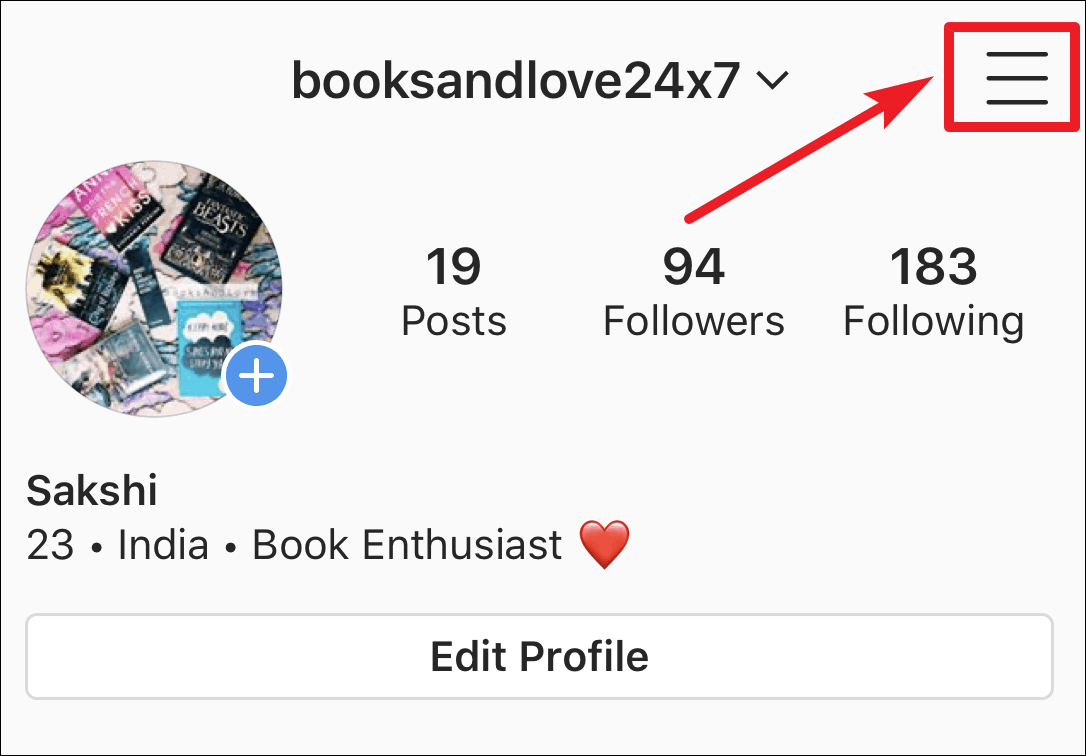

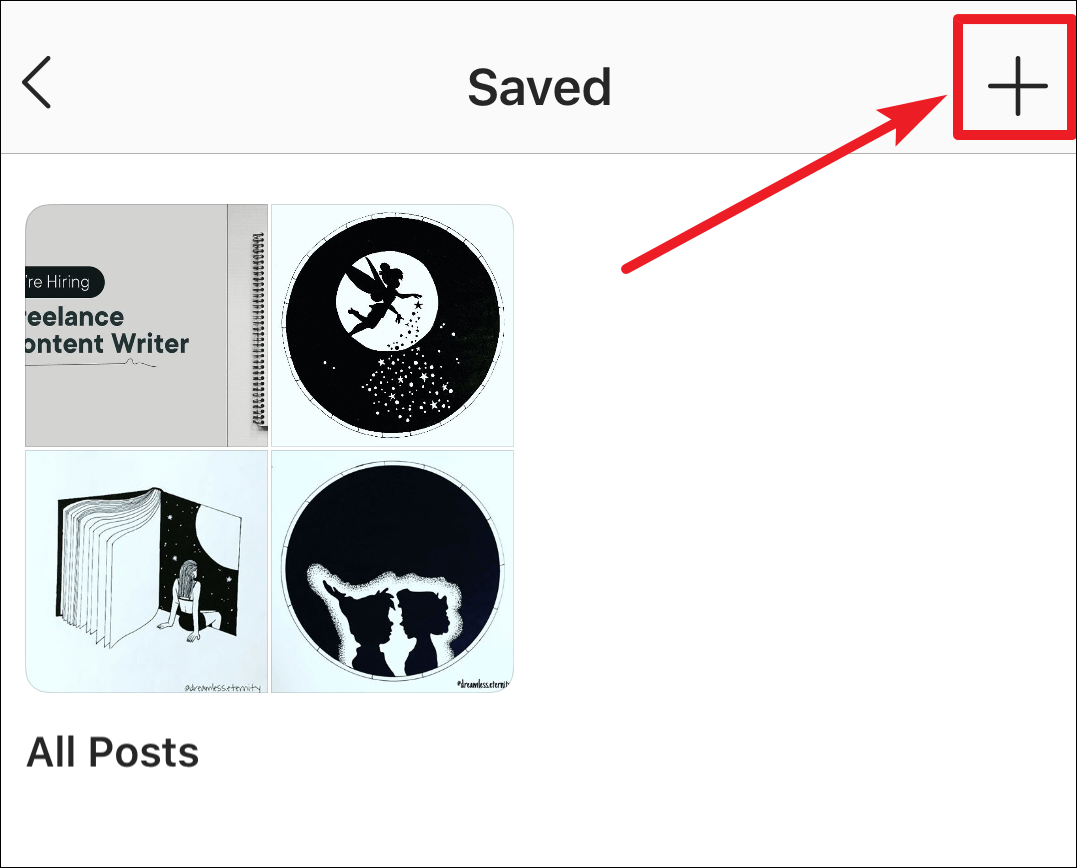
Instagram Collections and How to Manage Them
Your saved posts don’t have to remain unorganized. Instagram’s Collections feature allows you to categorize your saved posts into different groups, similar to private Pinterest boards.
With Collections, you can organize your saved posts by themes, topics, aesthetics, or any other criteria that suits you, creating personalized mood boards.
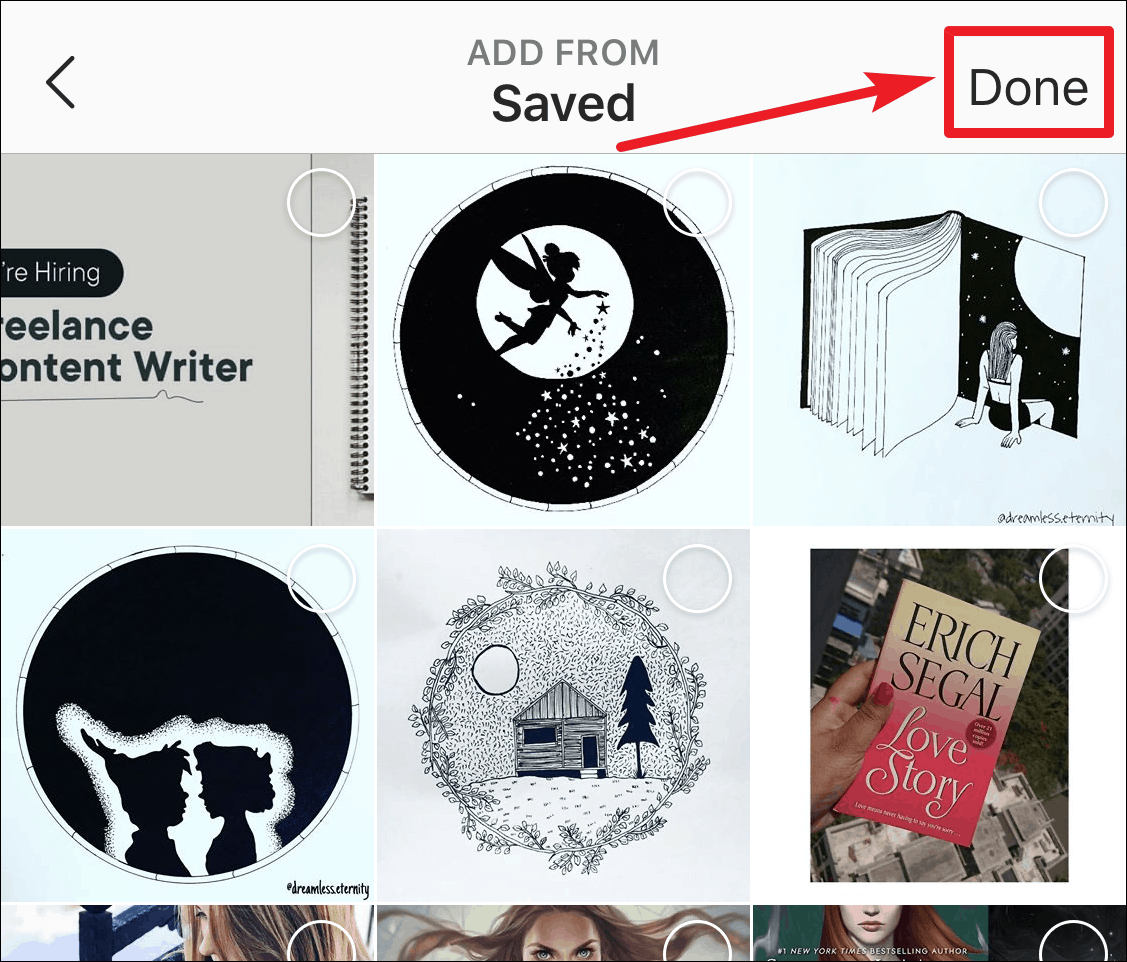
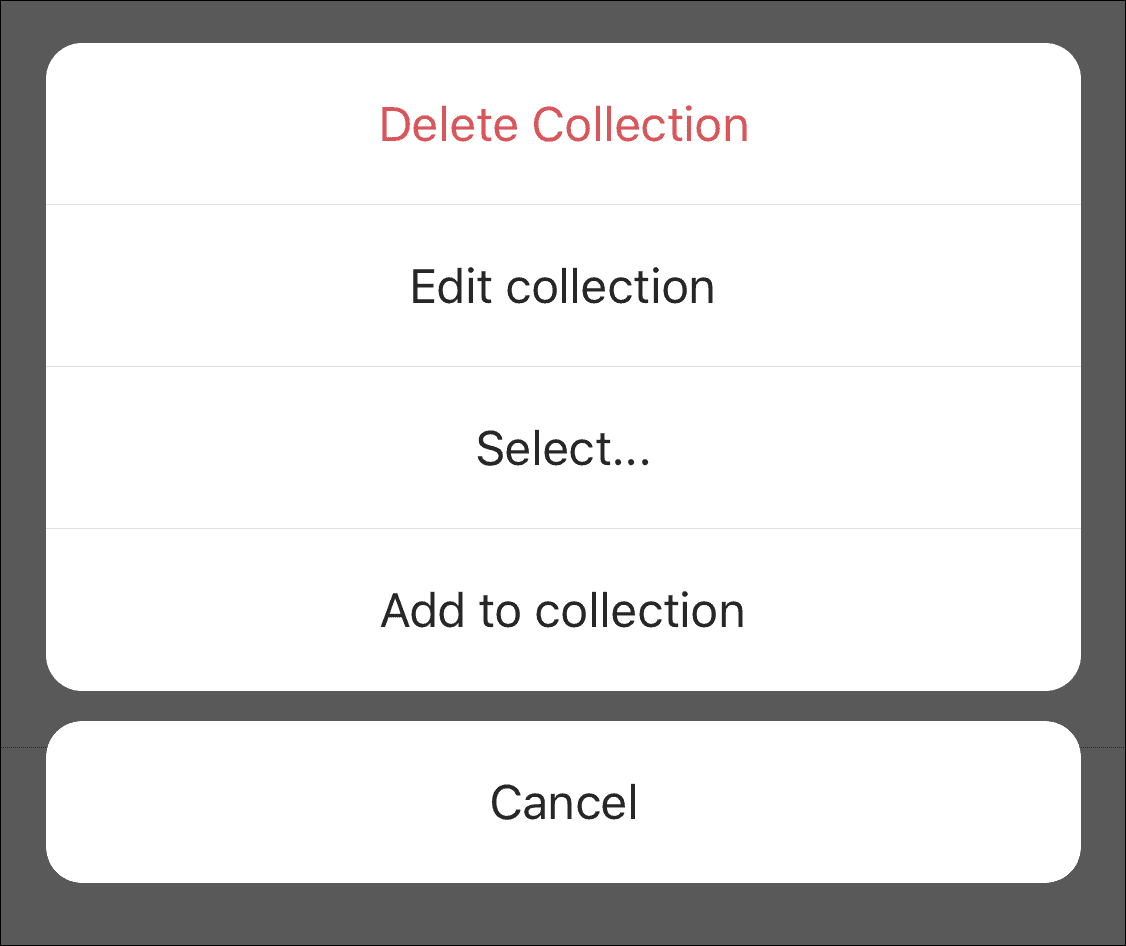
To manage an existing Collection, open the Collection and tap the three dots icon in the upper right corner. Here, you can rename the Collection by selecting Edit Collection, add new posts, delete posts by tapping Select, or delete the entire Collection. Deleting a Collection does not remove the posts from your All Saved Posts.
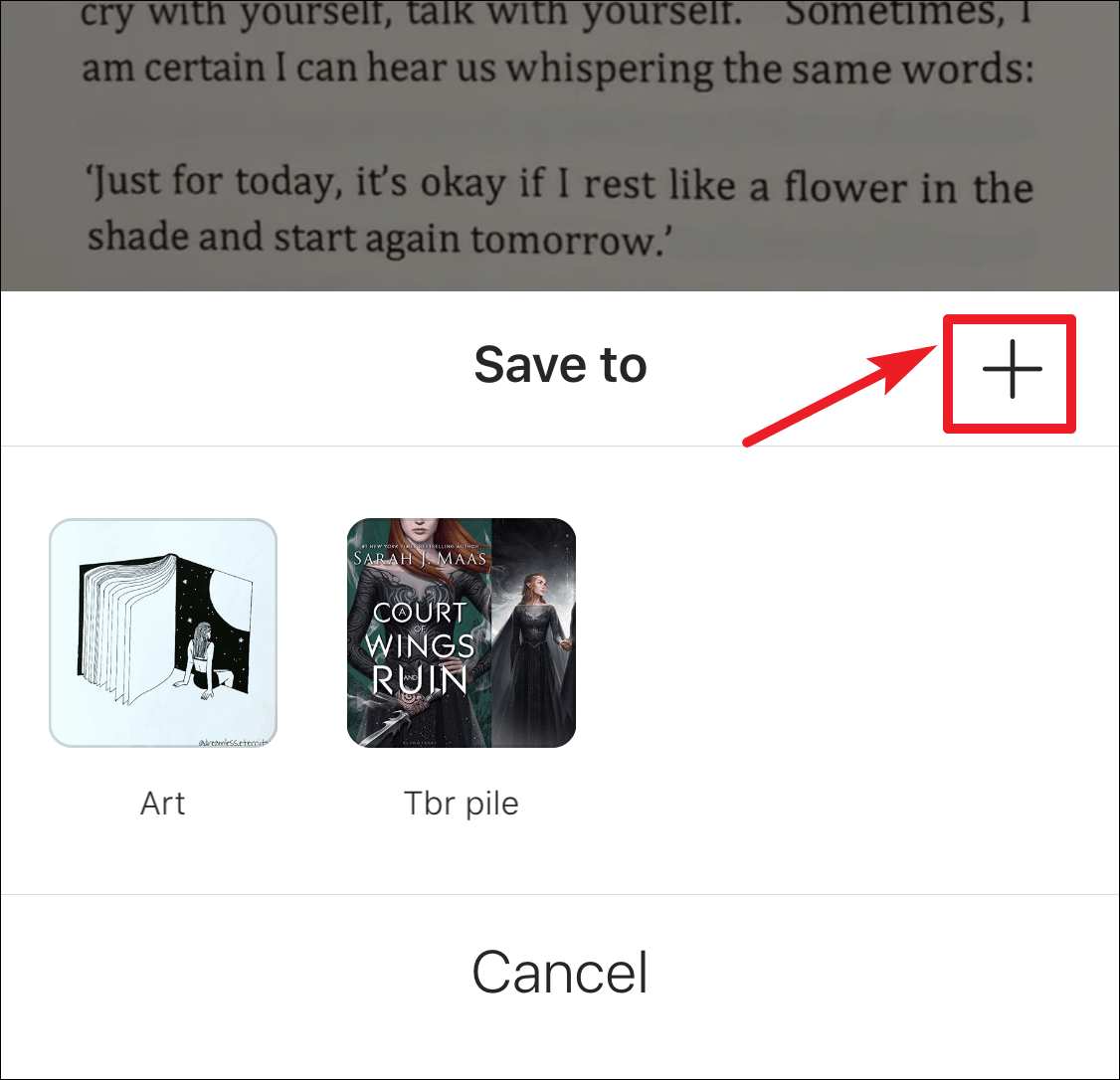
You can also create a new Collection or add posts to an existing one directly from your feed. Instead of tapping the bookmark icon once to save a post, tap and hold the bookmark icon. A pop-up menu will appear, displaying all your existing Collections.
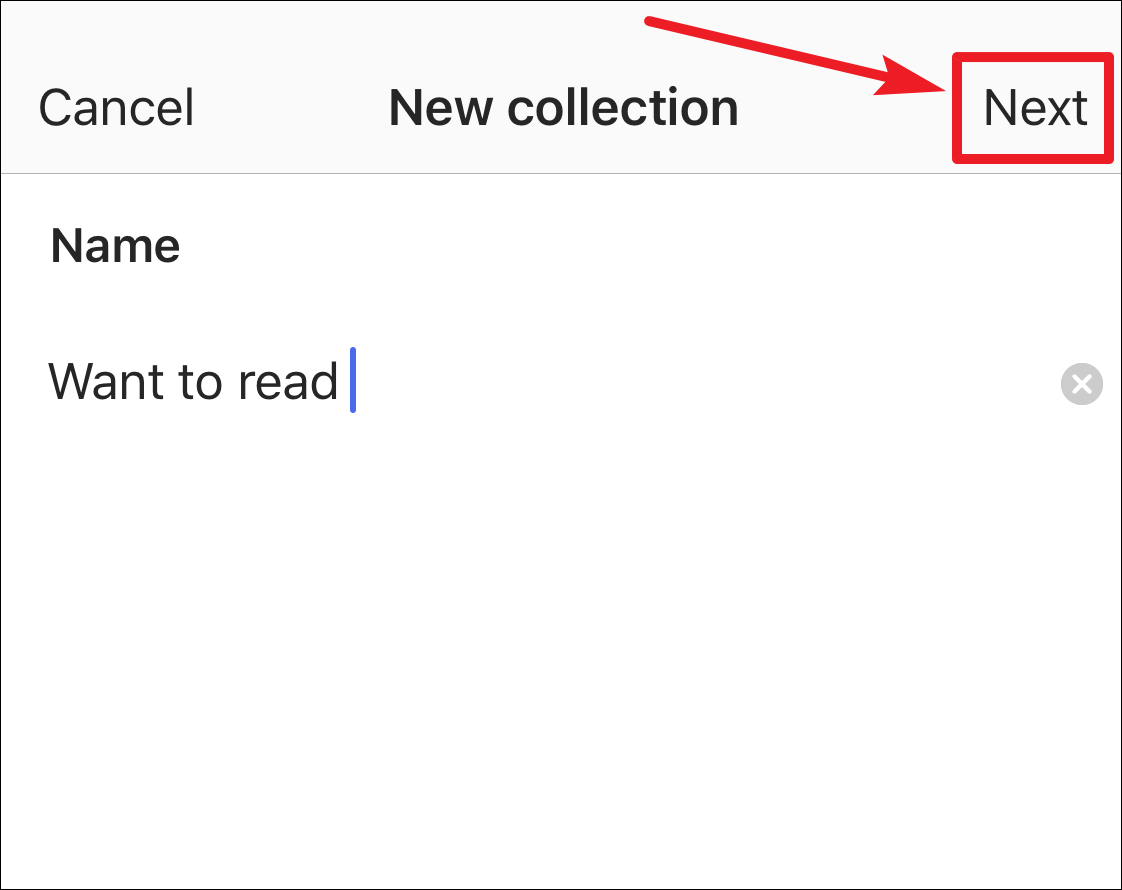
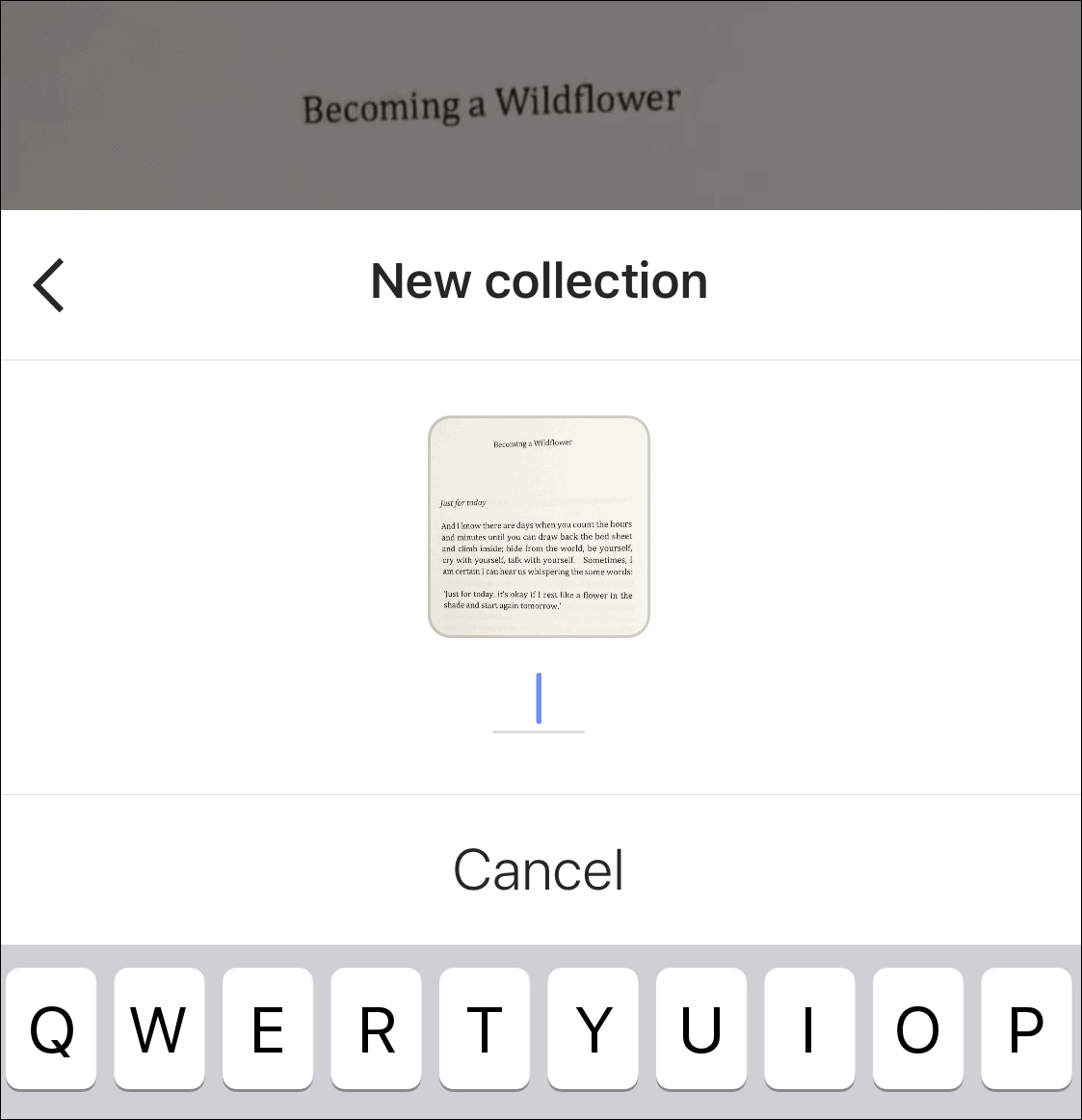
Tap a Collection to save the post to it, or tap the ‘+’ icon to create a new Collection.
Assign a name to your new Collection, and it’s ready to use.
Organizing your favorite Instagram posts with Collections makes revisiting and managing saved content effortless. Take advantage of this feature to keep your inspirations and interests neatly sorted.