What is Xbox Live Error ‘0xCFFFF43C’ and How to Fix it
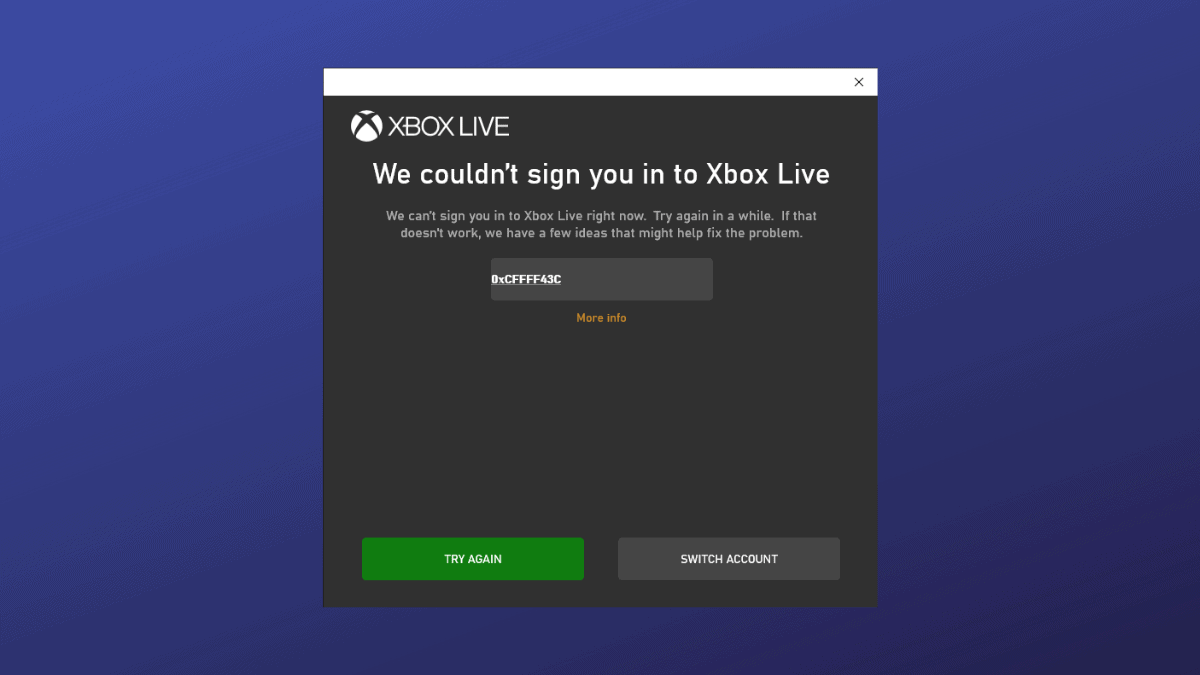
If you're experiencing difficulties signing into Xbox Live on your PC and encountering the error code 0xcffff43c, you're not alone. This issue has been affecting many gamers, preventing them from playing their favorite games. This error typically indicates a problem with the Xbox Live service rather than an issue with your PC. Thankfully, there's a simple solution to resolve this sign-in error by signing out and back into the Microsoft Store. Follow the steps below to fix this problem and get b
If you’re experiencing difficulties signing into Xbox Live on your PC and encountering the error code 0xcffff43c, you’re not alone. This issue has been affecting many gamers, preventing them from playing their favorite games. This error…
by Shivam Malani
If you’re experiencing difficulties signing into Xbox Live on your PC and encountering the error code 0xcffff43c, you’re not alone. This issue has been affecting many gamers, preventing them from playing their favorite games. This error typically indicates a problem with the Xbox Live service rather than an issue with your PC.
Thankfully, there’s a simple solution to resolve this sign-in error by signing out and back into the Microsoft Store. Follow the steps below to fix this problem and get back to gaming.
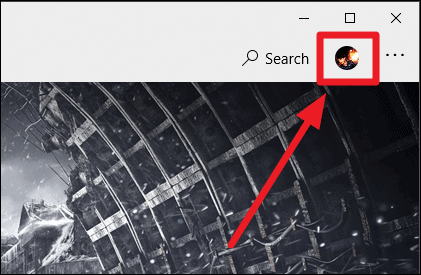
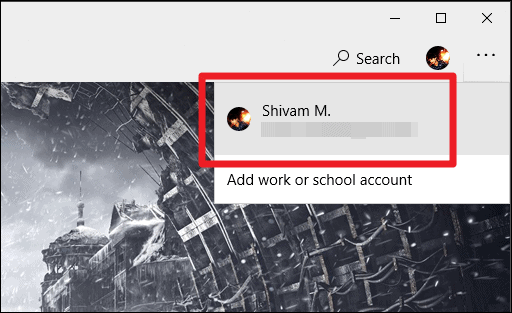
Reopen the Microsoft Store on your PC. Once open, click on the profile sign-in (+) button at the top-right corner and choose the ‘Sign in’ option from the menu.
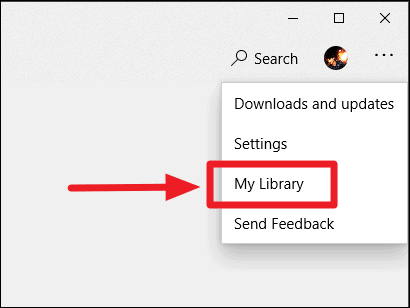
After signing in, click on the three-dot menu icon in the top-right corner of the Microsoft Store window. From the dropdown options, select ‘My Library’.
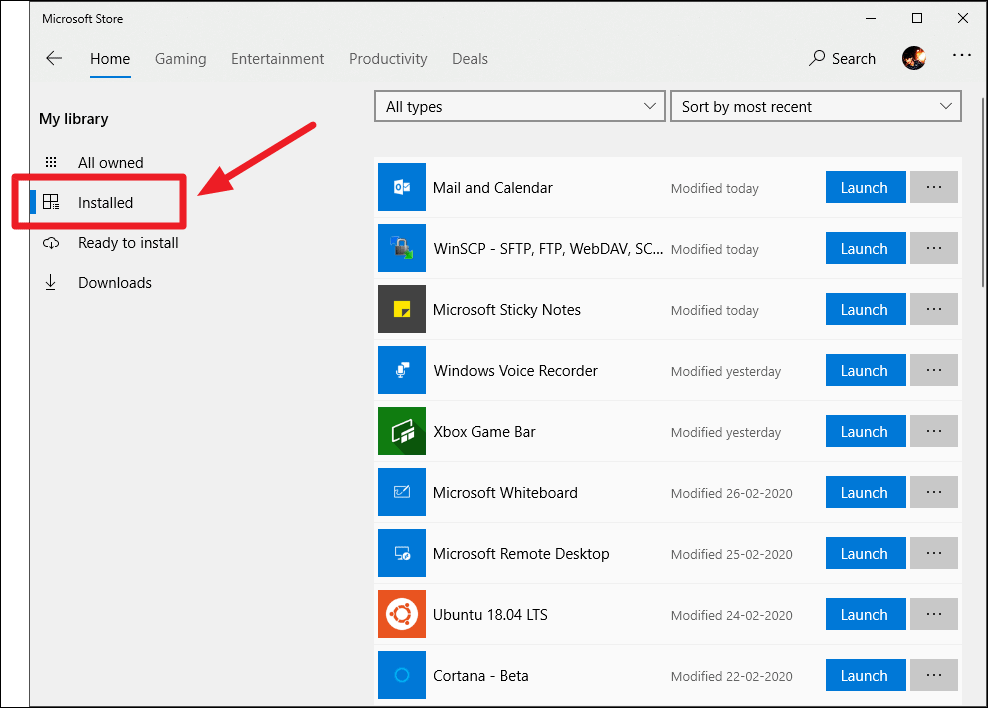
In the ‘My Library’ section, click on the ‘Installed’ option on the left side panel to view all the apps and games installed through the Microsoft Store.
On the game’s Microsoft Store page, click the ‘Launch’ button to start the game directly from the store.
After launching the game through the Microsoft Store, the sign-in error should be resolved, allowing you to sign into Xbox Live and play without further issues.
If you continue to experience the error after following these steps, the issue might be due to ongoing problems with the Xbox Live service. In such cases, checking the Xbox Live service status on the official website or waiting for Microsoft to address the service outage is recommended.