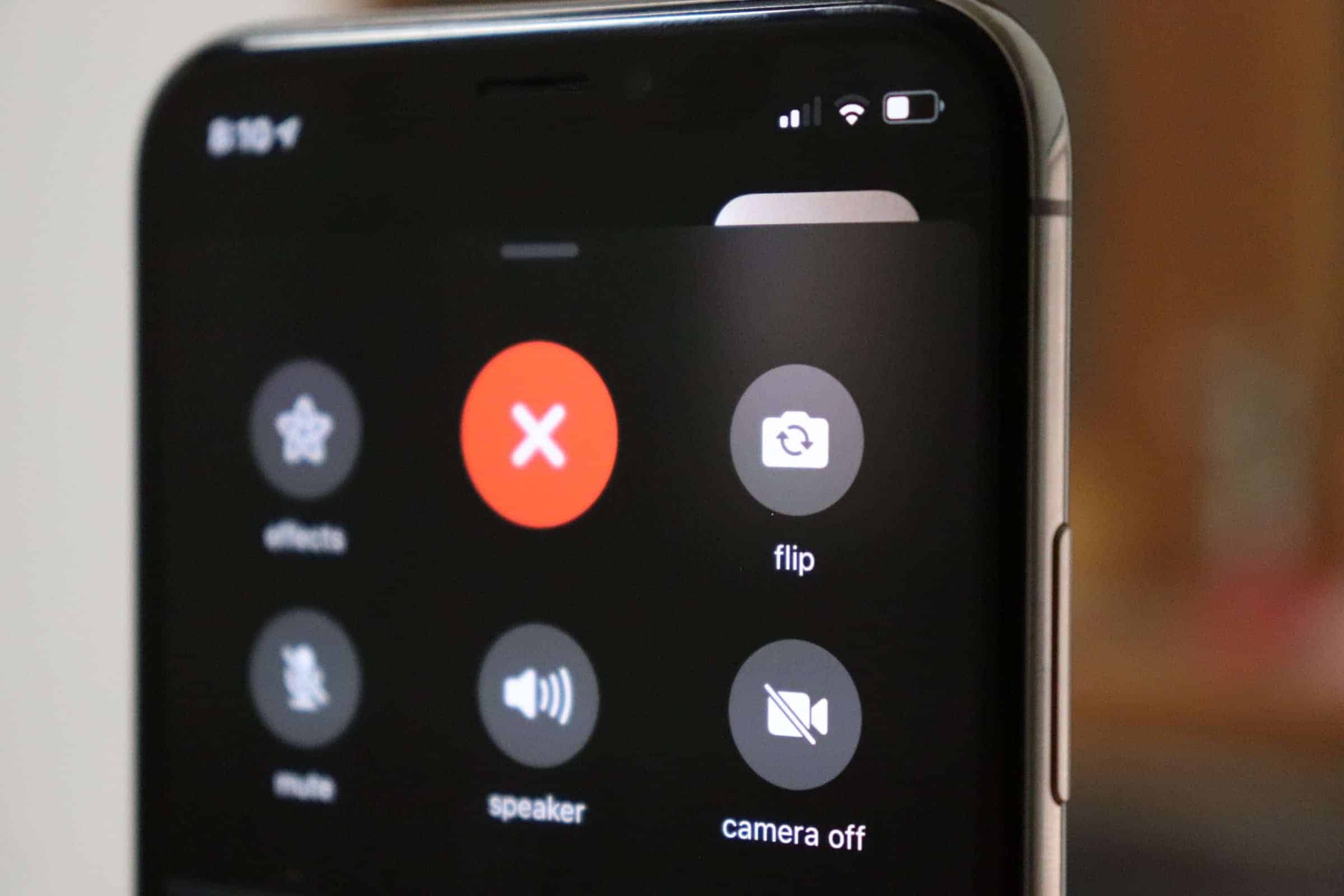
iOS 12 introduced numerous enhancements to FaceTime, including Animoji, Memoji, text effects, and a variety of new filters. However, one essential feature—the flip camera option—has been relocated, making it less intuitive to find.
In earlier versions of iOS, the flip camera button was easily accessible on the main FaceTime screen. With the new updates, Apple has replaced this with buttons for features like Animoji, text effects, and shapes, which occupy the space where the flip camera button used to be.
While the addition of new features enhances the FaceTime experience, some users may find the relocation of the flip camera option less convenient.
Knowing how to access the flip camera function in FaceTime on iOS 12 ensures you can effortlessly switch between the front and rear cameras during your calls.