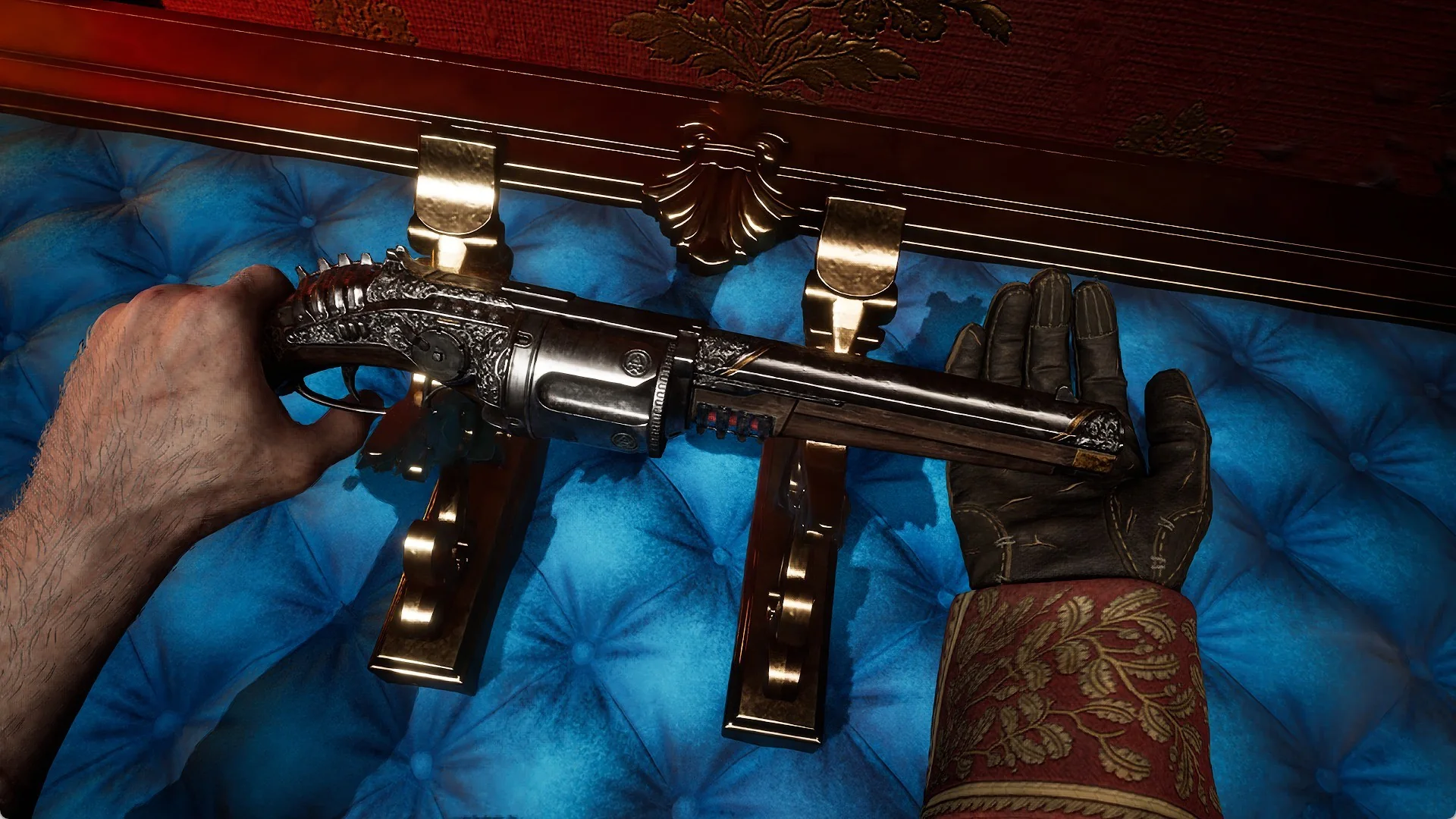
Admin access in Dead Rails runs through a text console called conch-ui, which lets you type commands to spawn items, edit weapon stats, control the train, change the weather, and drop in entities that range from friendly wolves to full boss fights. These commands rewrite how a run plays out, turning a survival ride into a sandbox where money, ammo, and armies are all one line away.
Quick answer: Open the conch-ui console, then type a command such as createobject navy_revolver to spawn an item or summonentity Goliath to spawn an entity. Each command runs the moment you enter it, and the effect appears on screen right away.
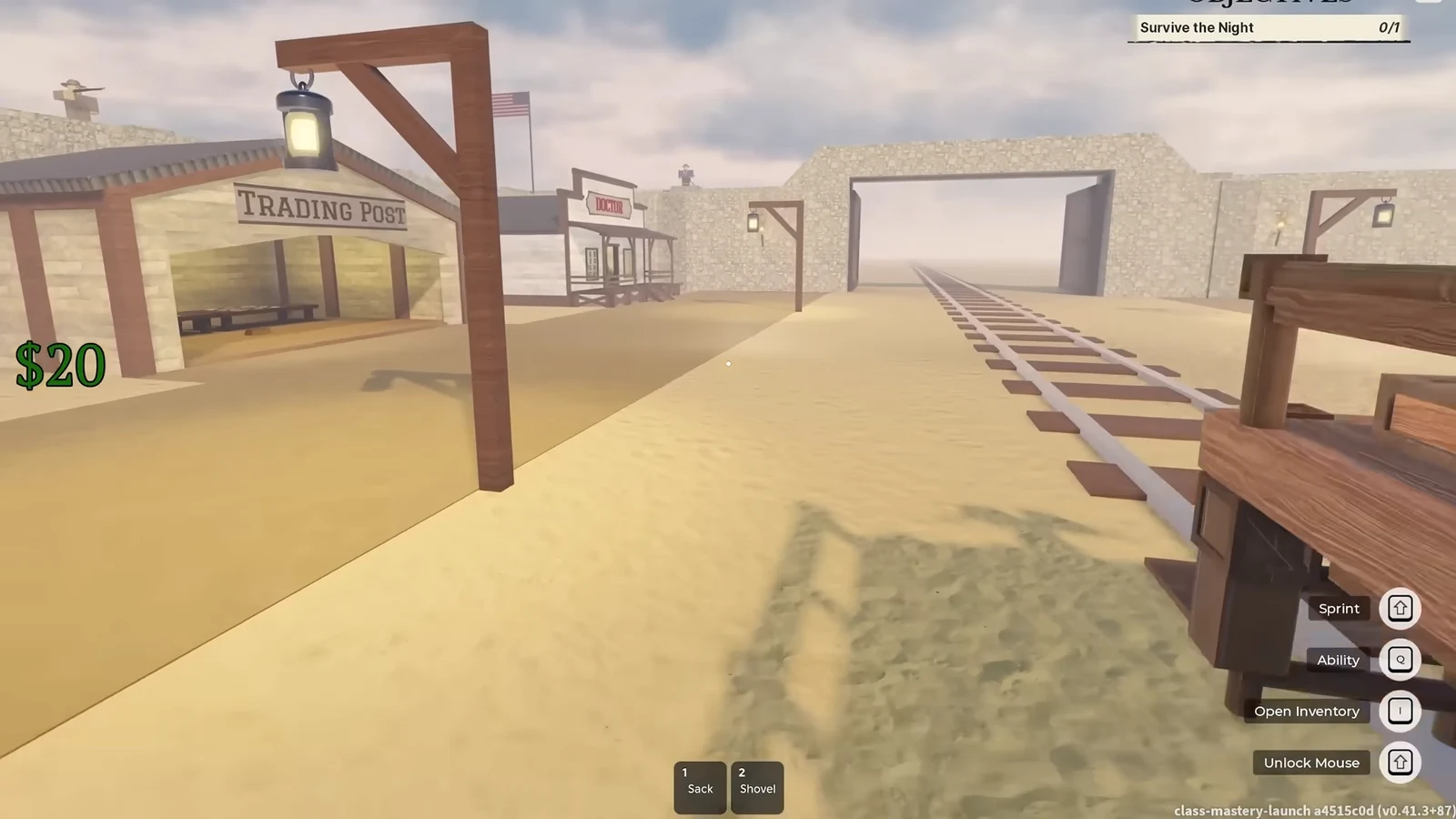
The conch-ui console and what it controls
The command interface shown in the game is labeled conch-ui 0.3.1, paired with conch-language 0.3.1. It reads typed commands and applies them to the current session of Dead Rails, developed by RCM Games. Commands fall into a few clear groups based on their prefix, and knowing the prefix tells you what a line will do before you run it.
| Command prefix | What it controls |
|---|---|
createobject | Spawns items and weapons, such as coal, bonds, or a rifle |
setgunstat | Edits the stats of a held weapon (ammo, fire delay, recoil) |
spawnpuddle | Drops a liquid puddle with an ongoing effect |
summonentity | Spawns a creature, boss, or vehicle, optionally friendly |
trainspeed / trainacceleration / traindeceleration | Sets the train’s movement values |
setmoney | Sets a player’s cash to a fixed amount |
skiptime / setweather | Skips the night phase or changes the current weather |
Spawning items and setting money
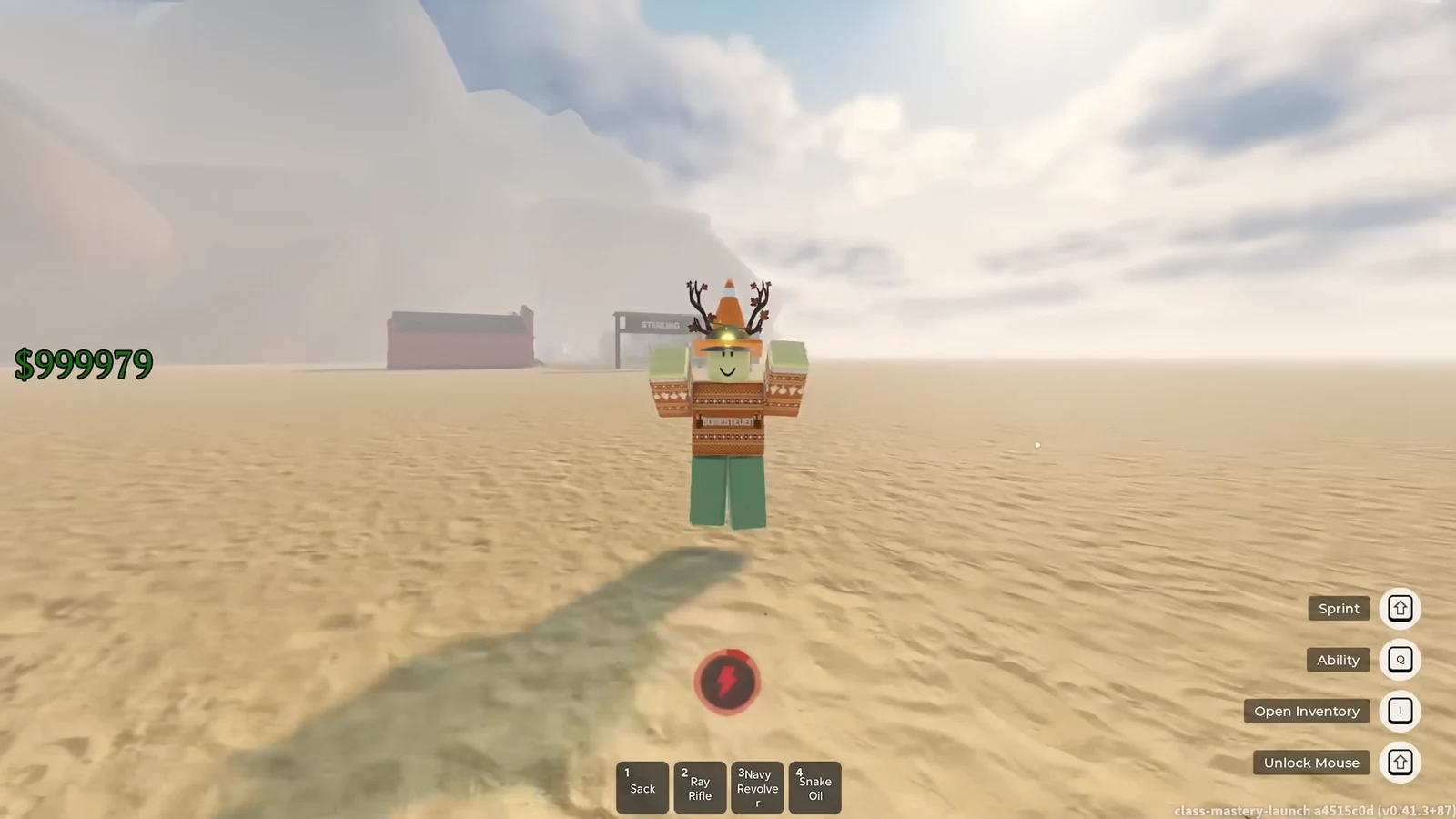
The createobject command takes an item name, and you can add a number to spawn a stack. For example, createobject coal 4 drops four coal, while createobject navy_revolver spawns a single Navy Revolver. To set cash directly, use setmoney with a username and a value, like setmoney SomeSteven 999999.
Bonds are the item that unlocks everything else. Running createobject bond 50 drops a physical stack of currency you can spend, and repeating it lets you buy any item or class in the store without grinding for it.
Modifying a weapon with setgunstat
The setgunstat command edits the weapon you are currently holding. Spawn a gun first, then change its values one line at a time. The combination below turns an ordinary sidearm into a near-infinite full-auto weapon.
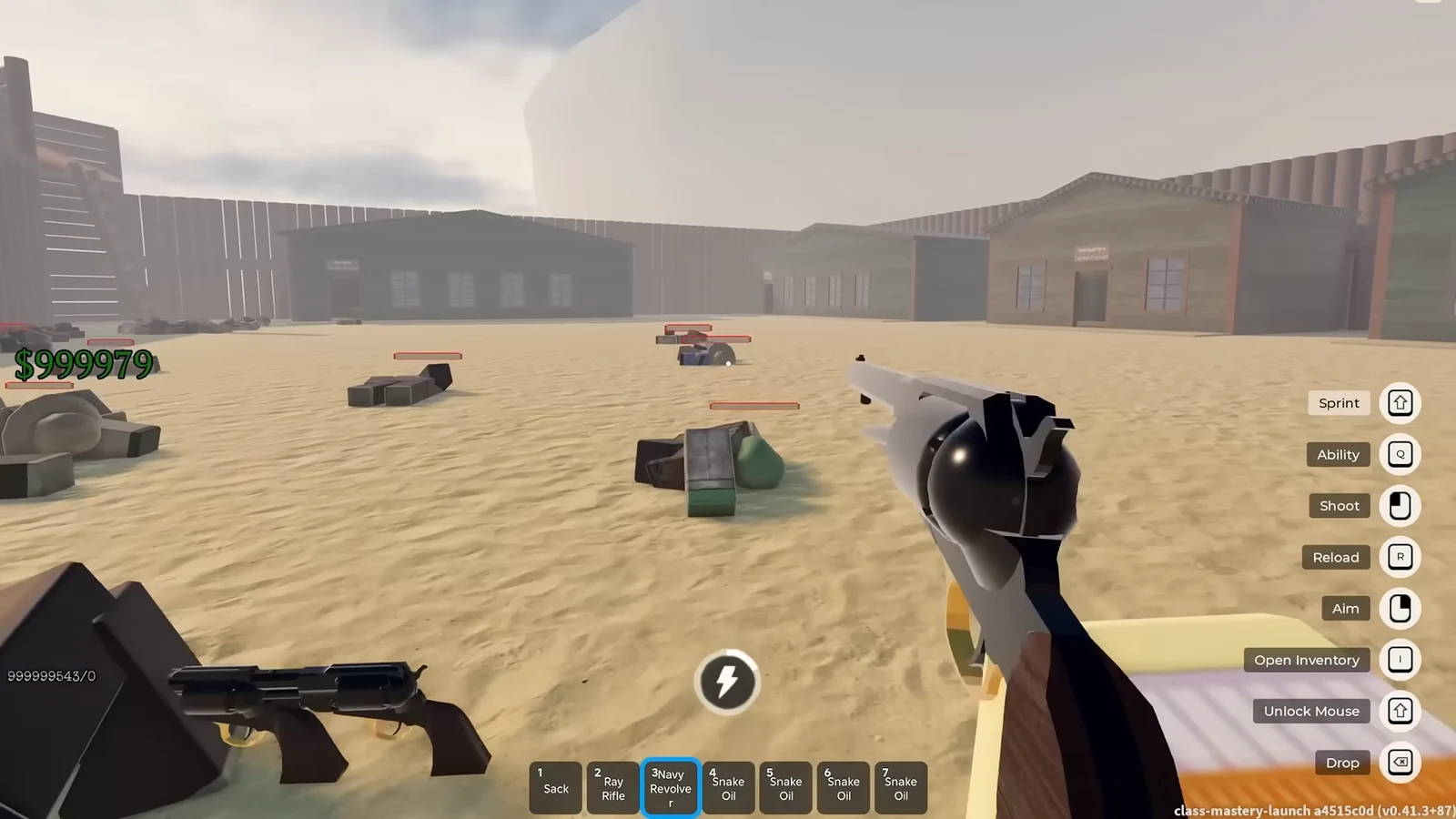
setgunstat FireDelay 0.1 and setgunstat AutoFireDelay 0.1. You can also adjust ADSFOV for aim-down-sights zoom.createobject navy_revolver
setgunstat CurrentAmmo 99999999
setgunstat FireDelay 0.1
setgunstat AutoFireDelay 0.1The same approach works on heavier guns. Spawning createobject elephant_rifle and applying the same delay edits turns a slow single-shot rifle into a fully automatic weapon.
Puddles that heal or spawn allies
The spawnpuddle command drops a pool of liquid with a lasting effect, and adding a number sets how many puddles appear. Two of them stand out for surviving fights.
| Puddle | Effect |
|---|---|
spawnpuddle "Angel Tears" 10 | Rapid health regeneration, enough to shrug off zombie attacks |
spawnpuddle "Cerebrus Blood" 10 | Spawns a friendly wolf every 5 seconds, building a large pack |
The wolf pack from Cerebrus Blood works as a distraction. Set it down at a defended location such as the Castle, and the wolves pull enemy attention while you loot items like the vampire knife, paintings, and bonds.
Summoning entities and bosses
The summonentity command spawns creatures, mounts, and bosses. A trailing number sets the count, and a flag can make the spawn friendly. For example, summonentity Walker 10 Friendly creates ten zombies on your side, and summonentity Runner 3 drops three runners. Large friendly waves can wipe out defended positions, which is how 100 friendly zombies clear Fort Constitution and its Captain Prescott.
| Entity command | Result |
|---|---|
summonentity Horse | Spawns a ridable horse (pair with a saddle) |
summonentity Rudolph | A horse with antlers |
summonentity GhostHorse / GhostPrisoner | Ghost mount and ghost prisoner |
summonentity Alligator | A hostile alligator |
summonentity Goliath | A powerful entity that outfights most bosses |
summonentity NikolaTesla | Spawns the Nikola Tesla boss |
summonentity EdisonPrime 1 | Spawns Edison Prime |
Goliaths are the counter to the hardest fights. Spawning a stack of them next to the Nikola Tesla boss ends the fight almost instantly, since a single Goliath already wins a one-on-one against Tesla.
Legacy and admin-only weapons
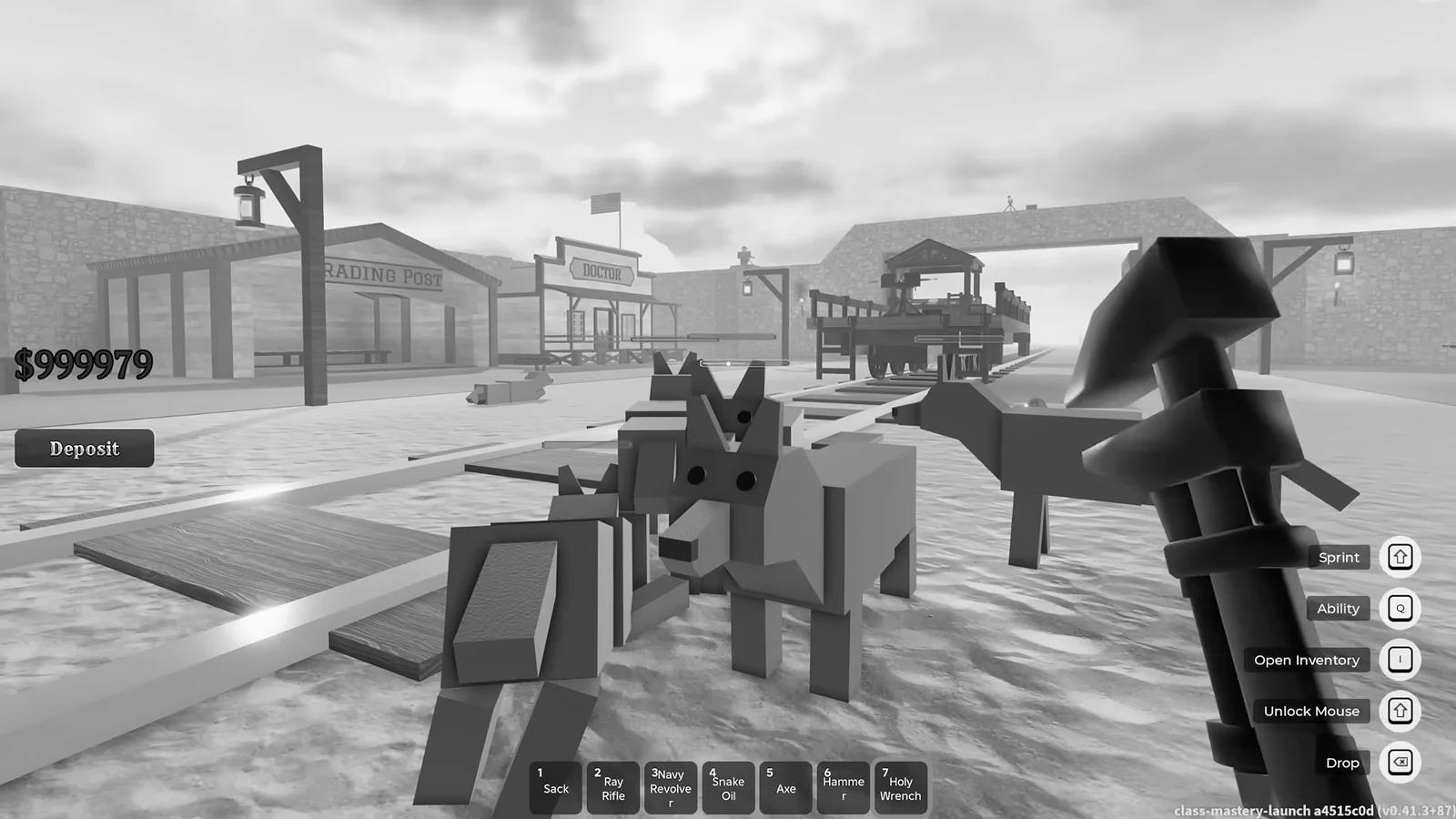
Some items can only reach your inventory through the console. The Axe and Hammer are melee weapons that were removed after launch, but createobject axe and createobject hammer still bring them back into a run.
The Holy Wrench is an admin-only melee weapon spawned with createobject holy_wrench. When it hits an entity, it either sends the target to heaven or makes it explode.
Train speed, weather, and time
The train’s movement is fully adjustable, but there is a ceiling before it breaks. Running trainspeed set 999 pushes it so fast that it glitches through the map, so a stable high speed sits around trainspeed set 300. Acceleration and deceleration use matching commands, trainacceleration set 999 and traindeceleration set 999.
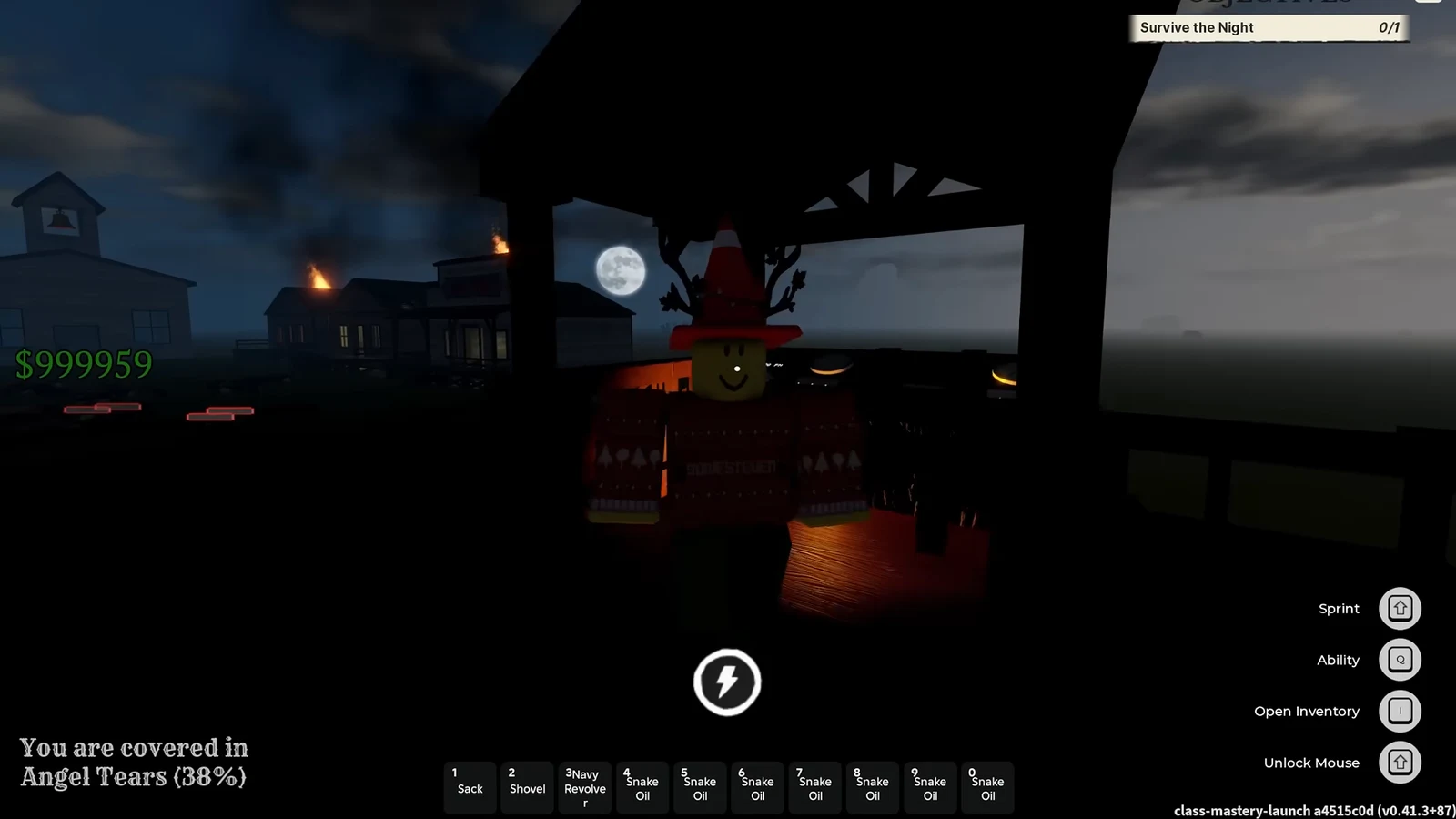
Two more commands clear environmental problems. Use skiptime to jump past the night phase, and setweather Clear to shut down an active dust storm.
Preparing the train for a boss fight
Before the final boss, the train itself can be armored. Spawn plating with createobject sheet_metal and deposit it onto the train to reinforce the cars, which holds up better against the last fight. Once the train is set, spawning a group of Goliaths against the Nikola Tesla boss finishes it in seconds.

Every command applies the instant it runs, so you know it worked when the item drops, the money counter updates, the puddle appears, or the summoned entity spawns in front of you. The one common misfire is pushing a value too far, like setting train speed to 999, which sends the train clipping through the world instead of moving cleanly. Keep values inside stable ranges and the commands behave exactly as typed.