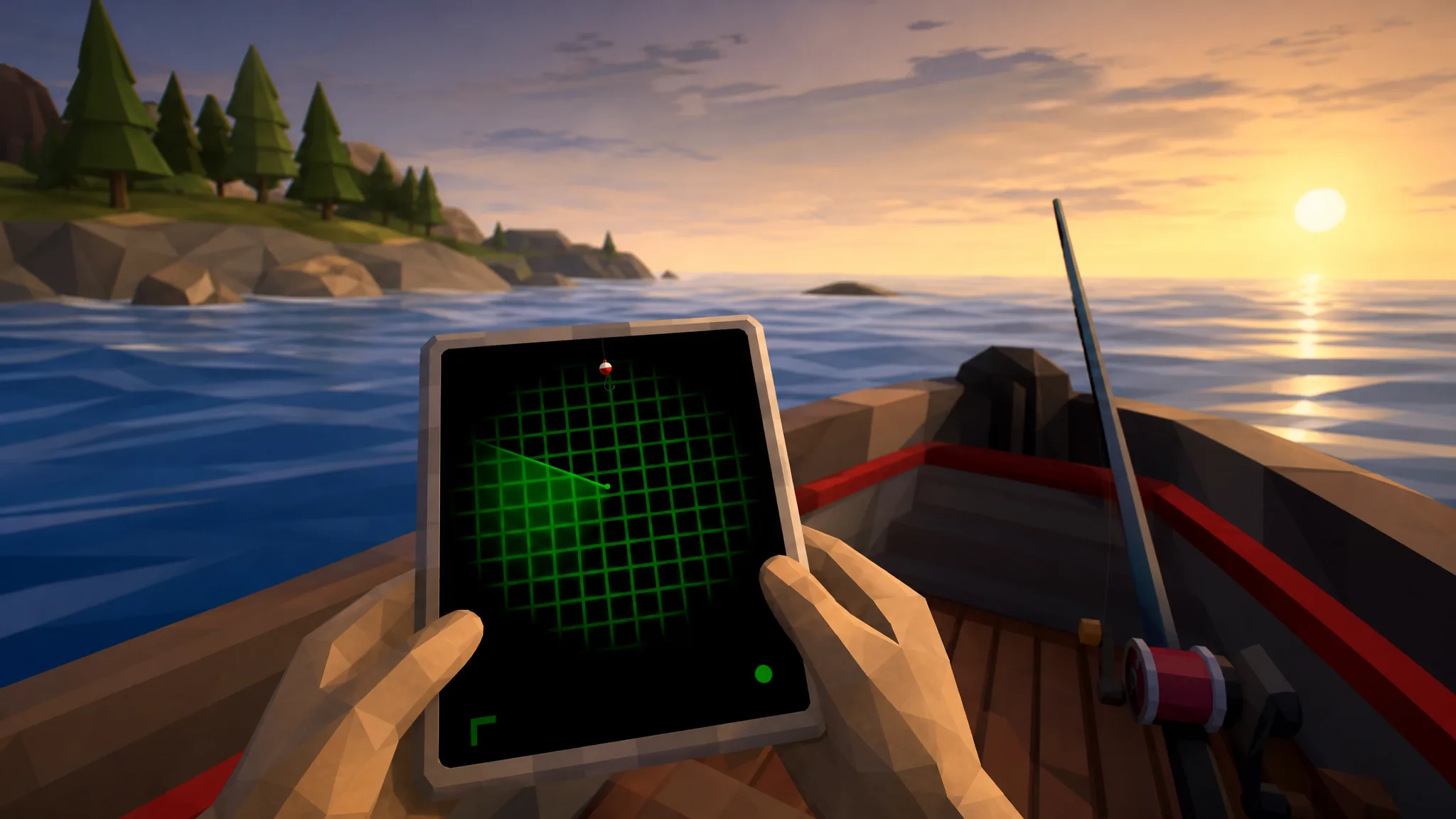
The Radar in How to Fish is a small handheld scanner that helps you spot fish and find your way to new islands. You can buy it right at the start of your run, and it becomes essential once you leave the Lighthouse and start crossing open water in the Dazed Games title.
Quick answer: Go to the Lighthouse island, walk up to the Lighthouse Keeper sitting on the bench, look at the wooden table to his left, and press E to buy the Radar for $10.
Buy the Radar from the Lighthouse Keeper for $10
The Radar is sold by the first NPC you meet on the Lighthouse island, the Lighthouse Keeper. You need $10 in in-game cash, which you can earn quickly by selling a few of the fish you catch near the starting dock.
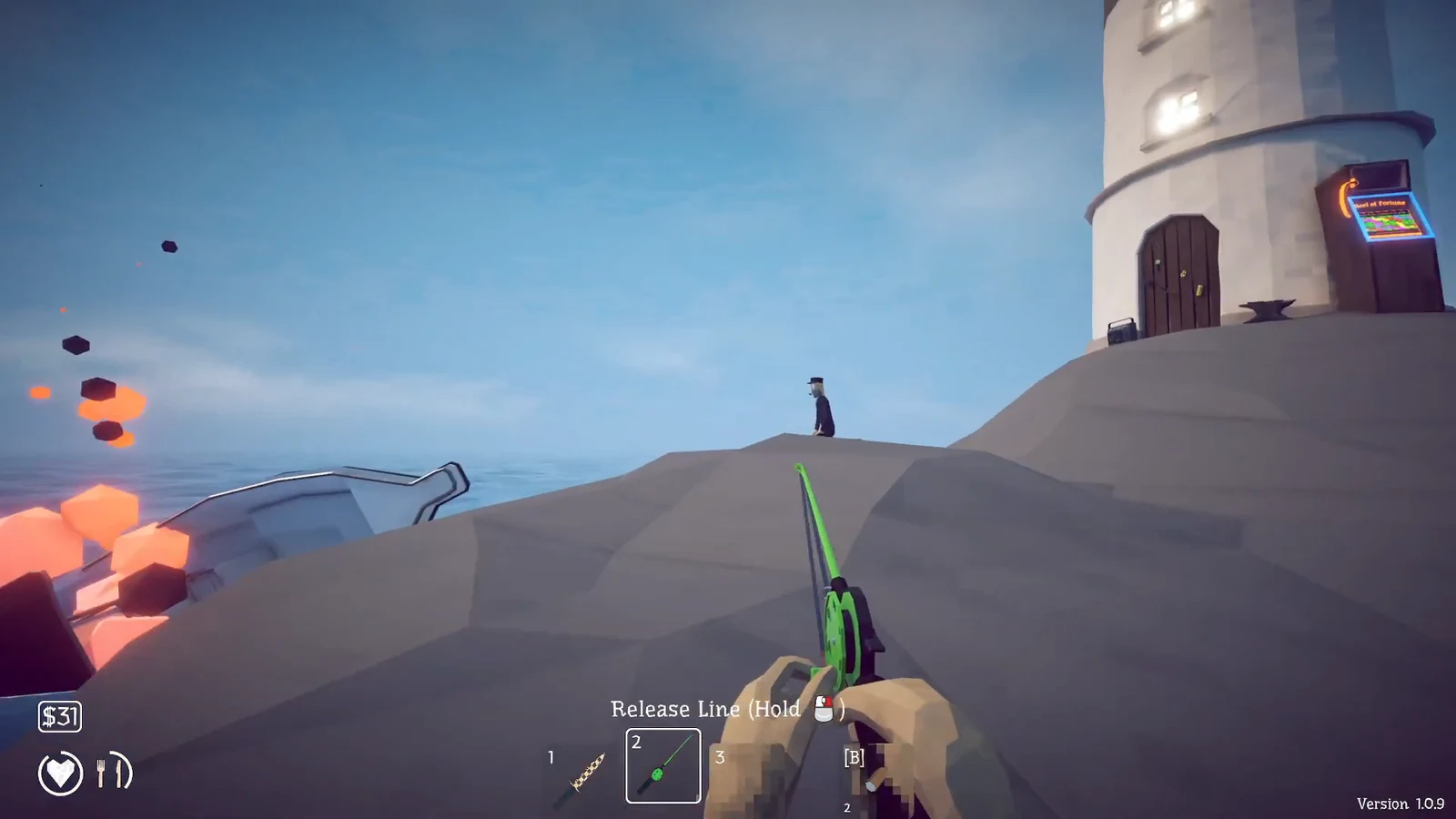
Radar label and a $10 price tag.E at the table to buy it. The cost is deducted immediately and the Radar goes into your item bar.If you ever lose the Radar or run out, the Keeper restocks it, so you can walk back to the same table and buy another one.
How the handheld Radar works
Once purchased, equip the Radar from your item bar and hold it out. It shows a green scanner screen that sweeps the area, helping you locate fish and read the map as you sail toward the next island.
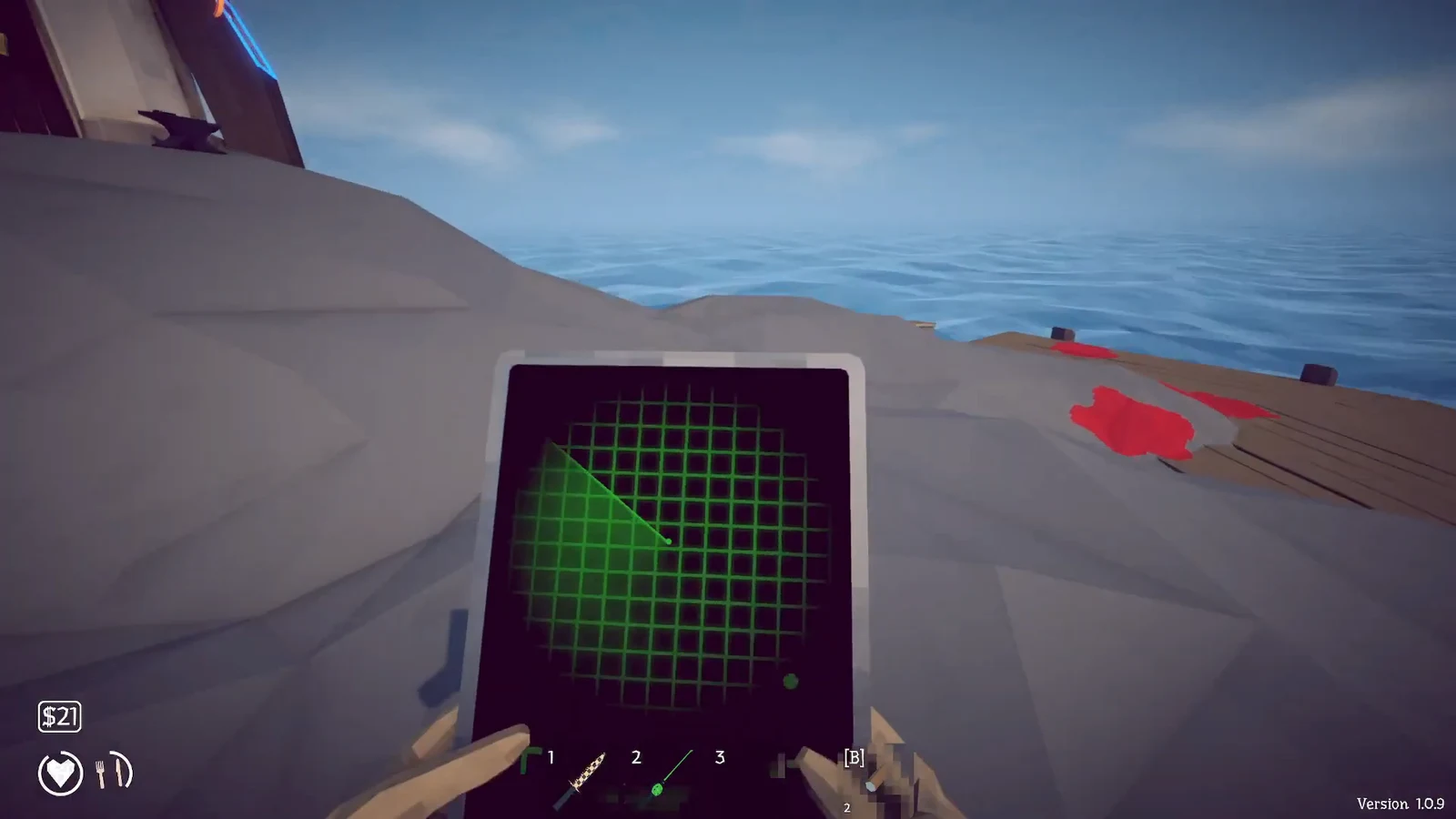
The catch with the early Radar is that it is a handheld item. You have to keep it in your hands to see the screen, which means you cannot hold a fishing rod or a weapon at the same time. That gets awkward as you take on tougher areas and want your gear ready.
Mount the Radar to your boat before The Rocks
You can remove the handheld limitation with a boat upgrade. Before you travel to the fourth island, The Rocks, visit the local shop and buy the upgrade that permanently fixes the Radar screen onto your boat.
With the screen mounted, you can read the map straight from the boat while keeping your hands free for weapons and your rod. This makes the later islands and the run to the Volcano far easier to manage.
| Version | Where to buy | Cost / requirement |
|---|---|---|
| Handheld Radar | Lighthouse Keeper’s table, Lighthouse island | $10 |
| Boat-mounted Radar | Local shop before The Rocks (island 4) | Upgrade purchase |
You will know the purchase worked when the Radar appears in your item bar after the $10 buy, and when the mounted upgrade fixes the green screen to your boat so you no longer need to equip it by hand. Both are one-time buys per run, though the Keeper will always restock the handheld version if you need a replacement.