Every operator in Star Wars Zero Company starts with a single Utility slot, which limits how many Thermal Detonators, Medpacs, or specialty weapons they can carry into a fight. That cap can be raised to three slots per operator, and reaching the full total takes two separate unlocks that both hinge on how far you are into the campaign.
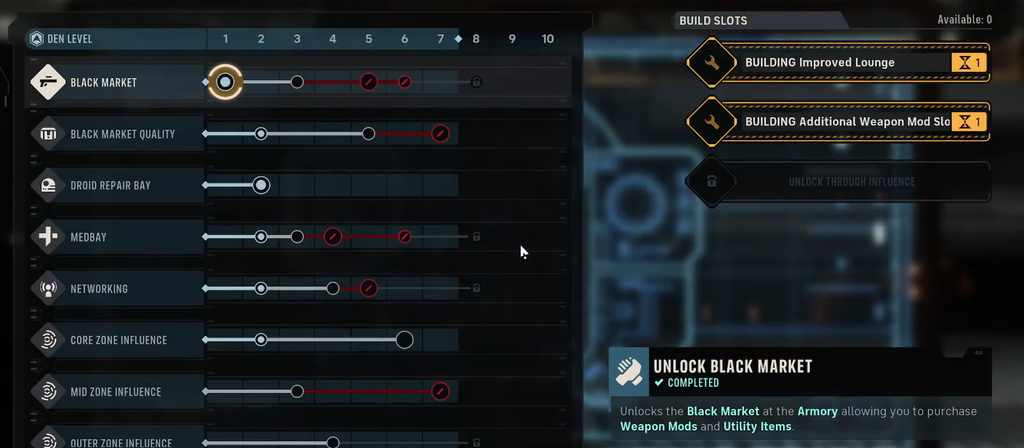
Quick answer: Upgrade the Den to Level 5 and buy the Additional Utility Slot in the Crew tab for a second slot, then pick the Utility Slot option during the Underworld Intel Choice Operation for the third. The Underworld Intel choice is mutually exclusive with a Weapon Mod Slot, so you can only get one of the two.
The two ways to unlock Utility slots
There are exactly two sources for extra Utility slots, and they stack. One is a base upgrade you control directly, and the other is a one-time campaign decision that forces a trade-off. Together they take an operator from one slot to three.
| Unlock | Requirement | Notes |
|---|---|---|
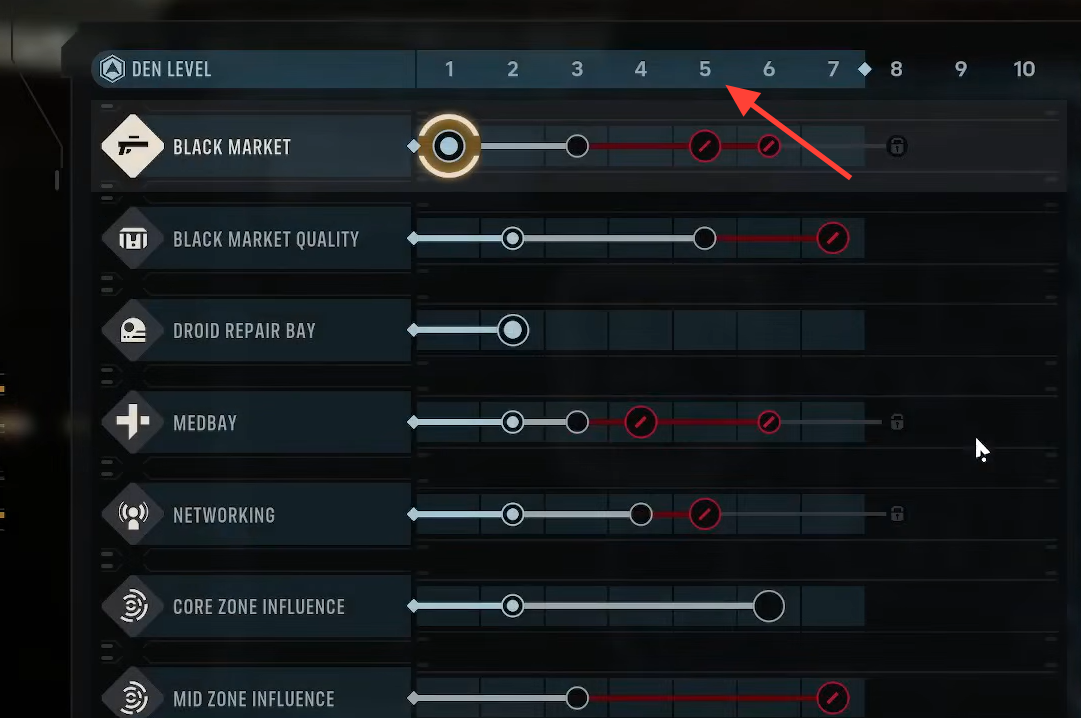
| Additional Utility Slot (Den) | Den at Level 5, then buy in the Crew tab | Costs a couple thousand credits; build finishes after you complete a mission |
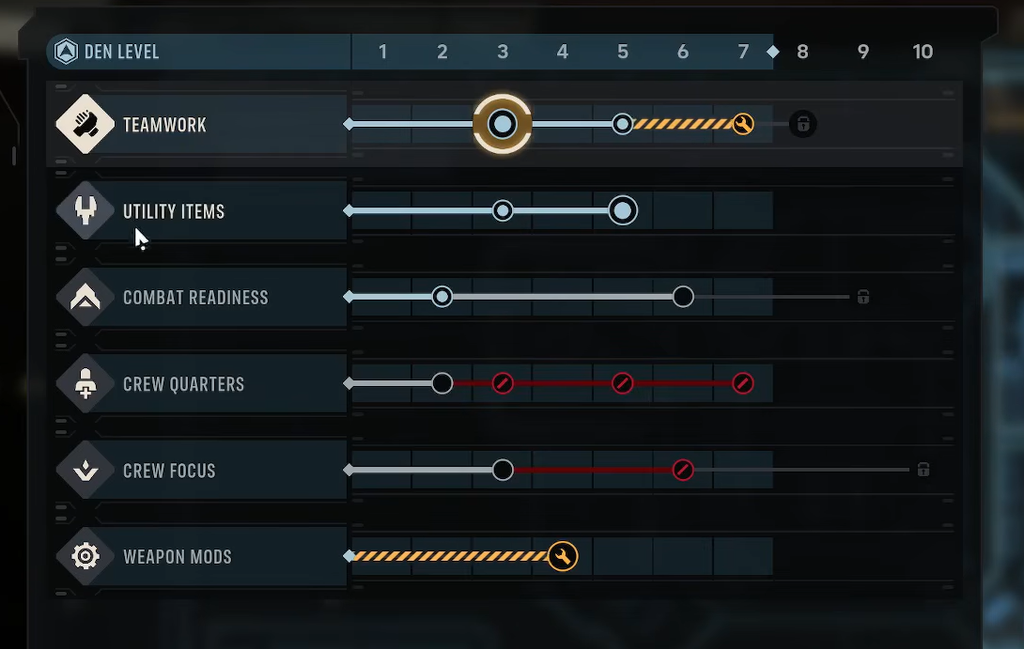
| Utility Slot (Underworld Intel) | Progress the campaign until the Underworld Intel Operation triggers | Choosing it locks out the Weapon Mod Slot for that playthrough |
Method 1: Build the Additional Utility Slot in the Den
This is the earlier and more reliable of the two unlocks, and it applies across your crew. The only gate is getting your base to Level 5 first.
Method 2: Choose the Utility Slot during the Underworld Intel Operation
The third slot only comes from the Underworld Intel Choice Operation, which does not appear until much later in the campaign. When it triggers, you are offered a choice between an extra Utility Slot or an extra Weapon Mod Slot. You cannot take both, and the decision is permanent.
Base the pick on your regular squad. If you run an Astromech, the third Utility slot is especially valuable because that specialization can stack extra charges of grenades and other items. Since this is the only route to a third slot, think about your long-term team composition before you commit.
How to confirm the slot unlocked
After the Den build finishes its mission, each operator’s loadout will show a second Utility slot you can fill. The Underworld Intel unlock takes effect once you confirm the choice. If the Den slot still reads as locked, you likely haven’t completed a mission since buying it, since the purchase alone does not activate the slot.
What the extra slots let you carry
Utilities are consumable combat items that usually have a limited number of charges per encounter. They fall into three groups: explosives such as Thermal Detonators, Firebombs, and Concussion Grenades; support items like Medpacs and the Repulsor Unit; and situational weapons like the Scattergun or the Ion Blaster, which is strong against droids.
Any operator can equip any Utility, and with enough slots you can carry more than one of the same type. Most specializations hold one charge per Utility, but the Medic and Astromech can hold two charges each, so extra slots on those operators multiply how many key items they bring in.
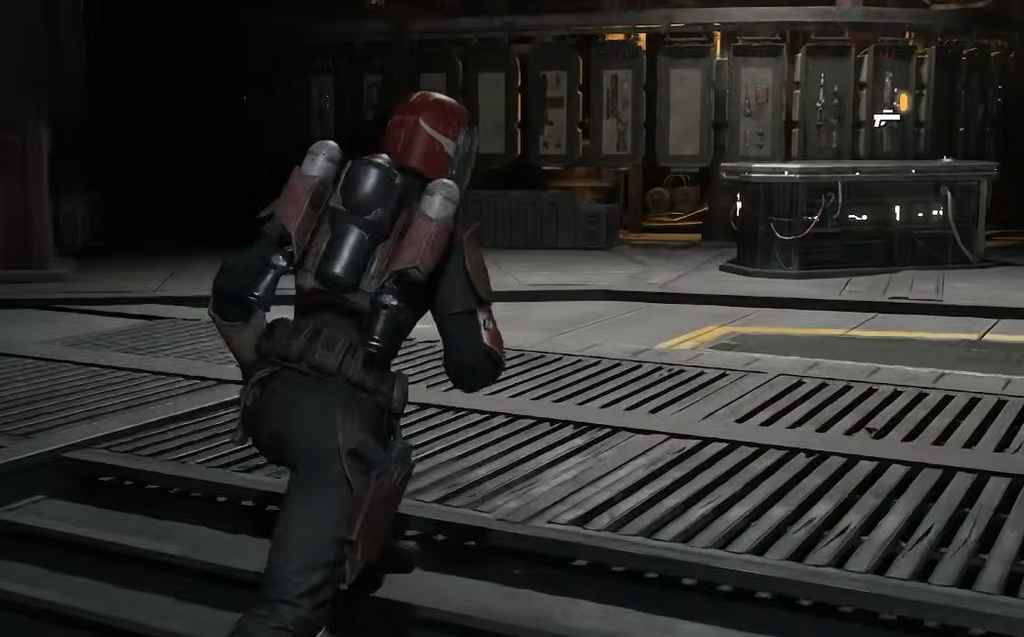
Utilities also persist between missions rather than disappearing when used, and they fully restock between separate combat encounters inside the same mission. Because of that, there is little reason to hoard them. Fill your unlocked slots and spend the charges freely on damaging or lethal Utilities during each fight.