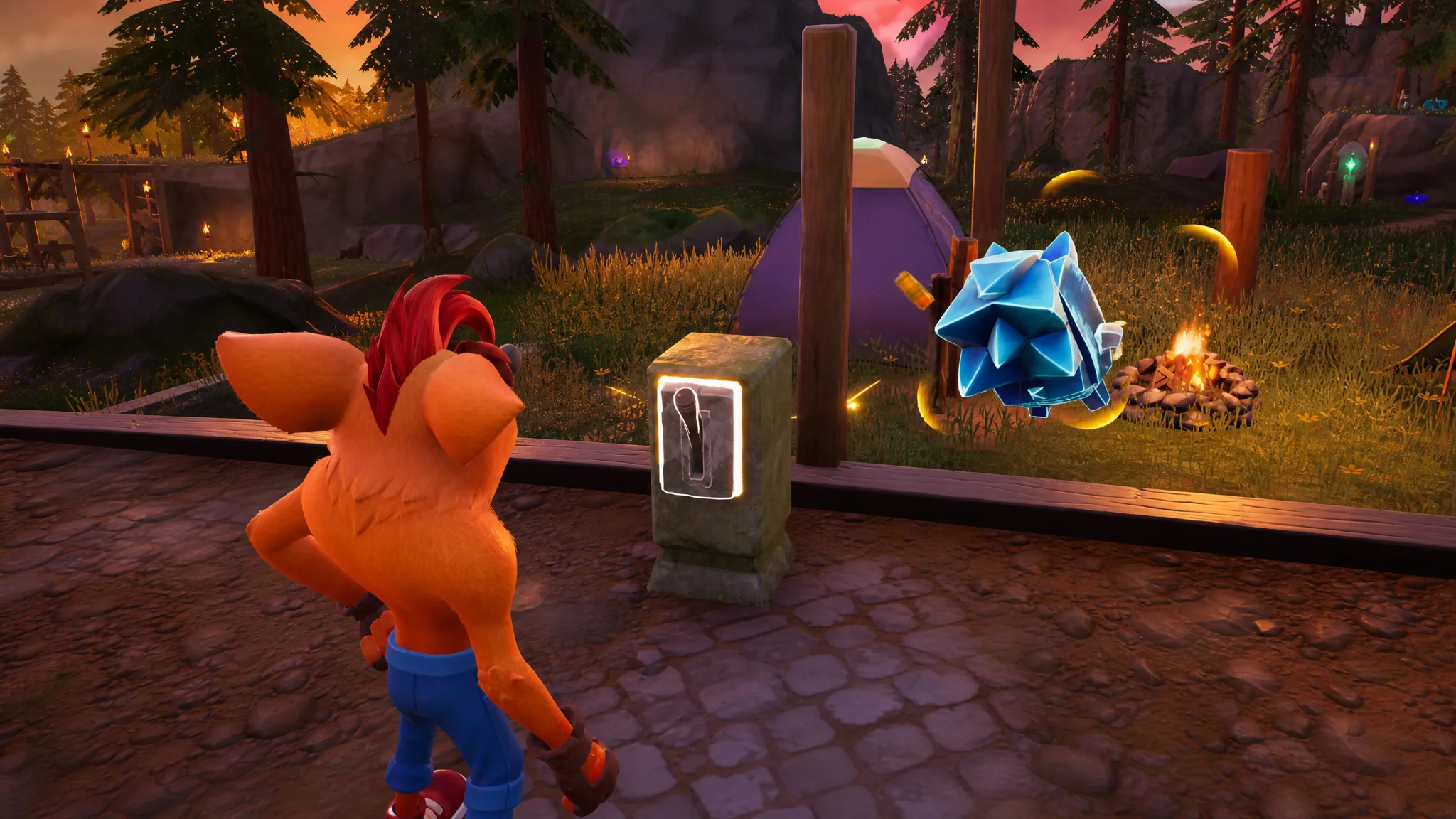
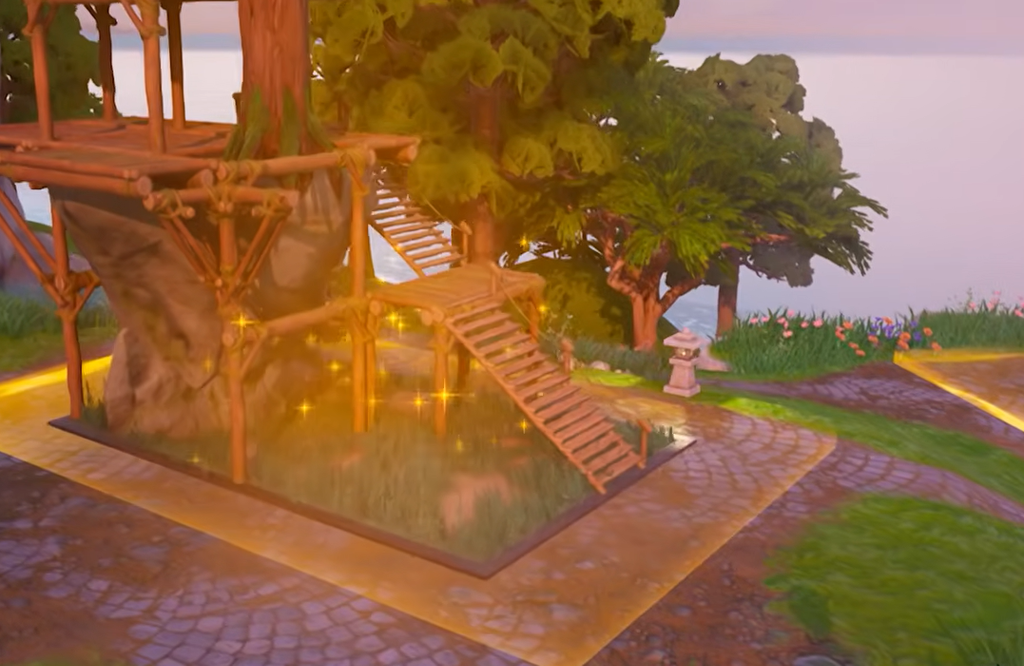
Rearranging your Sprite Garden used to be impossible. Once you dropped a building into one of the four slots around your main house, it stayed put. That changed with the addition of a lever on each finished building, which now lets you turn a build around or wipe it out and start fresh.
Quick answer: Walk up to the lever at the front of any completed Sprite building and interact with it, then choose Flip to rotate the building 180 degrees or Remove to empty the slot and rebuild.
Where to find the lever
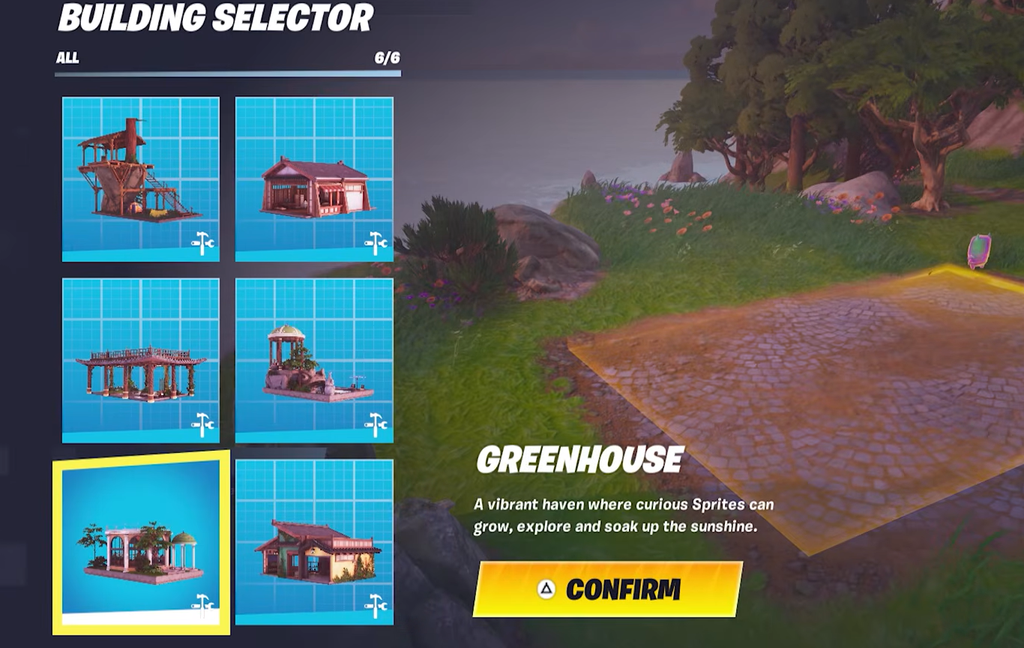
The lever only appears after a building is finished. Build one of the four Sprite structures in your garden, then look at the front face of that building. The lever sits there, ready to interact with. There is no menu button or settings screen involved, so you have to physically approach the building to reach it.
Flip vs. Remove: what each option does
Interacting with the lever gives you two choices. One rotates the building, the other clears it entirely.
| Option | Result |
|---|---|
| Flip | Turns the building 180 degrees so it faces the opposite direction. |
| Remove | Empties the building slot so you can construct a different build in its place. |
Removing a building sends any Sprites you had displayed inside back to your inventory. Nothing is lost. Once the new building is up, you can place those Sprites again wherever you want them.
How to change a building’s position
The limits you need to know
Buildings can only face forward or backward. Flipping rotates a structure a full 180 degrees, so there is no way to set a custom angle or nudge a building into a diagonal position. If you want a build somewhere else entirely, removing it and rebuilding in a different slot is the only route.
The lever is the full extent of what you can do to edit builds right now. More buildings and additional functions are planned for future Sprite Garden updates, but no specific next date is currently confirmed.
Until then, the flip-and-remove system is enough to reshuffle your layout so your rarest Sprites sit front and center for anyone who wanders into your garden and leaves a like.