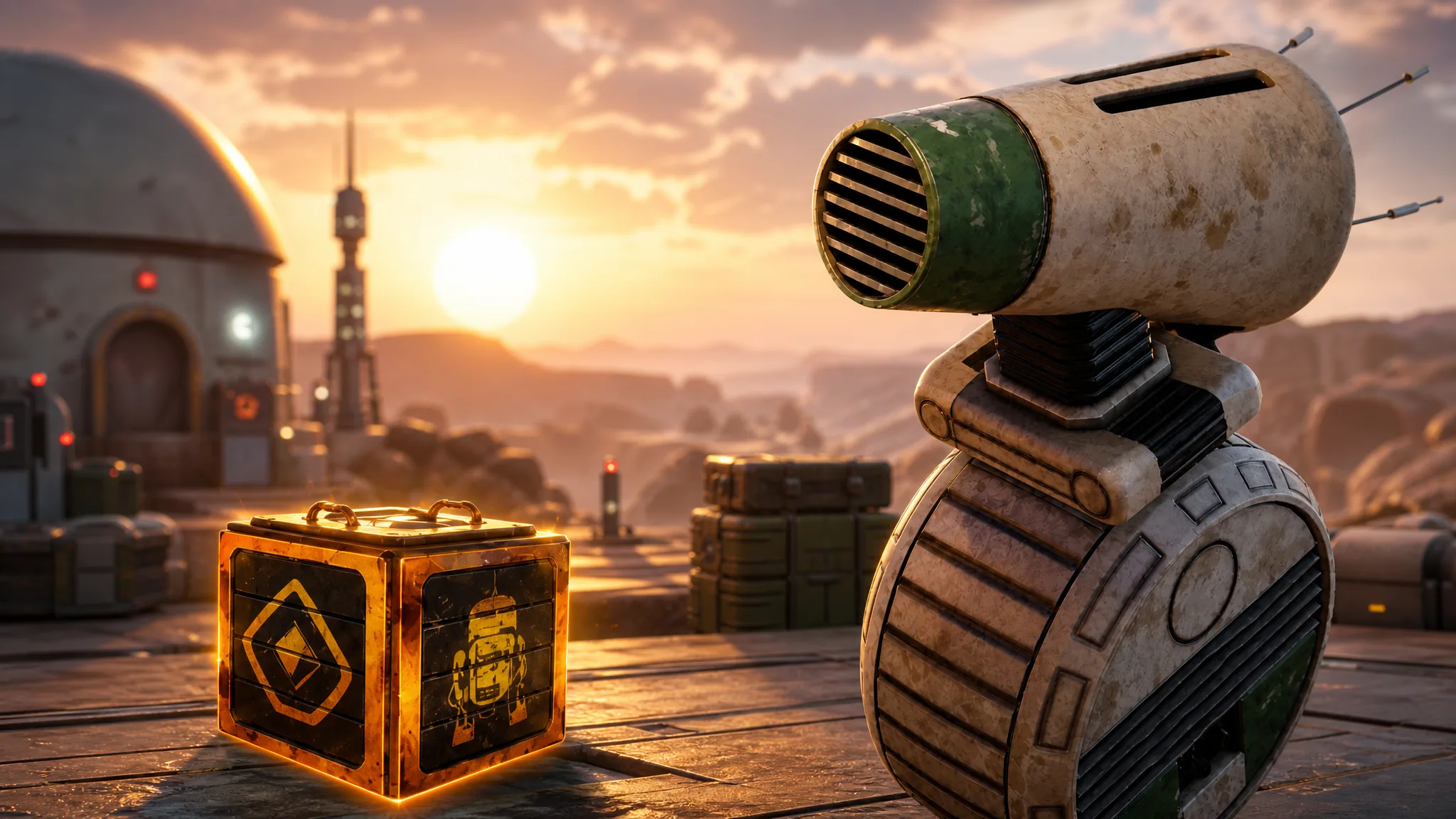
Star Wars Droid Tycoon has moved to version 1.28.0, and the update is built around one thing: the arrival of D-O. Alongside the new droid and its event, the patch rebuilds the companion menu, opens a fresh underground section of the map, cleans up a long-running blueprint bug, and locks in a second recurring mini event on the weekly calendar.
Quick answer: Load into Droid Tycoon and check the loading screen for “VERSION: 1.28.0” — the D-O Event kicks off August 29 at 4PM ET and runs for 24 hours, with D-O appearing at the Droidsmith Outpost as an Iconic droid carrying a Half Fusion Time perk.
Star Wars Droid Tycoon v1.28.0 patch notes
Here is everything the update changes, grouped by what it affects.
| Change | Details |
|---|---|
| D-O droid added | Iconic rarity, listed in the Droidex with a Half Fusion Time perk |
| D-O Event | 24-hour event starting August 29 at 4PM ET, with D-O at the Droidsmith Outpost |
| Underground area | New red-lit tunnel section with interactive symbol pads |
| Companion menu | Redesigned layout showing stats, slot counts, and quick actions |
| Combat Points wall | One weapon replaced to clear a glitch tied to blueprint pickups |
| Blueprint fix | Fixed several cases where Blueprints disappeared on pickup |
| Rush menu | Rush Fusion Token count now displayed |
| Performance | Improvements across all devices |
| Mega Crate Mini Event | Weekly on Thursdays, with 2x Upgrade Chips while active |
| Sandcrawler roof | New Stellar and Fusion banners on the display wall |
D-O Event start time and duration
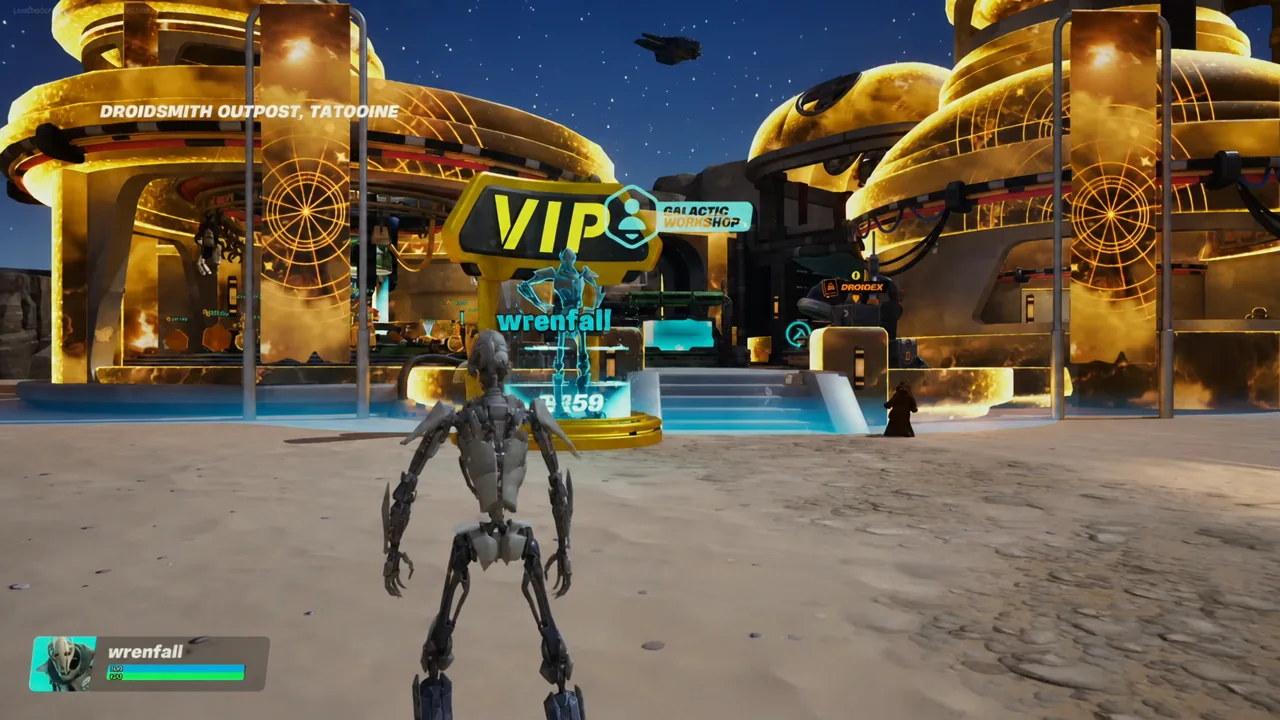
The D-O Event begins on August 29 at 4:00PM ET and stays live for a full 24 hours, wrapping up at the same time the following afternoon. D-O shows up at the Droidsmith Outpost for the weekend, so there is no separate unlock step beyond being in the game while the window is open.
You can confirm the timing without leaving the lobby. The D-O Event board displays a live countdown, so if the timer is still ticking down, the event has not started yet.
D-O droid rarity and the Half Fusion Time perk
D-O joins the roster as an Iconic droid. Its perk, Half Fusion Time, cuts fusion time in half, which makes it a straight speed upgrade for anyone working through Fusion recipes rather than a passive credits booster.
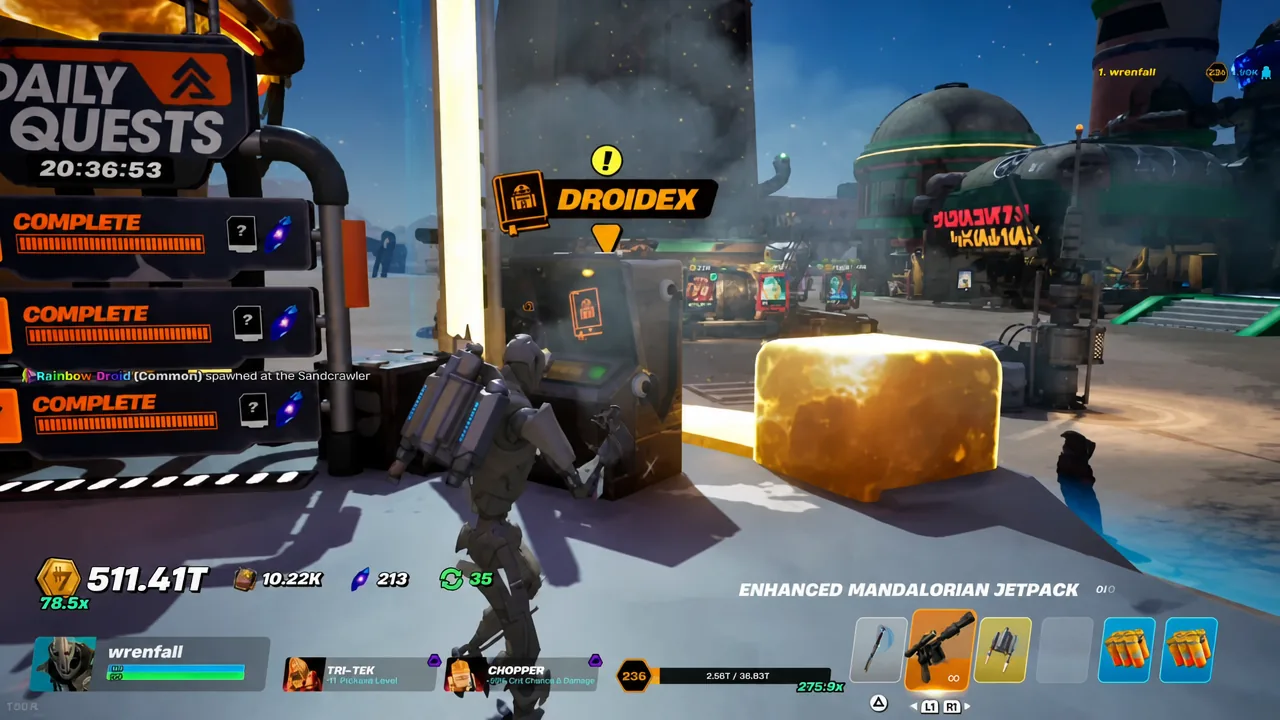
To check whether the entry has landed on your account, walk up to the Droidex console and open it. D-O appears in the list with its Iconic tag and perk text once the update has applied.
Mega Crate Mini Event: Thursday schedule and rewards
The Mega Crate Mini Event now runs every Thursday, giving the weekly calendar a second fixed slot next to the Tuesday DJ Rex event. While it is active, Upgrade Chip payouts are doubled across the board, which matters a lot given how many chips the higher rarities demand.
The event itself revolves around Chopper’s MegaCrates. Destroying them is the reward loop, with drops including galactic mythic droids, Nova Crystals, and stellar blueprints. If you are saving chips for a Legendary upgrade, Thursday is the day to bank them.
Companion menu UI changes
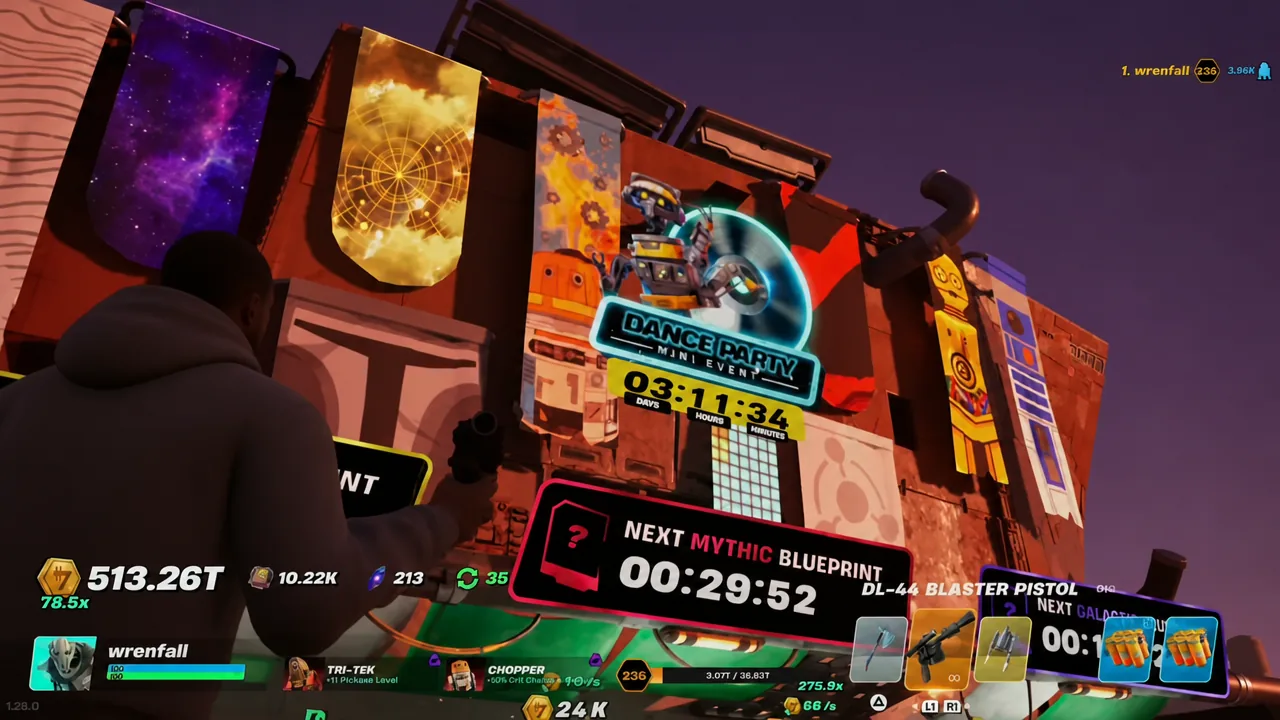
The companion interface has been rebuilt rather than tweaked. Interacting with a droid now pulls up a panel with its stats and perks laid out directly — Chopper’s crit penalty and rate, Tri-Tek’s Stellar Mythic tag and Pickaxe Level bonus, and so on — instead of burying them.
Slot counters sit in the same view, covering Work, Companion, Fusion, and Lounge capacity, so you can see how close you are to a cap before you commit to a droid. Customize, Sell, Return, and Close sit as quick actions on the panel.
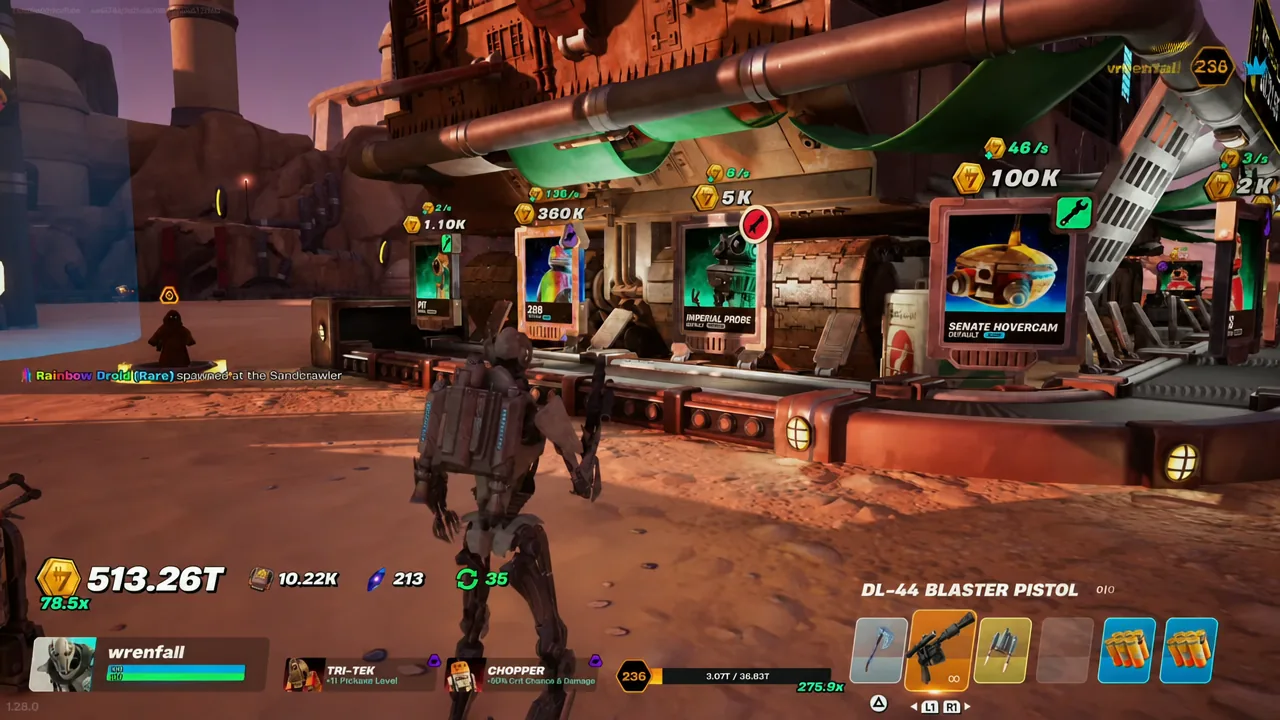
Elsewhere in the menus, the Rush menu now shows your Rush Fusion Token count, so you no longer have to track it separately.
Map changes: New underground area and Sandcrawler banners
The biggest visual change is underground. A renovated tunnel section lit in red now runs beneath the map, and it contains a row of interactive pads marked with different symbols. It was added ahead of the D-O Event, so it is worth walking through before the window opens.
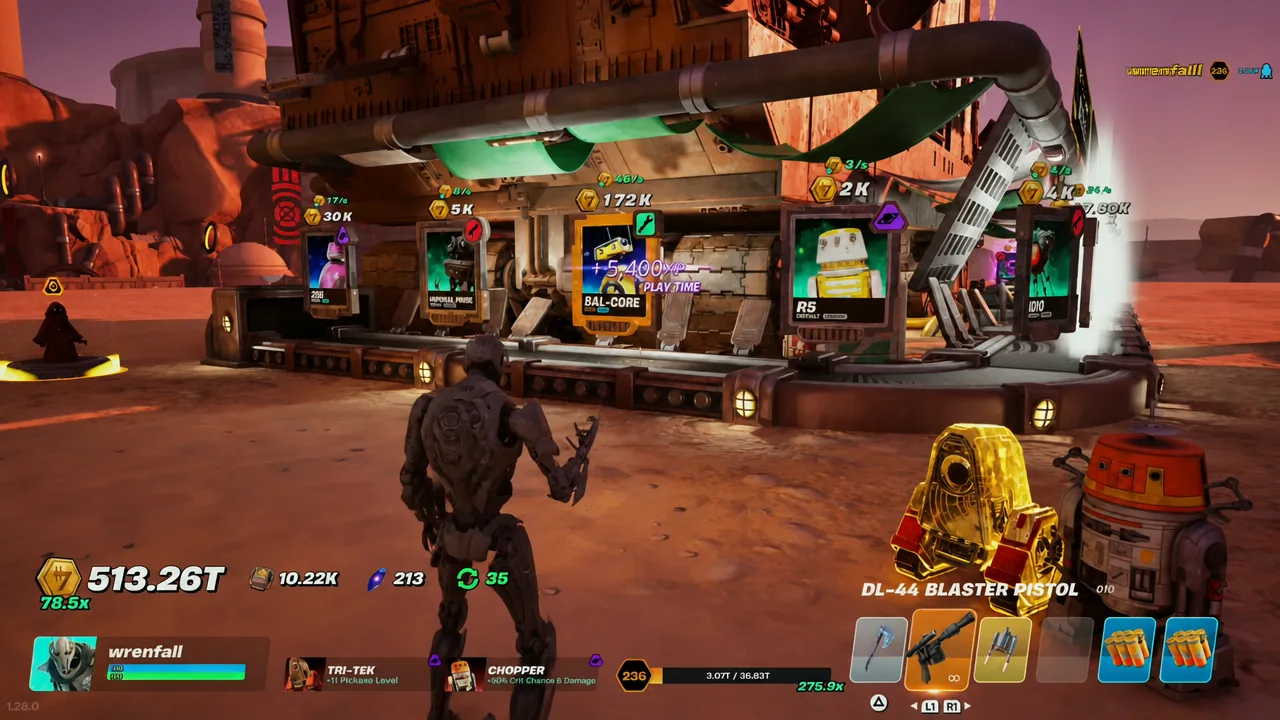
Up top, the display wall on the Sandcrawler roof has picked up new Stellar and Fusion banners. It is a cosmetic addition, but it is a fast way to confirm the patch has applied to your session.
Bug fixes and the Combat Points wall weapon swap
The headline fix targets Blueprints. Several cases where a Blueprint vanished the moment you picked it up have been resolved, which was one of the more frustrating ways to lose progress on a run.
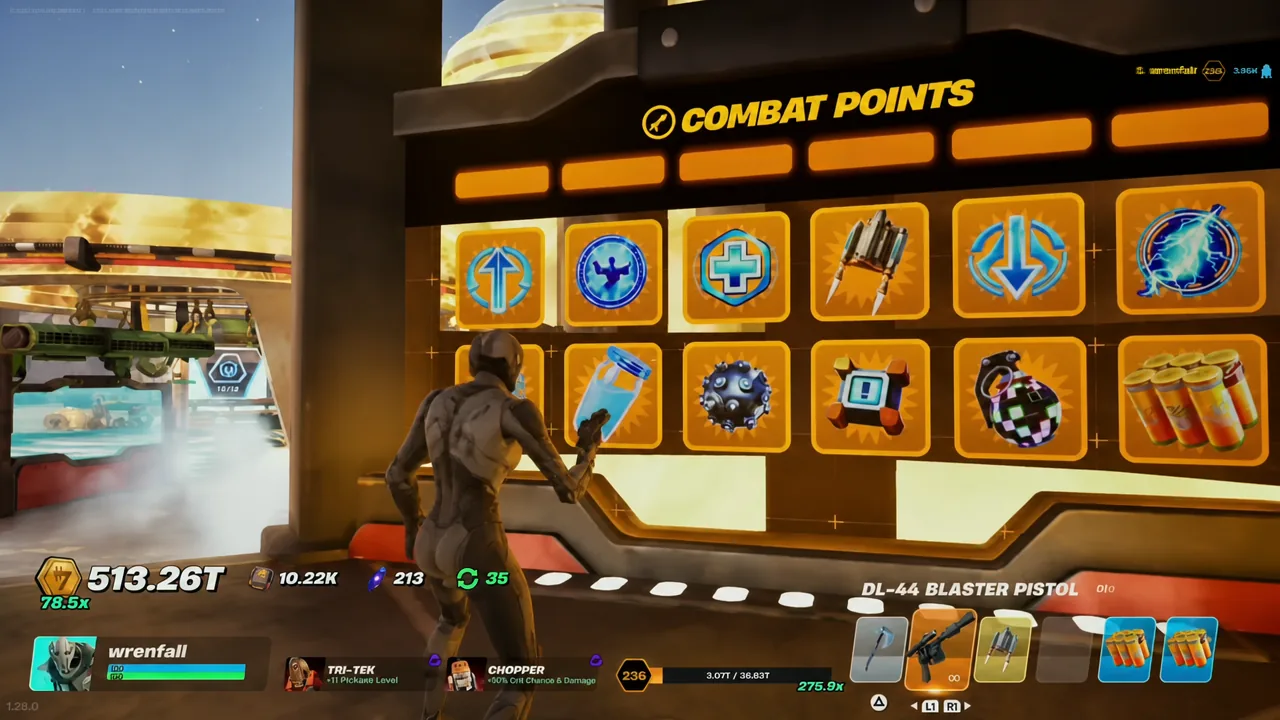
Tied to that, one weapon on the Combat Points wall has been swapped out. It was pulled specifically because it triggered a glitch during blueprint pickups, so the selection on the wall looks slightly different than it did before the patch. The rest of the update covers performance improvements across all devices.
How to confirm you are on version 1.28.0
Between the Iconic D-O droid, the Thursday Mega Crate slot, and the doubled Upgrade Chip payouts during events, the update mostly leans into shortening grinds that used to take days. The map work underground suggests there is more attached to it than a single weekend appearance.